Automated Email Attachment Printing: Save Time, Boost Efficiency
By Maximilian Bauer on December 1, 2023 Last updated on March 31, 2026
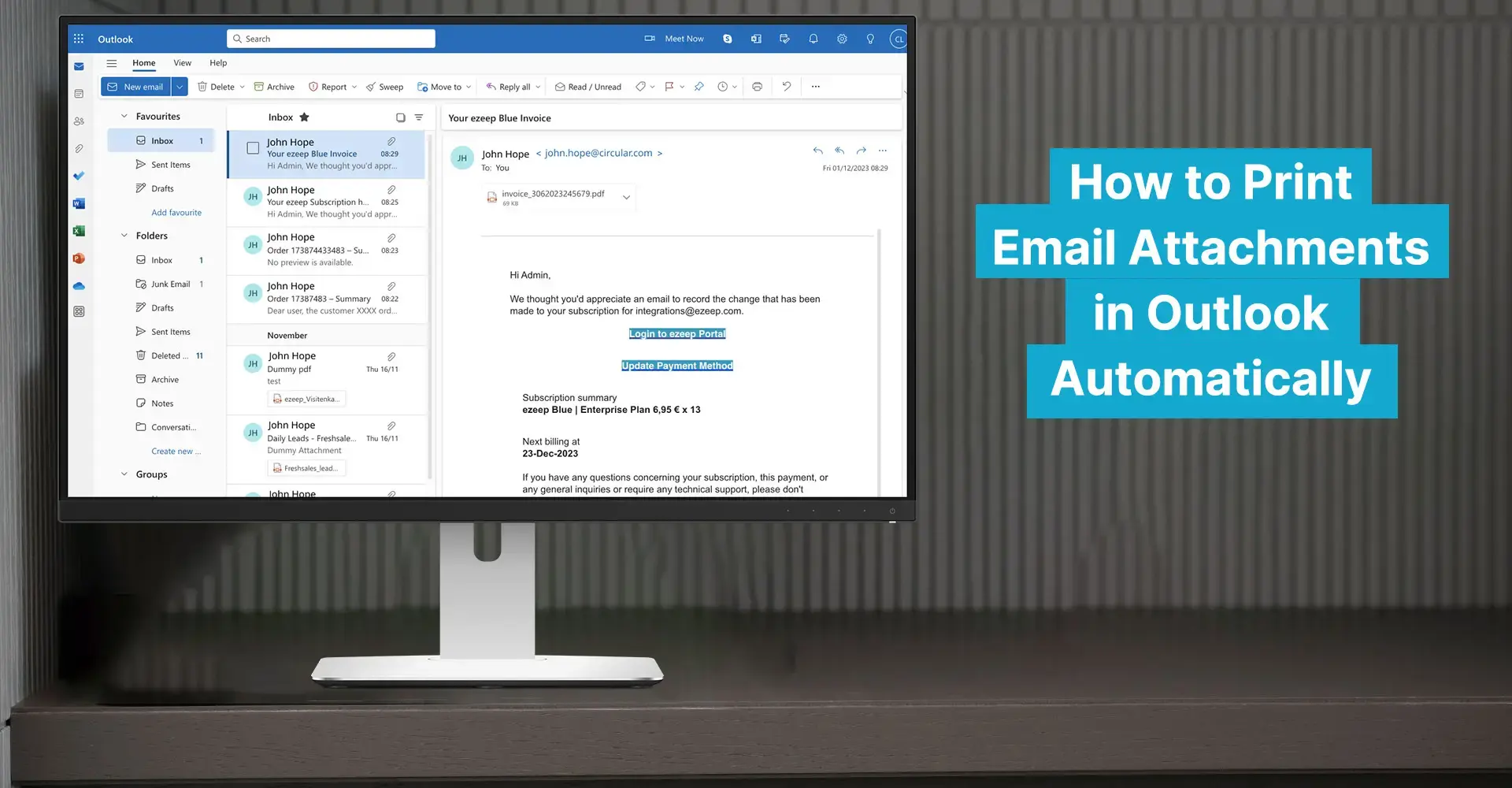
Manually printing email attachments takes significant time and creates extra work. ezeep automates this process, helping you save time and eliminate tedious manual steps. This eliminates the need to open each email, save attachments, select printer settings, and confirm every print job individually.
Important documents like contracts and invoices often arrive as email attachments, requiring physical copies. The traditional approach to printing Outlook attachments involves several steps. Each step introduces a chance for error and can expose sensitive data if files are saved locally before printing. When dealing with high volumes of emails and attachments, manual printing becomes a major bottleneck. Further issues arise when the desired printer is not immediately available, such as when printing to a home office printer, from a remote session, or accessing a remote printer from a mobile device or another location.
Boost Efficiency: Automatic Email Attachment Printing with ezeep
ezeep is an innovative print solution designed to simplify and optimize printing processes, significantly reducing administrative work. By connecting your printers to the ezeep cloud, you can easily print to remote and local printers from any application. It eliminates the need for manual intervention for routine print tasks.
Here's how ezeep helps simplify your printing:
Enterprise scale: ezeep scales easily for organizations of any size.
Secure printing: Document security is guaranteed as ezeep encrypts and protects print data.
Automation: Automate recurring printing processes with just a few clicks, reducing manual work.
Wi-Fi printing: Print from private devices, even without AirPrint support.
ezeep is easy to install and configure, allowing you to set up print automation quickly. All you need is a free ezeep account and an account with a no-code automation platform like Zapier or Make. If you are a Pro user, you can also program your own automations by requesting your ezeep API Client ID. This is all you need to fully use automated email attachment printing.
Integrate Make and Zapier to Print Outlook Attachments Automatically
Zapier and Make are workflow automation platforms that connect applications like Outlook to ezeep. This allows you to optimize your printing processes without any programming knowledge.
For example, you can set up a workflow in Make to automatically print Outlook attachments with ezeep:
In Make, select the target folder in Outlook where emails with attachments to be printed are received.
Automatically upload email attachments to a OneDrive folder.
Link the OneDrive folder to ezeep and set a time for how often the folder is checked for new Outlook attachments.
Conclusion
Manual email attachment printing wastes time and is inefficient. Automating this process saves valuable resources and is simpler than ever before. We recommend using ezeep and Make to automate printing and boost workplace productivity.
Using ezeep offers numerous benefits:
Time savings: Automating printing lets you focus on more important tasks.
Error reductions: ezeep performs tasks reliably, minimizing the likelihood of errors.
GDPR-compliant printing: ezeep complies with data protection regulations and does not require local storage of sensitive files for printing.
The ezeep solution is easy to set up and provides an efficient way to automatically print Outlook attachments and emails. This allows companies to save time and focus on their business success. It is built on ThinPrint technology, trusted by Fortune 500 organizations, and handles millions of pages daily.
Frequently Asked Questions
How can I automatically print email attachments?
You can automatically print email attachments using a print management service like ezeep. This automates the workflow, removing the need to open each email and attachment individually. This process significantly reduces the manual steps involved in printing.
Why should I automate the printing of email attachments?
Automating email attachment printing saves time and reduces errors. Manually printing attachments involves multiple steps for each email, which can be inefficient and lead to incorrect print settings or forgotten documents. This automation helps streamline your printing tasks.
What are the risks of manually saving PDF attachments before printing?
Manually saving PDF attachments locally before printing can introduce data protection risks. These files can remain on local drives, potentially accessible to unauthorized individuals, leading to security vulnerabilities. Automating the printing process can help mitigate this risk by centralizing print management.
Does ezeep support printing from Outlook?
Yes, ezeep supports printing from Outlook, including the automatic printing of email attachments. Integrating with ezeep allows users to bypass the manual steps typically required for printing directly from Outlook, which makes the process more efficient.
How does ezeep automate printing processes?
ezeep automates printing processes by creating predefined rules and connections that handle print jobs without manual intervention. This system automatically directs print jobs to the correct printers with the specified settings, which removes the need for individual oversight for each task.
The static part of the sidebar, it will scroll with the page. These are drag and drop areas, so please remove any unnecessary space from your sections and add modules in a single column.
This is the sticky part of the sidebar. You can change the top position of the sticky sidebar and other in-page sticky elements by adjusting the 'Scroll offset' value in your Theme settings.