
The Power Behind Cloud Printing That Just Works
From cloud rendering and secure Pull Printing to identity integration and analytics, here's everything that powers ezeep's cloud print management platform. No matter your size or use case, you'll find the tools you need.
Self-Join
Getting started just got easier. New users can set themselves up through a QR code in minutes - no admin help, no emails, just instant access.
Print App for Services
The Print App for Services keeps automated output running around the clock. ERP invoices, shipping labels, prescription labels, pick lists - if it needs to print without a human in the loop, this handles it.
Every Page Accounted For, Every Document Collected
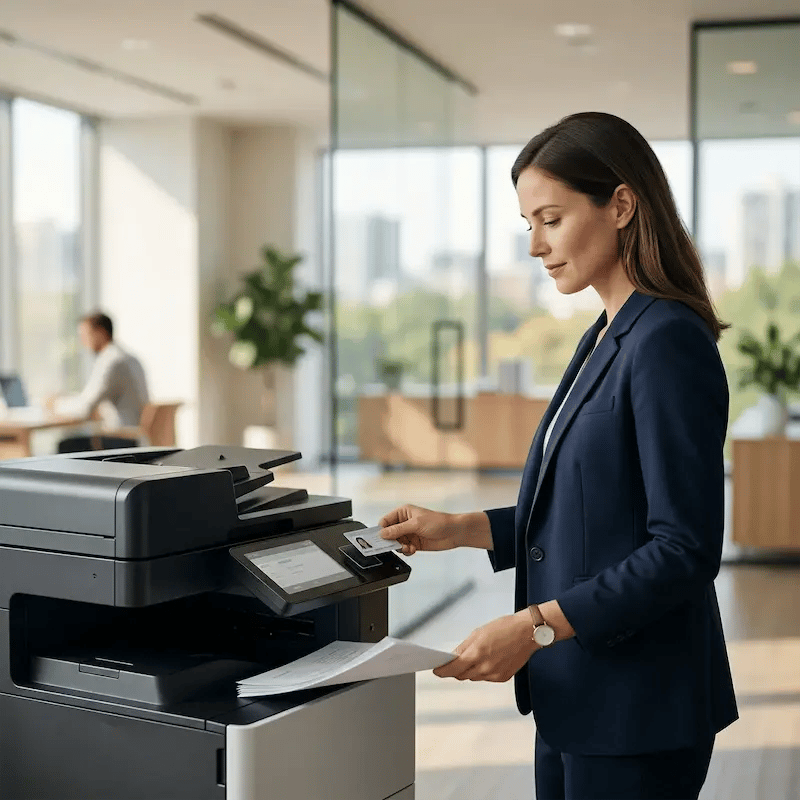
Every page left on a tray is wasted budget and a potential data exposure. Pull Printing holds jobs in the cloud until the user authenticates at the printer with QR code, RFID/NFC, or mobile. Paper waste drops, confidential documents stay protected, and you stop fielding complaints about someone else's printout mixed into the stack.
Frequently Asked Questions
How is cloud printing different from traditional print servers?
Traditional print management relies on on-prem servers, manufacturer drivers, and manual configuration. ezeep moves everything to the cloud - no servers to maintain, no drivers to manage, and no per-location setup. Printing works across offices, remote teams, and mobile devices from a single platform.
How does cloud printing reduce IT workload?
ezeep automates the tasks that consume IT time: user sync from your identity provider, policy-based printer assignments, centralized management across locations, and automatic platform updates. Admins get full control without manual setup or constant support tickets.
Is cloud printing secure for enterprise environments?
Yes. ezeep encrypts all print data in transit and at rest, supports SSO through Entra ID and Google Workspace, and offers Pull Printing so documents only print when users authenticate at the device. No data is stored on local endpoints or spoolers.
Can cloud printing integrate with business applications and APIs?
ezeep integrates with coworking platforms like OfficeRnD, Nexudus, and Spacebring, identity providers like Entra ID and Google Workspace, and automation tools like Zapier, Make, and Pabbly. A RESTful API with OAuth2 lets developers add printing directly into custom applications and workflows.
How does cloud printing work for multi-location organizations?
ezeep manages all locations from a single cloud console. Add printers, assign users, and apply policies across every site without installing local servers or configuring each office separately. Whether you have five locations or fifty, printing is managed the same way everywhere.
Explore More Ways to Simplify Printing
From mobile to enterprise environments, ezeep makes every print job fast, secure, and server-free. See what your team can do with effortless cloud printing.
.webp?width=1920&height=1536&name=ezeep-chart%20(1).webp)