Remote & Hybrid Printing That Travels With Your Team

Printing shouldn't be the one thing that "only works in the office." With ezeep, teams print from home, coworking spaces, laptops, virtual desktops, and mobile devices - without VPN drama or driver chaos.


Start Free TrialSee It In Action
remote-hybrid-printing.hero
Hybrid & Remote Printing

IT Doesn’t Need Better Printing. It Needs Less Printing Work.

Hybrid and remote teams still need to print at times, and IT pays the price in tickets, workarounds, and wasted time. 

Virtual Desktops Add Friction

Remote desktops don’t always discover nearby printers. Driver mapping fails. And local/remote redirection is unreliable.

Features

Simple, Secure Printing for Your Distributed Workforce

Eliminate the Top Helpdesk Complaint: Printer Drivers

Stop troubleshooting home printers. With ezeep's driverless printing, users can print to any device - at home or in the office - without a single driver installation.

We handle the complexity in the cloud so your team can close the recurring tickets and focus on what matters.

eliminate-it-problems

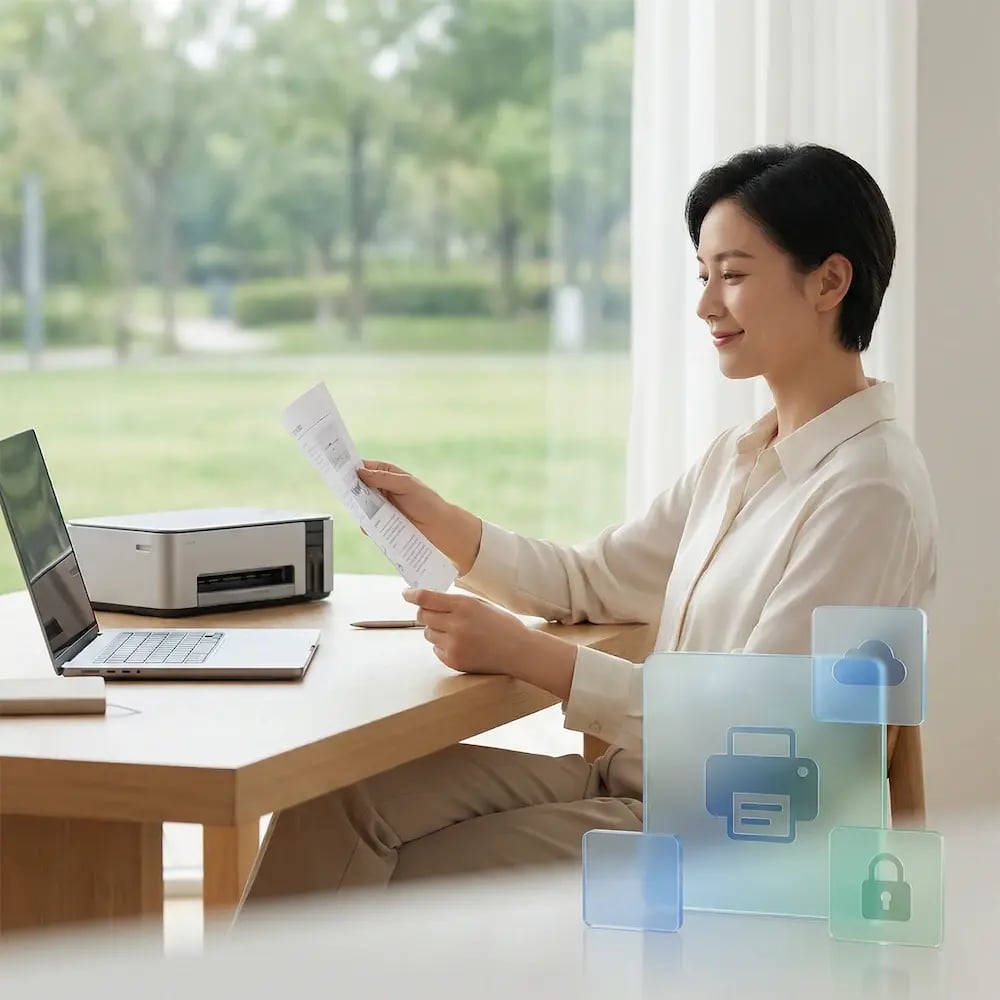
Free Your Users from the VPN

Requiring a VPN connection just to print is a clunky and frustrating user experience.

ezeep enables direct, secure cloud printing that works whether a use is on the corporate network or not. Remove a critical point of failure and give your remote employees a modern, seamless workflow.
hybrid-remote-no-vpn

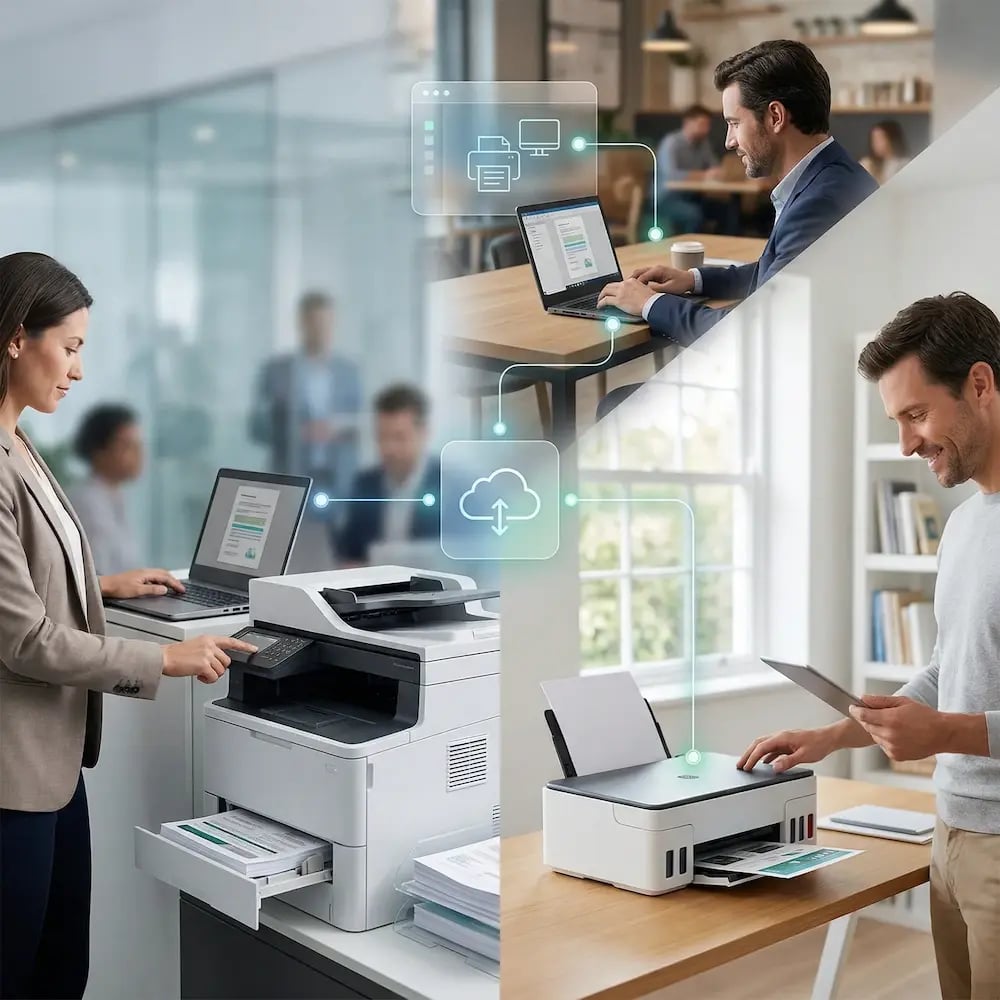
One Print Experience. Everywhere.

Whether they're at home with an inkjet, in the office with a laser, or in a VDI session, your users get the exact same, simple printing process.

ezeep unifies the experience across all locations, devices, and operating systems, reducing use confusion and training time.
one-print-experience-everywhere-hybrid-remote

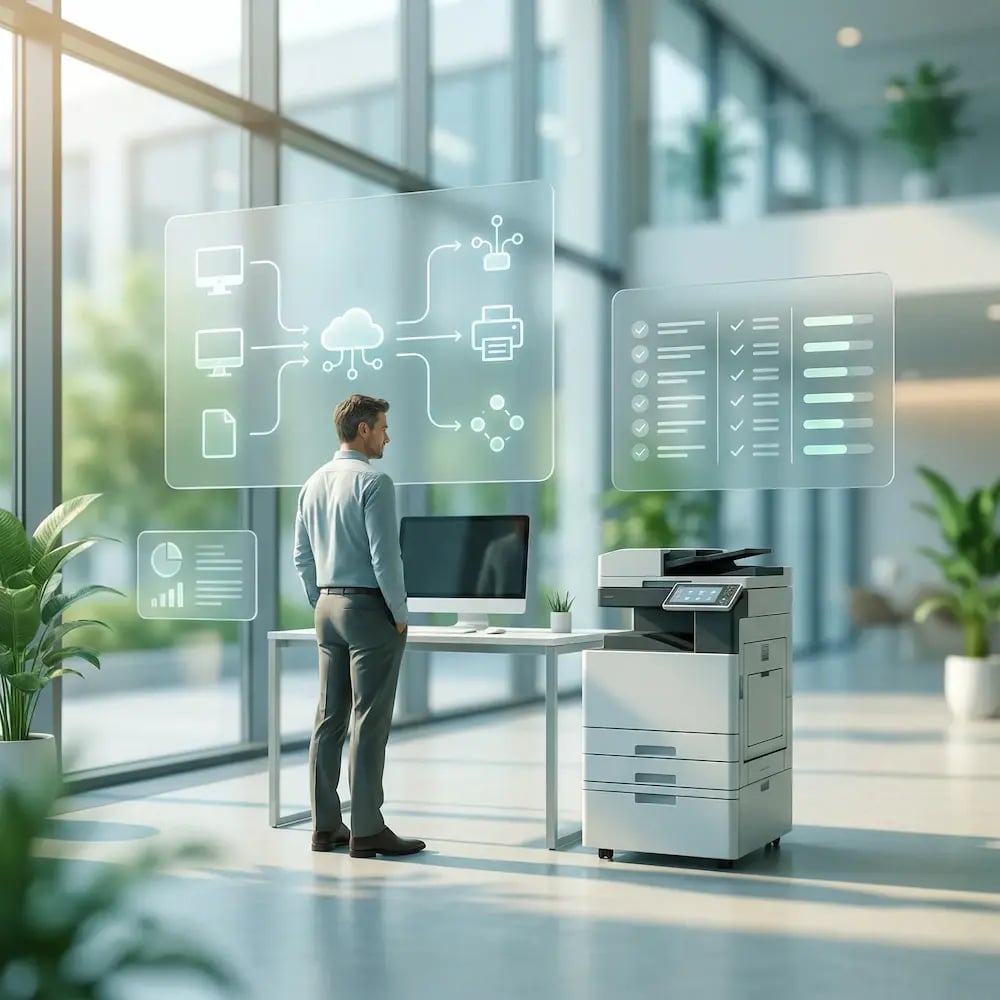
Solve VDI Printing for Good

Stop fighting with driver redirection, complex mapping, and poor performance in your virtual desktop environment.

ezeep provides a stable, centrally managed printing layer for AVD, Citrix, and VMware that eliminates common pain points, reduces session overhead, and finally makes VDI printing behave.
solve-pritning-problems

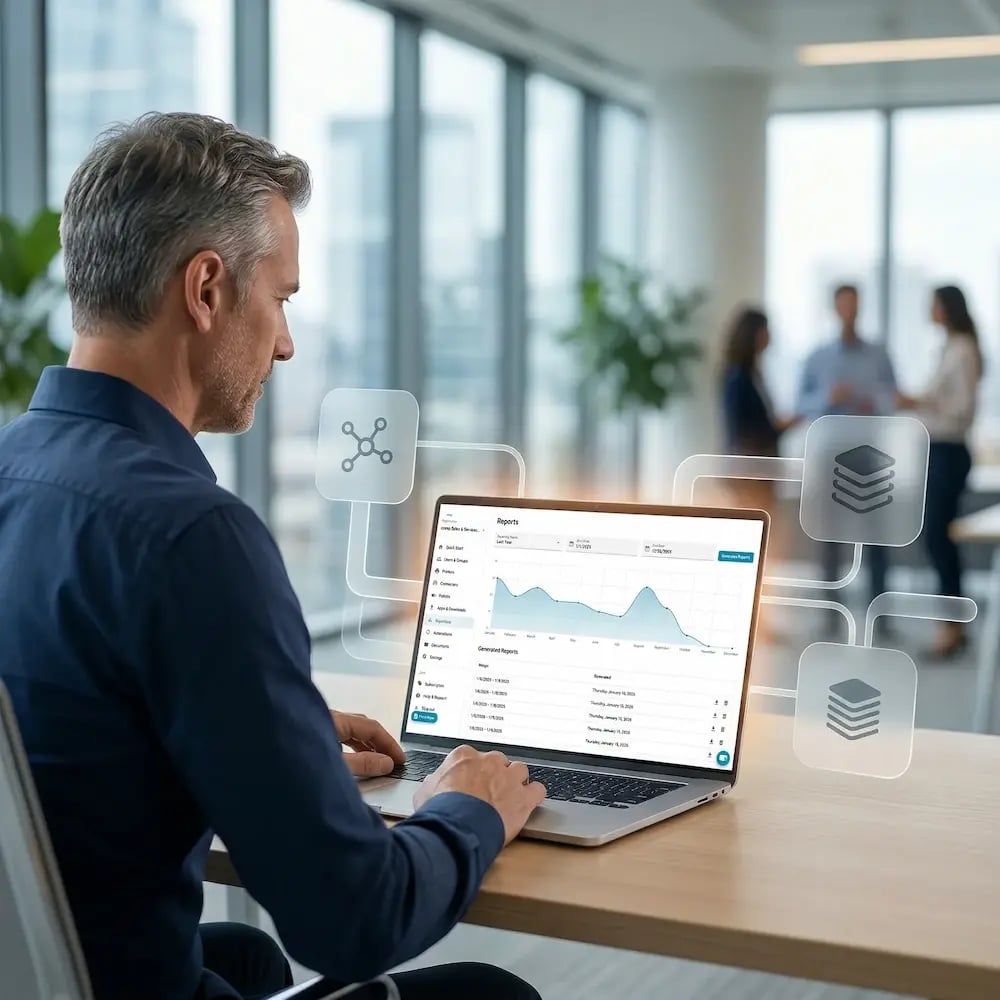
Regain Control and Visibility

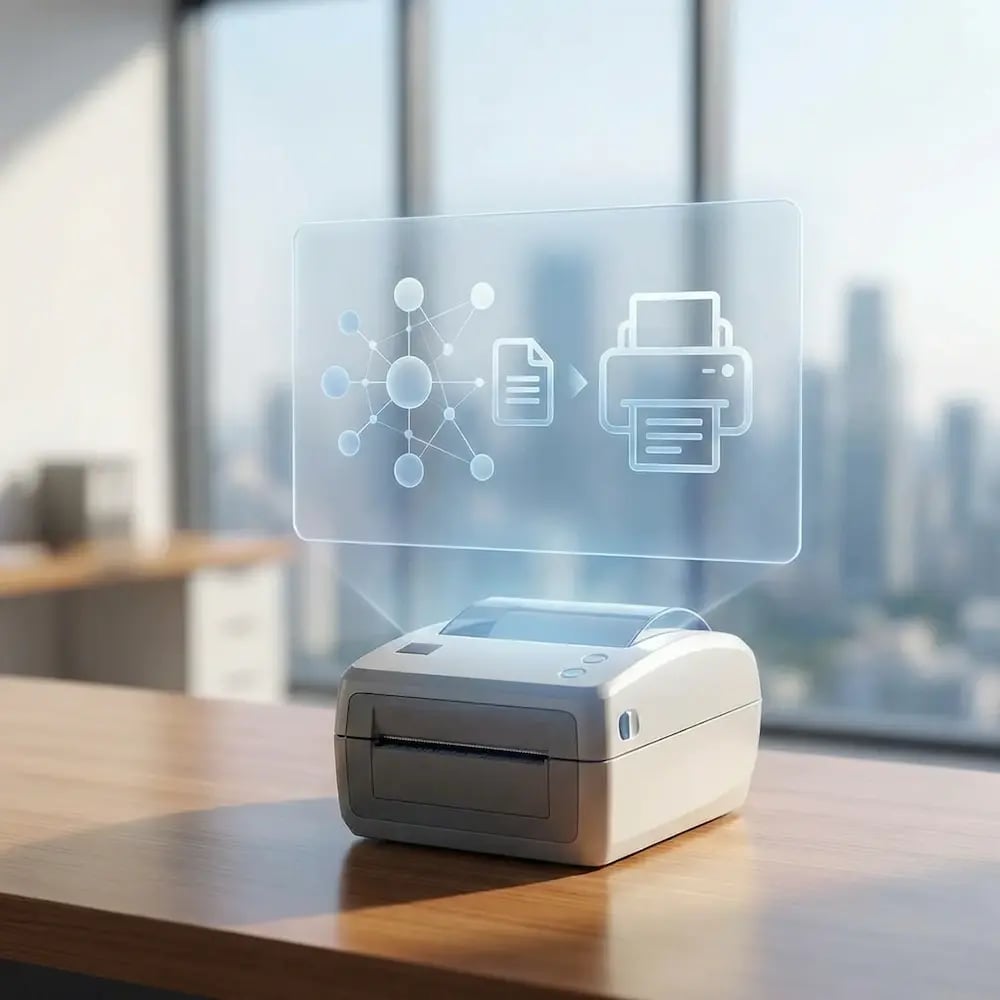
A distributed workforce shouldn't mean a loss of control. ezeep's central dashboard gives you a single source of truth for all printing activity.

Manage user access, monitor usage, pull reports, and enforce policies across your entire organization, no matter where your employees are.
full-control-visibility-manage-dashboard

Less Infrastructure. More Calm.

Move campus printing to the cloud and reduce the day-to-day maintenance burden. Have fewer patches, fewer queue mysteries, and fewer "it broke overnight" surprises.

Server-Free
Centralized
Less Upkeep

One Experience Across Campus

Support the real education device mix - Chromebooks, MacBooks, Windows laptops, tablets, and phones - across libraries, labs, dorms, and shared printers without special steps per department or "this printer only works on that OS."

Campus-Wide
Cross-Platform
User-Friendly

Permissions That Actually Make Sense

Tie printer visibility and access to identity and groups, so students, staff, faculty, and researchers see the right printers by role, building, and department - all without constant manual adjustments.

Role-Based
Location-Aware
Consistent

Temporary Access, Without Temporary Chaos

Support guest lecturers, visiting scholars, events, and short-term programs with controlled access that doesn't create recurring IT work or one-off setups.

Temporary Access
Controlled
Low Effort

Confidential Pages Stay With The Right Person

Reduce tray exposure in busy shared spaces. Pull Printing helps ensure jobs only release when the user authenticates at the printer with their school ID, helping protect exams, registrar documents, and sensitive student records.

Private Release
Less Mix-Ups
Auditable

Visibility Finance Can Actually Use

Understand usage across departments and locations, support quotas and accountability, and make it easier for busier and finance teams to track print spend without turning IT into the print police. 

Measurable
Accountable
Budget-Friendly

Cost Recovery Without The Busywork

For campuses that charge students to print, ezeepCampus adds Self-Join onboarding and credit-based printing, so students and staff can self-serve while your institution keeps pricing and access under control.

Self-Join
Credit-Based
Accountable

How Hybrid & Remote Printing Works with ezeep

Go from "I need this printed" to page-in-hand in three quick, simple steps. Connect your printers to the cloud, add your people, and print from any device, anywhere.

connect-wms-tms-printer
1

Connect Your Printer

Plug in an ezeep Hub or install the ezeep Connector at any location. Your printers are online and cloud-managed in minutes, whether they're at HQ, a branch office, or someone's home.

add-users-connect-users
2

Add Your People

Sync users from your directory (for example Entra ID) so access follows identity and groups. Assign the right printers automatically, without manual printer mapping every time someone joins, moves teams, or changes locations.
app-any-device
3

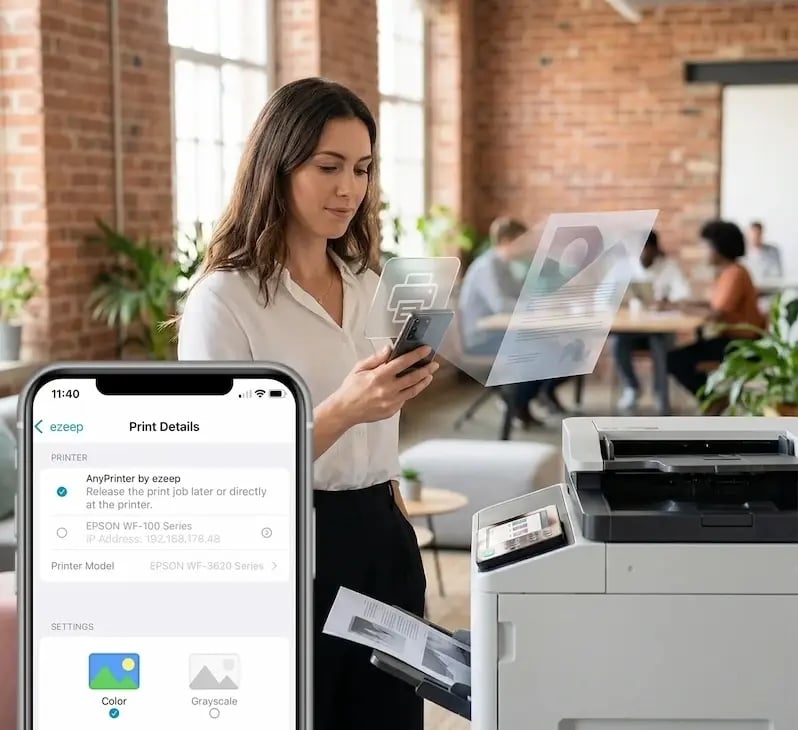
Print from Any Device

Home office, headquarters, hotel lobby. Users pick a printer and print from any device. No drivers, no VPN, no "which printer am I connected to?" calls to IT.
Meet the ezeep Hub

Make Any Home or Office Printer Cloud-Ready

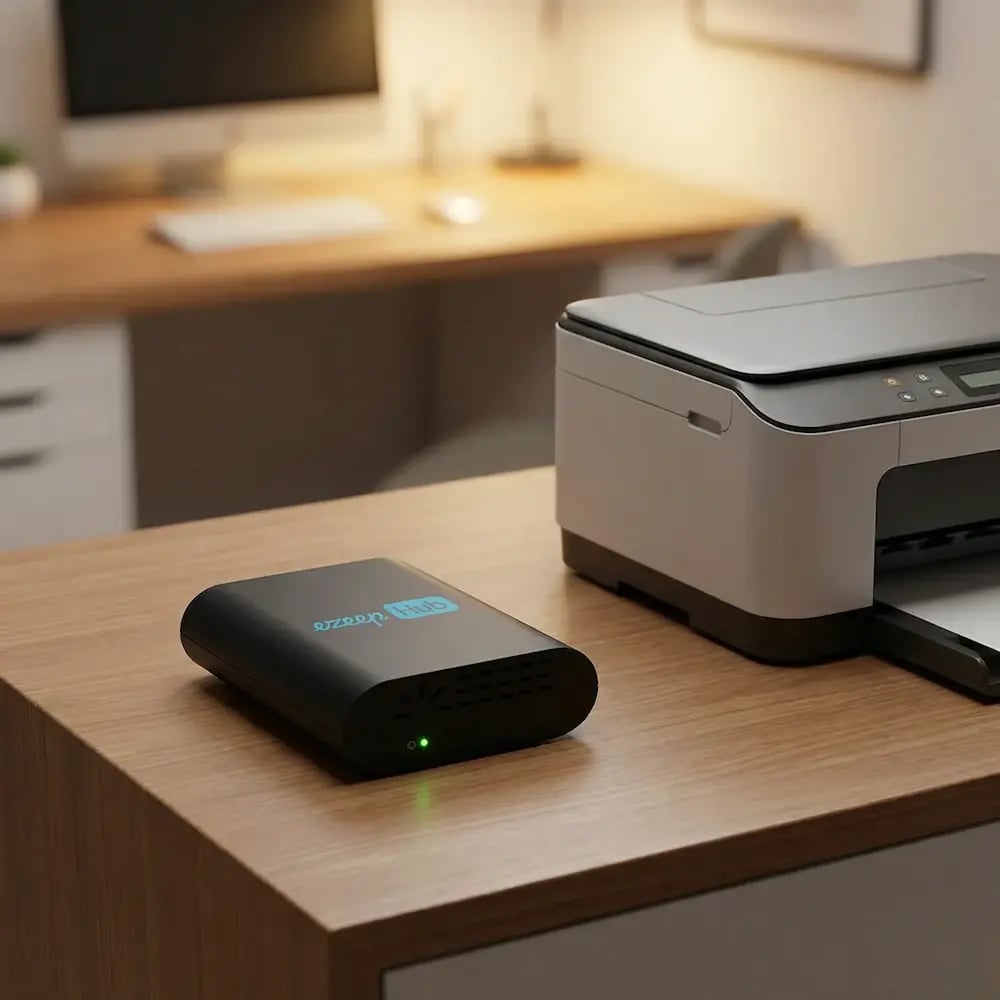
The ezeep Hub connects your existing printers to the ezeep Cloud - so remote and hybrid employees can print to on-site devices from anywhere, without leaving a PC running next to the printer.

Learn More About the ezeep Hub
ezeep-hub-desk
Work Environments

Designed for Every Kind of Environment

home-office-printing

Home Office Printing

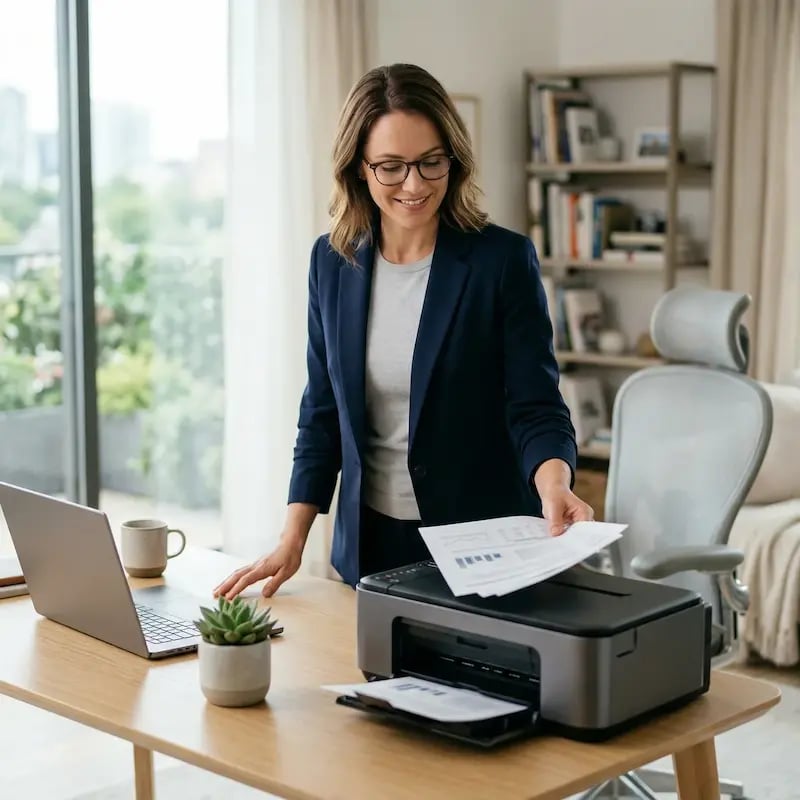
Employees print meeting documents, customer material, or daily paperwork without configuring anything themselves.

coworking-shared-spaces

Coworking & Shared Space

Teams working flexibly can print to available shared space printers, send to office printers, or use their home printer.
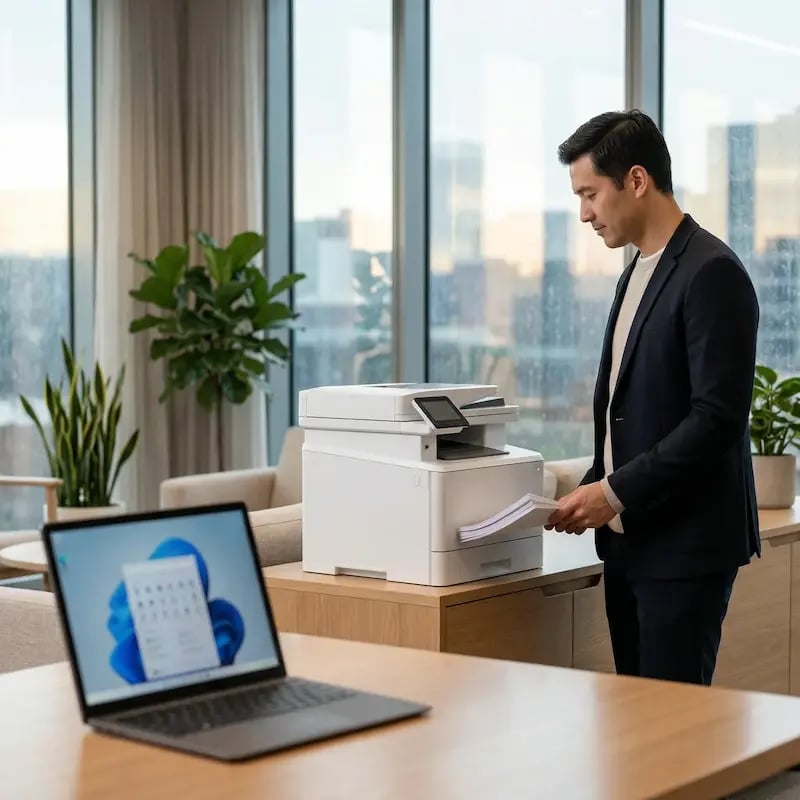
virtual-desktop-printing

Virtual Desktop Printing

Whether using Azure Virtual Desktop, Citrix, or Horizon, users have one consistent printing experience.


Security & Compliance

Controlled, Protected Printing Outside the Office

Remote printing doesn't have to mean anything goes. ezeep supports a protected, controlled approach.

Customers

Trusted by Remote Teams Everywhere

See how remote and hybrid teams use ezeep to simplify printing, reduce costs, and keep work running.
"ezeep allows us to continue to utilize remote staff to process transactions and get the documents in the hands of those who physically process the workflow."
Jay Roberts
IT Manager, Burgher Haggard
"Now anyone can print remotely to our head office, from anywhere without a VPN. ezeep was a great replacement for what we were using before."

Henry Hadlow
Director, Juno Property Lawyers
"With ezeep, we have found a solution that is easy to administer and requires almost no maintenance, especially for remote printing."

Stefan Schaub
Head of Technology, Österreicher e.K.

Frequently Asked Questions

Curious about how it all works? Here's everything you wanted to know about ezeep's cloud printing solution!

How does cloud printing work for remote and hybrid employees?

Cloud printing routes print jobs through a secure cloud service instead of relying on local print servers or VPN connections. With ezeep, remote employees send print jobs from any device to any printer connected through the ezeep Hub or Connector, regardless of whether they are at home, in the office, or at a coworking space. No drivers are installed on the user's device, and no VPN is required.

Do remote employees need to install printer drivers to print from home?

No. ezeep uses cloud rendering to process print jobs entirely in the cloud, which means no printer drivers are installed or managed on any user device. Employees print from Windows, Mac, Chromebook, iOS, or Android without IT needing to configure anything on their machine. This eliminates one of the most common sources of remote printing support tickets.

Can employees working from home print to printers at the office?

Yes. When an ezeep Hub is connected at the office, remote employees can send print jobs to office printers from anywhere. The document is rendered in the cloud and delivered to the office printer as if the employee were on-site. This is commonly used by legal firms, financial services teams, and other organizations where documents need to be printed and physically dispatched from a central location.

Does ezeep work with Azure Virtual Desktop, Citrix, and Windows 365?

Yes. ezeep integrates natively with Azure Virtual Desktop, Windows 365 Cloud PC, Citrix Virtual Apps and Desktops, and VMware Horizon. It replaces unreliable printer redirection with a direct cloud printing path that delivers faster output, consistent formatting, and no driver conflicts inside the virtual session. IT manages all printer assignments centrally through the ezeep console.

How does ezeep keep remote printing secure without a VPN?

ezeep encrypts all print data in transit using TLS 1.3 and processes print jobs through its cloud infrastructure hosted on Microsoft Azure. Print data is deleted immediately after the job completes. The ezeep Hub uses only outbound connections to the cloud, meaning no inbound ports need to be opened on the local network. User access is controlled through identity-based authentication via Azure AD or Google, and Pull Printing ensures documents are only released when the authorized user is at the printer.

Back to top

Ready to Simplify Printing for Your Hybrid Team?

Give your employees a printing experience that works anywhere - without the complexity.

ezeep-chart (1)