One Print Platform. Dozens of Integrations. Zero Friction.

ezeep connects to the platforms your teams already use. From coworking management and workspace tools to automation platforms and device ecosystems, cloud printing fits into your existing workflow from day one.


Watch How ezeep WorksTalk to Sales
platform-integrations
Integrations

Find Your Integration in Seconds

Search, filter, and pick your tools - workspace platforms, automation apps, or devices. If it's part of your day-to-day, ezeep is ready to plug in and start printing.

    How It Works

    Connect Once. Print Forever

    Most integrations take just a few minutes. After that, printing quietly becomes part of your workflow - like it always should’ve been.
    man-choosing-platform
    1

    Pick Your Platform 

    Choose your workspace management tool, automation platform, or identity provider from ezeep's integration directory.

    connect-users-sync
    2

    Connect & Sync 

    Link your account and let ezeep sync users, groups, or triggers automatically. No manual configuration needed.
    man-printing-laotop
    3

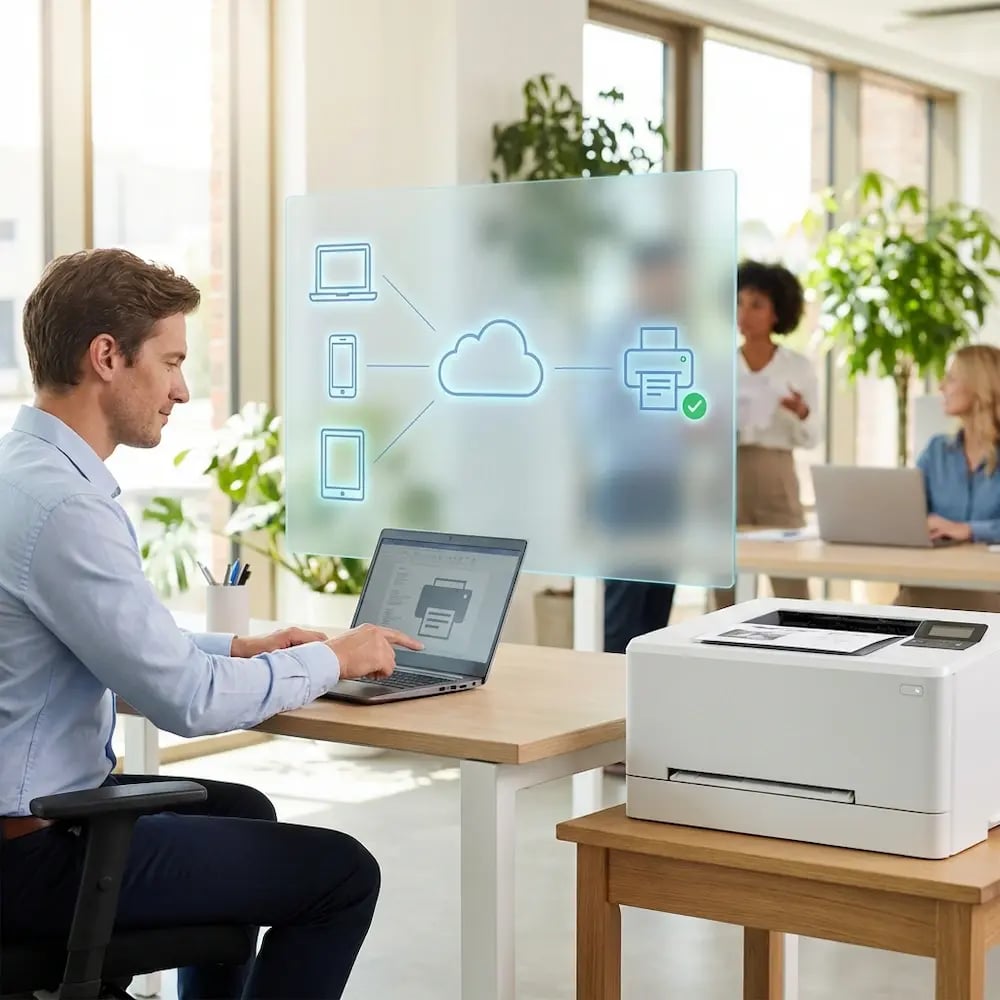
    Start Printing 

    Cloud printing goes live immediately. Users and automated workflows print from any device, to any printer, at any location, with no driver installation required.

    Workflow

    How Teams Use ezeep’s Cloud Printing Integrations

    Integrations aren't just checkboxes - they're shortcuts. Here are just a few ways our integrations help make your job that much easier.
    man-laptop-woman-ipad-happy

    Works Right Out of the Box

    A few quick "good to know" points before you connect your stack.

    • Works across Windows, macOS, ChromeOS, iOS, and Android, on the devices your teams already use

    • Supports a wide range of printer environments, from simple to "we inherited this"

    • Centralized controls help keep access and printing behavior tidy as you scale

    ezeep API

    Build Custom Cloud Printing Into Your Own Apps

    Need cloud printing inside your own app or workflow? Use the ezeep API and developer tools to build exactly the print experience you need, without starting from scratch.

    View Developer Docs Talk to an Expert
    man-coding-api
    Educational Printing

    Why Campus Printing Gets Messy Fast

    Education printing is rarely centralized. It spans departments, buildings, labs, and shared spaces, with BYOD devices and constantly changing access needs, which turns "simple printing" into tickets, risks, and budget leakage.
    "We decided on ezeep because of the integration with OfficeRnD, and how easy it was to setup and use. ezeep allowed us to manage the printing charges without making it difficult for our members"

    Kiara Hickman
    Community Manager, collective_100
    "Thanks to ezeep, we can intelligently manage our entire print process, from the first scan to automated billing with a single click. And with the Lexmark and Nexudus integrations, everything works seamlessly."

    Christina Hotzel
    Manager, Rooftop Office
    "ezeep, along with Zapier, has enabled us to automate printing of various emails and attachments. ezeep has also made printing offsite easier, no VPN required."

    James Stuart
    Managing Director, Blue Carrot Catering

    Don't See Your Tool?

    Drop the name of the platform you use. If it's a good fit, we'll point you to the best option - or help you build a path to it.

    Frequently Asked Questions

    Curious about how it all works? Here's everything you wanted to know about ezeep's cloud printing platform!

    What platforms does ezeep integrate with?

    ezeep integrates with coworking management platforms (Nexudus, OfficeRnD, Coworks, Spacebring, Cobot, Archie, Deskworks), automation tools (Zapier, Make, Pabbly, Pipedream), device management (Jamf), printer hardware (Lexmark, Zebra), and Microsoft 365. A RESTful Print API is also available for custom integrations.

    How do ezeep integrations work?

    Most integrations connect in minutes. Once linked, ezeep syncs users, groups, or triggers from your existing platform automatically. Printing permissions follow your existing structure, so there's no duplicate setup. Automation integrations use trigger-action workflows to send print jobs based on events in connected apps.

    Can I automate printing with Zapier, Make, or Pabbly?

    Yes. ezeep connects to thousands of business apps through these automation platforms. An order comes in, a file is uploaded, a document gets signed, and the right document prints at the right printer. No code required. For developers who need more control, Pipedream and the ezeep Print API offer full programmatic access.

    Does ezeep work with coworking management platforms?

    Yes. ezeep integrates natively with Nexudus, OfficeRnD, Coworks, Spacebring, Cobot, Archie, and Deskworks. Members get printing access automatically based on their plan or membership status, and operators manage everything without maintaining print infrastructure.

    What if my platform isn't listed?

    The ezeep Print API gives developers full programmatic access to cloud printing through a RESTful interface. If your platform supports webhooks or API calls, you can build a custom integration. You can also submit a request through our integration request form and we'll help find the best path.

    Back to top

    Connect ezeep to
    Your Favorite Tools

    Connect your tools, automate the routine, and let printing run in the background where it belongs.

    ezeep-chart (1)