Your All-In-One Cloud Printing Platform

Bring printers, users, and locations into one cloud print workflow so IT can reduce admin work and keep printing consistent across devices and sites. Start fast from scratch or roll it out gradually alongside print servers.

See How It WorksExplore Features
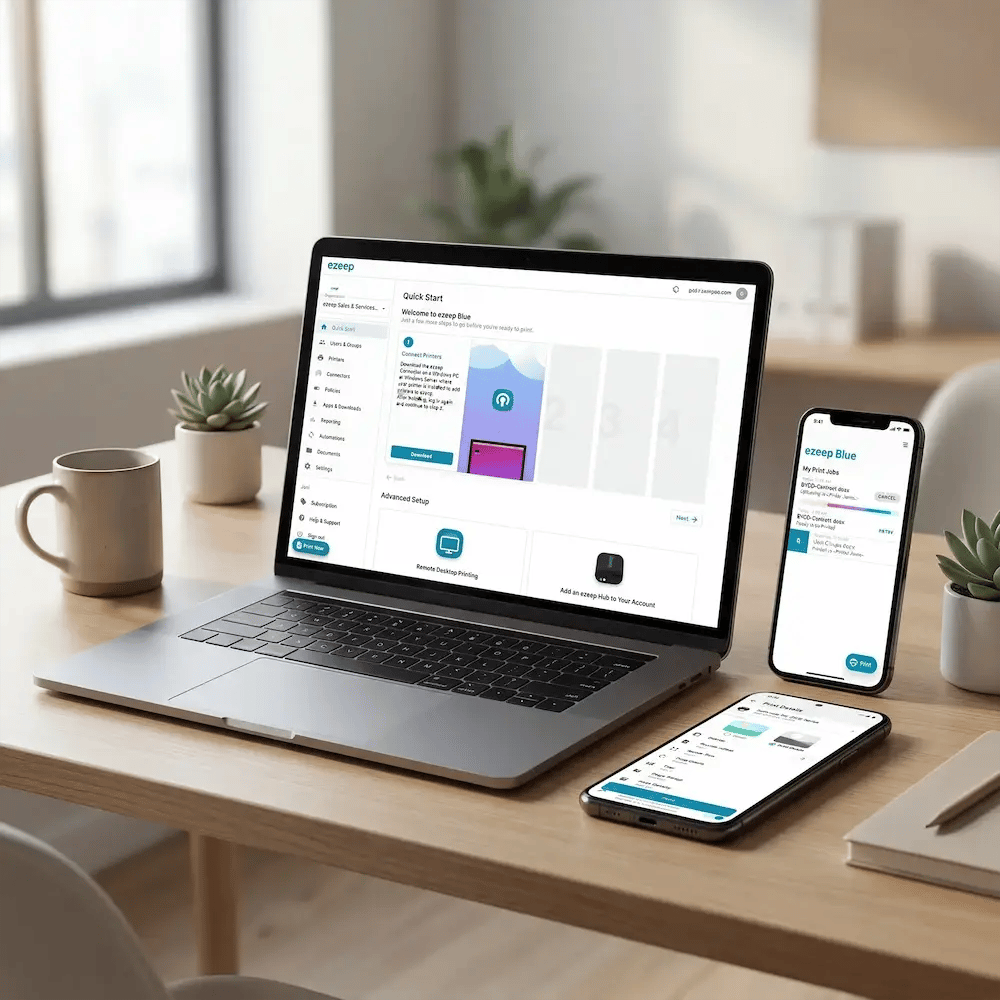
ezeep-platform-all-devices-manage
How It Works

Start Printing Fast - Without Rebuilding Infrastructure

From start to printed pages in just minutes. Simply link your existing devices to ezeep's secure cloud, manage permissions, and start printing from any device instantly.
connect-wms-tms-printer
1

Connect Printers

Bring your existing printers into one cloud print platform - across offices, sites, and shared spaces - without the usual driver chaos. Once connected, you manage printers centrally, so users always see the right options when they hit "Print."

sync.members
2

Sync Users & Access

Sync users and groups from your identity system so access stays aligned automatically as people join, move teams, or leave. Set who can print where to keep things controlled without constant admin work.

one-print-experience-all-devices
3

Print from Any Device

Users can print from Windows, macOS, Chromebook, mobile, or wherever work happens, without special setup headaches. The experience stays consistent across locations and devices, so printing just works even as your environment changes.

Features & Benefits

Printing in the Cloud Has Never Been So Easy

Migrate At Your Own Pace

Starting fresh? You can be live in minutes.

Replacing an existing environment? Run ezeep in parallel with your print servers, migrate users in phases, and move printers over gradually. No big-bang cutover required.

man-migrating-from-prem-to-cloud

Reclaim the Hours Wasted on Print Management

Packaging drivers, rebooting spoolers, troubleshooting VPNs, manually onboarding users.

ezeep automates or eliminates those tasks entirely, turning unpredictable fire drills into a centrally managed service.

save-time-stress

Close Your Biggest Unseen Security Gap

Every unencrypted print job and every forgotten document on a printer is a potential breach.

ezeep secures printing by default with end-to-end encryption, authenticated job release, and complete activity logs.

security-it-work

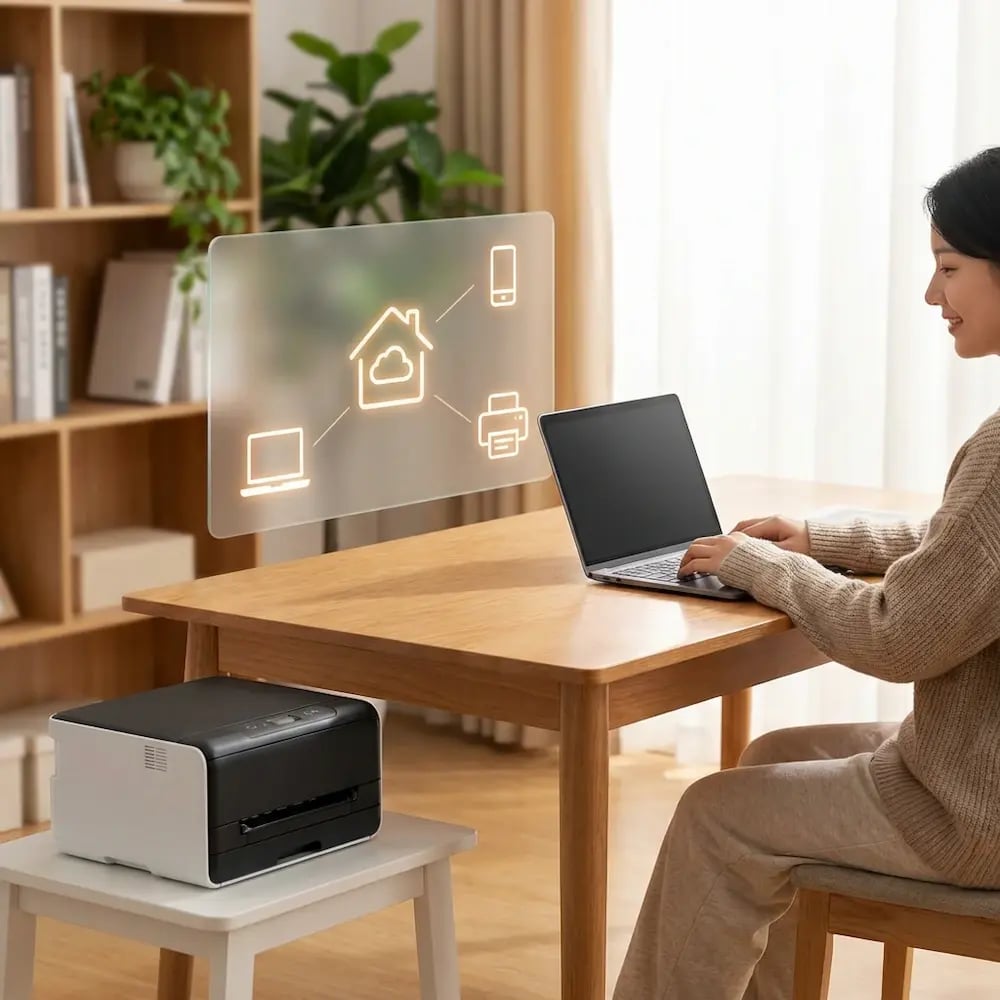
Make Printing from Home Finally Work

VPN-dependent printing creates a poor experience and a constant source of tickets.

ezeep decouples printing from the corporate network, so your team prints securely from any device, anywhere. The right printers are available automatically.
home-office-printing-works

Stop Managing Users in Two Different Places

ezeep integrates directly with Entra ID or Google Workspace, automatically syncing users and groups.

Printer access stays aligned with your central directory without manual assignment or duplicate management.


manage-users-one-place-dashboard

Less Infrastructure. More Calm.

Move campus printing to the cloud and reduce the day-to-day maintenance burden. Have fewer patches, fewer queue mysteries, and fewer "it broke overnight" surprises.

Server-Free
Centralized
Less Upkeep

One Experience Across Campus

Support the real education device mix - Chromebooks, MacBooks, Windows laptops, tablets, and phones - across libraries, labs, dorms, and shared printers without special steps per department or "this printer only works on that OS."

Campus-Wide
Cross-Platform
User-Friendly

Permissions That Actually Make Sense

Tie printer visibility and access to identity and groups, so students, staff, faculty, and researchers see the right printers by role, building, and department - all without constant manual adjustments.

Role-Based
Location-Aware
Consistent

Temporary Access, Without Temporary Chaos

Support guest lecturers, visiting scholars, events, and short-term programs with controlled access that doesn't create recurring IT work or one-off setups.

Temporary Access
Controlled
Low Effort

Confidential Pages Stay With The Right Person

Reduce tray exposure in busy shared spaces. Pull Printing helps ensure jobs only release when the user authenticates at the printer with their school ID, helping protect exams, registrar documents, and sensitive student records.

Private Release
Less Mix-Ups
Auditable

Visibility Finance Can Actually Use

Understand usage across departments and locations, support quotas and accountability, and make it easier for busier and finance teams to track print spend without turning IT into the print police. 

Measurable
Accountable
Budget-Friendly

Cost Recovery Without The Busywork

For campuses that charge students to print, ezeepCampus adds Self-Join onboarding and credit-based printing, so students and staff can self-serve while your institution keeps pricing and access under control.

Self-Join
Credit-Based
Accountable
Use Cases

Cloud Printing for Every Kind of Team

Whether you support a distributed workforce, manage shared devices, or unify printing across locations, ezeep works for people who rely on printing most.
security-it-work

IT & Operations Teams

Standardize printing across sites, users, and devices from one console with centralized policies and fewer moving parts.

hybrid-remote-teams

Hybrid & Remote Workforces

Give employees a consistent, hassle-free print experience from home, office, or anywhere in between with minimal setup.

coworking-hero-image

Coworking & Shared Spaces

Offer member and guest printing with clean access control, easy onboarding, and optional pay-per-print out of the box.

sustainable-education

Education IT & Admins

Keep document workflows dependable with access governance and audit-ready visibility so teams print fast under pressure.

sustainable-healthcare

Healthcare & Clinical Staff

Keep document workflows dependable and controlled with access governance and audit-friendly visibility, so teams can print fast in high-pressure moments.
printing-zebra-devices-warehouse

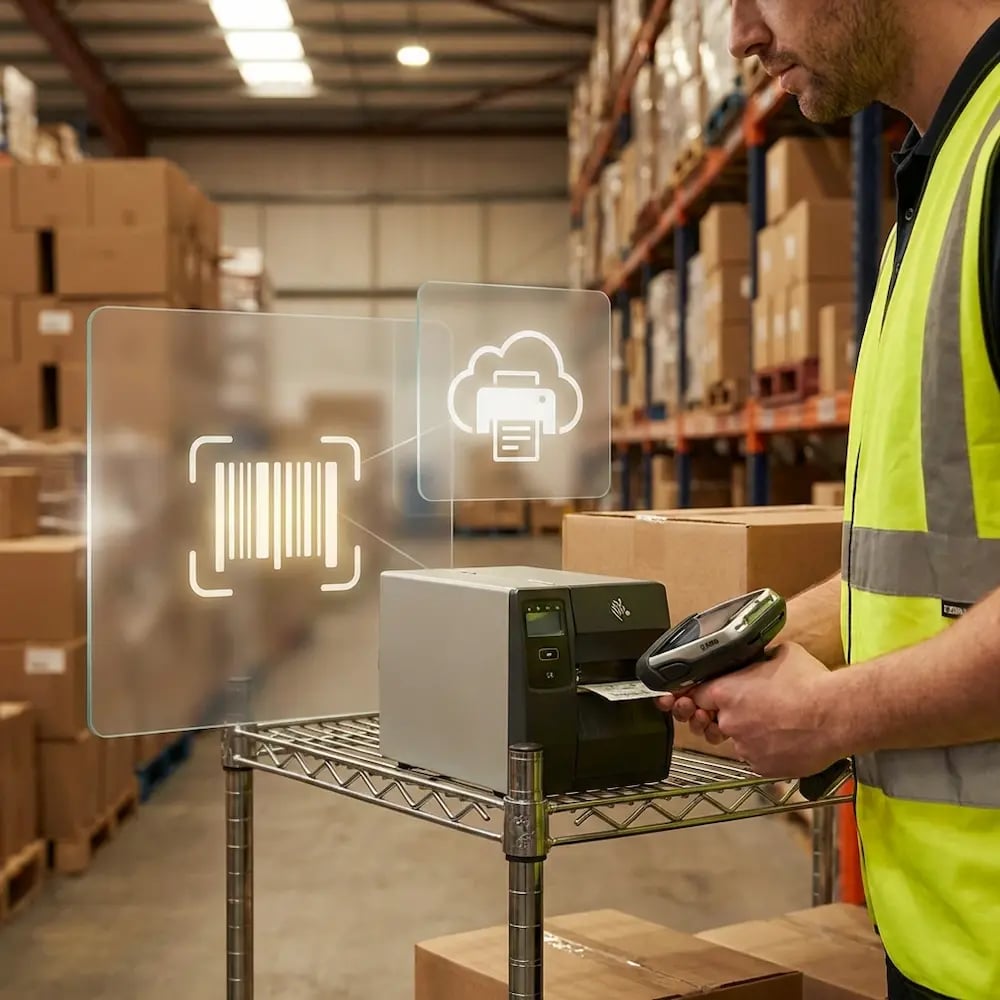
Distribution Centers

Keep labels, pick lists, and packing slips printing reliably across zones and shifts with our API and without on-site IT support.

multi-site-branch-locations

Enterprise & Multi-Site Organizations

Manage complex printer environments across locations from one platform with consistent policies, cleaner access, and less downtime.
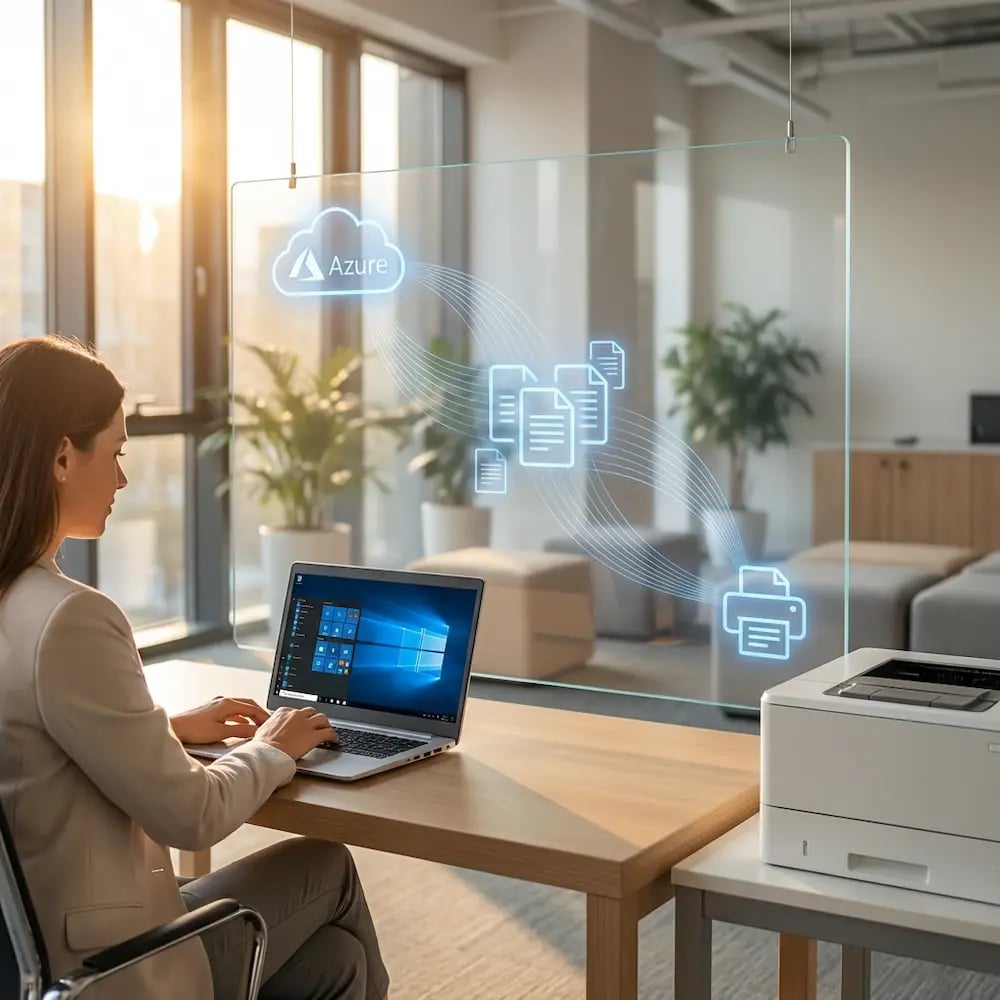
avd-azure-printing

Service Providers & MSPs

Deploy and support cloud printing for clients as a scalable managed service without adding operational overhead.

Meet the ezeep Hub

Your Printer's Shortcut to the Cloud

The ezeep Hub links your printers to the cloud through an outbound-only connection, so you can enable cloud printing without running a print server. It's simple to set up, works with existing printers, and keeps printing dependable across locations.

Learn More About the ezeep Hub
ezeep-hub-tech
3000
$

Annual savings from eliminating print servers

100000
+

Users have printed with ezeep

60
%

Fewer printing-related help desk tickets

Security & Compliance

Print Security, Built In

Customer Stories

The Results Speak For Themselves

See what our customers have to say about why they love using ezeep’s cloud printing solution.
"The best part of ezeep is that it provides an excellent use interface. Our employees can intuitively locate their printer."
Lukas Linke
IT Workplace Solutions Specialist, DMK Group
"Thanks to ezeep, the headaches of printer management have significantly decreased."

Marco Gonzalez
IT Generalist, Midland Trust IRA
"ezeep is easy to use and deploy. We achieved ROI with ezeep within 1-3 months."

Ronny Gjersvold
Application Engineer, L5 Navigation

Frequently Asked Questions

Curious about how it all works? Here's everything you wanted to know about ezeep's cloud printing solution!

What is a cloud printing platform?

A cloud printing platform moves print management out of on-premises servers and into the cloud. Instead of maintaining print servers, driver packages, and site-specific configurations, IT manages printers, users, and policies from a single web console. Print jobs are rendered in the cloud and delivered to the target printer, so users can print from any device and location without drivers, VPNs, or network dependencies.

What does ezeep replace in a traditional print setup?

ezeep replaces print servers, driver management, VPN-dependent printing, GPO-based printer mapping, and on-premises queue management. Everything runs in the cloud: rendering, queuing, access control, policies, and updates. The result is one consistent printing experience across every device, platform, and location.

Does ezeep work with existing printers?

Yes. ezeep supports thousands of modern and legacy printers. The ezeep Hub connects older USB and network printers to the cloud without PCs or print servers, so most organizations use what they already have.

What devices and operating systems does ezeep support?

ezeep supports Windows, macOS, ChromeOS, iOS, Android, and virtual desktop environments including Azure Virtual Desktop, Citrix, Omnissa Horizon, and Windows 365. Users print from laptops, tablets, thin clients, mobile devices, and browsers without installing drivers.

How does ezeep handle print security?

All print data is encrypted in transit and rendered in isolated tenant environments. Pull Printing holds jobs until the user authenticates at the device. Printer access is controlled through identity providers like Entra ID or Google Workspace, and every print job is logged with user, printer, and location details for compliance and auditing.

Back to top

Ready to Take Printing Off Your Ticket Queue?

Standardize printing across locations and platforms, keep access in sync, and stay in control without a risky rip-and-replace.

ezeep-chart (1)