By Robert Noonan on April 21, 2020
Last updated on March 31, 2026
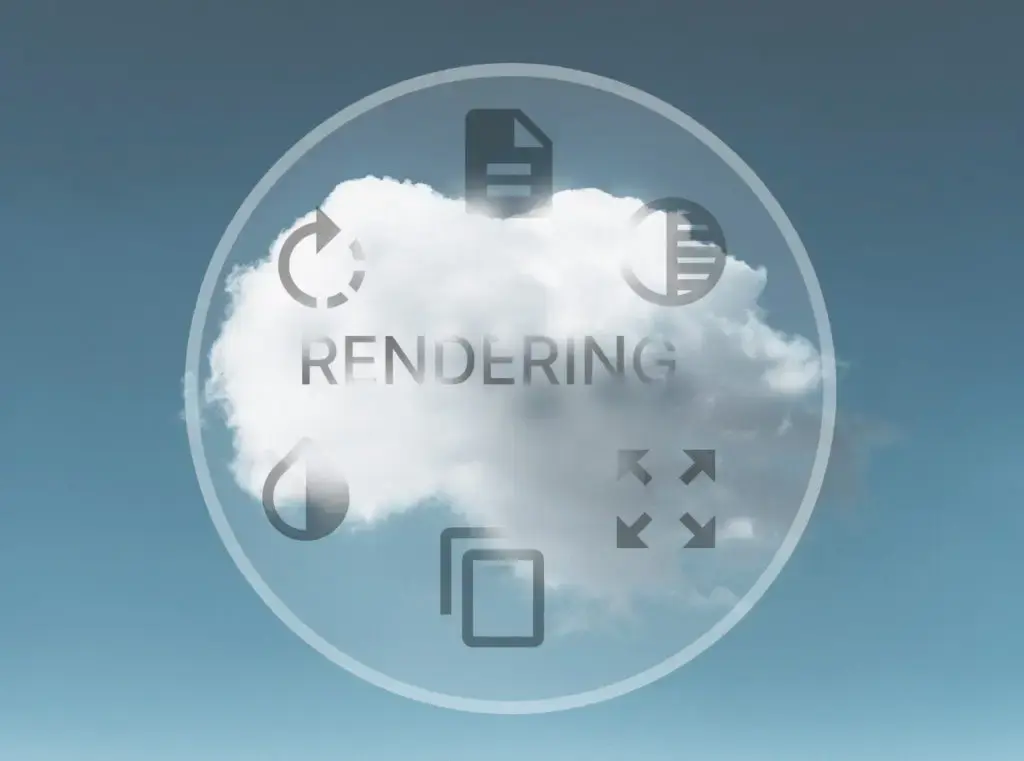
What is cloud rendering and why is it important for printing?
Cloud rendering processes your print jobs directly in the cloud, eliminating the need for local printer drivers. This simplifies printing dramatically for users and IT alike, making it central to how ezeep delivers truly driver-free printing.
Challenges with traditional printer drivers
Printer drivers are essential for managing the vast array of printers and their unique features. However, they also introduce significant challenges. Printer manufacturers continually innovate, but new drivers must still work with existing printer fleets, which often remain in use for many years.
Managing these individual printer drivers becomes a constant administrative burden for IT departments. This complexity can lead to compatibility issues and ongoing maintenance.
How ezeep handles printer drivers
The goal of ezeep is to make printing as simple as possible. This includes addressing the complexities of printer drivers. While some approaches rely on local conversion of print jobs to standard formats, ezeep takes it a step further. We offer advanced cloud rendering that removes the need for local resources and ongoing management.
What is ezeep cloud rendering?
Print rendering includes all the complex, resource-intensive processes needed to translate application data into instructions a printer can understand. This means telling the printer not only what content to print, but also how — for example, color or black and white, single or double-sided, and which paper tray to use.
Cloud rendering removes this complexity from your company. With ezeep, users simply decide what to print and how, without having to manage the underlying technical details. This approach is beneficial for businesses supporting many users, as well as for smaller groups without dedicated IT staff.
Applications of ezeep cloud rendering
Cloud rendering unlocks several powerful use cases, all without requiring substantial additional IT effort:
- Mobile printing: Print from mobile devices like iPads, iPhones, or tablets. This provides support for mobile workers such as field staff, remote employees, or logistics teams.
- Thin client deployment: Common in desktop virtualization, thin clients don't store data locally. Cloud rendering ensures these setups still allow full printing functionality, even for employees working from home on converted personal computers.
- Eliminating print servers: When drivers are unnecessary locally, you eliminate the need for driver administration on employee workstations. Cloud rendering also replaces physical print servers and their associated costs with cost-effective, centrally managed ezeep hubs. Alternatively, printers with an integrated ezeep Connector achieve the same effect. This creates an easy-to-manage enterprise print infrastructure with high quality and performance.
Printing made easy
Built on two decades of experience with ThinPrint technology, ezeep has overcome the many challenges inherent in printing and cloud rendering. This includes solving compatibility problems often tied to printer drivers. ezeep provides a powerful, highly available print platform.
With ezeep, users can fully use their printer's features, while IT no longer needs to focus on managing printing.

Printer Sharing: Cloud Printing Saves You Time
How to Print from iPhone & iPad (with or without AirPrint)