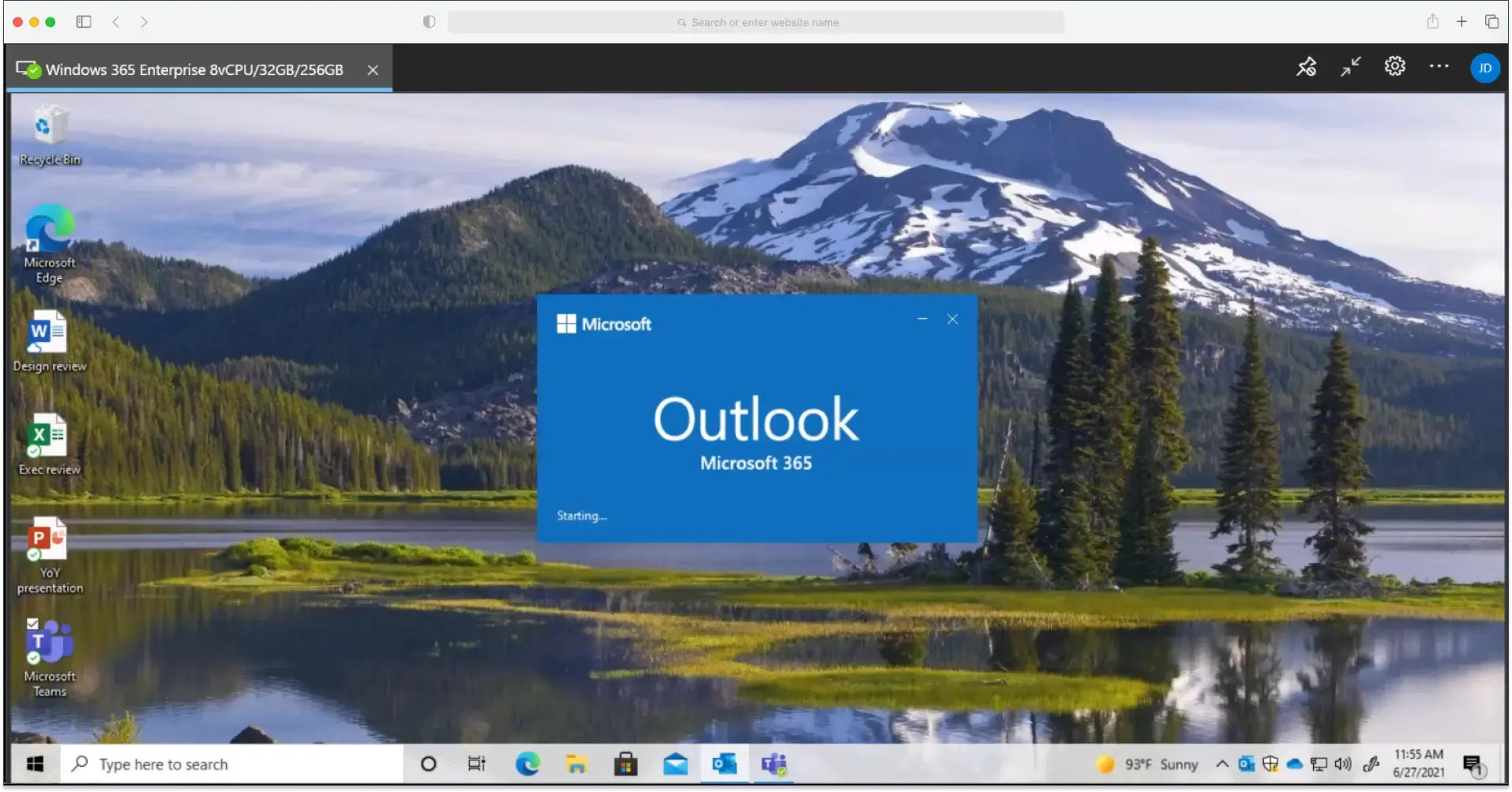
Custom URL for AVD HTML5 Client
By Charles Ian Pritchard on February 24, 2020
Last updated on March 31, 2026
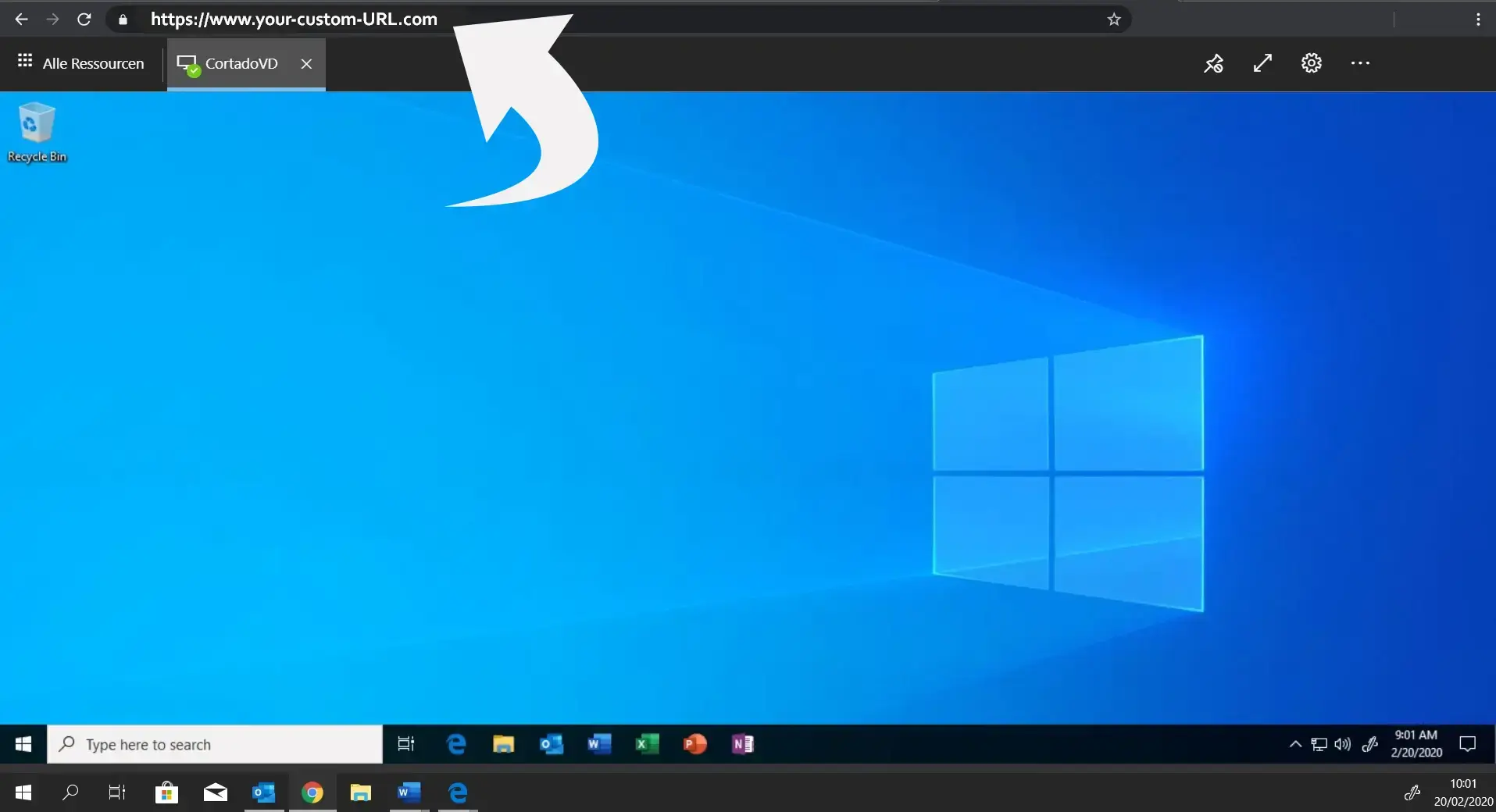
You can set your own custom URL for Azure Virtual Desktop's web browser client using a simple, cost-effective solution. This improves accessibility and aligns the client with your corporate domain, making it easier for users to remember and access their virtual desktops without relying on a generic, long link.
What is the challenge with the default AVD URL?
Currently, all users access their browser-based virtual desktops via a single default link: https://rdweb.wvd.microsoft.com/webclient/index.html. This isn't ideal for organizations that want to use their own corporate domain for access. The default link is also long and can be hard to remember if not bookmarked.
How to set up your custom URL for the AVD web client
To change the URL in Azure, you can use Azure Functions. This allows you to execute code in a serverless environment, avoiding the need for a virtual machine or publishing a web application. Functions are triggered by events, so users create a simple HTTP trigger. The process is straightforward, as everything can be completed within the Azure portal.
This approach uses Azure Functions, allowing you to execute your code in a serverless environment. This avoids the hassle of creating a virtual machine or publishing a web application. Functions are triggered by events, so users create a simple HTTP trigger. A detailed description and the necessary code can be found on Tom Hickling's blog, where you simply replace the default URL with your new custom URL. The entire process is very simple because everything can be completed within the Azure portal.
Read Our Free Whitepaper – Azure Virtual Desktop
What to Expect
- What are the use cases for virtual desktops?
- How is Azure Virtual Desktop licensed?
- What are the requirements for Azure Virtual Desktop?
- What needs to be considered when migrating existing desktops?
Personalize your Azure Virtual Desktop client experience with a custom URL. This makes access easier and reinforces your brand.

Frequently Asked Questions
Can I use a custom URL for Azure Virtual Desktop's web client?
Yes, you can use a custom URL for Azure Virtual Desktop's web client. Tom Hickling has written code that allows you to set your own custom URL for the AVD web browser client.
What is the benefit of a custom URL for AVD?
A custom URL for AVD can provide a more branded and user-friendly experience for accessing virtual desktops. It replaces the default, often generic, access method with a personalized one.
Do I need coding knowledge to set up a custom AVD URL?
Yes, you will need some basic coding knowledge to implement the Azure Functions-based solution for a custom AVD URL. The solution involves using code to configure the custom URL.
Is there a cost associated with using a custom AVD URL?
The solution for a custom AVD URL is inexpensive. Azure Functions, which is used for this solution, includes 1,000,000 executions per month in a free grant, making it a cost-effective option.
Where can I find the code to set a custom URL for AVD?
The code to set a custom URL for AVD was written by Microsoft MVP Tom Hickling. You can typically find such solutions from community experts and resources like the Azure Academy.
- February 2026 (1)
- November 2025 (1)
- October 2025 (1)
- September 2025 (1)
- August 2025 (4)
- July 2025 (1)
- June 2025 (3)
- May 2025 (1)
- April 2025 (5)
- March 2025 (6)
- February 2025 (4)
- January 2025 (3)
- December 2024 (3)
- November 2024 (4)
- October 2024 (5)
- September 2024 (2)
- August 2024 (2)
- July 2024 (3)
- May 2024 (4)
- March 2024 (1)
- February 2024 (3)
- January 2024 (1)
- December 2023 (1)
- November 2023 (1)
- October 2023 (3)
- September 2023 (1)
- August 2023 (1)
- July 2023 (1)
- June 2023 (2)
- May 2023 (1)
- April 2023 (3)
- March 2023 (3)
- February 2023 (4)
- January 2023 (2)
- December 2022 (3)
- November 2022 (2)
- October 2022 (5)
- September 2022 (2)
- July 2022 (2)
- June 2022 (2)
- April 2022 (2)
- March 2022 (2)
- February 2022 (2)
- January 2022 (1)
- July 2021 (5)
- June 2021 (4)
- May 2021 (3)
- March 2021 (3)
- November 2020 (1)
- October 2020 (1)
- April 2020 (4)
- March 2020 (3)
- February 2020 (3)
- January 2020 (1)
Subscribe by email
You May Also Like
These Related Stories

Azure Virtual Desktop Review: User Experience & Management

Azure Virtual Desktop: Use Cases, Tech, and Tips