Managing multiple locations presents both opportunities and increased complexity. To keep all your spaces running smoothly without constant on-site presence, focus on smart management, efficient workflows, and the right digital tools. This approach helps maintain consistency while allowing for local flexibility, ensuring your operations scale effectively.
Centralized Control vs. Decentralized Responsibility – What’s Right for You?
As your network grows, establishing a clear structure becomes even more critical. You generally have two main strategies to consider for managing your operations:
1. Centralized Control
A core team coordinates operations, marketing, and finance across all locations.
Pros:
- Standardized processes
- Economies of scale and optimized resource allocation
- Clear communication and less chaos
Cons:
- Less flexibility at the local level
- Slower responses to location-specific needs
2. Decentralized Responsibility
Each location gains more autonomy to make decisions about local services, partnerships, events, or pricing.
Pros:
- Better alignment with regional target groups
- Stronger local communities
Cons:
- Risk of inconsistencies
- Higher coordination effort
Most successful coworking chains use a hybrid approach that combines standardized processes with enough flexibility for local adaptation. This maintains overall brand consistency while allowing for individuality and innovation where it matters most.
Without automation and centralized control, managing the technical aspects of multiple spaces can quickly become overwhelming. The right tools help keep everything organized and efficient:
Coworking Management Software: Platforms like Nexudus, OfficeRnD, or Cobot enable you to manage bookings, billing, and member data across locations from a single dashboard.
Cloud-Based Access Control: Automated access systems provide flexible, protected entry across locations without needing physical keys.
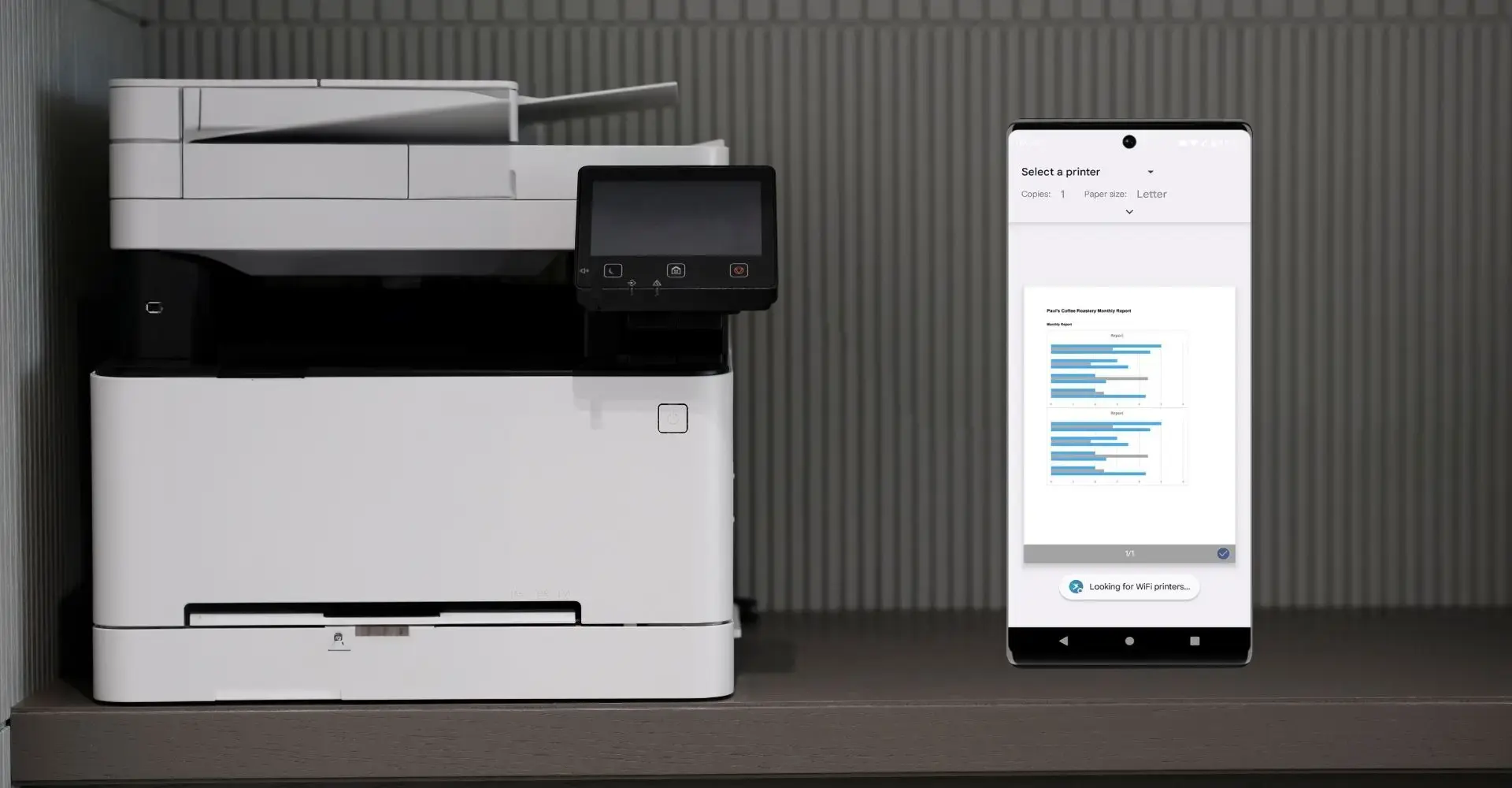
Print Management with ezeep: ezeep's cloud printing solution gives all your spaces easy printing access, managed centrally, removing the need for local print servers or on-site support.
Centralized Accounting & Reporting: Cloud ERP systems offer consolidated financial oversight and automated reporting across all locations.
Pro Tip: Ensure all tools you use offer APIs. This makes integration easier and allows for centralized control of your workflows.
Automation & Self-Service – Lighten the Load for Your Team
As your network expands, staffing costs naturally increase. Smart automation and self-service options can help reduce this strain and improve operational effectiveness:
- Automated Booking and Payment Systems: Members can book desks, meeting rooms, or events on their own.
- Self-Service Check-in & Digital Keys: No front desk staff needed – members get access via apps or QR codes.
- AI-Powered Support & FAQs: Chatbots or built-in help desks can automatically handle basic questions, available 24/7.
These upgrades make operations more efficient and also improve the member experience with less waiting, more independence, and a more modern brand image.
IT and Printing Infrastructure for All Locations
Technical issues are a primary source of frustration in coworking spaces. A unified infrastructure can prevent many of these problems before they start:
- Cloud Printing with ezeep: With ezeep, you get consistent printing across all locations without local IT support.
- Central Wi-Fi Management: Use systems with monitoring and automatic troubleshooting. Unified SSIDs make access easier.
- Single Sign-On (SSO): One login for all digital services – from Wi-Fi and printers to access systems.
A well-integrated system cuts down on support needs, boosts member satisfaction, and keeps your locations protected from technology disruptions.
Conclusion: More Locations, Fewer Headaches
Successfully managing multiple locations hinges on three core pillars:
- A clear structure that blends centralized leadership with local flexibility.
- Smart digital tools designed to simplify and automate workflows.
- A consistent IT and infrastructure setup that simply works.
The better your processes are designed for growth, the simpler expansion becomes. Automation, standardized operations, and digital support tools help you run your coworking network efficiently, maintaining control even as you grow.