Paper Jams: Causes and Solutions for Coworking Spaces
By Maximilian Bauer on September 15, 2025
Last updated on March 31, 2026
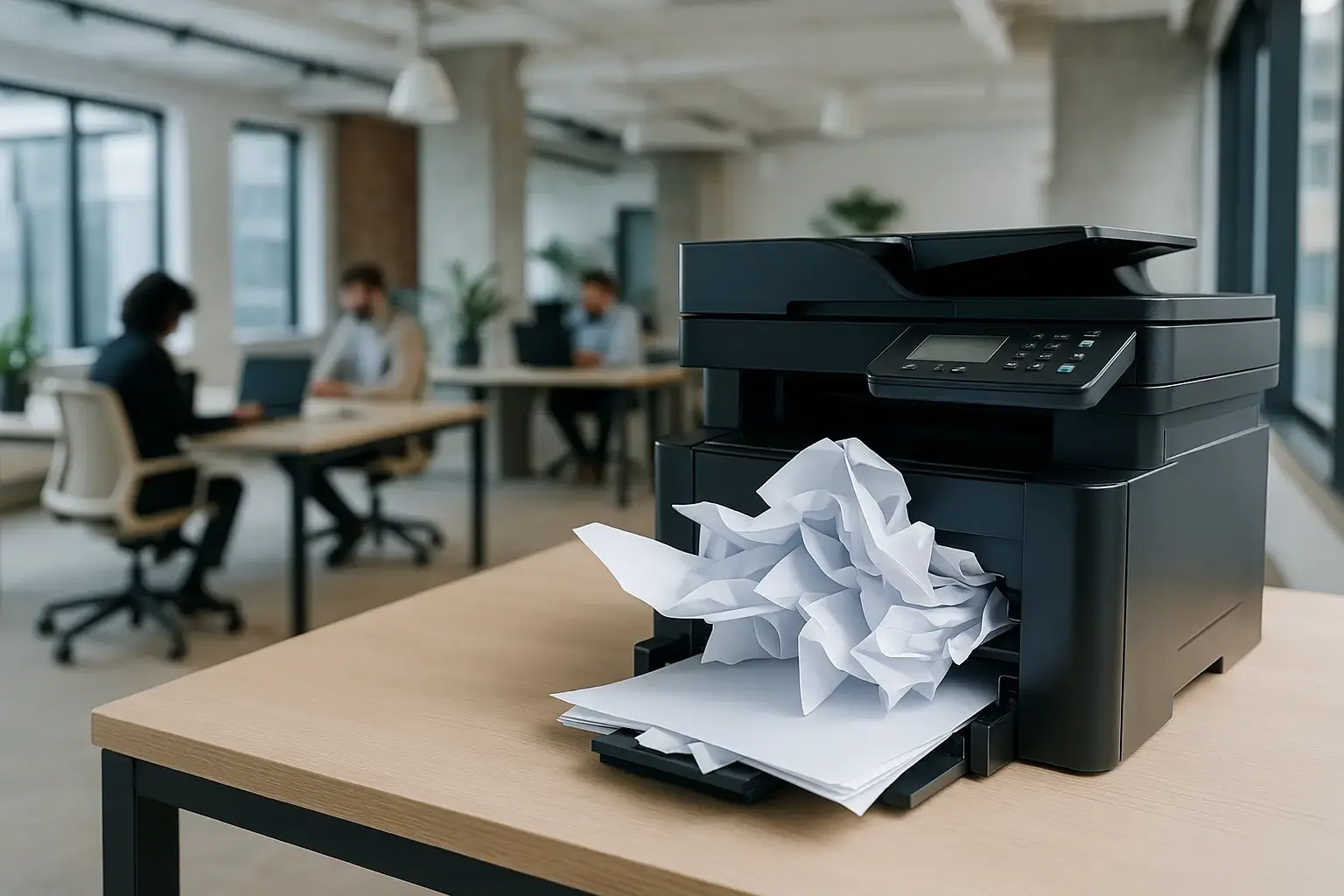
Printing remains a daily essential for many teams, whether for contracts, handouts, or workshop materials. Despite the reliability of modern printers, one classic problem persistently causes frustration: the paper jam. This issue often strikes at the most inconvenient times, creating delays especially in fast-paced environments like coworking spaces.
In a private office, a paper jam is an annoyance. In a coworking space, however, it can disrupt multiple individuals or even an entire team. Engineers extensively study paper jams, sometimes calling it the "ultimate challenge" due to its complex interplay of physics, chemistry, mechanics, and software. Paper, as a natural material, reacts to humidity and temperature and can carry tiny fibers that clog the paper path. Even minor inconsistencies can lead to sheets twisting together mid-print, a phenomenon engineers poetically call a “bouquet.”
Why Paper Jams Happen
A paper jam is more than just a sheet getting stuck; it typically results from several converging factors. Understanding these helps in preventing them.
- Paper quality and environment: Each sheet, made from natural fibers, reacts to humidity and temperature. Paper that is too damp or too dry is more prone to jamming.
- Printer design: Compact office printers often guide paper through multiple turns and bends. Each change in direction increases the risk of a jam.
- Dust and rough edges: Lower-quality paper generates more debris, which accumulates on rollers. Uneven paper edges also disrupt the smooth movement of sheets.
- Improper handling: Leaving open reams of paper exposed can cause it to warp or stick together, setting the stage for future jams.
Therefore, a paper jam is not a simple glitch, but the outcome of a complex interaction among materials, machinery, and the environment.
How Paper Jams Affect Coworking Spaces
While a jam can be quickly resolved at home, its impact is amplified in a coworking space. The shared nature of resources means issues affect more people.
- Lost productivity: A single jammed printer can cause a backlog of print jobs, wasting valuable time for multiple users.
- User frustration: Nothing is more frustrating than a crucial document failing to print just before a critical meeting or deadline.
- Ambiguous responsibility: It's often unclear who should clear a jam. a community manager or a member. This ambiguity can leave printers out of service for extended periods.
- Negative experience: Frequent problems with basic services like printing can negatively reflect on the overall quality and impression of the coworking space.
Coworking spaces aim to provide flexibility and ease, and frequent paper jams detract from that promise.
Lessons from Printer Engineering for Coworking Spaces
Engineers view paper jams as a design challenge, a perspective valuable for coworking spaces. While jams may never be eliminated entirely, their frequency can be significantly reduced with thoughtful strategies.
- Prioritize paper quality: Using higher-grade paper reduces dust, warping, and edge issues, leading to fewer jams.
- Regular maintenance: Even reliable printers benefit from routine checks and servicing to keep them running smoothly.
- Proper paper storage: Store paper in a dry environment, away from direct heat sources or windows, to prevent moisture-related issues.
- Promote digital workflows: Encourage the use of cloud sharing and digital documents to reduce reliance on physical printing. Fewer prints mean fewer opportunities for jams.
- Simplify the print experience: An easier printing process minimizes stress when minor issues occur, making users more self-reliant.
The Bottom Line: Managing Paper Jams in Shared Environments
Paper's inherent variability means jams will likely always occur. However, coworking spaces can implement proactive measures to prevent them from becoming major disruptions. This article draws inspiration from “Why Paper Jams Exist,” which delves deeper into the engineering behind these common annoyances.
With ezeep, coworking spaces gain a cloud-based printing platform that offers users a stress-free experience. This means no driver issues and no complex settings. Just reliable printing that supports your community's productivity, even when printers get jammed.
Frequently Asked Questions
What causes paper jams in printers?
Paper jams are typically caused by a combination of factors, not just a single stuck sheet. These can include issues with the paper itself, the printer's mechanics, and even environmental conditions. For example, paper that is too moist or too dry, or has small fibers, can lead to jams.
Why are paper jams a bigger problem in coworking spaces?
Paper jams in coworking spaces can disrupt multiple users or teams because shared printers are critical infrastructure. A jam can halt printing for many, leading to delays and frustration at a larger scale than in a private office setting.
Are modern printers immune to paper jams?
Even with advancements in printer technology, paper jams remain a persistent issue. Despite engineers' efforts to improve reliability, the complex nature of paper and the printing process means jams still occur.
What does a 'bouquet' refer to in the context of paper jams?
A 'bouquet' is an engineering term used to describe multiple sheets of paper that become twisted together during the printing process. This often happens due to inconsistencies in the paper or the printer's mechanics, leading to a complex jam.
- February 2026 (1)
- November 2025 (1)
- October 2025 (1)
- September 2025 (1)
- August 2025 (4)
- July 2025 (1)
- June 2025 (3)
- May 2025 (1)
- April 2025 (5)
- March 2025 (6)
- February 2025 (4)
- January 2025 (3)
- December 2024 (3)
- November 2024 (4)
- October 2024 (5)
- September 2024 (2)
- August 2024 (2)
- July 2024 (3)
- May 2024 (4)
- March 2024 (1)
- February 2024 (3)
- January 2024 (1)
- December 2023 (1)
- November 2023 (1)
- October 2023 (3)
- September 2023 (1)
- August 2023 (1)
- July 2023 (1)
- June 2023 (2)
- May 2023 (1)
- April 2023 (3)
- March 2023 (3)
- February 2023 (4)
- January 2023 (2)
- December 2022 (3)
- November 2022 (2)
- October 2022 (5)
- September 2022 (2)
- July 2022 (2)
- June 2022 (2)
- April 2022 (2)
- March 2022 (2)
- February 2022 (2)
- January 2022 (1)
- July 2021 (5)
- June 2021 (4)
- May 2021 (3)
- March 2021 (3)
- November 2020 (1)
- October 2020 (1)
- April 2020 (4)
- March 2020 (3)
- February 2020 (3)
- January 2020 (1)
Subscribe by email
You May Also Like
These Related Stories
Reduce Paper Waste in Offices for Sustainable Printing
How to Print from Chromebooks: Cloud Printing Explained