Pull printing holds print jobs in a secure queue, releasing them only when the user authenticates at the printer. This method enhances document security, reduces waste, and simplifies printing for mobile workers without needing specific printer setups.
What Is Pull Printing?
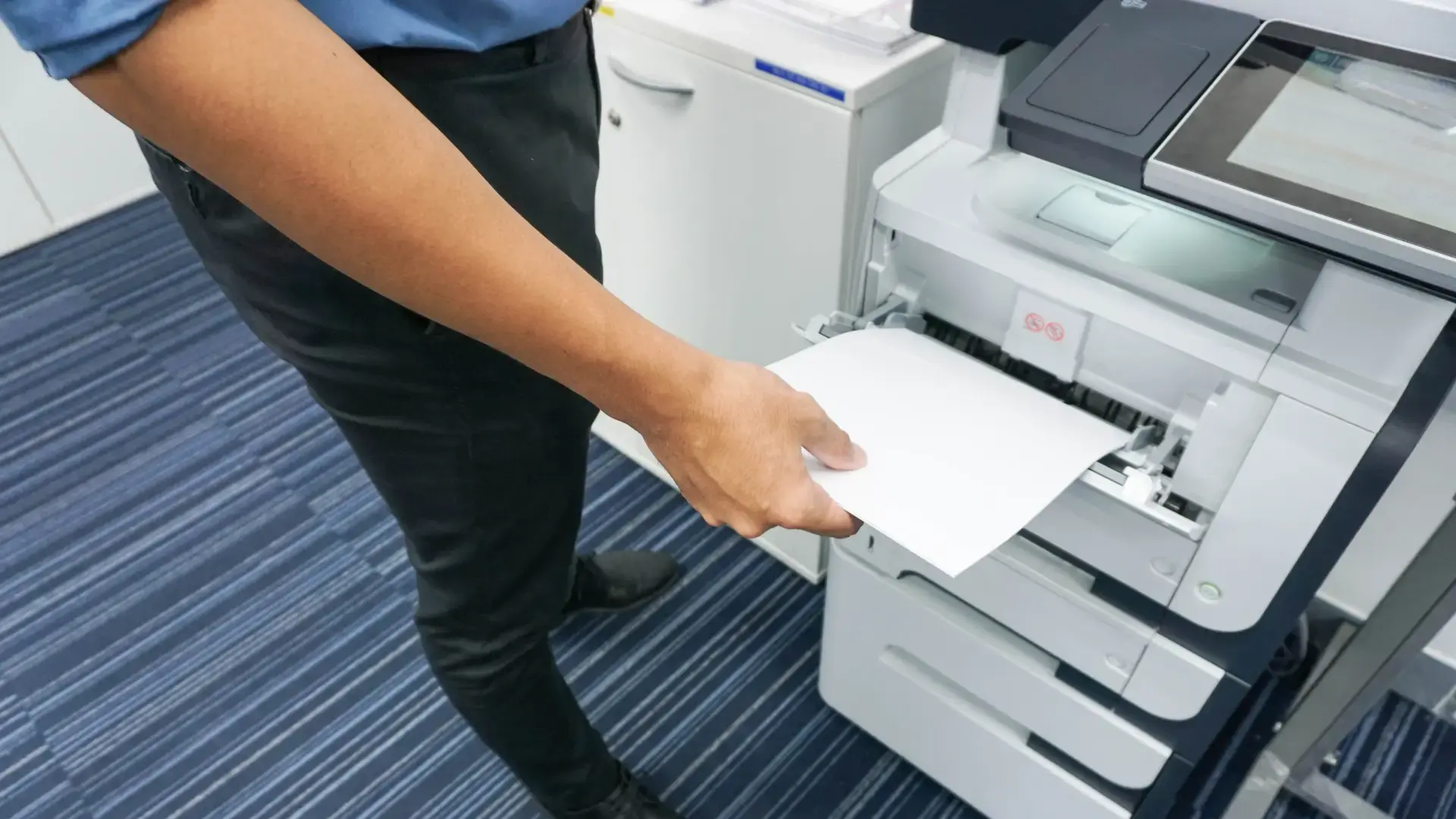
With a pull printing solution, printouts are not printed directly once the user clicks print. Instead, print jobs are held in a secure print queue, either in the cloud, on a server, or on the user's endpoint. When the user is at their printer of choice, they can release their printouts by authenticating at the printer.
Authentication is typically carried out via various methods, like scanning a QR code with a smartphone, swiping an ID card on a card reader, or typing in a PIN code.
Why Implement Pull Printing?
In today's environment with strict data protection laws like HIPAA and EU-GDPR, organizations must protect sensitive data. Confidential documents left in a printer tray pose a security risk and can violate data protection laws. Pull printing provides a key measure against such risks by ensuring documents are only released to the authenticated user.
It Improves Data Protection
Zero trust and pull printing are effective strategies for improving data protection. Authentication at the printer introduces an extra security check for printing without unnecessarily hindering the printing workflow. This ensures that printed documents containing sensitive information only reach the intended user, as they must be present at the printer and log in to trigger the print process.
It Reduces Printing Costs and Printing Waste
Documents often get printed in haste, forgotten, and left in the printer tray. Users might also print to the wrong shared printer, common in large offices. Each instance wastes paper, toner, and energy. Pull printing eliminates these scenarios because users only retrieve documents when they are ready at the printer.
It Simplifies Flex-Desk Printing for Mobile Employees
Pull printing solutions often work as a "follow me" printing solution. Employees do not need specific printer assignments or to select a particular device to print. They send their document to a secure print queue and can retrieve it from the nearest printer, regardless of their location. For admins, this means eliminating expensive individual printers and setting up shared printing stations for flexible mobile printing.
It Offers More Convenient Printing for Users
The cost savings and management benefits from pull printing are significant, but users also gain convenience. Not always knowing which printer is which when printing can be stressful, especially for private documents. With pull printing, users can easily switch to another printer if their initial choice is busy, boosting productivity.
Considerations for Pull Printing
While pull printing often comes with additional costs, these should be weighed against the benefits: reduced waste (paper, toner, and energy), improved productivity, and lower risk of fines or damages from lax security. If pull printing functionality is built directly into the printer, additional hardware costs may be involved. As an alternative to new devices, many low-cost pull printing options integrate with existing printers.
Some Teams Might Be Resistant to Change. Initially
Pull printing might not be immediately welcomed by all users, depending on their printing habits. While it's a significant improvement for security and most scenarios, some employees might resist initially because they need to be at the printer during the print process. This is usually not a major issue, but consider discussing it with users who print large volumes frequently. The best approach is to communicate potential security risks and work towards an optimal workflow for everyone.