By Charles Ian Pritchard on June 5, 2023
Last updated on March 31, 2026
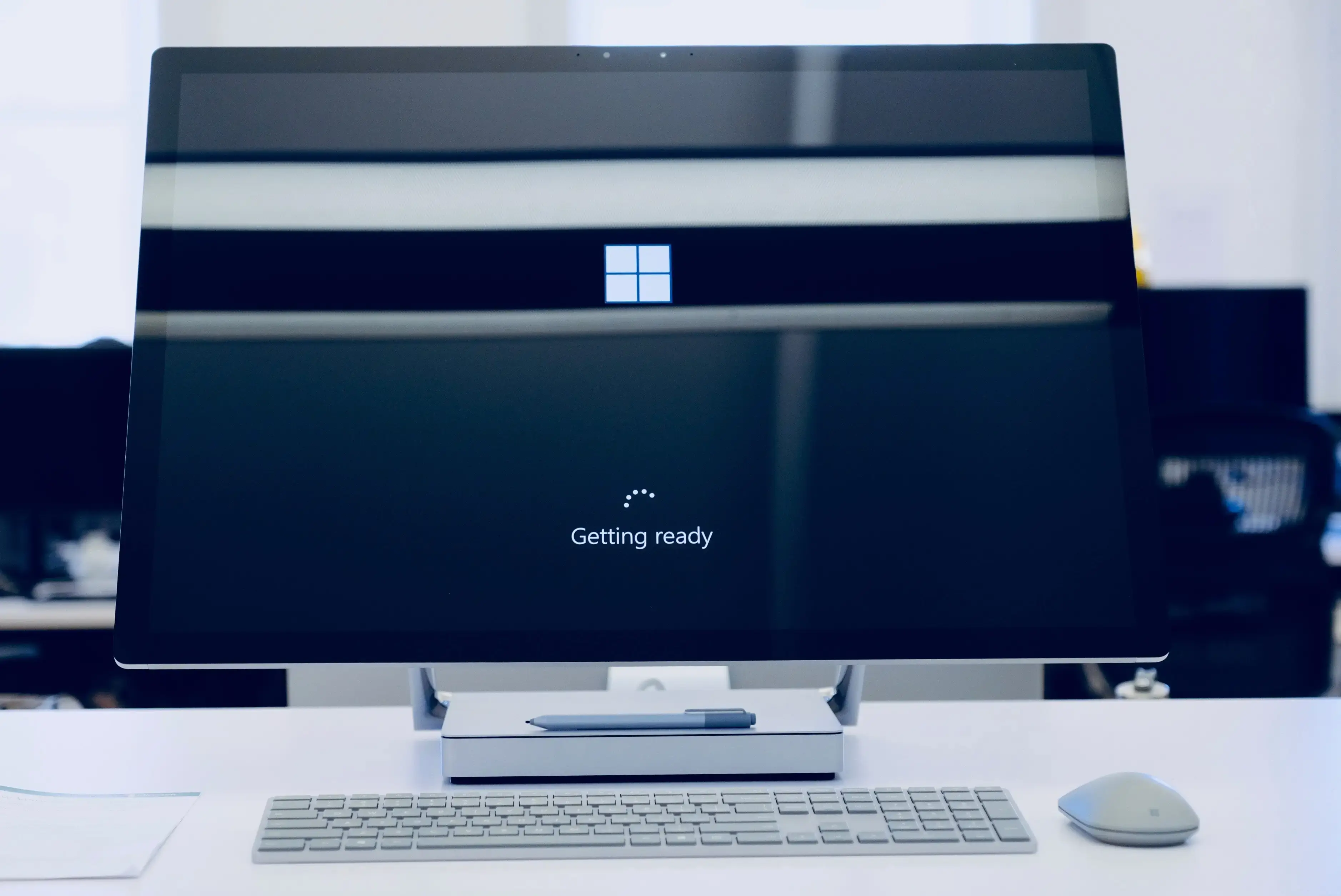
Windows 365 Boot offers flexibility by streaming your operating system directly from the cloud. This technology provides advantages like scalability and simplified management. However, ensuring efficient and reliable printing in this virtual environment can be a challenge. The ezeep Hub provides an effective solution for connecting local printers to your Windows 365 Boot setup, delivering a smooth and user-friendly printing experience.
Why is Printing with Windows 365 Boot a Challenge?
Windows 365 Boot allows users to stream their operating system over the internet, accessing apps and data in a virtual environment independent of a physical device. While this offers great flexibility, it limits access to local resources, including printers. Therefore, a specialized solution is necessary to integrate printing with Windows 365 Boot.
The ezeep Hub: The Ideal Companion for Windows 365 Boot
The ezeep Hub is an innovative cloud printing solution that works with Windows 365 Boot. The ezeep Hub ensures users can print from their Windows 365 Boot environment by establishing a connection to local printers.
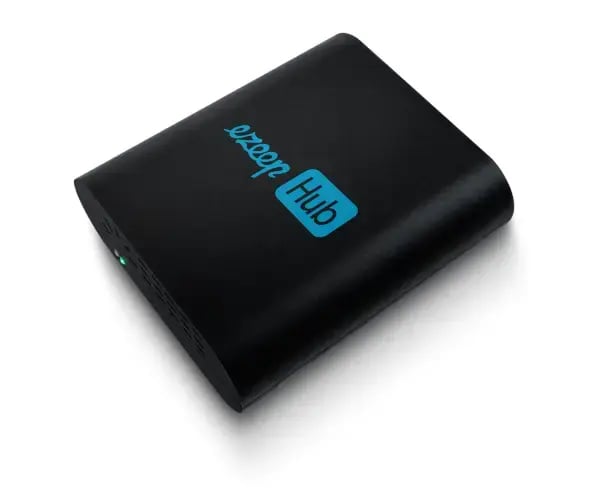
This small print appliance connects your printers to the ezeep cloud, where the print job is then processed (cloud rendering). ThinPrint technology, trusted by Fortune 500 organizations, powers ezeep, handling millions of printed pages daily.
- Dimensions: 9.8 cm x 8.5 cm x 30 cm
- Weight: 105g
- 4 USB Ports, 1x Ethernet
- No moving parts, no maintenance
- Monthly rental + free exchange service
The ezeep Hub acts as a mediator between the virtual Windows 365 Boot environment and local printers. It automatically recognizes available printers, ensuring Windows 365 Boot users can access them for a smooth printing process without changing their environment.
Advantages of the ezeep Hub for Windows 365 Boot Users
Integrating the ezeep Hub into a Windows 365 Boot environment provides many advantages for users.
1. Easy Printer Setup
The ezeep Hub automatically recognizes available printers, simplifying setup for Windows 365 Boot users. There is no need for complicated configuration or dealing with technical details. The ezeep Hub makes printing as straightforward as possible.
2. Smooth Integration
The ezeep Hub integrates into the Windows 365 Boot environment. Printing directly from virtual desktops or applications is easy, without interrupting workflows or needing to install additional software. The ezeep Hub ensures printing is as intuitive as in a traditional environment.
3. Flexibility and Mobility
With the ezeep Hub, Windows 365 Boot users can print from anywhere. Whether in the office, at home, or on the go, the ezeep Hub allows them to print their documents on any available printer. This flexibility increases productivity and enables users to work efficiently, regardless of location.
4. Central Management
The ezeep Hub offers a central management interface through which IT administrators can manage the printing environment for Windows 365 Boot users. From printer assignment to monitoring and troubleshooting, the ezeep Hub provides tools and features to manage the printing environment efficiently and ensure users can print smoothly.
Conclusion
Windows 365 Boot offers important flexibility and scalability, but it can present challenges for printing. With the ezeep Hub, users can easily manage their printing needs. The ezeep Hub enables printing from the Windows 365 Boot environment, ensuring documents are always available where and when needed.
Simplify your cloud printing. Try ezeep free and find out more.
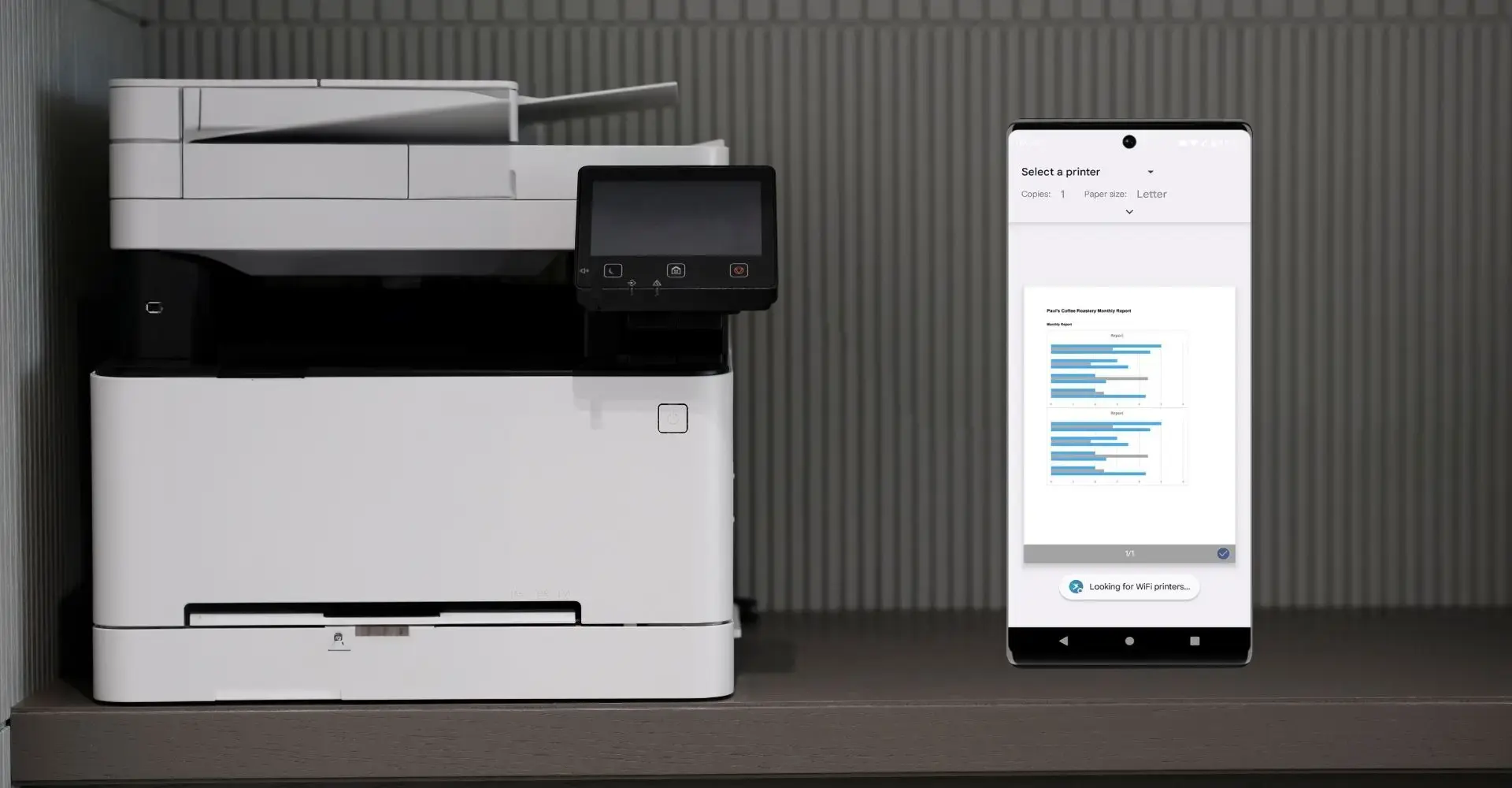
Windows 365 & ezeep: Cloud Printing for Remote Work
How to Print from Chromebooks: Cloud Printing Explained