Printing That Works on Every Device and Every Platform
No drivers. No compatibility issues. No surprises. ezeep delivers seamless cross-platform printing for Mac, Windows, ChromeOS, iOS, Android, virtual cloud desktops, label printers, plotters, office printers, and MFPs - perfect for hybrid and remote work environments.
When Everyone Uses Different Devices, Printing Gets Messy - Fast
Too Many Platforms, Too Many Exceptions
macOS needs one driver, Windows another, ChromeOS has limits, thin clients rely on extensions. Add Zebra handhelds, receipt printers, ARM devices, or IGEL OS and “standard setup” disappears.
Legacy Print Can’t Match Modern Work
Traditional print systems weren’t built for cloud apps, VDI, mobile-first teams, or edge devices. The result is friction, breakpoints, and slow rollouts.
Driver Sprawl Becomes Helpdesk Sprawl
Supporting hundreds of driver variants and device-specific workarounds leads to conflicts, misprints, broken workflows, and nonstop “it won’t print” tickets.
One Platform. Every Device. Every Printer. Every Workflow.
Stop Juggling a Dozen Different Print Workflows
Mac users needs one process, Windows users another, and virtual desktops are a whole different beast.
ezeep unifies all platforms and applications, keeping printing predictable regardless of device.

Make "It Broke After the Update" a Thing of the Past
OS updates and driver patches shouldn’t turn into a printing outage. In mixed fleets, one change can cascade into tickets and downtime.
With ezeep’s serverless printing architecture, you can update freely, allowing endpoints to change without breaking workflows.

Stop Writing Custom Scripts for Specialized Hardware
Zebra devices, receipt printers, and kiosks often need fragile workarounds. Supporting them becomes a chain of one-off fixes that can break at any moment.
ezeep supports specialized devices through the same central platform. Roll out critical hardware consistently.
Make "Printer Not Compatible" Errors Disappear
The endless matrix of which OS or app works with which printer creates a constant stream of failed jobs and frustrated tickets.
ezeep acts as a universal translator, ensuring jobs from any device work on any printer.

Manage Your Entire Print Fleet From a Single Screen
Policy changes shouldn’t require touching multiple systems or chasing local settings.
ezeep brings printers, devices, and sites into a single web admin portal. Apply changes universally in seconds and stop wasting time.
Less Infrastructure. More Calm.
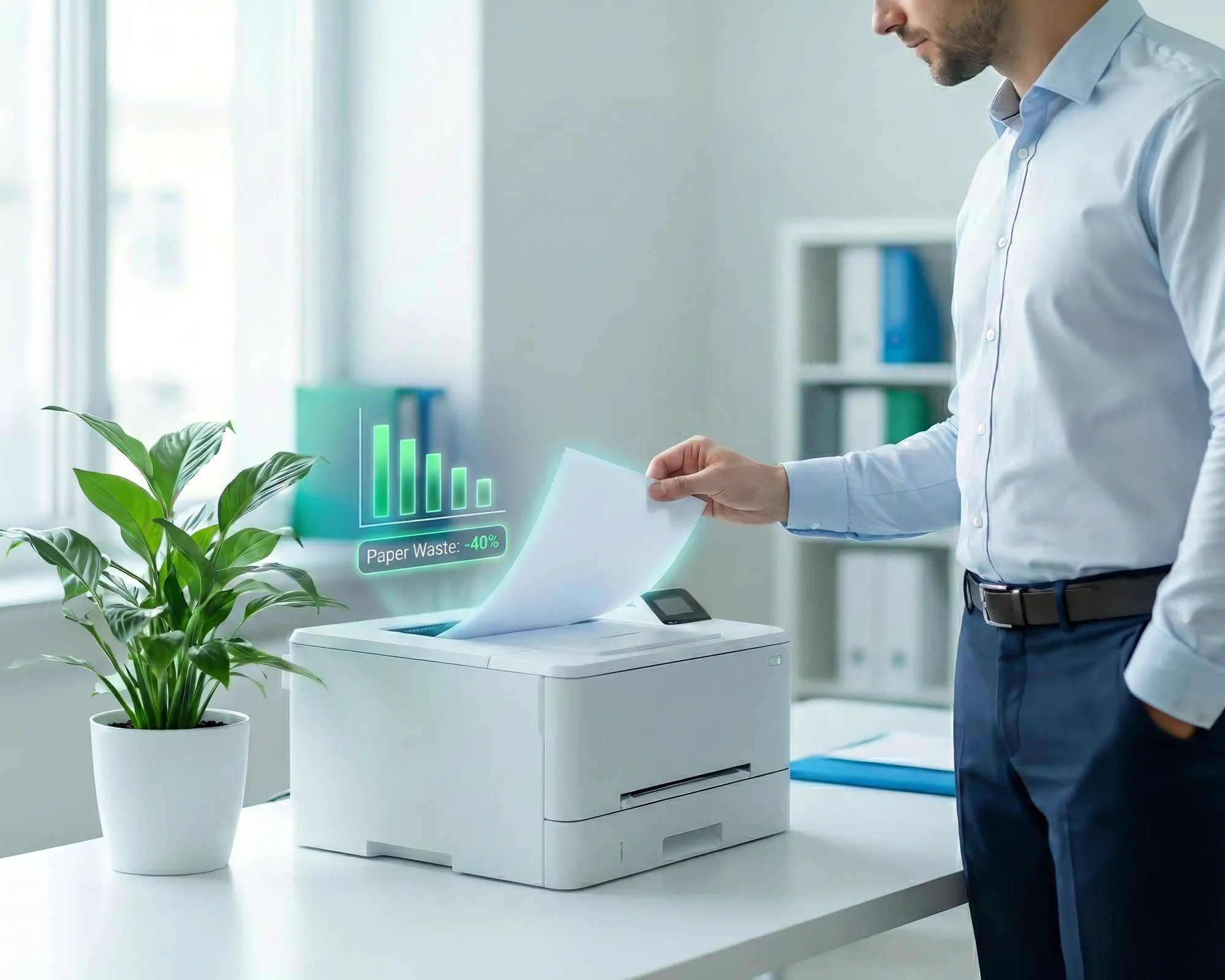
Move campus printing to the cloud and reduce the day-to-day maintenance burden. Have fewer patches, fewer queue mysteries, and fewer "it broke overnight" surprises.
One Experience Across Campus
Support the real education device mix - Chromebooks, MacBooks, Windows laptops, tablets, and phones - across libraries, labs, dorms, and shared printers without special steps per department or "this printer only works on that OS."
Permissions That Actually Make Sense
Tie printer visibility and access to identity and groups, so students, staff, faculty, and researchers see the right printers by role, building, and department - all without constant manual adjustments.
Temporary Access, Without Temporary Chaos
Support guest lecturers, visiting scholars, events, and short-term programs with controlled access that doesn't create recurring IT work or one-off setups.
Confidential Pages Stay With The Right Person
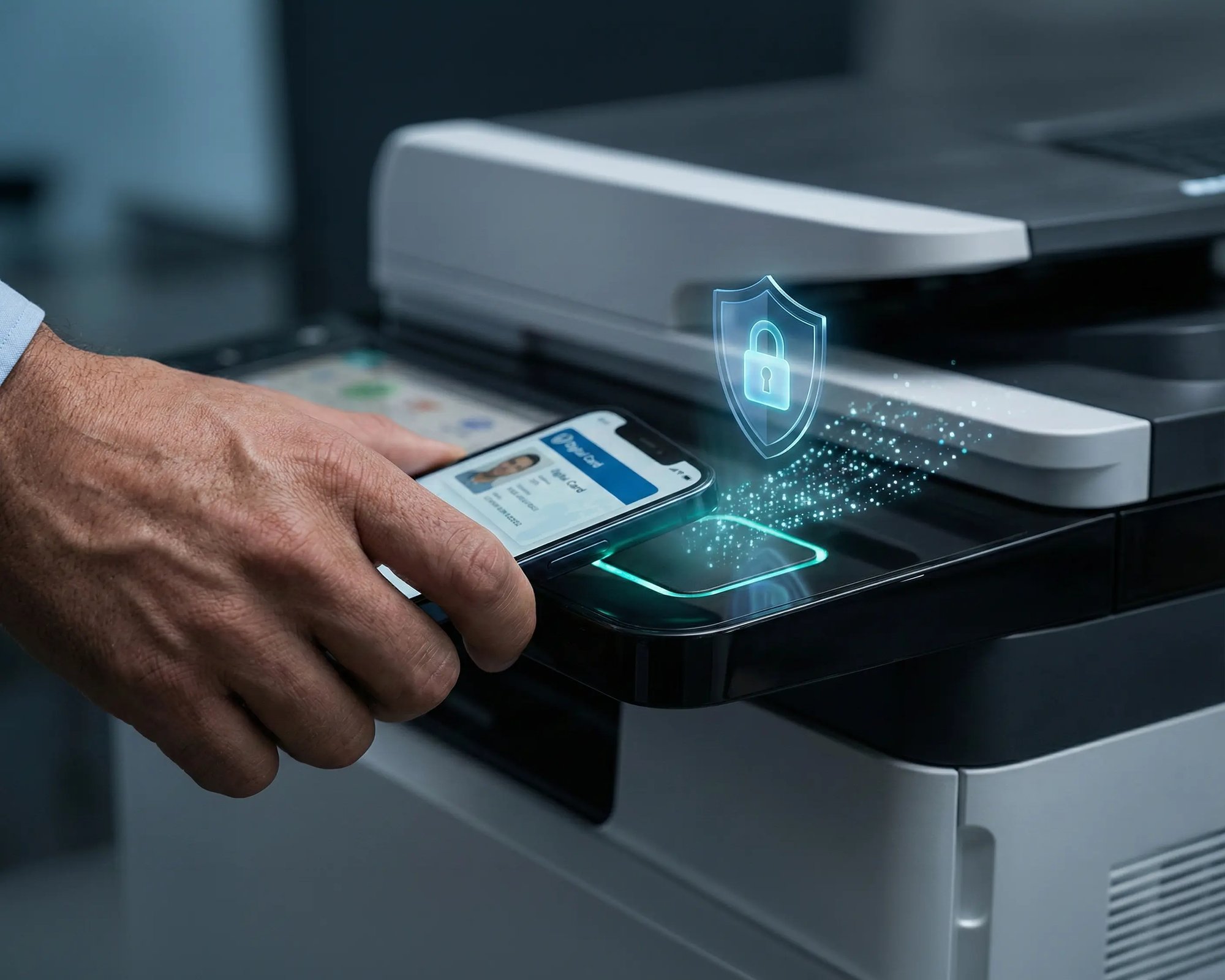
Reduce tray exposure in busy shared spaces. Pull Printing helps ensure jobs only release when the user authenticates at the printer with their school ID, helping protect exams, registrar documents, and sensitive student records.
Visibility Finance Can Actually Use
Understand usage across departments and locations, support quotas and accountability, and make it easier for busier and finance teams to track print spend without turning IT into the print police.
Cost Recovery Without The Busywork
For campuses that charge students to print, ezeepCampus adds Self-Join onboarding and credit-based printing, so students and staff can self-serve while your institution keeps pricing and access under control.
Choose Your Platform to See What’s Possible
How ezeep Enables Cross-Platform Printing in Three Steps
Add Printers Centrally
Connect printers across sites so they’re centrally visible and managed from one place. Standardize naming and defaults so output stays consistent across the fleet.

Add Users and Access
Sync identities and groups so access is assigned automatically by role, team, or location. As users move, their available printers update without manual mapping.
Print Consistently on Every Device
Deliver the same predictable print experience across Windows, macOS, Chromebooks, iOS, Androids, VDI, and cloud desktop platforms. Reduce compatibility issues and tickets while keeping policies enforced centrally.
How ezeep Makes Mobile & BYOD Printing Easy
Go from "I need this printed" to page-in-hand in three quick, simple steps. Invite users with Self-Join using a link or QR code, choose which printers they can access, then let them print from the ezeep app or web app and release securely on-site.
Connect Your Printers to the Cloud - Fast
The ezeep Hub links your existing printers to ezeep’s cloud printing platform, so you can standardize printing across Windows, macOS, ChromeOS, mobile, VDI, and cloud desktop platforms. Give users a consistent way to print without driver chaos, and keep IT in control from one central place.
Security Built for Every Device and Platform
Encrypted & Zero Trust Aligned
No Drivers or Local Data
Identity-Based Access Control
Full Visibility & Audit Logging
Trusted by IT Teams With Complex Device Environments
Frequently Asked Questions
What platforms and operating systems does ezeep support for printing?
ezeep supports printing from Windows, macOS, ChromeOS, iOS, Android, Linux, and web browsers. It also supports virtual desktop environments including Azure Virtual Desktop, Windows 365, Citrix, and Omnissa Horizon, as well as thin client platforms like IGEL OS. Specialized devices such as Zebra handheld scanners and Epson receipt printers are also supported through the same cloud platform.
Do users need to install printer drivers to print from different devices?
No. ezeep uses cloud rendering to process print jobs, so no manufacturer-specific drivers are installed on any endpoint. Users install the lightweight ezeep Print App or use Print Now (browser-based printing) to reach any assigned printer. This eliminates driver conflicts, spooler crashes, and compatibility issues across all platforms.
How does ezeep handle printing from virtual desktops and cloud PCs?
ezeep installs a single virtual driver (ThinPrint Output Gateway) inside the virtual desktop session host. This driver handles all printers through cloud rendering, so no individual printer drivers need to be added to the virtual image. This reduces image bloat, eliminates driver compatibility issues, and removes login delays caused by printer redirection. ezeep works with Azure Virtual Desktop, Windows 365, Citrix, and Omnissa Horizon.
Can IT manage printers across different device types and locations from one console?
Yes. The ezeep admin portal provides centralized management of all printers, users, groups, and policies across every platform and location. Admins can assign printers, configure defaults through Printer Profiles, set group-level policies, and monitor usage from a single web dashboard. Changes apply instantly without touching individual devices.
Does ezeep work with specialized printers like label printers and receipt printers?
Yes. ezeep supports specialty hardware including Zebra thermal label printers and handheld scanners (validated for warehouse, logistics, and inventory workflows), Epson receipt and label printers (retail, hospitality, logistics), and standard office printers and MFPs from HP, Xerox, Lexmark, Konica Minolta, Kyocera, Brother, and others. All devices are managed through the same cloud console.
Ready to Make Printing Work Everywhere?
Standardize printing across every device in your organization - without drivers or complexity.