
By Martin Linda on Sep 14, 2018 2:00:00 AM

Our teams released several enhancements and new features. If you see something you like or dislike, let us know on Twitter or Facebook.
Pull Printing with RFID Cards. If you equip your members with RFID cards to enter the building, pay for coffee, etc., you can now use the same card to release print jobs with ezeep. This offers an extra layer of security. A simple tap of the card on the printer of choice releases the print job.
Pull Printing with Email. Print Later is ezeep's way to hold a print job until the user clicks on a special link. This security-enhancing and waste-reducing feature does not require any hardware or special configuration. We enhanced its benefits by removing the need to choose the printer when printing. Your users always print to the same printer in their apps and receive a special link via email. Like the RFID card-based pull printing, they then walk up to any printer, but instead of scanning a card, they simply click on the link and select their printer. Cloud-based Pull Printing without hardware and for any printer is a step forward for us and for your members.
Display Names Editable. We added the ability to add the actual name next to the email address in the users list of your ezeep admin portal. This will make it easier for operators to identify anyone in the account. These display names also appear in the CSV reports and can be used during mass imports and updates.

Ultra-Fast Usage Reports. Customers with extensive print activity noticed that getting the ezeep Dashboard to show usage information or downloading usage reports was taking a long time. We redesigned our reporting system, and running your usage reports is now completed in fractions of a second.
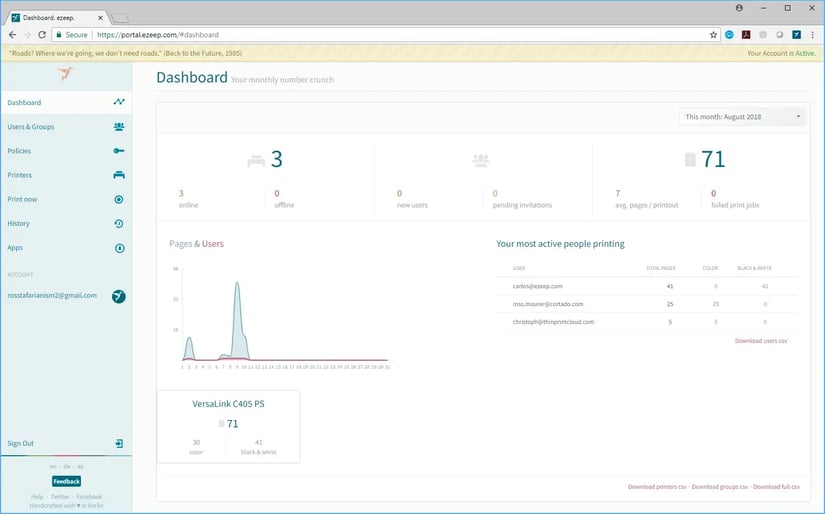
Keeping Up with the Operating Systems. Is your Windows ezeep app crashing occasionally? Our latest update fixed that. Download it from your ezeep portal or the ezeep website and install it right away. We also updated our app for MacOS. The latest MacOS update led to ezeep printers disappearing for some users. An automatic update addressed that as well.
Select All Printers in Policies. With one click, you can now select all printers when creating a policy. When you use the search filter and click Select All, the currently shown printers will be added to the policy.

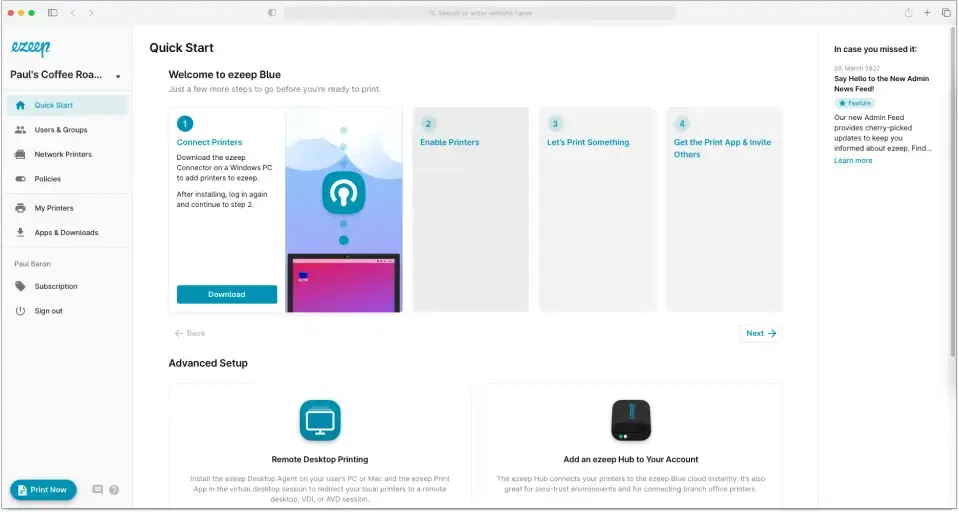
The New Admin News Feed
Why ThinPrint Will Use ezeep Technologies for WVD Printing
No Comments Yet
Let us know what you think