
By Clara Salomon on Mar 17, 2021 1:00:00 AM
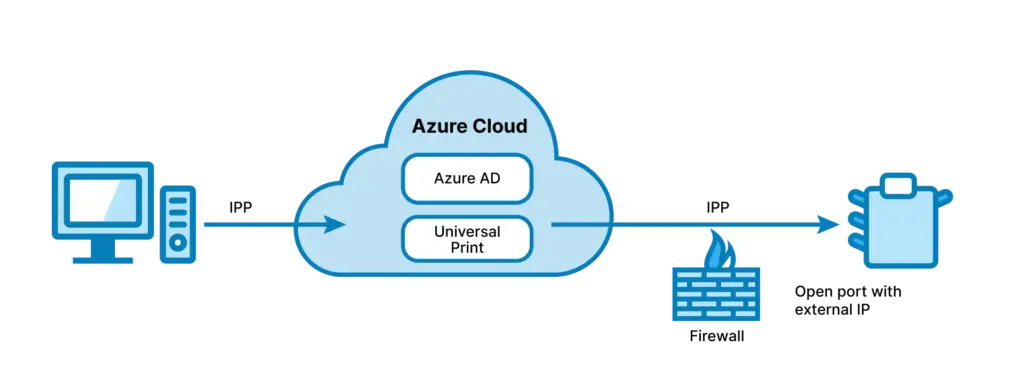
Microsoft has joined the trend of directly supporting printing from the cloud, confirming once again that cloud printing is the future of printing. In this post, we share insights on what Microsoft Universal Print is, while looking at the Microsoft Universal Print setup, pricing structure and supported printers.
What Is Microsoft Universal Print?
Universal Print from Microsoft is an Azure service which lets Windows machines send print jobs via a cloud print service to printers with the Universal Print service installed. For printers that don’t have the service installed, a Universal Print Connector can be installed on a local print server.
The Printer Working Group protocol is used for printing. The print job is stored temporarily in the cloud. Then the client is informed via notification, and the print job is downloaded and processed. The printers can be provided with extensive location information so that they can be found. For a printer to be found by the user, the device must be marked as findable in Universal Print’s admin portal.
Microsoft Universal Print Pricing – How Much Does it Cost?
Microsoft Universal Print is part of the following subscriptions:
- Microsoft 365 Enterprise F3, E3, E5, A3, A5
- Windows 10 Enterprise E3, E5, A3, A5
- Microsoft 365 Business Premium
- Universal Print (standalone)
However, while Microsoft 365 E3, E5 users have access to 100 print jobs per month, other licences only allocate for 5 print jobs per user per month. If print volumes are higher, businesses can purchase Universal Print page packs.
Microsoft Universal Print Pricing: Universal Print print job packages
Customers can add additional volume add-on packages. These are available in units of 500 or 10,000 with a 500-unit package costing $25 per month. At approximately 5 pages per print job, this is roughly equivalent to the cost of paper.
Microsoft Universal Print Supported Printers
To use Universal Print, you need printer models that already support Universal Print. For all other printers, especially existing, in-market printers, a Universal Print Connector is required to include them in cloud printing.
Unfortunately, Universal Print will not work with all printer models. It is possible to check the list of Microsoft Universal Print supported printers online and see if a printer is Universal Print Ready – i.e if your printer model supports native Universal Print registration without a connector. Another option is to check if your printers are compatible with the Microsoft’s connector software. Third-party connectors with wider printer support are also available on the market. More information can also be found in our free E-Book below.
Microsoft Universal Print Setup
Once you have fulfilled the prerequisites, activated universal print in your tenant and acquired an always on PC on which it is to be installed, you are ready to install the connector, register printers and finally share these with your users.
A full walkthrough of initial Microsoft Universal Print setup can be found in this free E-Book.
Free E-Book: Microsoft Universal Print Setup
- Walkthrough for the Microsoft Universal Print setup
- Microsoft Universal Print supported printers examined in depth
- Microsoft Universal Print pricing
How Does ezeep Support Universal Print?
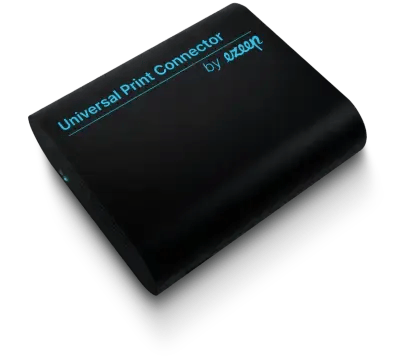
With the ezeep Universal Print Connector, an easy-to-use and cost-effective hardware device is available, so that Windows print servers can be completely omitted.
Why Should Users Also Use ezeep?
ezeep would not be ezeep if we left it at just supporting the Microsoft solution.
What additional advantages does ezeep offer compared to Microsoft’s Universal Print solution?
- Flat fee for cloud printing. ezeep’s licensing is per user, not by print volume. This means you don’t have to worry about adhering to the volume limits of Microsoft Universal Print.
- Printing with end devices that are not integrated into the Microsoft Entra ID
- Support for printing for guests
- Sign-up options: In addition to logging in via a Microsoft account, Google, Apple, or simply email login is available.
- Support for printing from macOS, iOS, Android, and Chromebook devices.
- Support for printer properties even from printers that don’t have direct Universal Print support
- Support for label and wide format printers
Specific, but not limited, to Azure Virtual Desktop and Windows 365:
- Highly optimized print speeds through streaming and other optimization technologies
- Automatic creation of printers to ensure that the user always gets the right printer without having to search for it
In addition, ezeep offers:
- Secure pull printing
- Reports and monitoring
- Printer Profiles for cost-saving and productivity-enhancing default printer settings
- Quotas, payment options, and much more
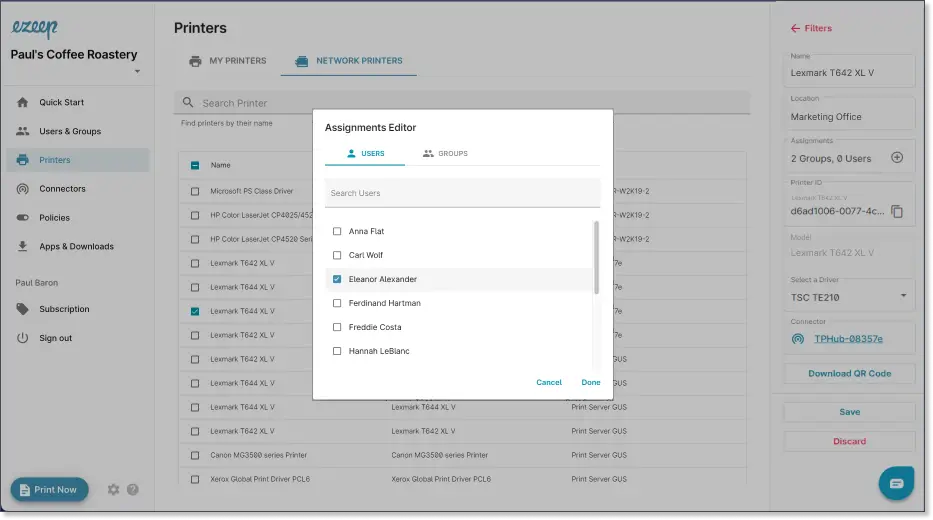
New and Improved Printer Assignment and Management
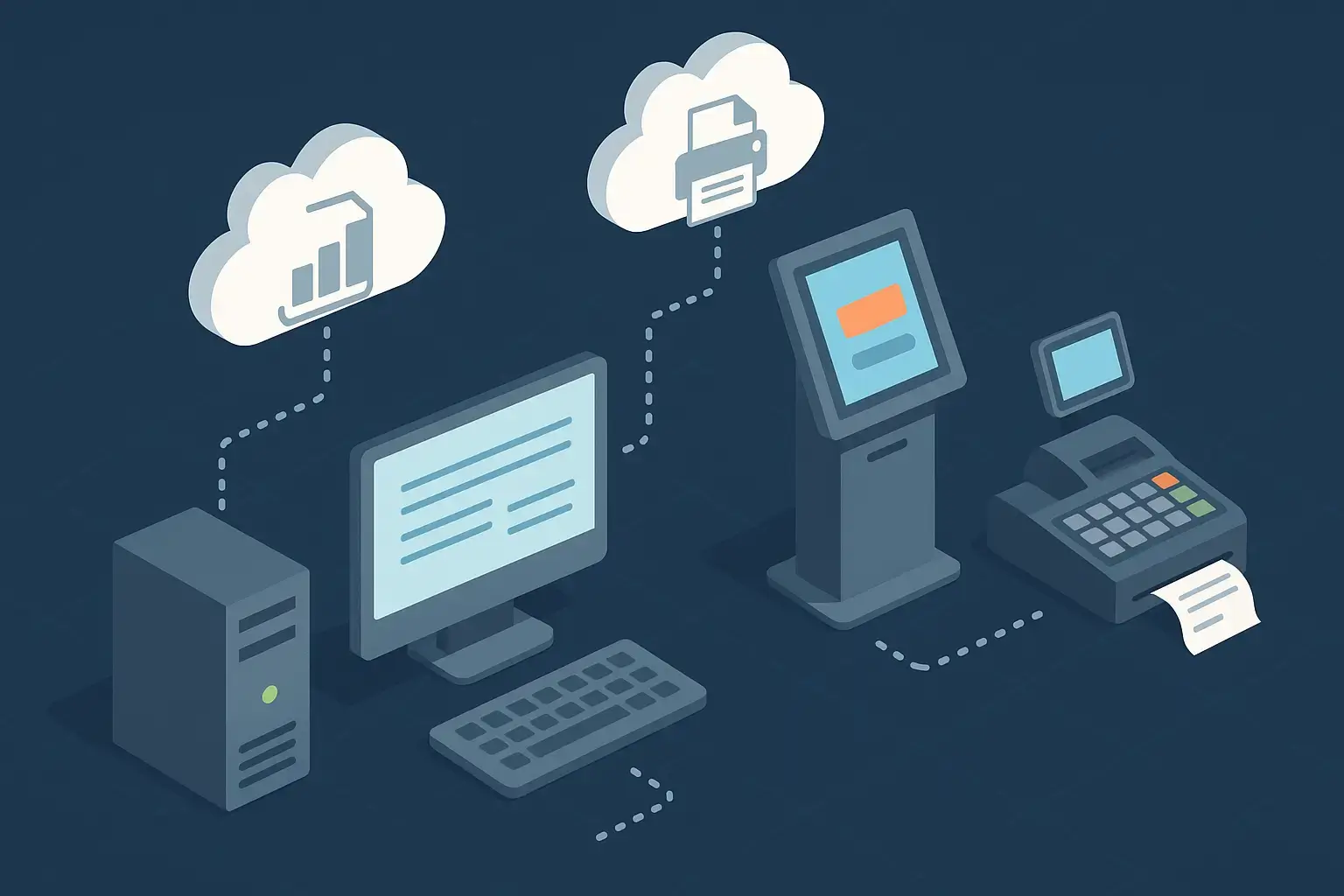
Printing That Never Stops: Introducing the ezeep Print App Service Edition
No Comments Yet
Let us know what you think