
By Charles Ian Pritchard on Apr 1, 2022 2:00:00 AM
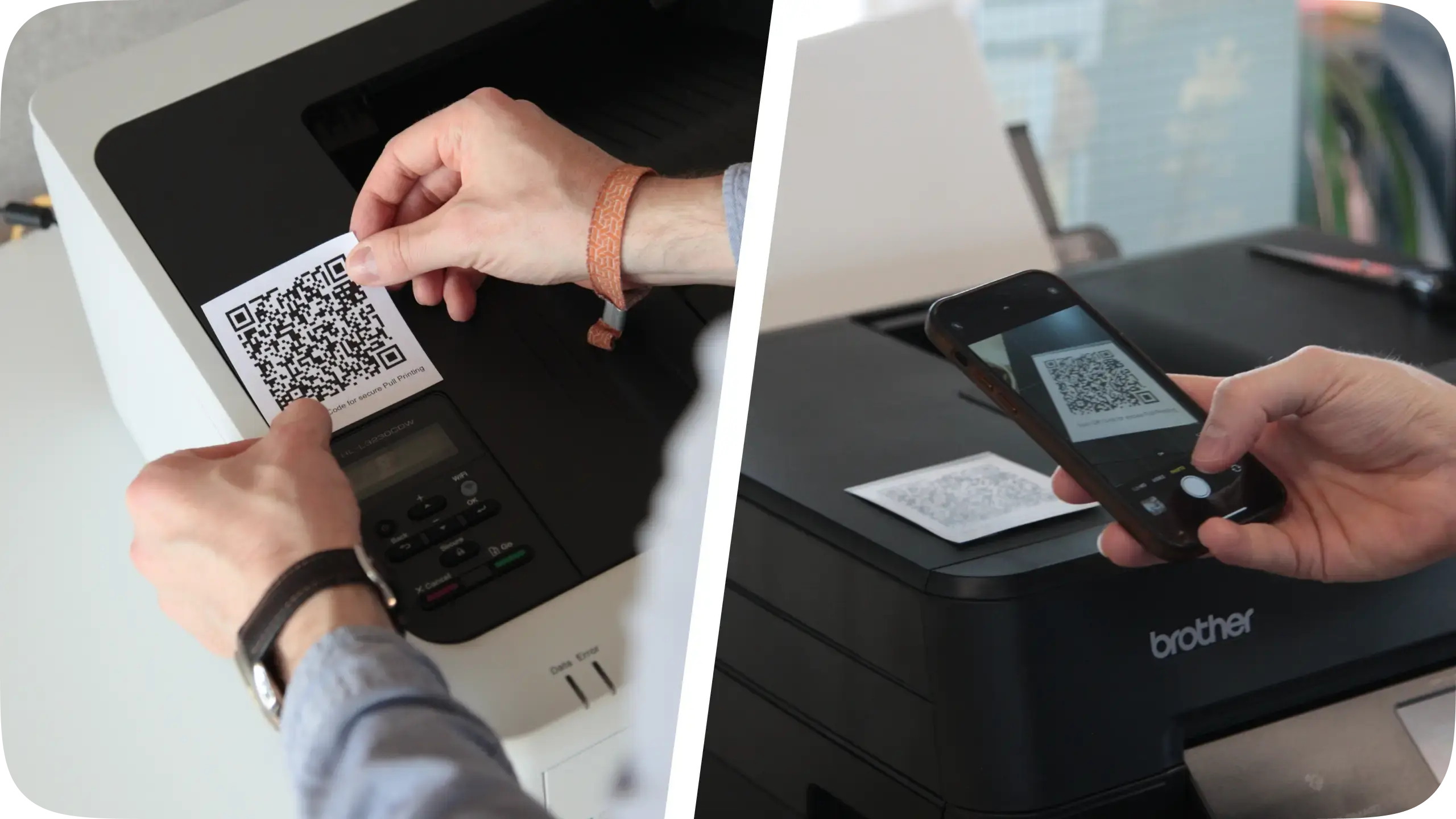
Now available: a pull printing workflow that ensures secure printing in your environment.
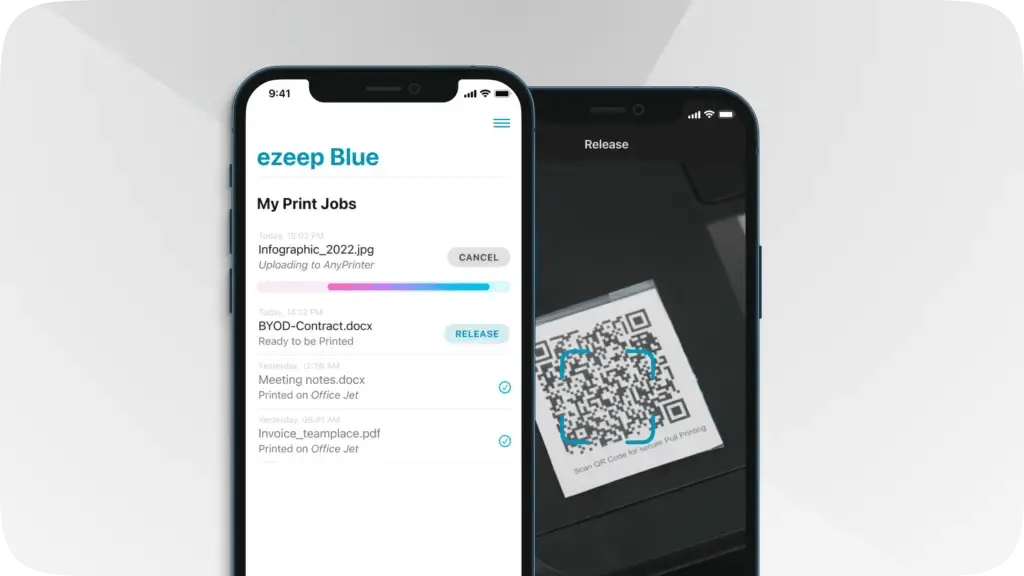
You can now use our pull printing feature to deliver secure printing in your environment. Information on what Pull Printing is and its advantages can be found on our blog.
ezeep's pull printing workflow is simple and suited for the workplace. Check out the video.
First, the user prints their document from any device as normal. To print securely, they select the new AnyPrinter by ezeep print queue instead of selecting a specific printer.
Once a user has downloaded the ezeep Print App, available for iOS and Android, they can release the print job by scanning a QR code at any printer an admin has assigned to them.
This is a way to further secure your printing environment by eliminating the risk of confidential documents being sent to the incorrect printer or being forgotten in the printer tray.
Secure and Easy to Set Up
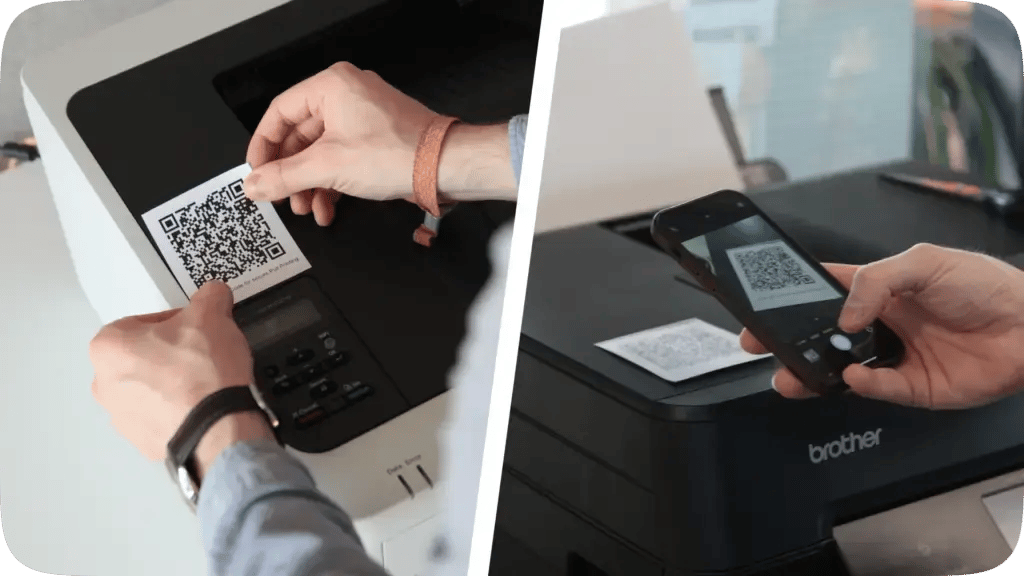
Activate or disable pull printing with the click of a button in the ezeep Admin Portal for your desired groups and users. All QR Codes needed for the authentication workflow can be generated and downloaded directly from the ezeep Admin Portal. For more information, read our Knowledge Base articles on how to set up and use pull printing in your environment.
Feature Overview
- Enables convenient, follow-me / flex desk printing thanks to the AnyPrinter print queue. Users do not need to select a specific printer and can go to their preferred printer whenever they are ready
- Secure authentication via our updated iOS and Android apps. Users receive an overview of all print jobs which are ready to be released and can trigger them with a click and scan of a QR code
- Compatible with all your existing printers
- Additional authentication methods coming soon
Now Available in the ezeep Admin Portal
Not using ezeep already? ezeep is now free for up to ten users.
Find out more information on our website: Start Now.
Already an ezeep user? Great! Pull printing is now available in the ezeep Admin Portal. More information can also be found in the Knowledge Base and on our pull printing feature page.
ezeep is Chrome Enterprise Recommended
ezeep Enables Mobile Printing for Citrix ShareFile
No Comments Yet
Let us know what you think