Print App for Services: Unattended Printing That Never Breaks
Your ERP, WMS, EHR, and SAP systems run around the clock. Your printing should, too. ezeep's Print App for Services delivers reliable, always-on printing from Windows services and system accounts. No user logins. No workarounds. No late-night failures.
Printing Shouldn't Depend on a Logged-In Human
Windows Session 0 Isolation Kills Background Printing
Since Windows Vista, background services run in Session 0, isolated from user sessions. Printer drivers can't load and apps that need a GUI to render output fail silently. Automated print jobs stop without warning.
IT Keeps RDP Sessions Open as a Workaround
The most common fix is keeping a remote desktop session permanently open so printer drivers stay loaded. One dropped connection, one accidental logout, or one server reboot stops all printing until someone notices.
Auto-Login Accounts Create Security Risks
Service accounts configured to auto-login keep printing alive but expose credentials, bypass access controls, and create audit gaps that compliance teams flag on every review.
Printing That Runs Whether You're There
In-Person or Not
Download and Install
Log into the ezeep admin portal. Go to Apps & Downloads. Under "Print App for Services," download the Windows installer. Run it as administrator and follow the prompts. A reboot is required to complete the installation.

Sign In Once
After the reboot, open the "ezeep Account login" app and enter your ezeep credentials. This is a one-time authentication. The Print App for Services then runs as a Windows service and stays connected to the ezeep Cloud without needing anyone logged in.
Assign Printers and Print
Printers assigned to the account in the ezeep admin portal appear automatically. Any application on the machine that can send jobs to a Windows printer can now print through ezeep, whether it's an ERP system, WMS, kiosk application, or a scheduled task. Jobs are rendered in the cloud and delivered to the printer. No user session required.
Designed for Systems That Don't Log Out
When software triggers the workflow, printing should just happen.
ERP & Business Systems
Auto-print invoices, delivery notes, and scheduled reports from SAP, Oracle, Epicor, Microsoft Dynamics, or Sage the moment they're generated. No manual steps between the system and the printer.
Logistics & Warehousing
Print labels, pick lists, and shipping documents as orders move through SAP EWM, Manhattan Active, Blue Yonder, or Oracle WMS Cloud. Output arrives at the printer as fast as the workflow runs.
Retail & Hospitality
Keep receipts, kitchen tickets, and shift reports printing reliably from Oracle MICROS, Toast, Square, or Lightspeed. Output stays consistent during peak hours without manual intervention.
Kiosk & Terminals
Print tickets, badges, visitor passes, and confirmations from self-service stations running custom applications or check-in software. No user session needed on the device.
Healthcare & Labs
Print lab results, patient documents, and care summaries from Epic, Cerner, MEDITECH, or Allscripts without a logged-in session. Protected health information flows directly to the assigned printer.
Manufacturing & Production
Keep work orders, quality labels, and batch documents flowing from MES platforms like Siemens Opcenter, Rockwell Plex, or SAP Manufacturing. Jobs print as production events fire.

Want Printing To Run Straight From Your App?
If you're triggering jobs from ERP, WMS, POS, or your own SaaS platform, the ezeep API lets your software say "print this" while we handle delivery. Pair it with Print App for Services for always-on Windows environments.
What You Get In Real Life
Fewer Manual Steps
Fewer "Where Did It Go" Moments
Faster Operations
Cleaner Oversight
Print App for Services vs. Common Workarounds
Dive Into the World of ezeep
How a Global Enterprise Eliminated Print Servers and Cut Cost 30%
Case Study

Why Sustainable Printing is the Future of Hybrid Work Around the World
Blog Article
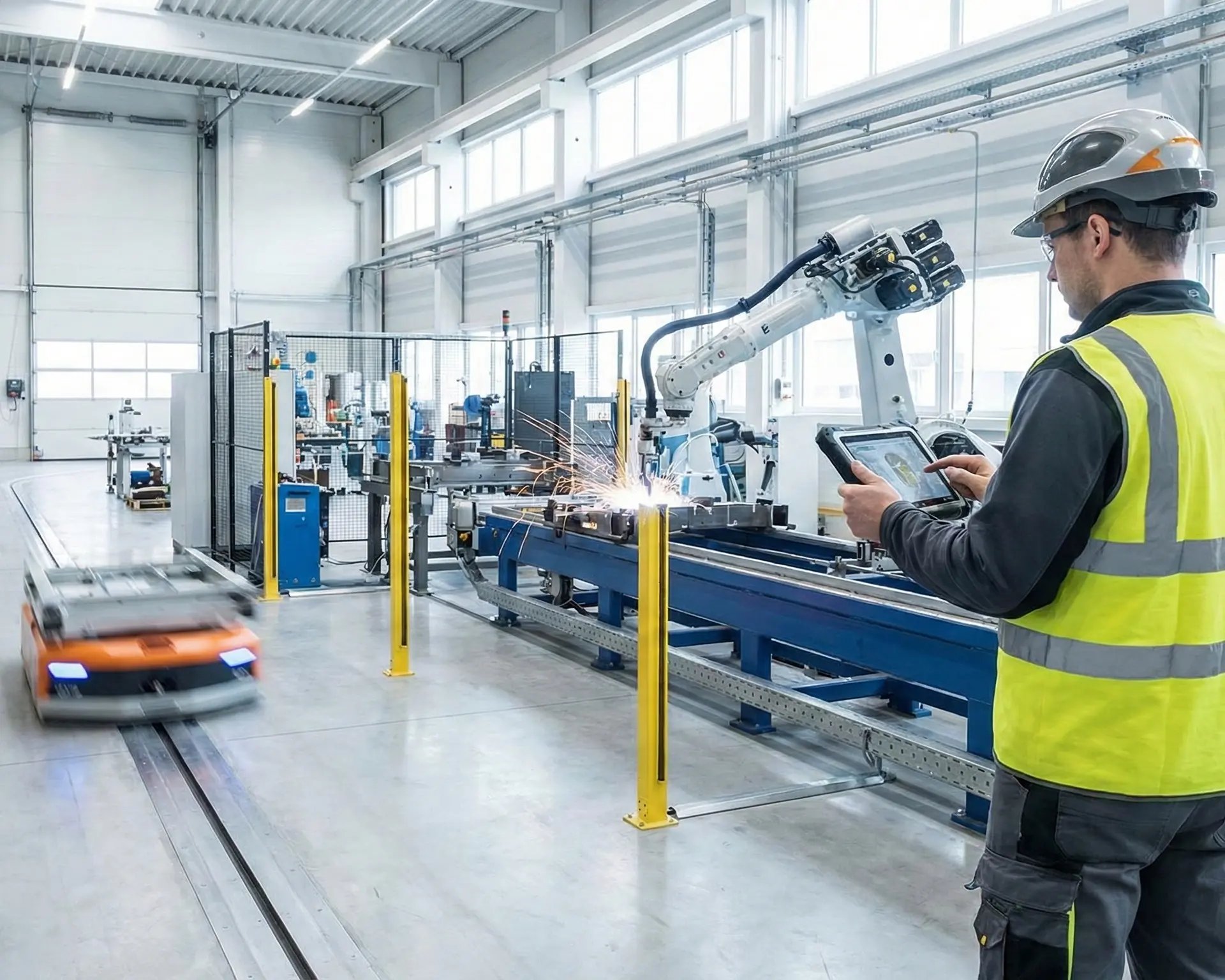
Cloud Printing Made Simple - See ezeep in Action in Manufacturing
Webinar
Frequently Asked Questions
Curious about how it all works? Here's everything you wanted to know about ezeep's cloud printing solution!
What is the ezeep Print App for Services?
The Print App for Services is a Windows application that runs as a system service, enabling cloud printing without requiring a user to be logged in. It authenticates once with the ezeep cloud and then operates independently in the background. Any application on the machine that can print to a Windows printer can send jobs through ezeep, including ERP systems, kiosk software, warehouse management platforms, and scheduled tasks.
How is it different from the regular ezeep Print App?
The regular Print App runs in the context of a logged-in user and creates printers for that user's session. The Print App for Services runs as a Windows service and stays active regardless of whether anyone is logged in. Use the regular app for people printing from their desktops. Use the Services edition for automated, system-driven printing from backend applications.
Why do automated print jobs fail when no one is logged into the server?
Since Windows Vista, background services run in Session 0, which is isolated from user sessions. Printer drivers and applications that need a display to render output can't function in that environment, so automated print jobs fail silently. Print App for Services bypasses this by running as a native Windows service with cloud rendering, so jobs don't depend on a user session or local drivers.
Can it replace workarounds like keeping RDP sessions open for printing?
Yes. Many IT teams keep remote desktop sessions open or use auto-login service accounts to maintain printer access for automated workflows. Print App for Services eliminates those workarounds by running independently as a Windows service. One-time authentication, no session dependency, no security risk from permanently open sessions.
Does it work with ERP systems like SAP, Oracle, and Microsoft Dynamics?
Yes. Any application that can send a print job to a Windows printer works with Print App for Services. This includes SAP, Oracle, Epicor, Microsoft Dynamics, Sage, Epic, Cerner, and other platforms that generate invoices, labels, shipping documents, patient records, or scheduled reports.
Keep Printing Moving - No Logins Required
If your workflows run around the clock, your printing should, too.