Cloud Printing That Works Across Campus
Bring order to decentralized educational printing. Let students, factually, and staff print from any device across libraries, labs, dorms, and admin buildings - while IT gets fewer tickets, clearer oversight, and a platform that scales with campus life.
Why Campus Printing Gets Messy Fast
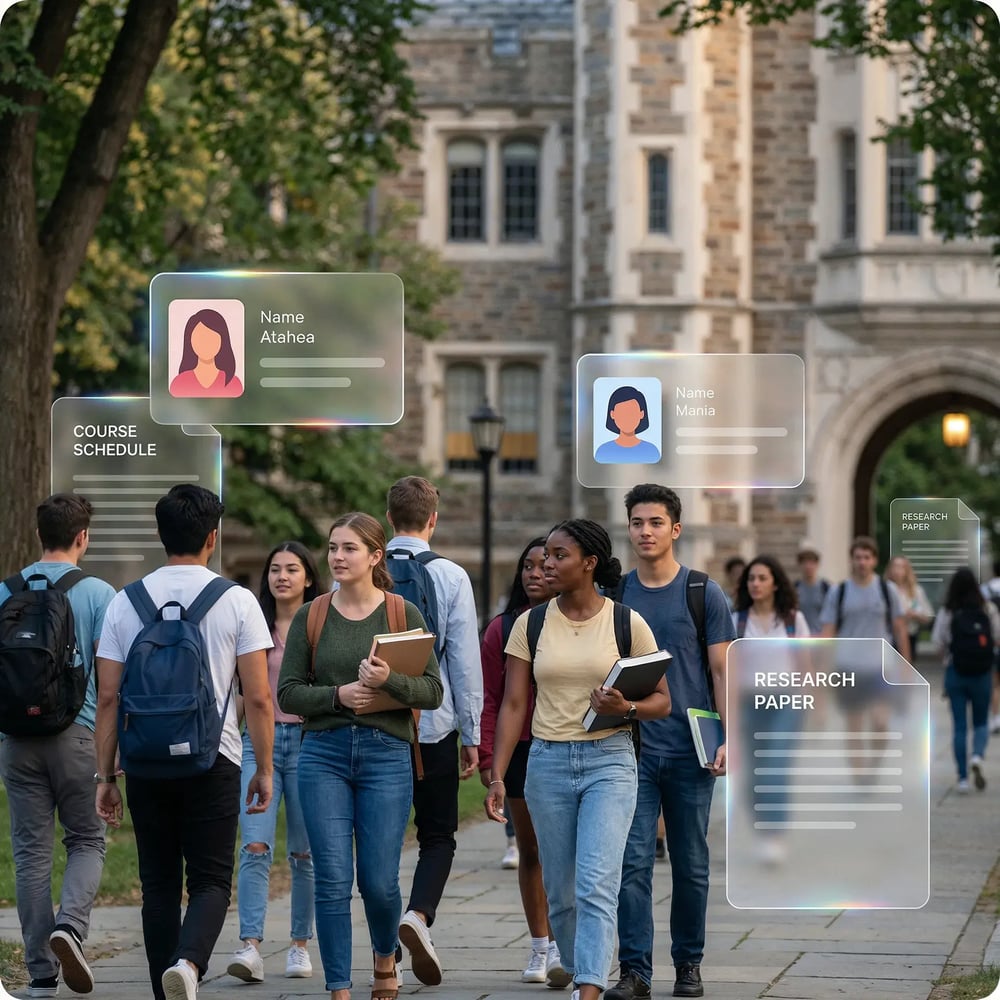
Campus Complexity
Faculties and departments run different printers, vendors, and rules across buildings and satellite locations, leaving central IT responsible without having one consistent view.
User & Device Diversity
Students, faculty, researchers, staff, and guests print from Chromebooks, MacBooks, Windows devices, tablets, and phones. Legacy setups struggle when access and permissions vary by role and location.
Tickets, Risk, and Waste
Queues fail at the worst times, sensitive pages get left on shared trays, and costs rise without clear reporting for finance teams, departmental admins, and campus leadership.
A Cloud Printing Platform Built for Education
Goodbye Print Servers. Hello Sanity.
Stop starting your day with "the printers are down" tickets. With ezeep, campus printing runs in the cloud, so you're no longer patching servers or chasing queue failures.
It provides central control over your entire print environment, giving you stability that keeps up with the demands of the semester.

Print From Any Device, Anywhere
End the chaos of "this only prints from a PC" or "that won't work with your Chromebook."
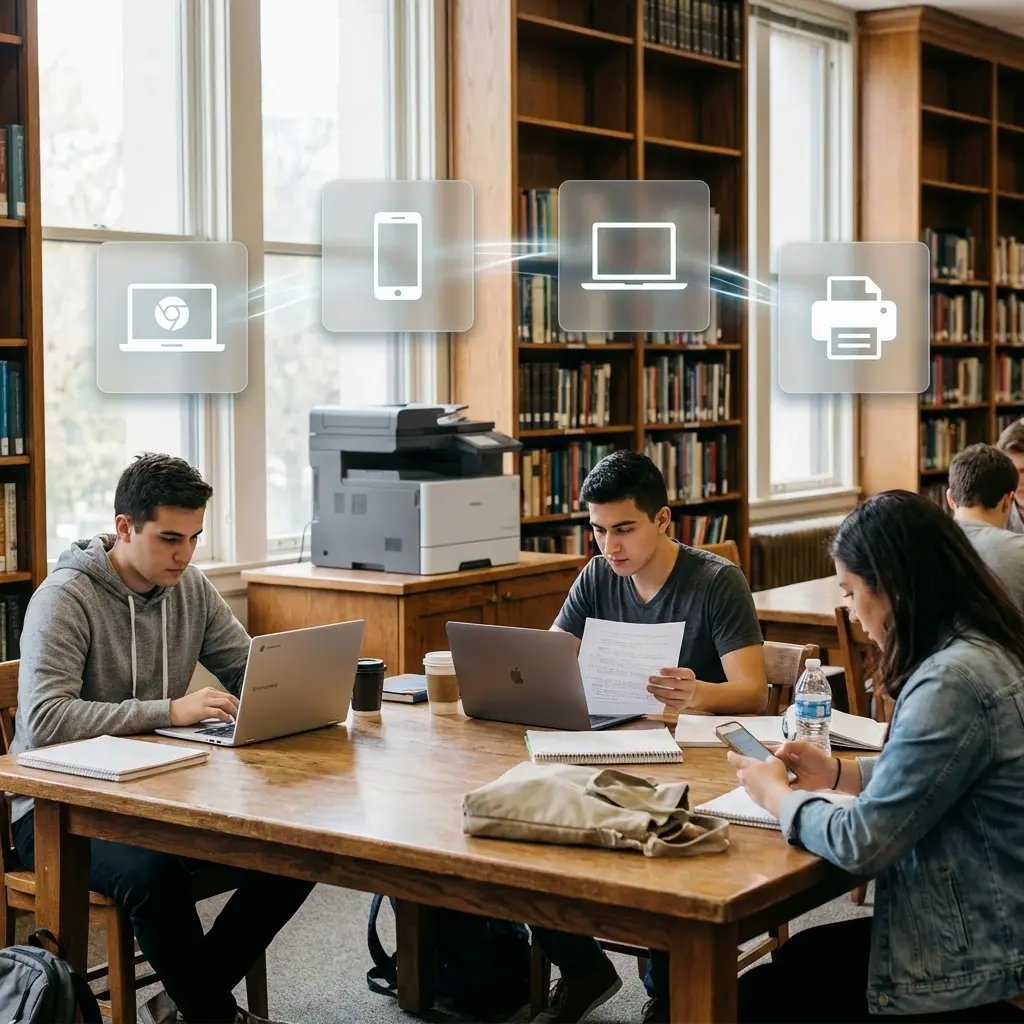
ezeep gives everyone a single, consistent way to print from any device - Windows, Mac, Chromebook, iOS, and Android. It just works, whether in a library, lab, or dorm room.
Access That Doesn't Turn Into a Ticket
Manually assigning printers shouldn't be a full-time job.
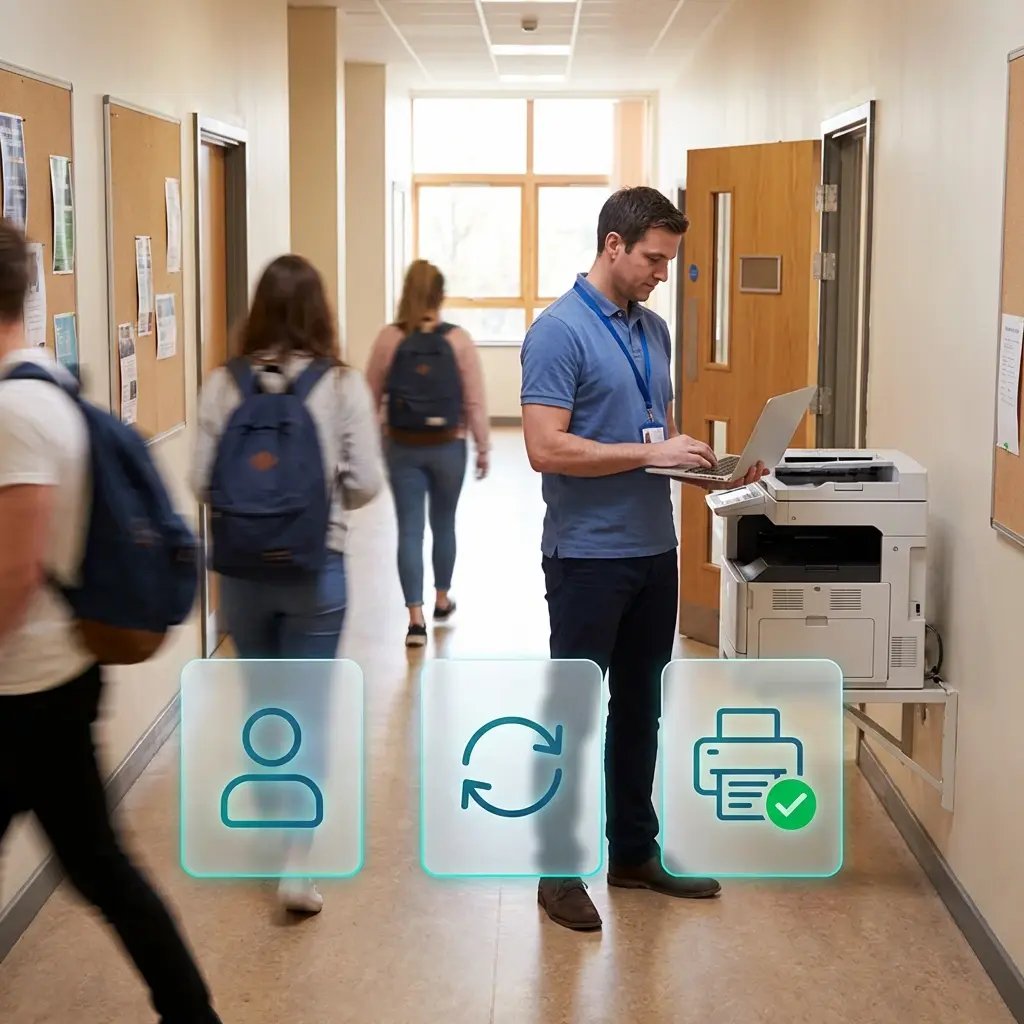
ezeep syncs with your identity provider (Azure AD, Google) to automatically assign printers based on user groups. Students, faculty, and staff get the right access instantly, without you lifting a finger.
Secure Your Print Jobs. Not Just the Tray.
An exam paper left in a shared printer tray is a problem you don't need.
Our Pull Printing holds jobs until the user authenticates at the device with their campus ID or phone. This ensures sensitive registrar documents, research, and student records always end up in the right hands.

Turn Print Costs from a Mystery to a Metric
Make print budgeting less painful for you and the finance department.
ezeep provides clear reporting on usage by department, allowing you to set quotas and manage costs effectively. For student printing, our payment integrations make cost recovery a smooth, automated process.

Less Infrastructure. More Calm.
Move campus printing to the cloud and reduce the day-to-day maintenance burden. Have fewer patches, fewer queue mysteries, and fewer "it broke overnight" surprises.
One Experience Across Campus
Support the real education device mix - Chromebooks, MacBooks, Windows laptops, tablets, and phones - across libraries, labs, dorms, and shared printers without special steps per department or "this printer only works on that OS."
Permissions That Actually Make Sense
Tie printer visibility and access to identity and groups, so students, staff, faculty, and researchers see the right printers by role, building, and department - all without constant manual adjustments.
Temporary Access, Without Temporary Chaos
Support guest lecturers, visiting scholars, events, and short-term programs with controlled access that doesn't create recurring IT work or one-off setups.
Confidential Pages Stay With The Right Person
Reduce tray exposure in busy shared spaces. Pull Printing helps ensure jobs only release when the user authenticates at the printer with their school ID, helping protect exams, registrar documents, and sensitive student records.
Visibility Finance Can Actually Use
Understand usage across departments and locations, support quotas and accountability, and make it easier for busier and finance teams to track print spend without turning IT into the print police.
Cost Recovery Without The Busywork
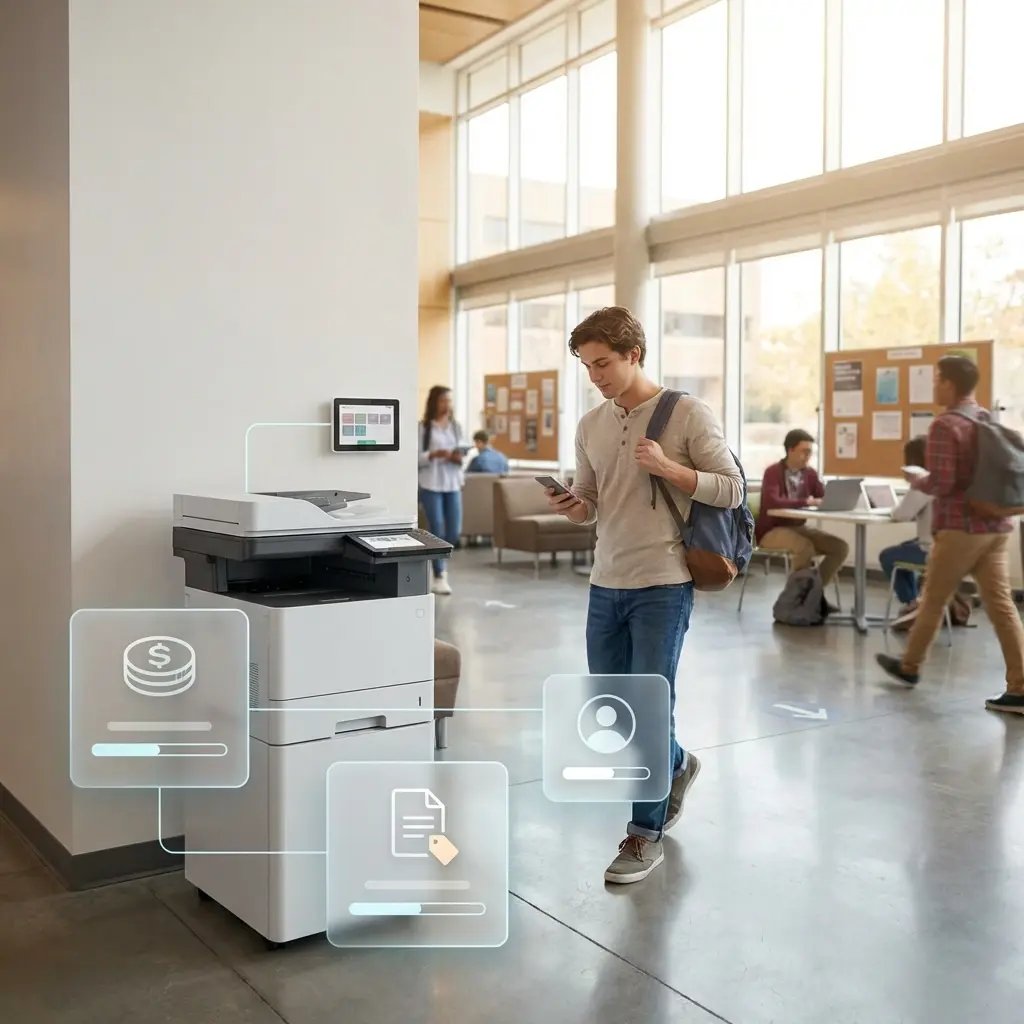
For campuses that charge students to print, ezeepCampus adds Self-Join onboarding and credit-based printing, so students and staff can self-serve while your institution keeps pricing and access under control.
From "Can I Print This?" to "It's Already Done."
Add Your People and Printers
Sync users from your directory, and connect campus printers from one admin view. Assign the right printers to the right groups and locations so access stays organized without manual setup.

They Print From Any Device
Students and staff print from Chromebooks, macOS, Windows, iOS, and Android using the app or a browsers flow, without drive installs. The experience stays consistent across libraries, labs, dorms, and shared print zones.

IT Stays In Control
Set policies once and manage access centrally by role and location. Get visibility with reporting and logs, and reduce tickets without babysitting print servers.
Self-Service Student Printing with Billing
Built In
ezeepCampus is our standalone campus add-on for pay-to-print scenarios. It connects ezeep printing with credit management and Stripe Connect payments, so students can buy credits and print on their own, while universities keep pricing and access under control.
Built for Every Place Learning Happens
K-12 Schools & Districts
Mixed devices and limited IT resources benefit from simpler management and fewer disruptions.

Universities & Colleges
Decentralized departments, shared printers, guest access, BYOD - one consistent experience.

Remote & Hybrid Learning
Satellite sites and shared spaces can still run a predictable print experience without constant workarounds.

Print Protection That Fits Real Campus Life
Busy shared spaces, rotating users, and decentralized ownership call for controls that are practical, audit-ready, and easy to run.
SSO + MFA-Ready Access
Role-Based Admin Permissions
Consistent Campus Policies
Print Data Retention Controls
Audit Support for Investigations
Compliance-Minded Workflows
Your Printer's Shortcut to the Cloud
Connect existing campus printers, especially older models and shared devices, directly to the cloud and reduce onsite maintenance effort with the ezeep Hub.
Frequently Asked Questions
Curious about how it all works? Here's everything you wanted to know about ezeep's cloud printing solution!
How does cloud printing work in schools and universities?
Cloud printing replaces on-campus print servers with a cloud-managed platform that connects students, faculty, and staff to campus printers from any device. With ezeep, users are synced from the school's identity provider (Azure AD, Google), printers are connected via the ezeep Hub or Connector, and print jobs are rendered in the cloud. No drivers are installed on any device, and IT manages the entire campus print environment from a single web console.
Can students print from Chromebooks, iPads, and personal laptops on campus?
Yes. ezeep supports printing from Windows, macOS, ChromeOS, iOS, and Android without installing device-specific drivers. Students print from Chromebooks in the library, MacBooks in the dorm, or their phone between classes. The experience is the same regardless of device type, which eliminates the compatibility issues that typically generate IT support tickets in BYOD campus environments.
How do universities keep exam papers and student records secure when printing on shared printers?
ezeep's Pull Printing feature holds print jobs in a secure cloud queue until the authorized user authenticates at the printer, using a campus ID card, smartphone app, or QR code. Documents are never left sitting in an output tray waiting to be collected. Print data is encrypted and deleted immediately after the job completes. This protects sensitive materials like exam papers, transcripts, and HR documents on shared campus printers.
Can schools track printing costs by department and set student print quotas?
Yes. ezeep provides usage reporting by user, group, and department, giving administrators and finance teams clear visibility into who is printing what and where. For student pay-to-print scenarios, ezeepCampus adds credit-based printing with Stripe payments, so students buy credits and spend them as they print with no manual reconciliation required from staff.
How long does it take to set up cloud printing across a school or university campus?
Most deployments are operational within hours to a day. Setup involves two steps: connecting campus printers to the cloud via the ezeep Hub or Connector, and syncing users from your identity provider (Entra ID or Google). Once connected, printers are assigned to buildings, departments, or user groups from the admin console. There are no print servers to install, no drivers to push to devices, and no per-machine configuration.
Ready to Make
Printing the Easy Part
of Your Day?
Give students and staff a printing experience that works across devices and buildings - and give IT one less recurring fire to put out.