Printing That Behaves Across Every Enterprise Office

Take printing off your IT team’s plate. Replace print servers and driver chaos with predictable printing across every office - so employees get consistent results and IT stops getting dragged into recurring printer emergencies.


Talk to SalesSee How It Works
enterprise-office-printing-hero
The Enterprise Printing

Printing Still Creates Work Your Team Shouldn’t Have to Do

Most enterprises are cloud-first everywhere - expect printing. And that gap shows up as tickets, exceptions, and fire drills across locations, networks, and devices.

Limited Visibility and Governance

When access rules and reporting live in different places, it’s harder to control who can print where, spot waste, or answer audit questions quickly.

Solution

Make Printing Predictable - Not Another System to Maintain

Stop Babysitting Print Servers

The weekly patches, the random service restarts, the endless "printing is down" tickets - your print servers demand constant attention.

Move printing out of the server room and eliminate the infrastructure you have to babysit. Free up your team to focus on strategic initiatives, not chasing print queues.

stop-babysitting-print-servers

Stop the Configuration Rinse and Repeat

Why should setting up a new branch office feel like starting from scratch? ezeep lets you define your printing policies once and apply them everywhere.

From HQ to the smallest satellite office, printing just works the same. Enforce rules, deploy updates, and onboard new sites from one place.

multi-location-setup

Tame the Endpoint and Cloud Desktop Chaos

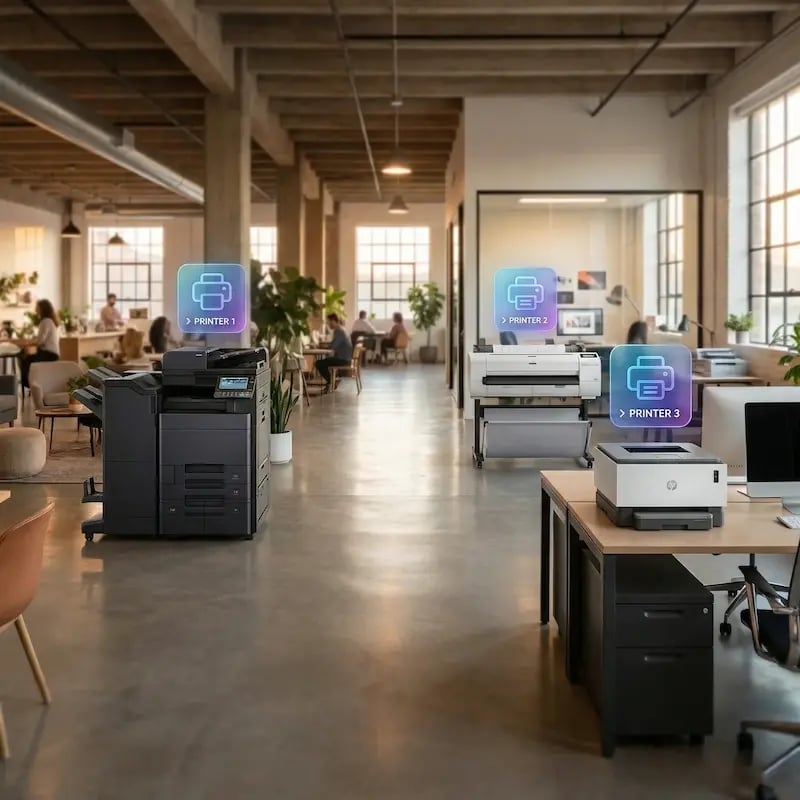
Between hybrid users, shared workstations, and VDI environments, endpoint printing has become a mess of drivers and exceptions. ezeep standardizes it.

Deliver reliable printing to any device - Windows, Mac, mobile, or virtual desktop - without managing a mountain of drivers or building a separate plan for each platform.

multiple-device-printing

Make Printer Mapping Zero-Click

Manually mapping printers for every new hire or role change doesn’t scale. ezeep integrates directly with your IdP (like Entra ID) to assign printers based on user groups and identity.

New team members get the right printers automatically on day one, removing an entire category of helpdesk tickets.

printer-mapping

Address Unseen Risk and Unmanaged Costs

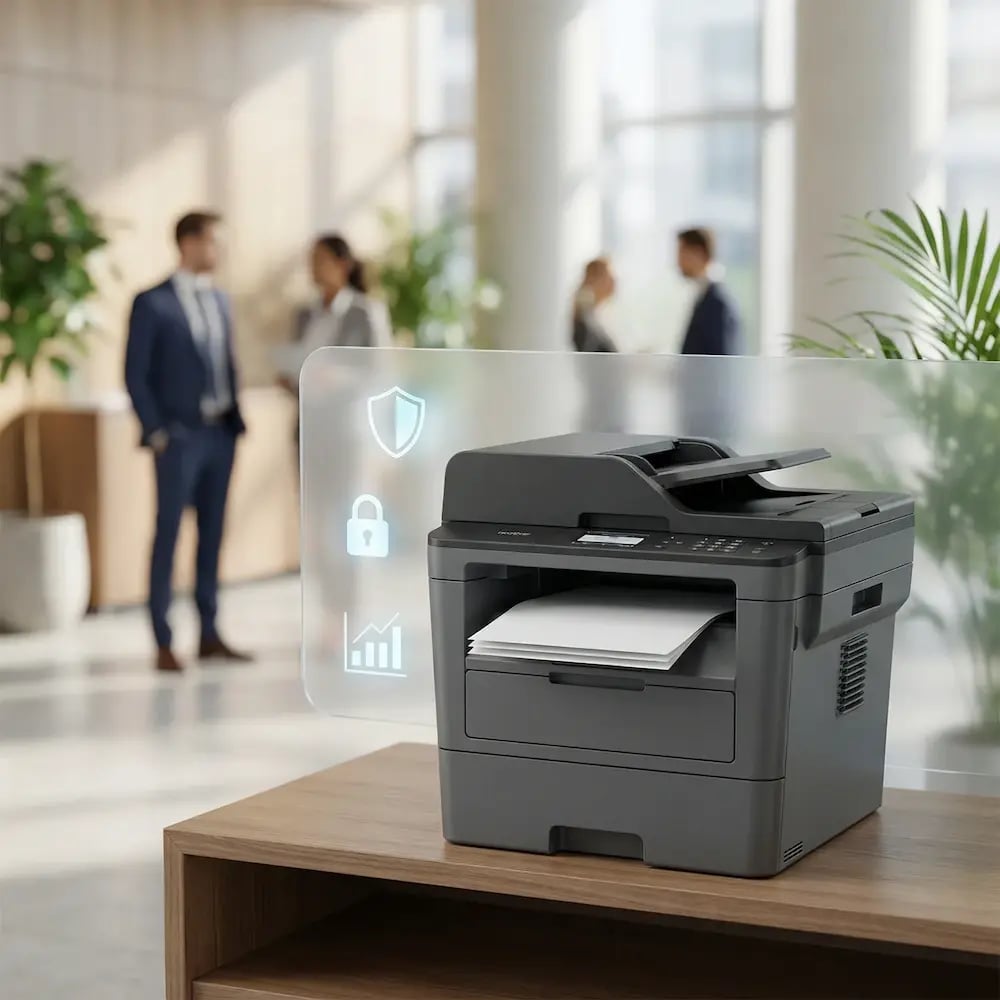
Unclaimed documents on a printer tray aren't just wasteful - they're a compliance risk. ezeep provides secure print release to protect sensitive data and reporting to give you visibility.

Support your Zero Trust strategy, justify budgets, and pass audits with centralized data-driven insights, all without turning IT into the print police.
unseen-risk-wasteful-reporting

Less Infrastructure. More Calm.

Move campus printing to the cloud and reduce the day-to-day maintenance burden. Have fewer patches, fewer queue mysteries, and fewer "it broke overnight" surprises.

Server-Free
Centralized
Less Upkeep

One Experience Across Campus

Support the real education device mix - Chromebooks, MacBooks, Windows laptops, tablets, and phones - across libraries, labs, dorms, and shared printers without special steps per department or "this printer only works on that OS."

Campus-Wide
Cross-Platform
User-Friendly

Permissions That Actually Make Sense

Tie printer visibility and access to identity and groups, so students, staff, faculty, and researchers see the right printers by role, building, and department - all without constant manual adjustments.

Role-Based
Location-Aware
Consistent

Temporary Access, Without Temporary Chaos

Support guest lecturers, visiting scholars, events, and short-term programs with controlled access that doesn't create recurring IT work or one-off setups.

Temporary Access
Controlled
Low Effort

Confidential Pages Stay With The Right Person

Reduce tray exposure in busy shared spaces. Pull Printing helps ensure jobs only release when the user authenticates at the printer with their school ID, helping protect exams, registrar documents, and sensitive student records.

Private Release
Less Mix-Ups
Auditable

Visibility Finance Can Actually Use

Understand usage across departments and locations, support quotas and accountability, and make it easier for busier and finance teams to track print spend without turning IT into the print police. 

Measurable
Accountable
Budget-Friendly

Cost Recovery Without The Busywork

For campuses that charge students to print, ezeepCampus adds Self-Join onboarding and credit-based printing, so students and staff can self-serve while your institution keeps pricing and access under control.

Self-Join
Credit-Based
Accountable
How It Works

From Complex and Distributed to Predictable and Cloud-Managed

Get enterprise printing under control without a long rollout. Connect identity so access follows your org structure, add printers by site, and manage policies centrally.
add-your-printers
1

Add Printers by Site

Connect printers across offices, branches, and regions so they’re centrally visible and ready to assign. Standardize naming and defaults to keep printing consistent at scale.

add-users
2

Add People and Access

Sync identities and groups so printer access follows your org structure automatically. Assign printers by role, department, or location and keep access aligned as teams change.

manage-govern-one-dashboard
3

Manage, Monitor, and Govern

Apply policies centrally, monitor usage, and keep audit-friendly visibility across the fleet. Reduce admin overhead while maintaining control across every site.


ezeep API

When Workflows Are Automated, Printing Should Be, Too

If your teams automate everything, printing shouldn’t be the exception. Use the ezeep API to trigger and route print jobs directly from your systems - removing human intervention from high-volume workflows.

Use it for automated document output, system-triggered printing, embedded self-service, and custom workflow integration.

Explore the ezeep API
ezeep-api
Environments

Printing That Behaves Across Every Environment

multi-site-branch-locations

Multi-Site & Branch Locations

Standardize printing across every office from one admin view. Manage printers, users, and policies centrally without local servers or on-site troubleshooting.

high-control-regulated-environments

High-Control & Regulated Environments

Apply identity-based access and controlled release where governance is strict. Audit-ready logs answer questions without slowing teams down.
legacy-infrastructure-hub

Legacy Infrastructure Environments

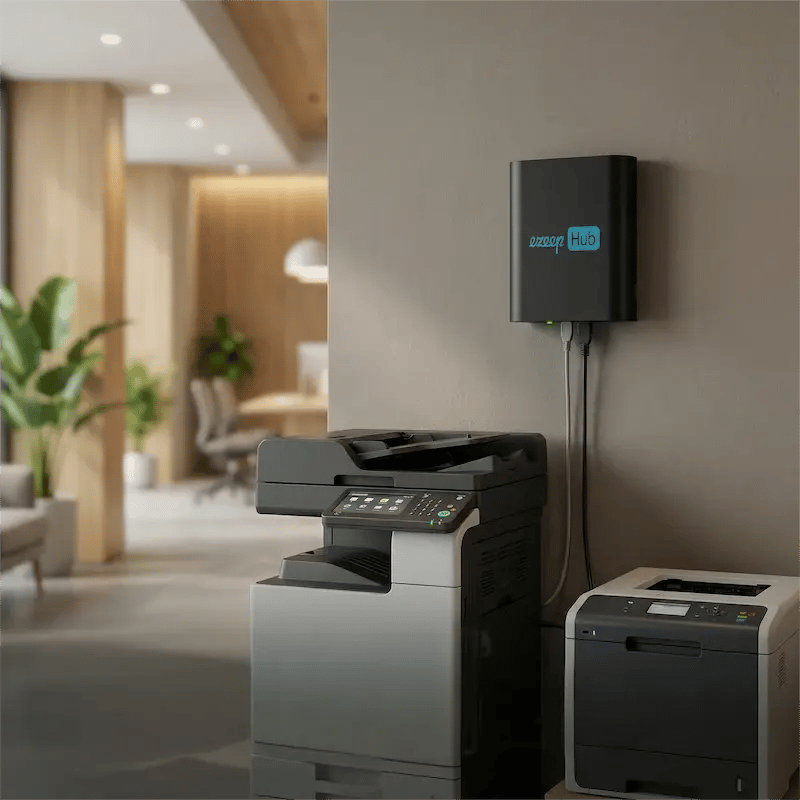
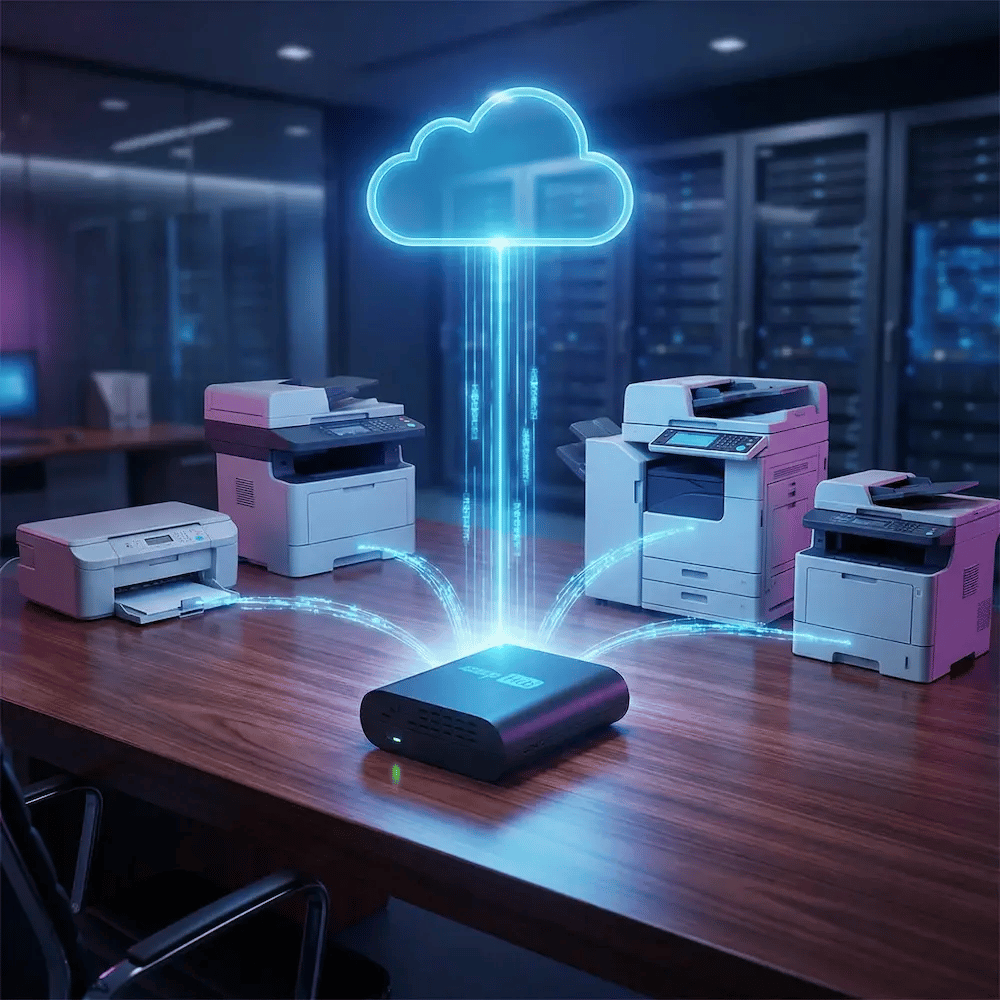
Modernize mixed fleets and older printers without a rip-and-replace project. With ezeep Hub, USB and network printers connect to the cloud and behave consistently.
Security & Compliance

Enterprise Control That Doesn’t Create More Work

Use practical, audit-ready controls that fit modern identity and distributed operations without adding a new operational burden.
ezeep-hub-cloud-printers

Your Printer’s Secure Bridge to the Cloud

Connect existing enterprise printers, including older models and USB-only devices, directly to the cloud with the ezeep Hub, and reduce all on-site maintenance efforts.

Learn More About the ezeep Hub

Testimonials

The Cloud Printing Platform Enterprises Trust

See how enterprise teams reduce print overhead, standardize across locations, and keep governance under control.
"The best part about ezeep is that it provides an excellent user interface. With one click, printers appear."
Lukas Linke
IT Workplace Solutions Specialist, DMK
"With ezeep, we save time and significantly increase th efficiency of our printing processes."
Jonathan Audet
Deputy IT Director, CRT Construction
"ezeep is easy to set up and administer, is implemented quickly, and the printing works flawlessly."
holz-mayrhofer-logo
Mark Farnhammer
IT Administrator, Holz-Mayrhofer

Frequently Asked Questions

Curious about how it all works? Here’s everything you wanted to know about ezeep’s cloud printing solution!

How does ezeep work for large, multi-location enterprise networks?

ezeep connects all your offices, branches, and remote locations through a single cloud platform. Printers are managed centrally, and the ezeep Hub links USB and network printers to the cloud without requiring servers, VPNs, or local IT. This ensures consistent printing across regions, time zones, and network environments.

Can ezeep integrate with our existing identity provider (Entra ID, Google Workspace…)?

Yes! ezeep integrates with major identity platforms including Microsoft Entra ID and Google Workspace.. User access is managed through your existing directory, and group-based assignments automatically deploy printers to the right teams and locations.

Do we need to replace our existing printers to use ezeep?

No. ezeep works with your existing printers, including mixed fleets and legacy devices. The ezeep Hub connects USB and network printers to the cloud, and all rendering happens in the cloud - meaning no drivers or client installs are required. This allows you to modernize printing without investing in new hardware.

Is ezeep secure enough for regulated or high-compliance environments?

Absolutely. ezeep uses end-to-end encryption, identity-based access, optional related authentication (PIN, card, or RFID), and full auditing capabilities. Print jobs are processed in isolated tenant environments and deleted automatically after transmission. This aligns with modern Zero Trust and ISO 27001 principles, making ezeep suitable for enterprises with strict compliance requirements.

How quickly can we deploy ezeep across multiple locations?

Most organizations deploy ezeep in just minutes. The Hub can be shipped pre-configured or remotely-registered when powered on. IT teams manage everything from one dashboard, and printers, policies, and users can be assigned instantly across all offices and sites. This makes ezeep ideal for rapid rollouts, seasonal locations, or distributed operations.

Back to top

Ready to Stop Thinking About Printing?

Make printing predictable across every location and device - so employees can print and move on, and IT gets fewer tickets, exceptions, and “can you hop on a quick call” moments.

ezeep-chart (1)