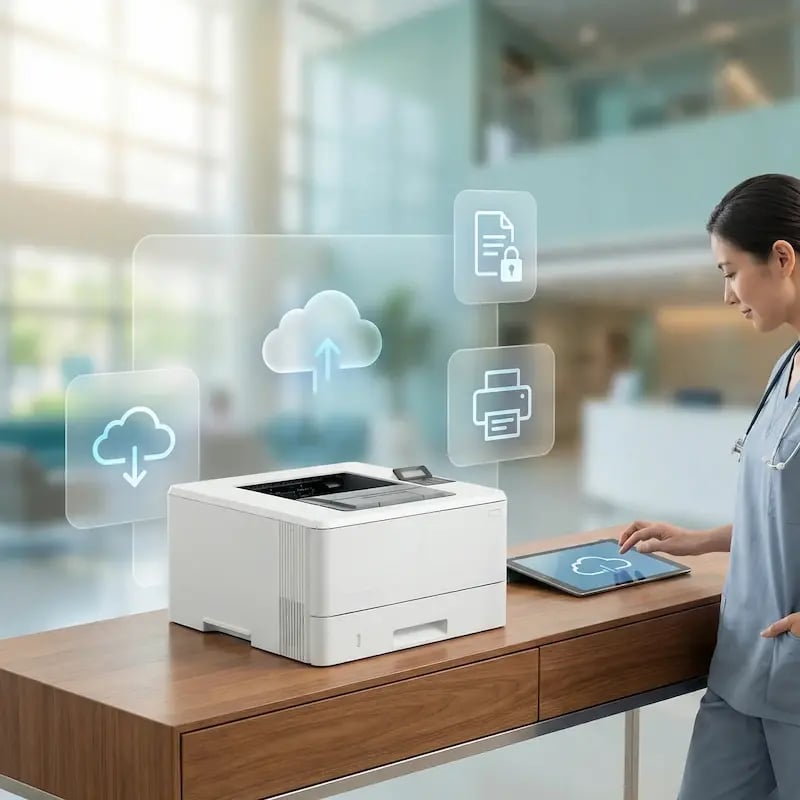
Printing That Doesn’t Interrupt Patient Care
Healthcare moves fast. Your printing should stay out of the way. ezeep brings cloud-managed printing to hospitals, clinics, and branches so staff can get documents when they need them, and IT gets fewer tickets, more control, and less infrastructure to maintain.
Printing Shouldn’t Slow Down Patient Care
Sensitive Documents Everywhere
Medical charts, prescriptions, and lab reports contain protected health information (PHI) that must be secured, especially in busy, shared clinical environments.
Too Many Devices, Not Enough Compatibility
Clinicians jump between workstations, tablets, mobile devices, and shared terminals. Legacy setups often break when the device mix changes, creating delays at the worst possible moments.
Shifting Roles, Rotations & Multi-Site Operations
New staff, rotating teams, and multiple facilities make it harder to keep printing access consistent without creating constant admin work for IT.
Reliable Printing for Uninterrupted Care
Stop the “Printing is Down” Fire Drills
An offline printer isn't an inconvenience - it's an interruption to care.
ezeep removes the common points of failure like servers and driver conflicts that cause urgent calls from the nurses' station. By removing those failure points, you reduce urgent calls from the nurses’ station and recurring escalations for IT.
Deliver Printing That Follows the Clinician
Clinicians move between floors, workstations, and devices all day - printing access should follow them.
ezeep keeps the print experience consistent across shared terminals, tablets, WOWs, and VDI sessions, so staff don’t have to relearn workflows or call the helpdesk when they change locations.

Decommission Your Print Servers for Good
Print servers are often one of the last legacy components in healthcare IT that still need hands-on maintenance. Moving to ezeep can take them off your roadmap entirely.
Eliminate patching, lifecycle planning, and server-related outages while simplifying your infrastructure for good, freeing up critical resources and budget.

Manage Your Entire Health System from One Place
Stop treating each hospital, clinic, and administrative site like a separate IT project.
ezeep allows you to apply and enforce consistent printing policies across your entire health system from a single dashboard. Onboard a new facility in hours, not weeks, and end the "this building is different" exceptions.

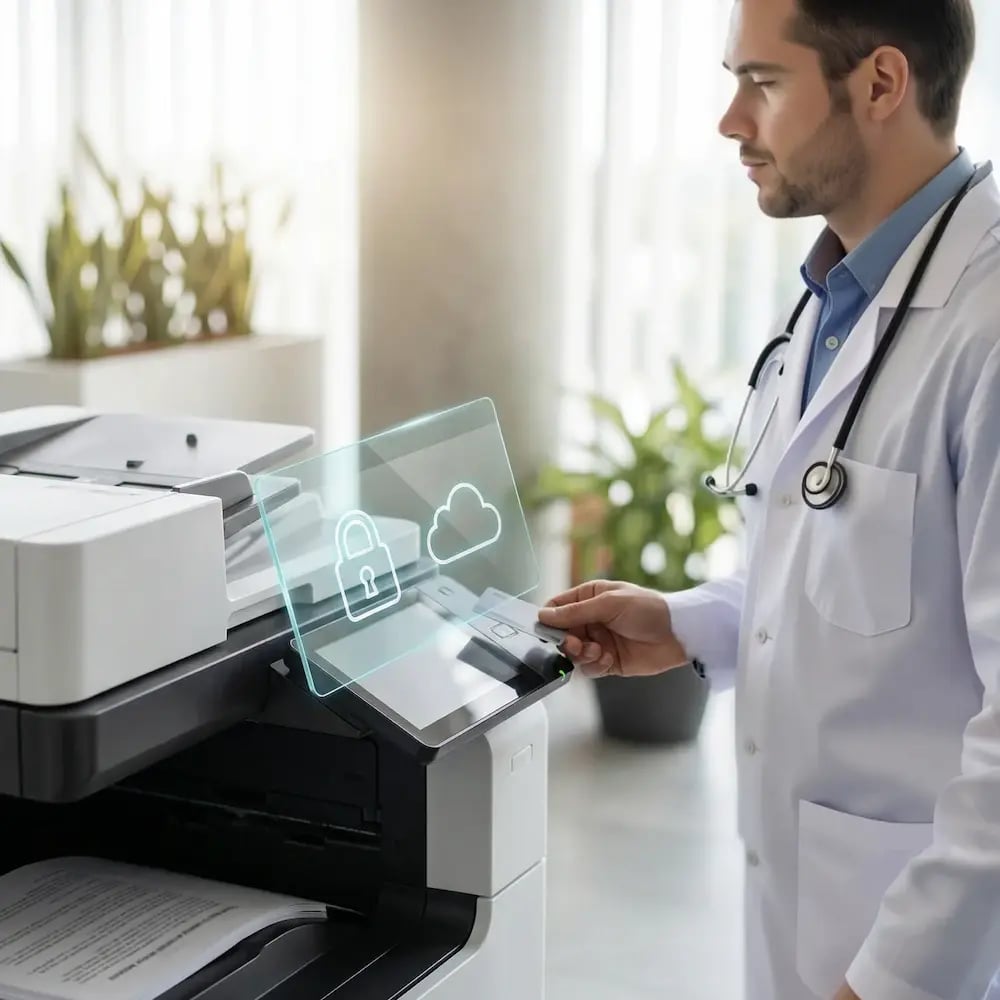
Protect Patient Data at the Printer
An uncollected document with PHI on a printer tray is a significant security risk.
ezeep's secure print release ensures sensitive information is only released to the authorized user, protecting patient data and supporting your HIPAA compliance strategy. With audit-ready logs, you have the visibility you need to prove it.
Less Infrastructure. More Calm.
Move campus printing to the cloud and reduce the day-to-day maintenance burden. Have fewer patches, fewer queue mysteries, and fewer "it broke overnight" surprises.
One Experience Across Campus
Support the real education device mix - Chromebooks, MacBooks, Windows laptops, tablets, and phones - across libraries, labs, dorms, and shared printers without special steps per department or "this printer only works on that OS."
Permissions That Actually Make Sense
Tie printer visibility and access to identity and groups, so students, staff, faculty, and researchers see the right printers by role, building, and department - all without constant manual adjustments.
Temporary Access, Without Temporary Chaos
Support guest lecturers, visiting scholars, events, and short-term programs with controlled access that doesn't create recurring IT work or one-off setups.
Confidential Pages Stay With The Right Person
Reduce tray exposure in busy shared spaces. Pull Printing helps ensure jobs only release when the user authenticates at the printer with their school ID, helping protect exams, registrar documents, and sensitive student records.
Visibility Finance Can Actually Use
Understand usage across departments and locations, support quotas and accountability, and make it easier for busier and finance teams to track print spend without turning IT into the print police.
Cost Recovery Without The Busywork
For campuses that charge students to print, ezeepCampus adds Self-Join onboarding and credit-based printing, so students and staff can self-serve while your institution keeps pricing and access under control.
How ezeep Standardizes Printing Across Hospitals & Clinics
Add Printers and Clinical Locations
Connect printers across floors, nurse stations, labs, and admin areas so they’re centrally managed and ready for every shift. Standardize defaults and naming so the right output goes to the right place, every time.
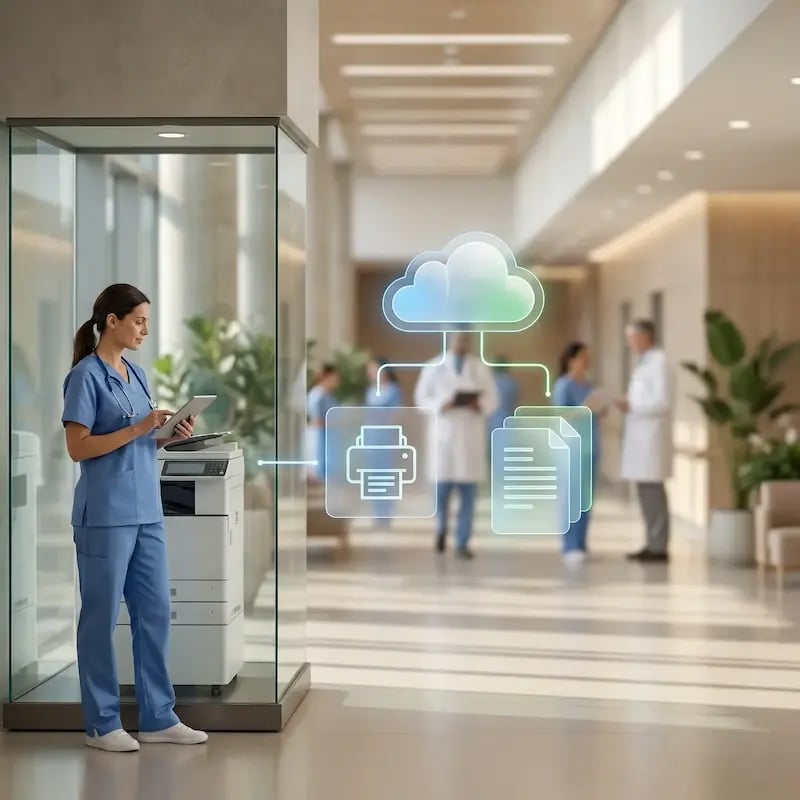
Add People and Access
Sync clinical and admin users and assign printer access by role, department, or location. As staff move between floors or rotate, access stays aligned without manual updates.
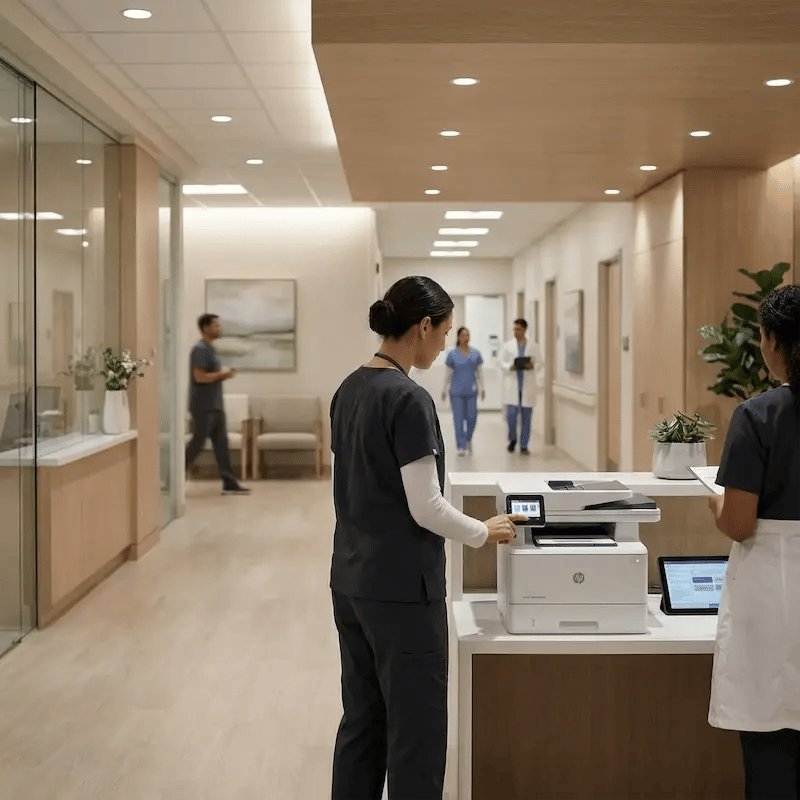
Print Anywhere, Consistently
Enable the same print experience across shared terminals, tablets, WOWs, and VDI sessions. Clinicians keep moving, while IT keeps policies and visibility centralized.

API-Driven Printing for Clinical Workflows
When printing is part of a process it shouldn’t rely on manual clicks. Use the ezeep API to trigger printing from your systems and workflows, standardize output across departments, and reduce human error - while IT keeps governance in one place
Common use cases include EHR/EMR-triggered documents, admission and discharge packets, specimen and label workflows, and controlled self-service printing stations.
Built for Real Healthcare Workflows
Admissions & Front Desk Operations
Ensure patient intake documentation is available immediately without workstation-specific configuration or re-mapping.
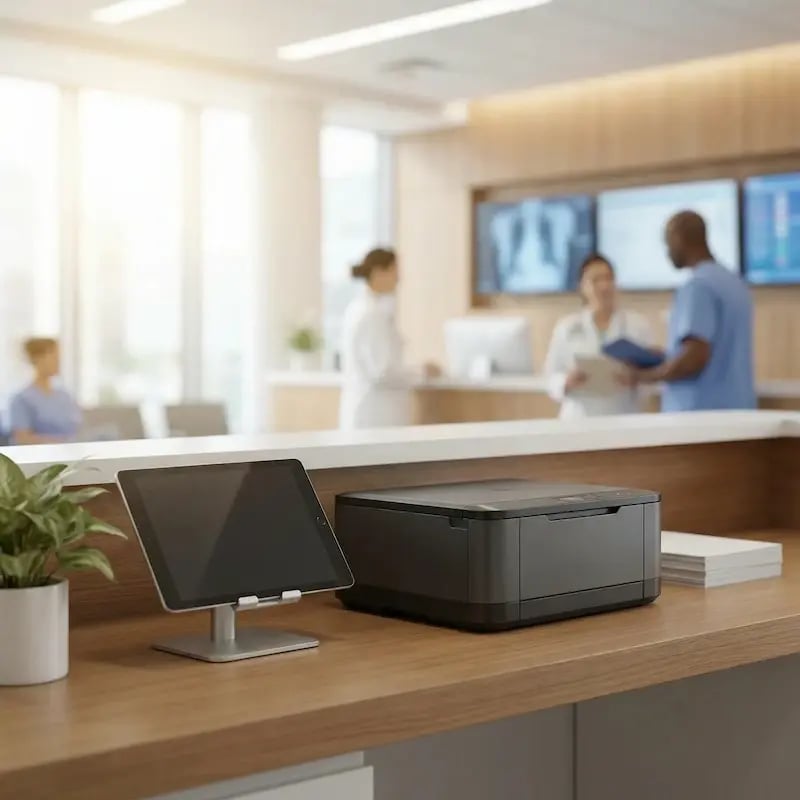
Clinical Floors & Nurse Stations
Allow staff to print instructions, care summaries, and orders without worrying about which workstation they’re using.
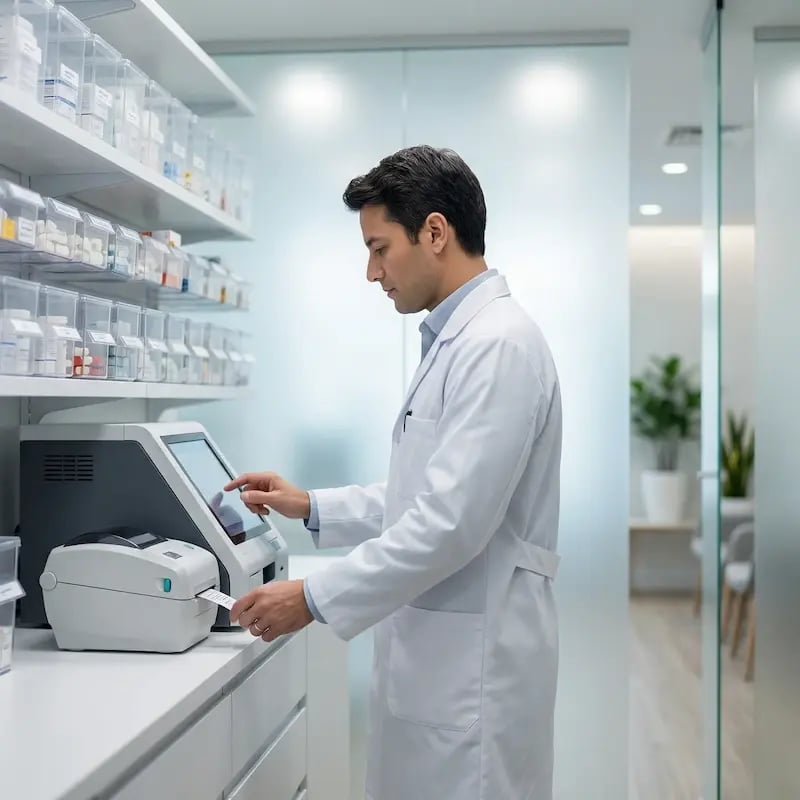
Pharmacies & Prescription Workflows
Reduce mix-ups and improve handling with controlled access and dependable output for labels and documentations.
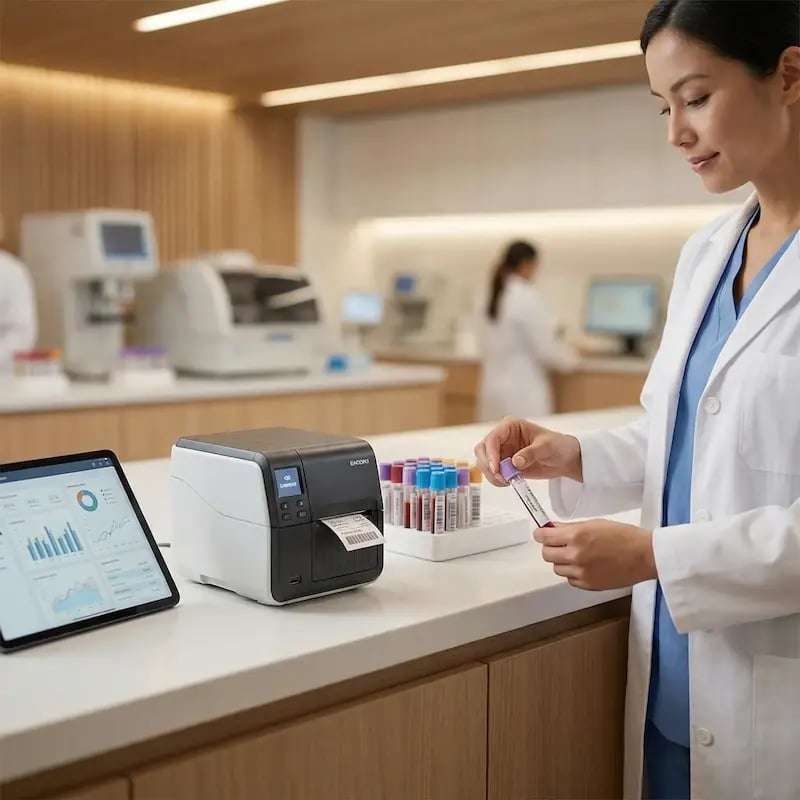
Labs & Diagnostic Departments
Support fast, reliable printing for specimens, results, and requisition forms, even on specialized equipment.
Secure Printing That Fits Clinical Workflows
Encrypted Job Handling and Tenant Isolation
Authenticated Release at the Printer
Identity-Driven Access Governance
Audit Trails and Traceability
Connect Clinical Printers Without Replacing Them
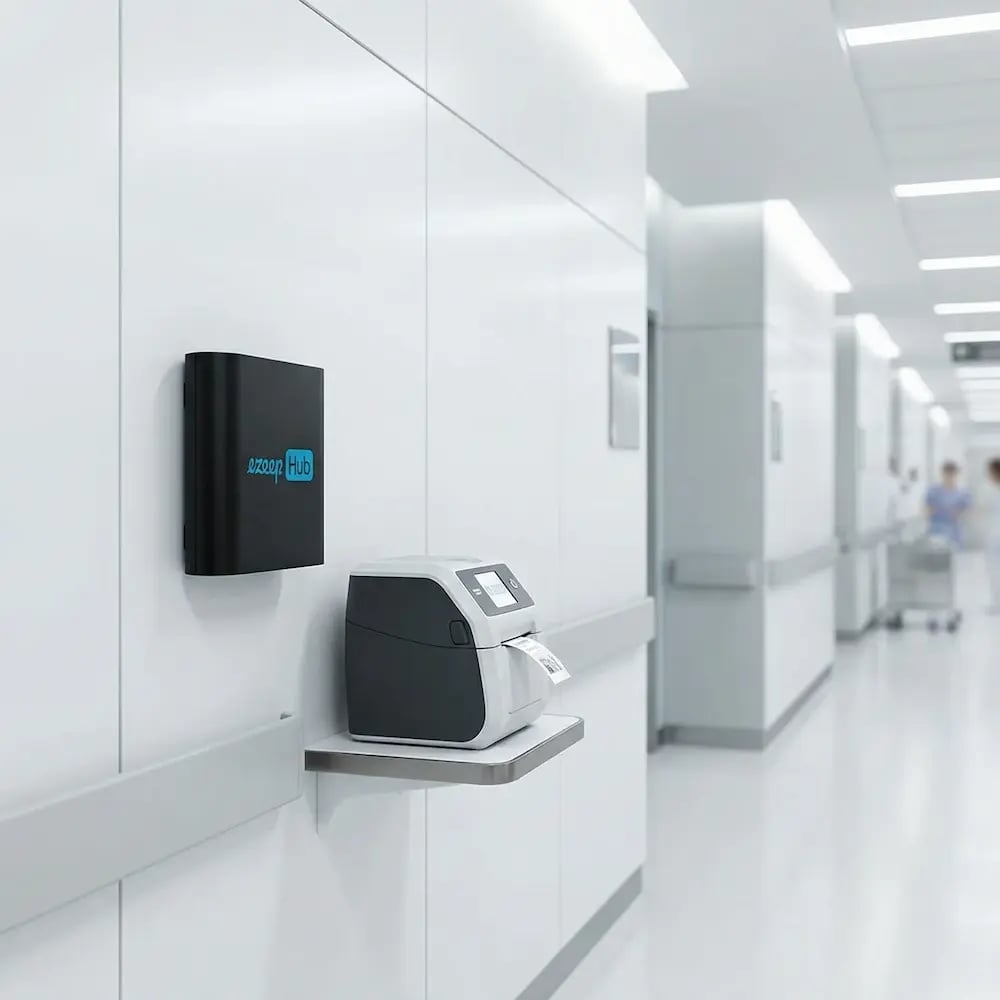
The ezeep Hub is a compact hardware device that connects your clinical printers - including wristband printers, label printers, prescription devices, and legacy models - directly to your centralized print environment.
It bridges the gap between your healthcare systems and the printers your teams rely on, automatically keeping them online without servers, drivers, or on-site IT support.
Trusted by Healthcare Providers Across the Globe
Frequently Asked Questions
Curious about how it all works? Here’s everything you wanted to know about ezeep’s cloud printing solution!
Is ezeep secure enough for printing patient records and other HIPAA-protected information?
Yes. ezeep encrypts every print job, requires authentication for release, and logs all activity for audit readiness. Sensitive documents are protected end-to-end, supporting PHI-protected workflows without adding extra steps for staff.
Can ezeep work with printers we already use, including label and wristband printers?
Yes. With the ezeep Hub, most existing medical, label, and specialty printers can be connected to the cloud - no replacement required. It’s a cost-efficient way to modernize printing across departments and facilities.
How does ezeep support multiple clinics, outpatient centers, or remote facilities?
ezeep centralizes printer management in the cloud, so IT can assign printers, update access, and track usage across every location from one dashboard. Remote sites don’t need local servers or on-site support.
Can clinicians print from shared workstations, tablets, or mobile devices?
Yes. ezeep supports printing from almost any device used in healthcare environments - workstations, tablets, laptops, and mobile devices. Staff simply select a printer and release their documents securely on-site.
How long does it take to deploy ezeep in a healthcare setting?
Most organizations are up and running within hours. Once users and departments are synced and Hubs are connected, staff can start printing right away - with no drivers, no server configuration, and minimal disruption.
Ready to Take Printing Off IT’s Plate?
Modernize healthcare printing without rebuilding your infrastructure. Give staff predictable printing across devices and locations, and give IT fewer tickets and more control.