Cloud Printing That Keeps Your Logistics Network Moving

Whether you run delivery hubs, cross-docks, regional depots, or last-mile sites, ezeep keeps label and document printing predictable at every handoff point so ops teams keep moving freight and IT stops getting dragged into “label printer is down” escalations.


See How It WorksTalk to Sales
logistics-printing-hero
The Logistics Printing

Printing Shouldn’t Slow Down Deliveries

Logistics environments run on constant output: labels, manifests, route sheets, compliance docs, handover paperwork. When printing stalls, work stacks up fast and throughput takes a hit.

Low Visibility When It Matters Most

When IT can’t quickly see which printer, station, or site is failing, label issues turn into prolonged downtime that ripples across picking, packing, and shipping.

Predictable Printing for High-Volume Logistics

Eliminate Costly Label and Document Errors

Inconsistent labels cause misroutes and delays. ezeep ensures shipping labels, manifests, and compliance forms print correctly on both Zebra thermal printers and back-office lasers.

Define label and document standards once - and enforce them everywhere - to reduce reprints, prevent misroutes, and protect throughput.
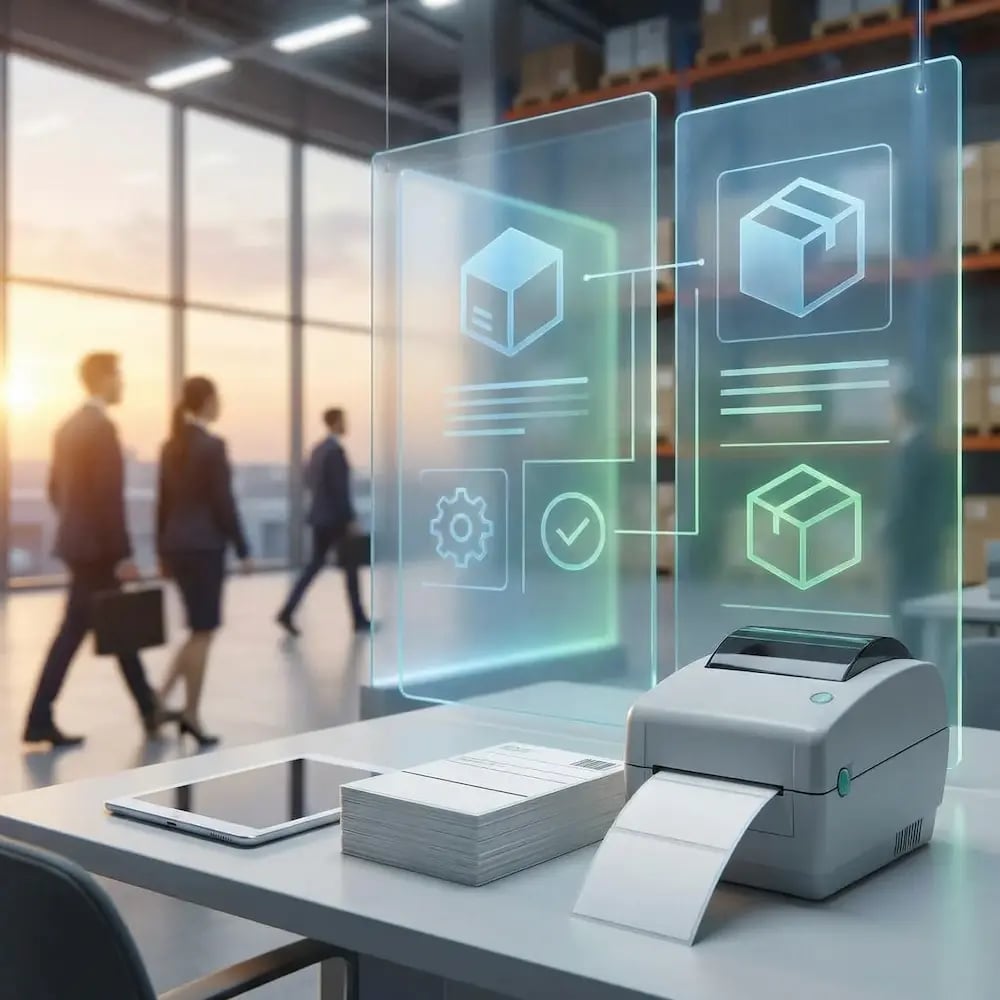
standardize-labels-everywhere

Print at the Point of Action - Not the Back Office

Your operations don't stop at the desktop, and your printing shouldn't either. Empower drivers and dock workers to print directly from tablets, handhelds, and in-vehicle devices.

Generate the right paperwork precisely where the handoff happens, eliminating bottlenecks and the delays caused by running back to a fixed print station.
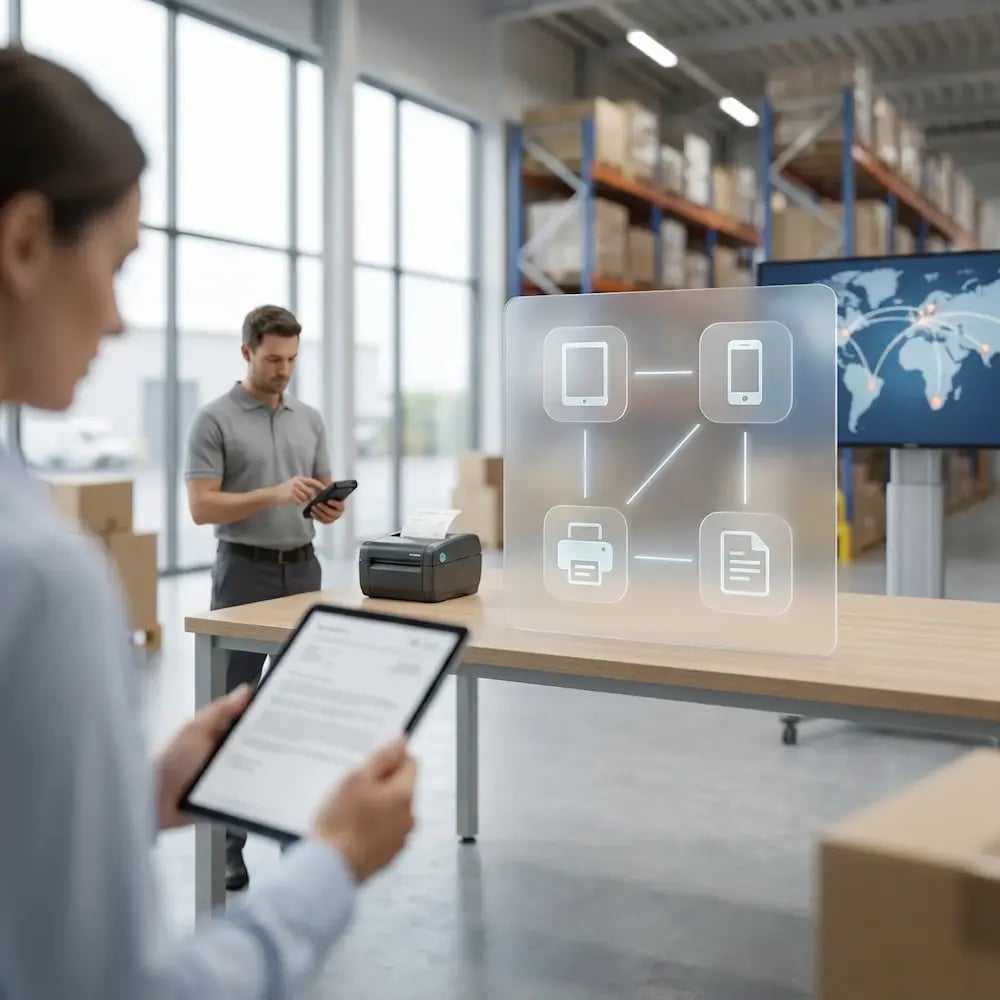
mobile-printing-warehouse-logistics

Support Zebra & Rugged Devices Consistently

Logistics runs on specialized hardware, but managing it is a notorious challenge. ezeep brings reliable, standardized printing to your Zebra handhelds and other ruggedized mobile terminals.

End the constant driver compatibility projects and support tickets, and deploy new devices with confidence.

support-zebra-rugged-devices

Connect Your WMS & TMS Directly to Your Printers

Manual printing is a speed bump your workflow can't afford. Let your WMS, TMS, or ERP trigger print jobs without manual steps or local dependencies..

When a shipment is marked "ready," the label prints instantly. Remove human steps, cut wait times, and ensure the right documents appear at the moment they're needed.
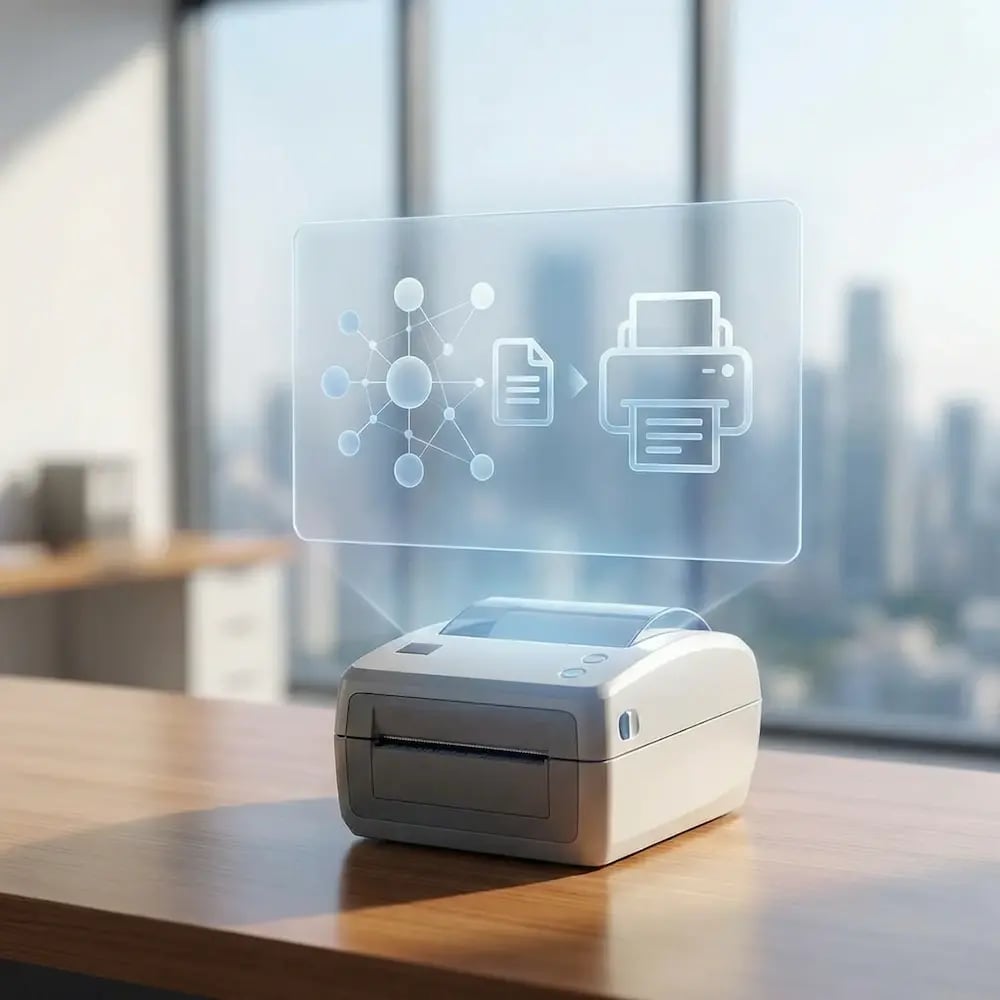
connect-wms-tms-printer

Manage Your Entire Logistics Network as One

Stop managing your printing depot by depot. From a single dashboard, you can control printers, enforce settings (like label sizes), and troubleshoot issues across every hub and cross-dock.

Reduce reliance on local IT, standardize your operations, and get a unified view of your entire print infrastructure.

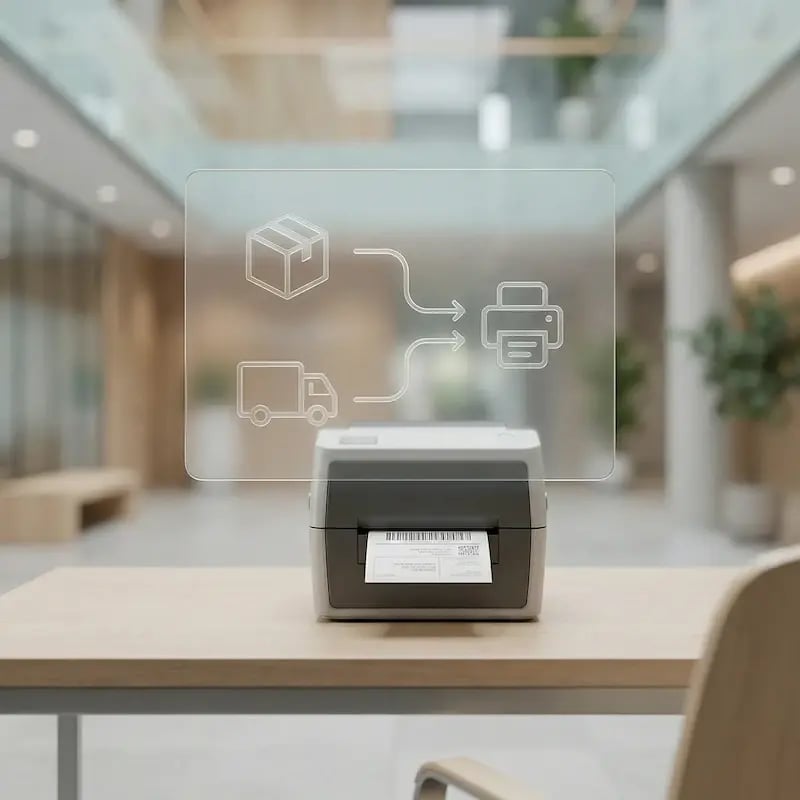
mamange-network-as-one

Less Infrastructure. More Calm.

Move campus printing to the cloud and reduce the day-to-day maintenance burden. Have fewer patches, fewer queue mysteries, and fewer "it broke overnight" surprises.

Server-Free
Centralized
Less Upkeep

One Experience Across Campus

Support the real education device mix - Chromebooks, MacBooks, Windows laptops, tablets, and phones - across libraries, labs, dorms, and shared printers without special steps per department or "this printer only works on that OS."

Campus-Wide
Cross-Platform
User-Friendly

Permissions That Actually Make Sense

Tie printer visibility and access to identity and groups, so students, staff, faculty, and researchers see the right printers by role, building, and department - all without constant manual adjustments.

Role-Based
Location-Aware
Consistent

Temporary Access, Without Temporary Chaos

Support guest lecturers, visiting scholars, events, and short-term programs with controlled access that doesn't create recurring IT work or one-off setups.

Temporary Access
Controlled
Low Effort

Confidential Pages Stay With The Right Person

Reduce tray exposure in busy shared spaces. Pull Printing helps ensure jobs only release when the user authenticates at the printer with their school ID, helping protect exams, registrar documents, and sensitive student records.

Private Release
Less Mix-Ups
Auditable

Visibility Finance Can Actually Use

Understand usage across departments and locations, support quotas and accountability, and make it easier for busier and finance teams to track print spend without turning IT into the print police. 

Measurable
Accountable
Budget-Friendly

Cost Recovery Without The Busywork

For campuses that charge students to print, ezeepCampus adds Self-Join onboarding and credit-based printing, so students and staff can self-serve while your institution keeps pricing and access under control.

Self-Join
Credit-Based
Accountable
How It Works

How Logistics Printing Becomes Predictable

Connect people and sites once, then keep printing consistent across hubs, shifts, and devices. Map printers to stations and workflows, standardize output settings, and automate print triggers so IT manages centrally while ops teams just print and keep moving freight.
connect-wms-printers
1

Add Printers and Hub Locations

Connect printers across hubs, docks, and back offices so they’re centrally managed and ready for every shift. Standardize defaults and naming so output stays consistent no matter the site.
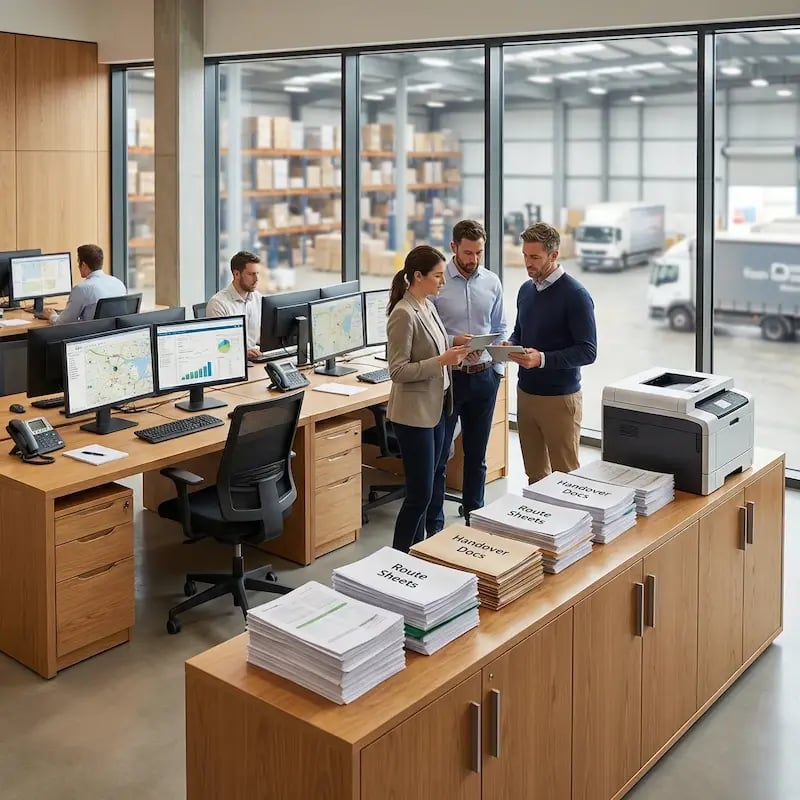
add-warehouse-users
2

Add People and Access

Sync dispatch, ops, and admin teams and assign the right printers by hub, role, or workflow. As teams and shifts change, access stays aligned automatically—without manual rework.
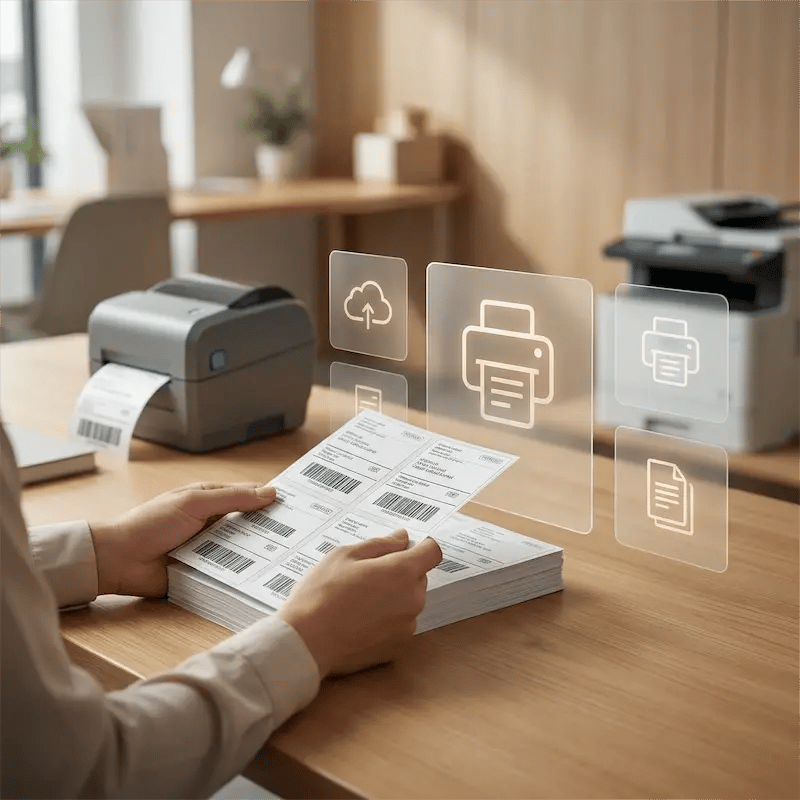
standardize-labels
3

Print and Automate Workflows

Print from any device, and trigger labels and documents automatically via Print App for Services. Ops keeps freight moving while IT manages policies and updates from one place.
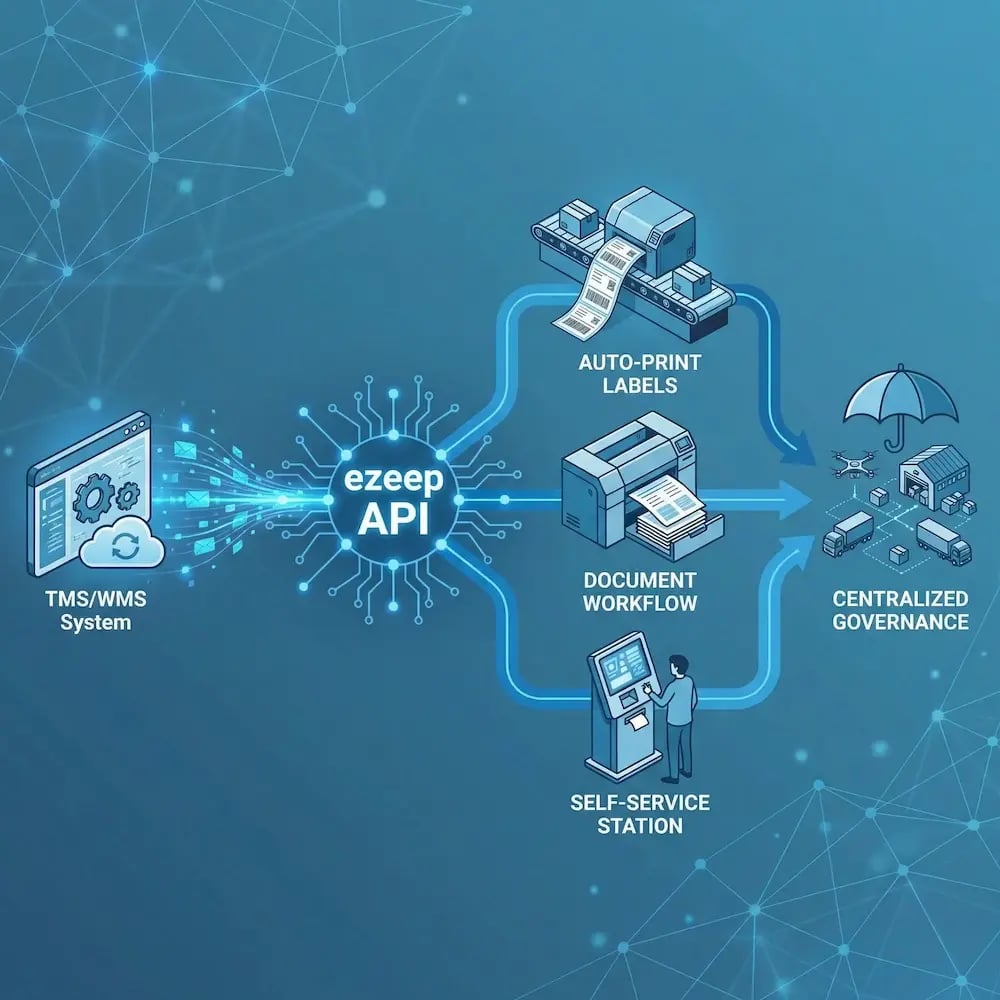

ezeep API

Automated, API-Driven Printing for High-Volume Logistics

When labels and documents are part of a logistics workflow, they shouldn’t depend on manual steps. The ezeep API enables WMS, TMS, and ERP systems to trigger and route print jobs automatically - sending output to the correct station and keeping high-volume operations moving without human intervention.

Common use cases include TMS/WMS-triggered label printing, auto-printing when an order or shipment status changes, and routing rules that send the right document to the right place based on workflow logic.

Explore the ezeep API
logistics-warehouse-api
Environments

Built for Real Logistics Workflows

dispatch-route-areas

Dispatch & Route Preparation Areas

Get route sheets, manifests, and handover documents where drivers start their day, without last-minute printer surprises.
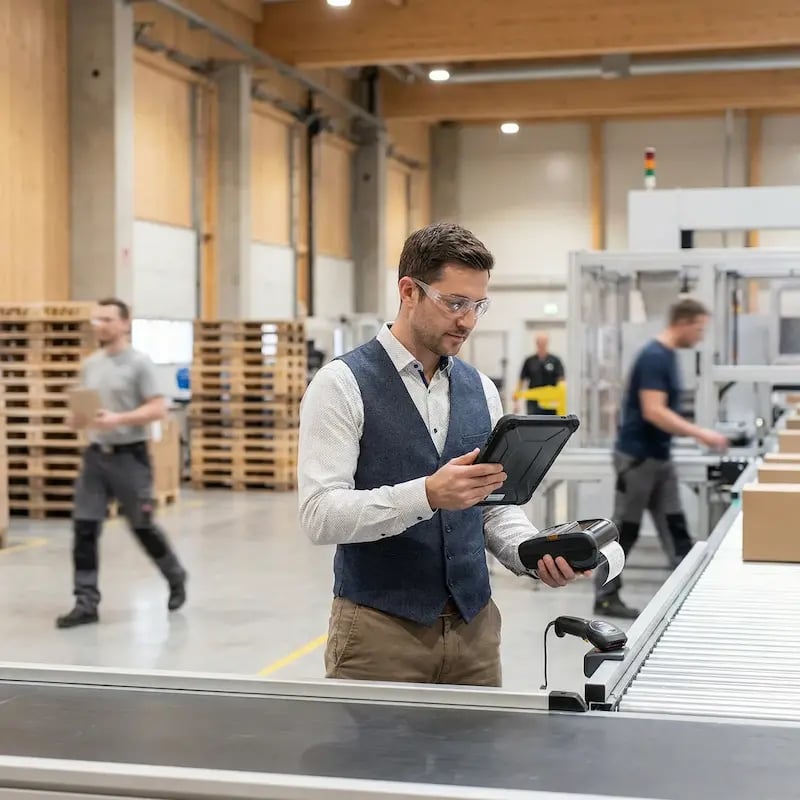
cross-dock-sorting-zones

Cross-Dock & Sorting Zones

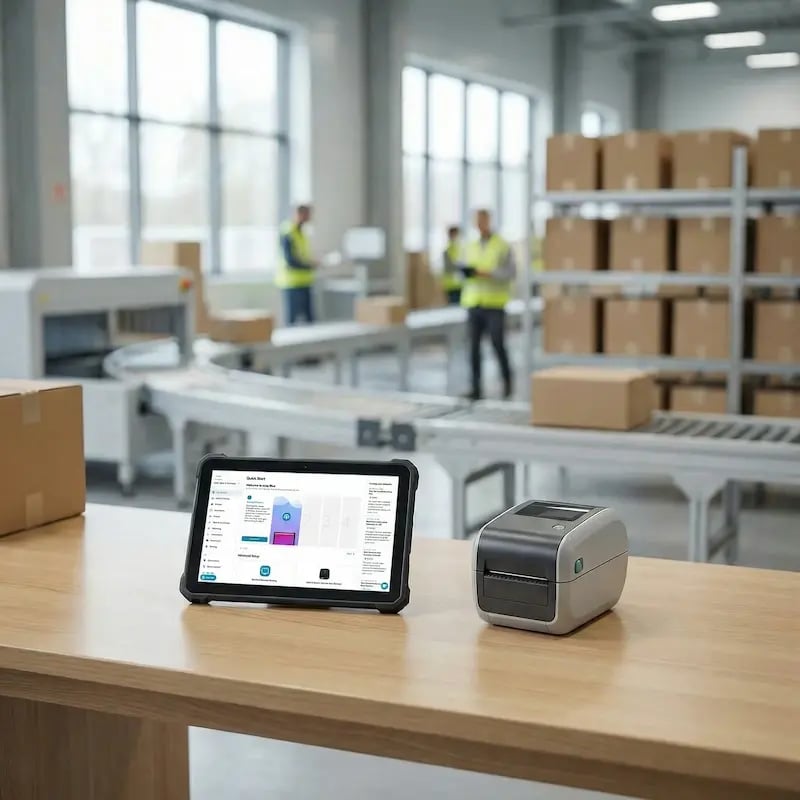
Print labels and transfer paperwork reliably, including from mobile and rugged devices, while teams stay on the move.
delivery-hubs-regional-depots

Delivery Hubs & Regional Depots

Standardize label and document settings across sites so output scans correctly and meets carrier requirements everywhere.

fleet-offices-planning

Fleet Offices, Planning & Administration

Support schedules, compliance documents, and reporting with predictable printing across teams and locations.

Security & Compliance

Protect Shipment Data Without Disrupting Throughput

Sensitive customer and shipment data should not become a printing risk. Keep controls strong without slowing operations down.
Meet the ezeep Hub

Bring Depot Printers Under Network-Wide Control

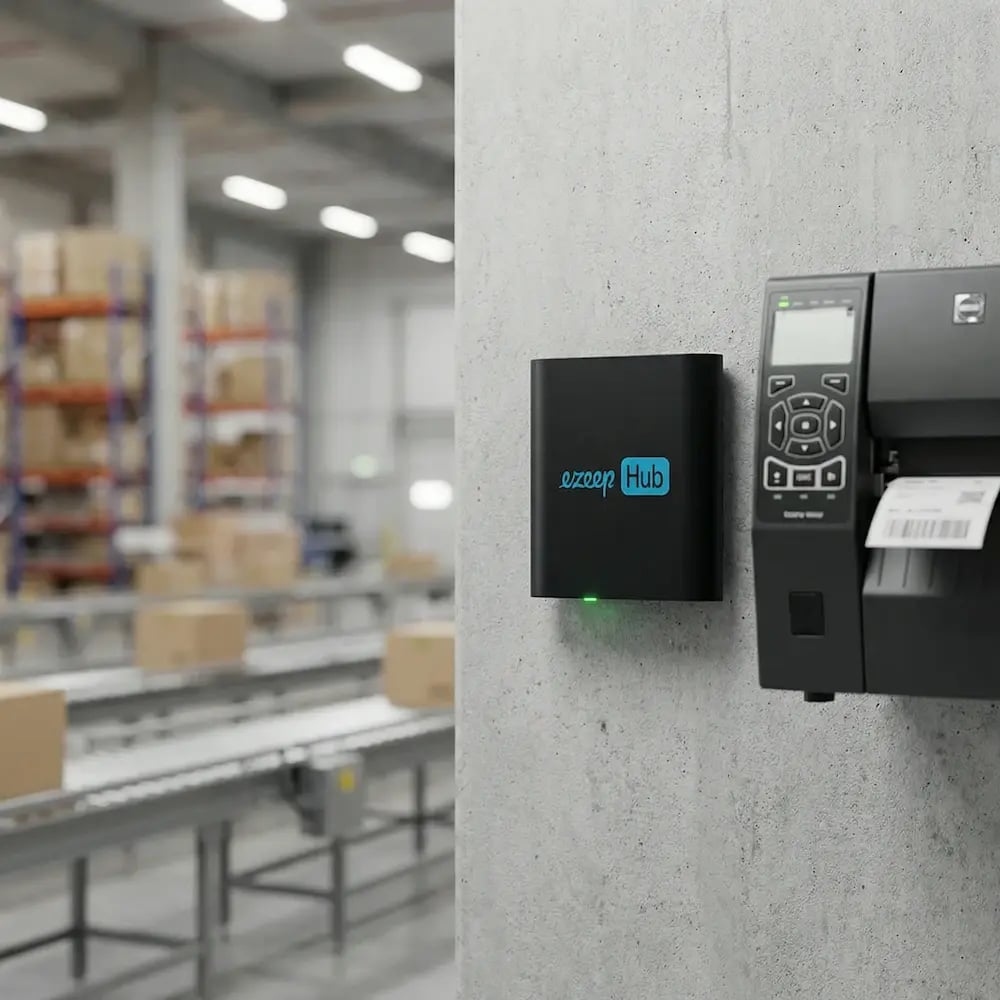
The ezeep Hub connects label, thermal, office, and legacy depot printers to your centralized print infrastructure without rip-and-replace projects. It removes local server and driver dependencies, keeping printers reliable across hubs, depots, and cross-docks without on-site IT intervention.

ezeep-hub-warehouse-logistics
Testimonials

Trusted by Logistics Teams Worldwide

From dispatch centers to delivery hubs, logistics operators rely on ezeep to keep printing consistent, accurate, and ready for peak days.
"Thanks to ezeep, we can connect to printers outside the network quickly and easily for relatively low cost."
Marcus Klein
CIO, Quick Cargo Service

Frequently Asked Questions

Curious about how it all works? Here’s everything you wanted to know about ezeep’s cloud printing solution!

Can ezeep support printing for transport documents, manifests, and waybills?

Yes! ezeep works with label, thermal, office, and legacy printers to support all logistics document types.

Can drivers print from mobile devices or in-vehicle tech?

Absolutely! Drivers can print from tablets, phones, or onboard computers without a VPN.

Can ezeep integrate with our TMS, routing system, or carrier software?

Yes. Through the ezeep Print App for Services, your backend systems can trigger automated, unattended printing.

Do we need local servers or PCs?

No. Everything is cloud-managed - no print servers, no driver installs, no manual setup.

Can we standardize output across different hubs?

Yes. Printer Profiles make it easy to enforce label sizes, formats, and defaults across all depot locations.

Back to top

Ready to Modernize Your Logistics Printing?

Keep logistics printing predictable across every site and device so operations teams stay moving and IT spends less time on escalations.

ezeep-chart (1)