Cloud Printing That Keeps Your Warehouse Operations Moving

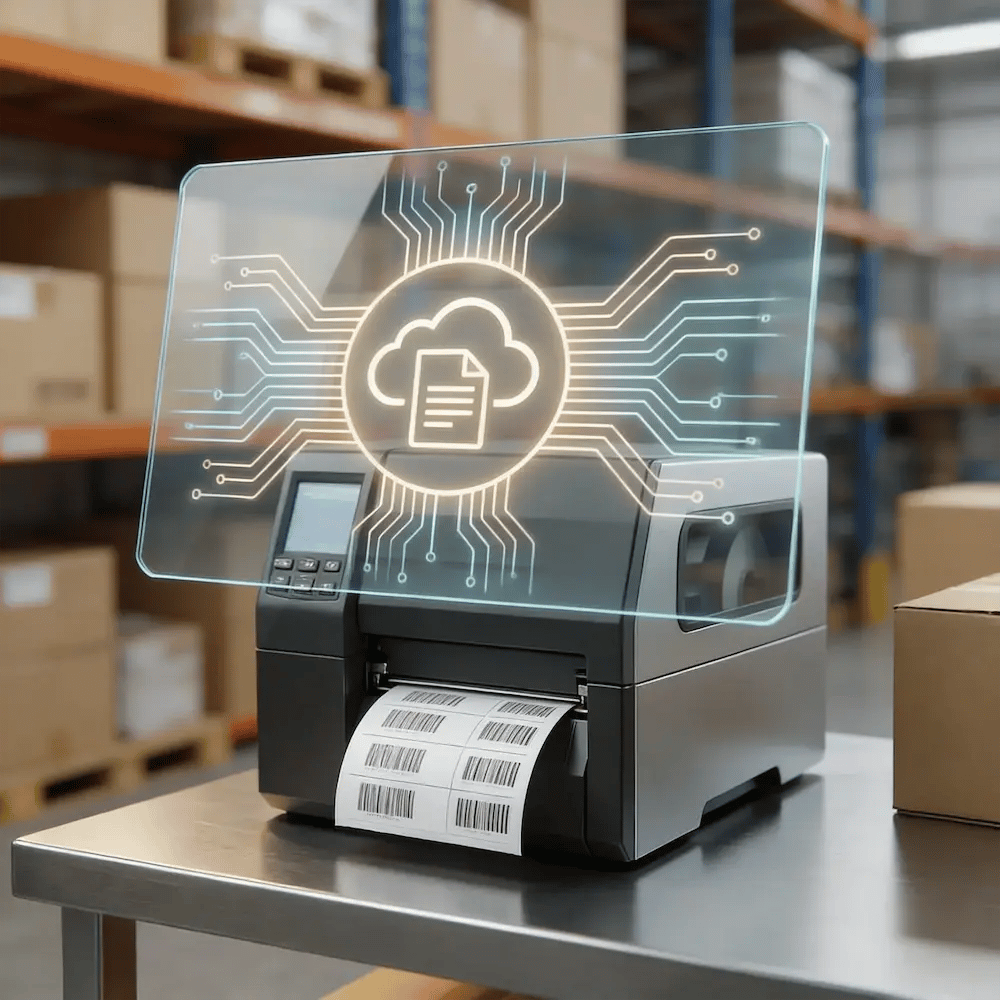
Warehouses run on nonstop, high-volume label and document output. ezeep keeps printing predictable across docks, packing lines, and mobile teams so ops stays on pace and IT stops firefighting printers.

See How It WorksTalk to Sales
warehouse-printing-hero
The Warehouse Printing

Printing Shouldn’t Stop the Warehouse Floor

When label printing fails or output is wrong, orders stack up, rework spikes, and throughput takes a hit. Label errors and equipment breakdowns are a direct source of downtime in logistics and warehouse operations.

Mobile Workflows Outgrow Desktop Printing

Warehouses depend on mobile terminals and handheld workflows, but printing is often tied to fixed PCs, drivers, and brittle local setups that break under heavy volume.

Predictable Printing for High-Volume Warehouses and Distribution Centers

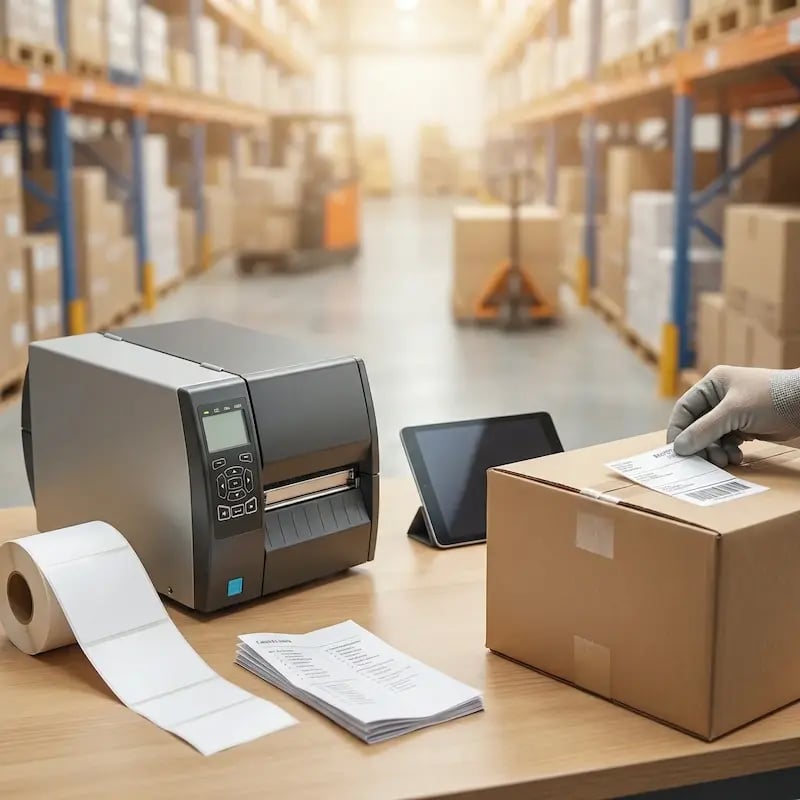
Eliminate Costly Label and Scanning Errors

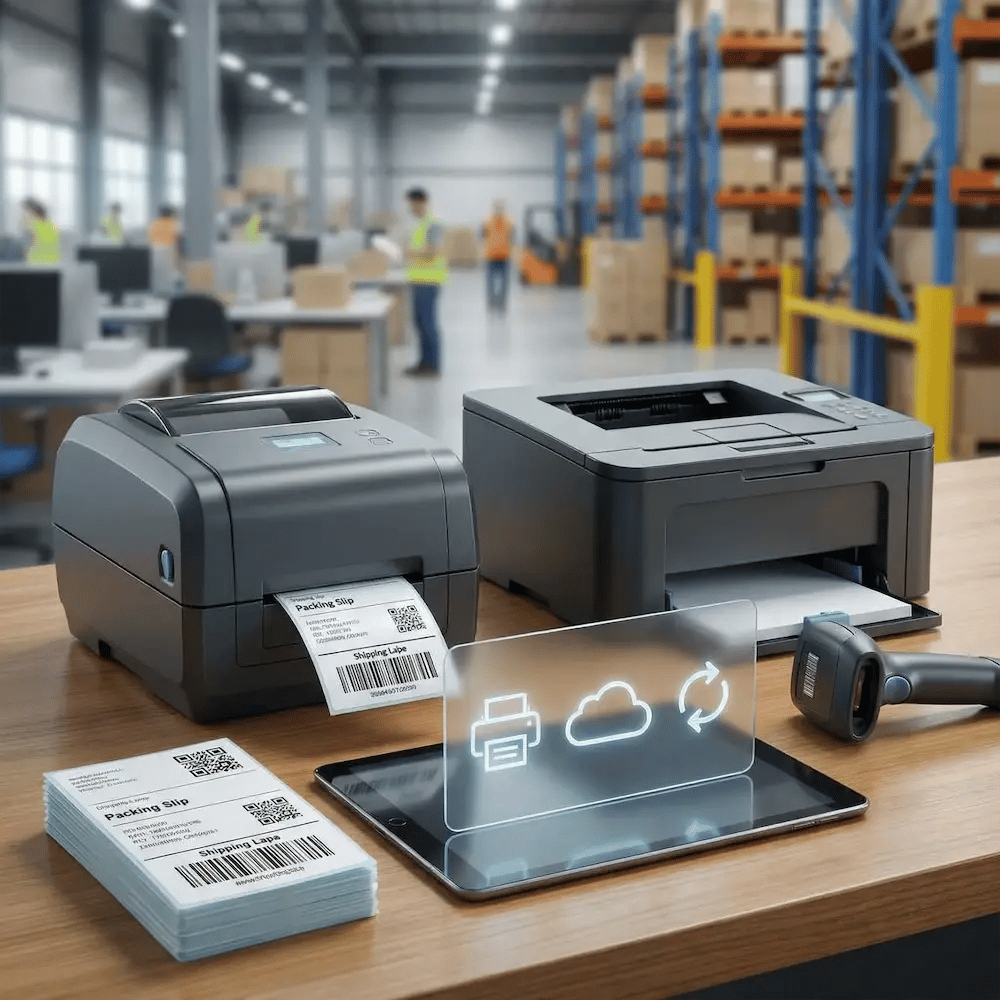
Bad labels cause mis-picks, mis-shipments, and delays. ezeep helps keep barcode, shipping label, and packing slip output consistent across Zebra thermal and office printers.

Set profiles once and enforce them everywhere to protect accuracy.
standardize-labels-warehouse

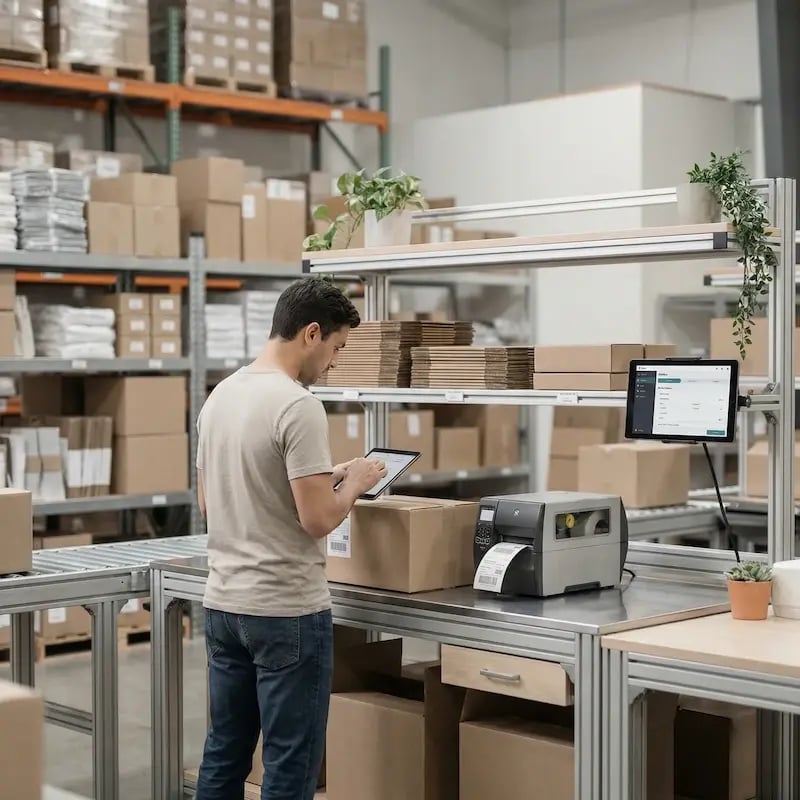
Print at the Point of Work, Not Back at the Desk

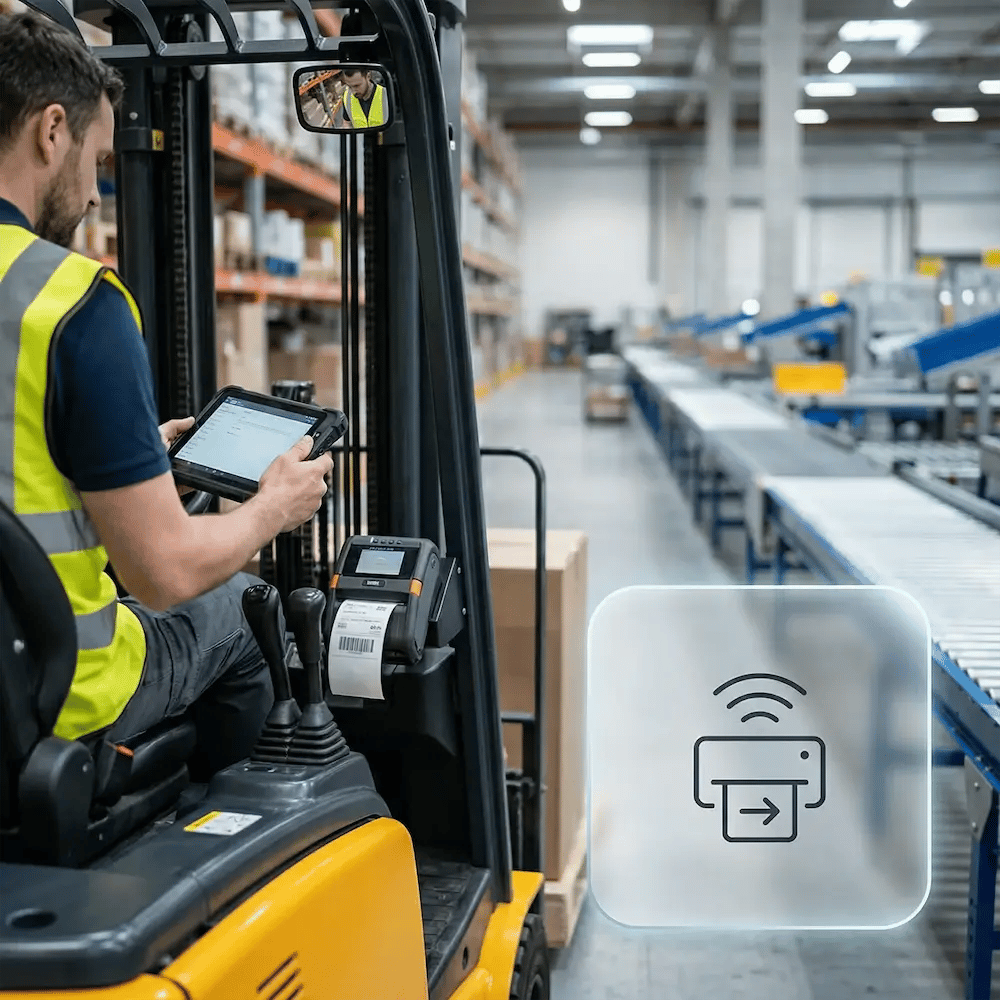
Every step a worker takes to retrieve a document is a drain on your throughput. Enable printing from handhelds and tablets right at the dock, packing bench, or forklift.

Cut wasted motion and keep fulfillment moving.
mobile-print-warehouse-floor

Support Zebra & Rugged Devices Consistently

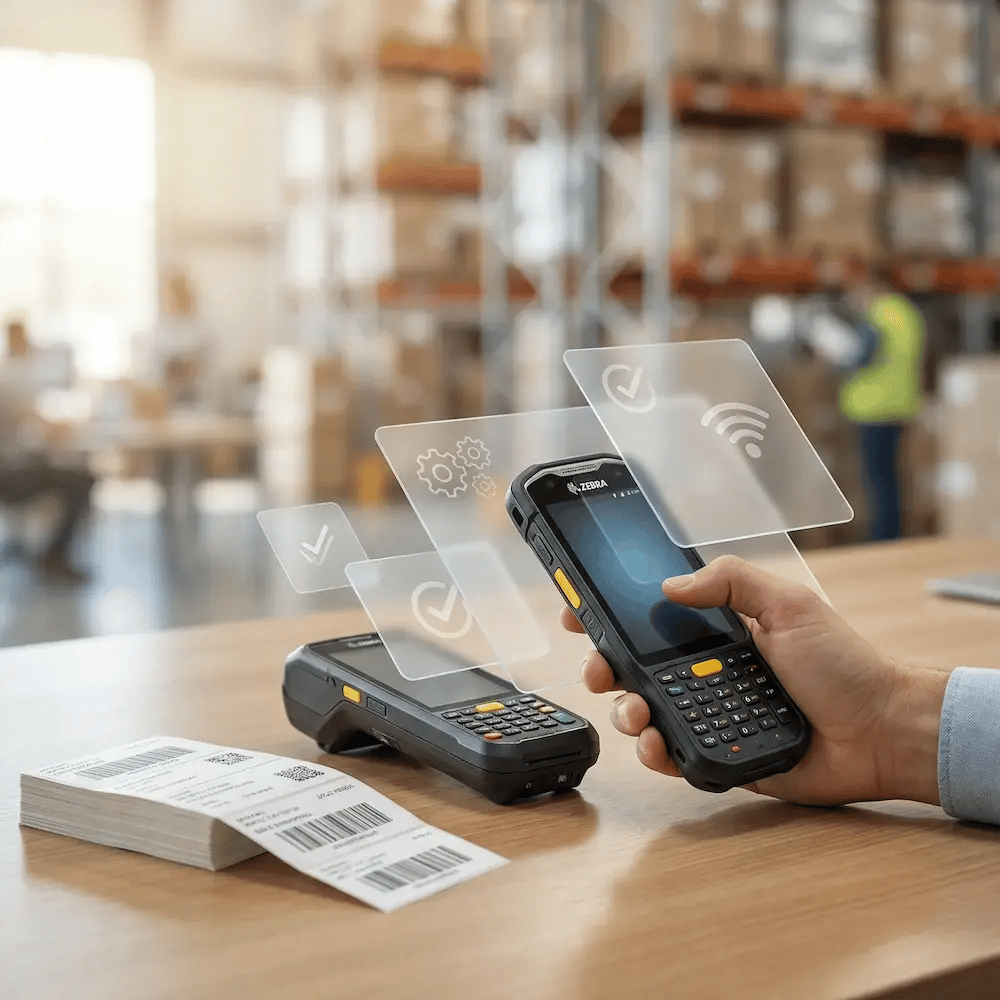
Warehouse hardware is specialized—and often painful to support. ezeep helps you manage Zebra and rugged devices through one platform with consistent results.

Roll out devices without turning each launch into an IT project and ensure uptime during your busiest seasons.
support-zebra-rugged-devices

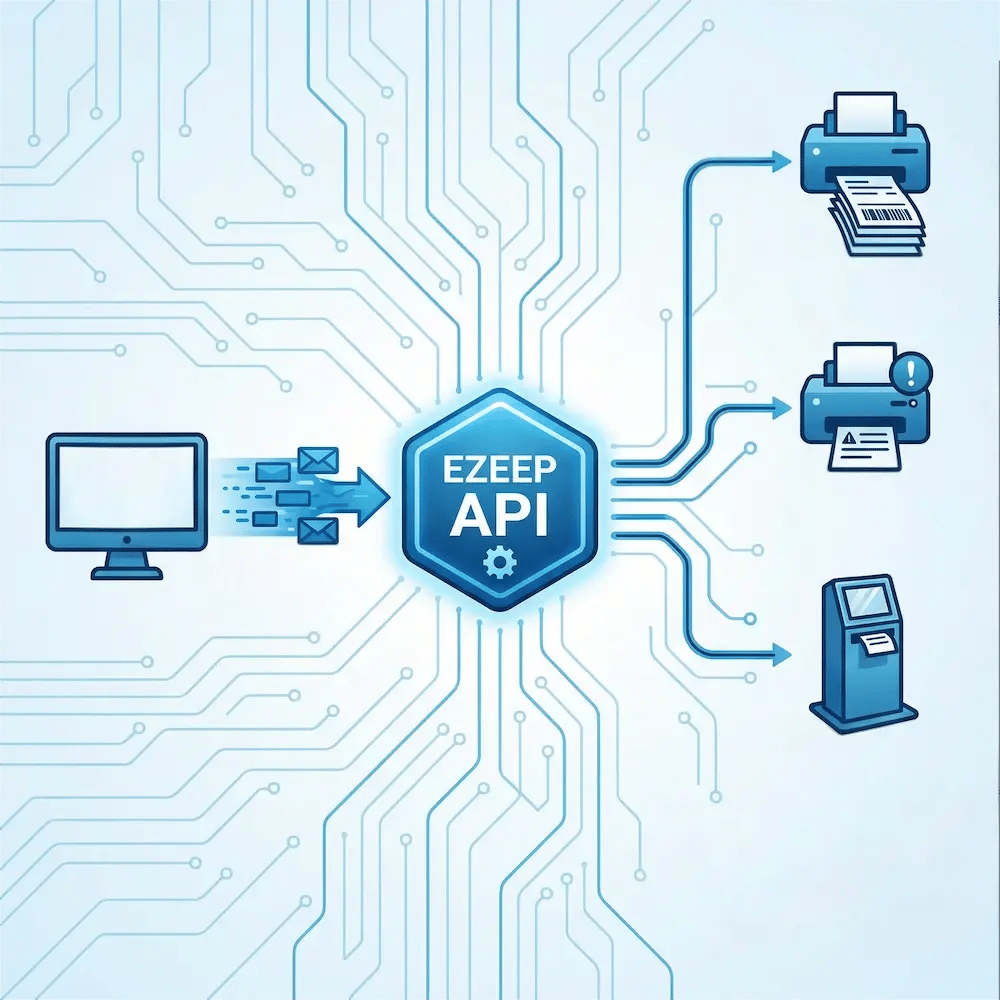
Integrate Printing Directly into Your WMS

The best print job is the one nobody has to click. Connect ezeep to your WMS, ERP, or shipping software to trigger print jobs automatically.

When work hits a status change, the right output prints at the right station, reducing need for employee interaction.

integrate-wms-system

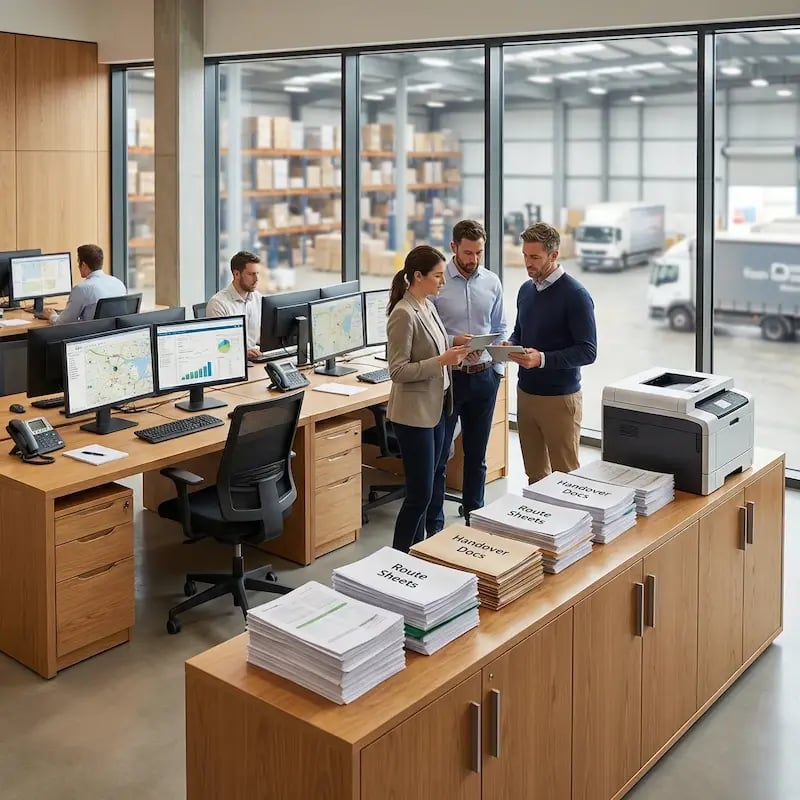
Manage Your Entire Warehouse Printer Fleet Centrally

Stop juggling one-off configs and remote sessions. ezeep gives you one dashboard to manage printers across sites, facilities, and zones.

Deploy new devices, update settings, and troubleshoot issues remotely, ensuring your operations stay consistent.

manage-warehouse-printing-centrally

Less Infrastructure. More Calm.

Move campus printing to the cloud and reduce the day-to-day maintenance burden. Have fewer patches, fewer queue mysteries, and fewer "it broke overnight" surprises.

Server-Free
Centralized
Less Upkeep

One Experience Across Campus

Support the real education device mix - Chromebooks, MacBooks, Windows laptops, tablets, and phones - across libraries, labs, dorms, and shared printers without special steps per department or "this printer only works on that OS."

Campus-Wide
Cross-Platform
User-Friendly

Permissions That Actually Make Sense

Tie printer visibility and access to identity and groups, so students, staff, faculty, and researchers see the right printers by role, building, and department - all without constant manual adjustments.

Role-Based
Location-Aware
Consistent

Temporary Access, Without Temporary Chaos

Support guest lecturers, visiting scholars, events, and short-term programs with controlled access that doesn't create recurring IT work or one-off setups.

Temporary Access
Controlled
Low Effort

Confidential Pages Stay With The Right Person

Reduce tray exposure in busy shared spaces. Pull Printing helps ensure jobs only release when the user authenticates at the printer with their school ID, helping protect exams, registrar documents, and sensitive student records.

Private Release
Less Mix-Ups
Auditable

Visibility Finance Can Actually Use

Understand usage across departments and locations, support quotas and accountability, and make it easier for busier and finance teams to track print spend without turning IT into the print police. 

Measurable
Accountable
Budget-Friendly

Cost Recovery Without The Busywork

For campuses that charge students to print, ezeepCampus adds Self-Join onboarding and credit-based printing, so students and staff can self-serve while your institution keeps pricing and access under control.

Self-Join
Credit-Based
Accountable
How It Works

Set It Up Once and Keep the Warehouse Floor Moving

Connect identities and teams, assign printers by zone and workflow, and standardize label settings so handhelds and packing stations print reliably without constant IT intervention.
add-warehouse-users
1

Add Printers by Facility and Zone

Connect printers across docks, packing benches, and staging areas so they’re centrally managed from one place. Standardize naming and defaults so every station prints the same way.

fleet-offices-planning
2

Add Teams and Access

Sync users and groups for shifts, roles, and sites so access stays aligned automatically. Assign the right printers to the right people without manual mapping.
print-anywhere-warehouse
3

Print and Automate Workflows

Enable reliable printing from handhelds, tablets, and PCs, right at the point of work. Use Print App for Services to trigger labels and documents automatically from WMS/ERP events.
ezeep API

The ezeep API for WMS-Triggered Labeling

When labels are tied to warehouse workflows, printing should be system-driven - not manual. The ezeep API lets your WMS trigger and route print jobs automatically, sending output to the correct zone or station without human intervention.

Explore the ezeep API
warehouse-api
Environments

Built for Real Warehouse Workflows

picking-packing-zones

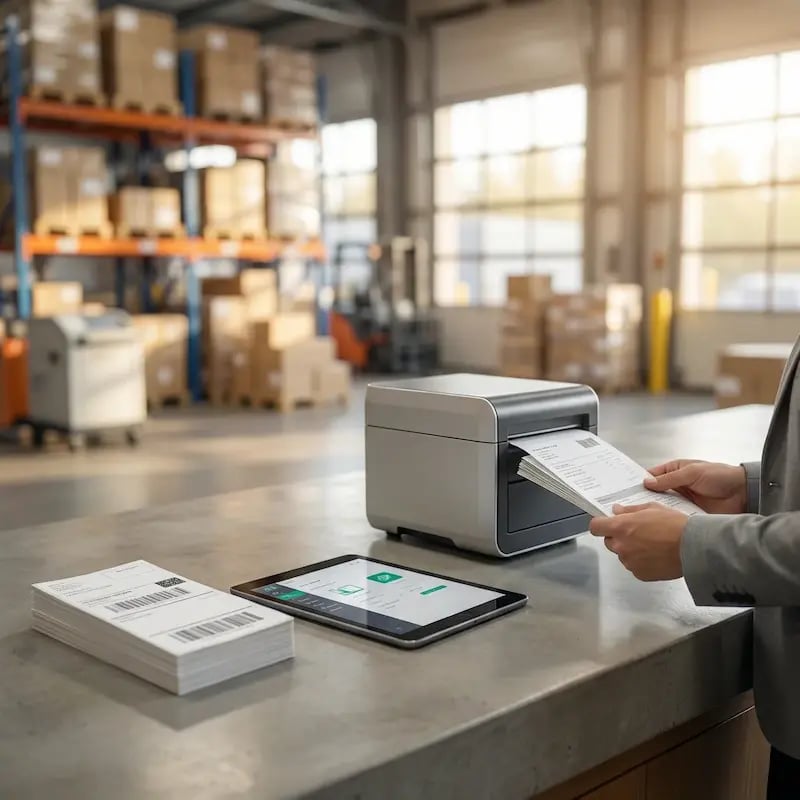
Picking & Packing Zones

Print item labels, carton labels, pick lists, and packing slips at the station that needs them, without any device-specific setup.
shipping-loading-docks

Shipping & Loading Docks

Generate shipping labels, pallet IDs, routing documents, and manifests where outbound volume is highest, including automated WMS-triggered printing.

inventory-replenishment-area

Inventory & Replenishment Areas

Keep bin labels and inventory tags consistent with standardized defaults to reduce scanning and putaway errors.
warehouse-office-dispatch-center

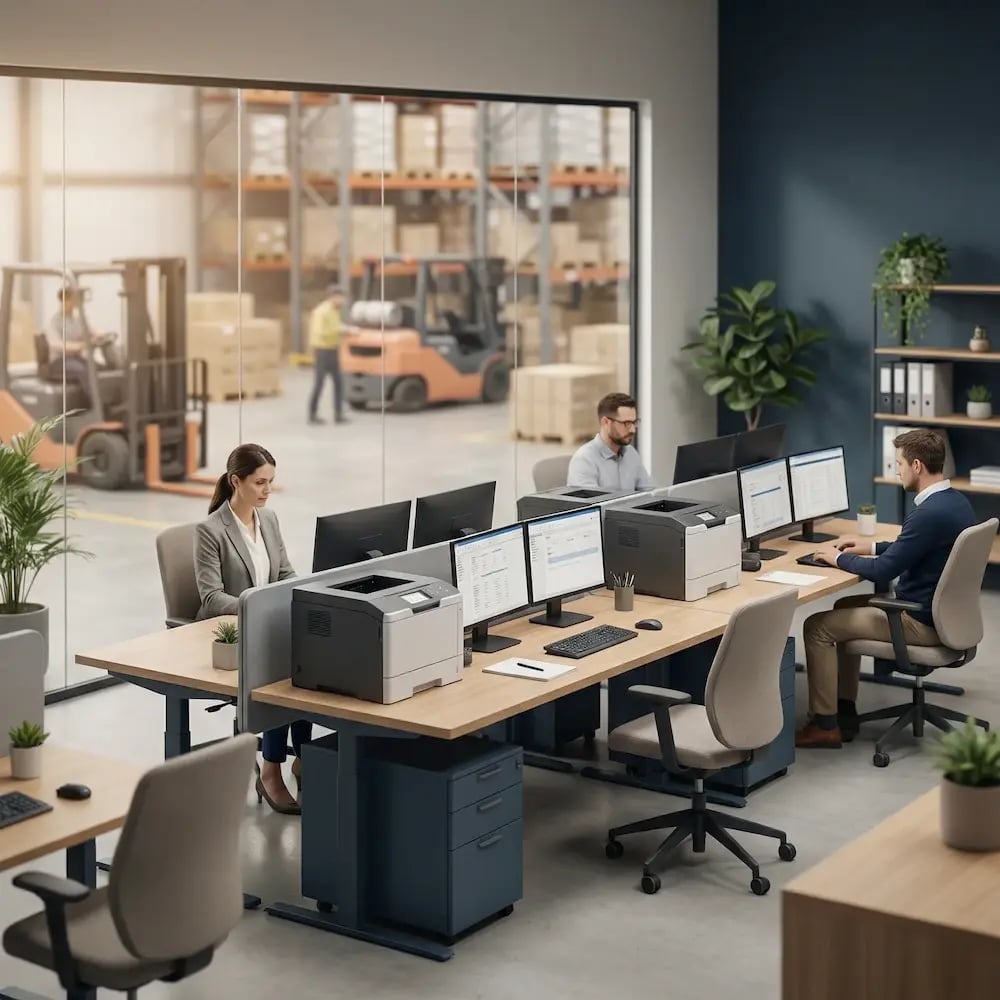
Warehouse Office & Dispatch

Support schedules, compliance paperwork, and operational reports with predictable printing that’s centrally governed across every facility.

Security & Compliance

Security Controls That Hold Up on the Warehouse Floor

Protect customer and shipment data without adding friction to high-throughput operations.
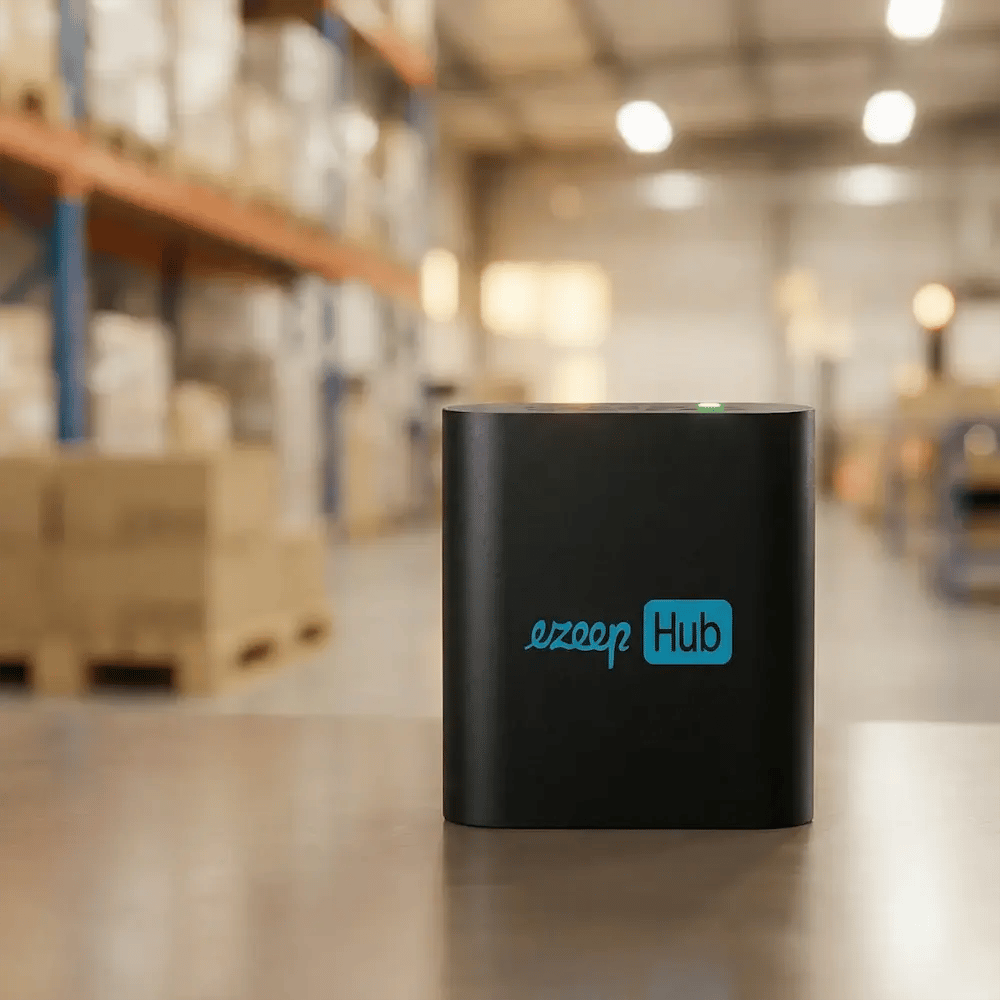
Meet the ezeep Hub

Connect Warehouse Printers Without Replacing Them

The ezeep Hub connects existing Zebra, thermal, and legacy USB printers to your centralized print infrastructure without rip-and-replace projects.

It removes local server and driver dependencies, keeping label printing predictable across facilities without station rebuilds or on-site IT intervention.

ezeep-hub-warehouse
Testimonials

Trusted by Warehouse Teams Worldwide

From high-volume label printing to multi-site rollouts, teams use ezeep to keep output consistent and keep operations moving.
"ezeep is easy to set up and administer, is implemented quickly, and the printing service works flawlessly in the warehouse."
Markus Farnhammer
IT Administration, Holz-Mayrhofer
"We created an auto print app and used ezeep's API to print waybills through printers place in our warehouses."
Sergey Grigorev
IT Department, Ecom Marketing
"ezeep made our warehouse have a better workflow, and we also removed the bigger part of human mistakes since 90% is now automated."
Ronny Gjersvold
Application Engineer, L5 Navigation

Frequently Asked Questions

Curious about how it all works? Here’s everything you wanted to know about ezeep’s cloud printing solution!

Can ezeep handle printing to thermal label and barcode printers commonly used in warehouses?

Yes! ezeep supports a wide range of label, thermal, warehouse-grade, and legacy printers, including validated integrations with Zebra devices.

Can mobile scanners, tablets, or rugged handhelds print directly?

Absolutely! ezeep works with iOS, Android, Windows, Zebra handhelds, and other devices - enabling printing from virtually anywhere in your warehouse.

Does printing require local servers or VPNs?

No. All ezeep printing is cloud-managed. No local print servers, no VPNs, no driver installations.

Can we automate printing from ERP, WMS, or other backend systems?

Yes. ezeep integrates with WMS, ERP, and other backend systems to trigger print jobs automatically. Order status changes, wave releases, and shipping updates can generate labels without manual intervention.

Can we pre-configure default print setting for different printers, zones, or teams?

Yes. You can define printer profiles with standardized label sizes and output settings per zone, printer, or team, reducing scan errors and preventing misprints across facilities.

Back to top

Ready to Make Warehouse Printing a Non-Issue?

Set it up once, then stop thinking about it. Keep labels and documents printing predictably across every zone and facility so IT gets fewer escalations and the floor keeps moving.

ezeep-chart (1)