ezeep and Lexmark: Native App Integration for Cloud Printing, Pull Printing, and Copy Tracking

ezeep's integration with Lexmark goes deeper than cloud connectivity. The native ezeep App runs directly on Lexmark multifunction printers, adding secure pull printing with RFID or PIN authentication, scan to cloud, and copy tracking right on the device panel. No middleware. No extra servers. No additional hardware.

Start 14-Day Free TrialTalk to an Expert
15475 (1)
bf0f5769-1d2c-43c8-bc44-6325f4526dd1

A Native App, Not Just Cloud Connectivity

Most cloud print platforms stop at routing jobs to a printer. The ezeep integration with Lexmark goes further by embedding an app directly on the MFP touchscreen using Lexmark's embedded Solutions Framework (eSF).

Once deployed, users interact with it at the device panel to release held print jobs, scan documents to cloud storage, and authenticate for tracked copying. The app is installed and managed centrally through the ezeep admin portal, so there's nothing to configure on-site and no middleware running between the printer and the cloud.


What the App Does

What the ezeep App for Lexmark Enables

Pull Printing, scanning, and copy tracking built into the Lexmark touchscreen. Deployed and managed centrally from the ezeep admin portal.

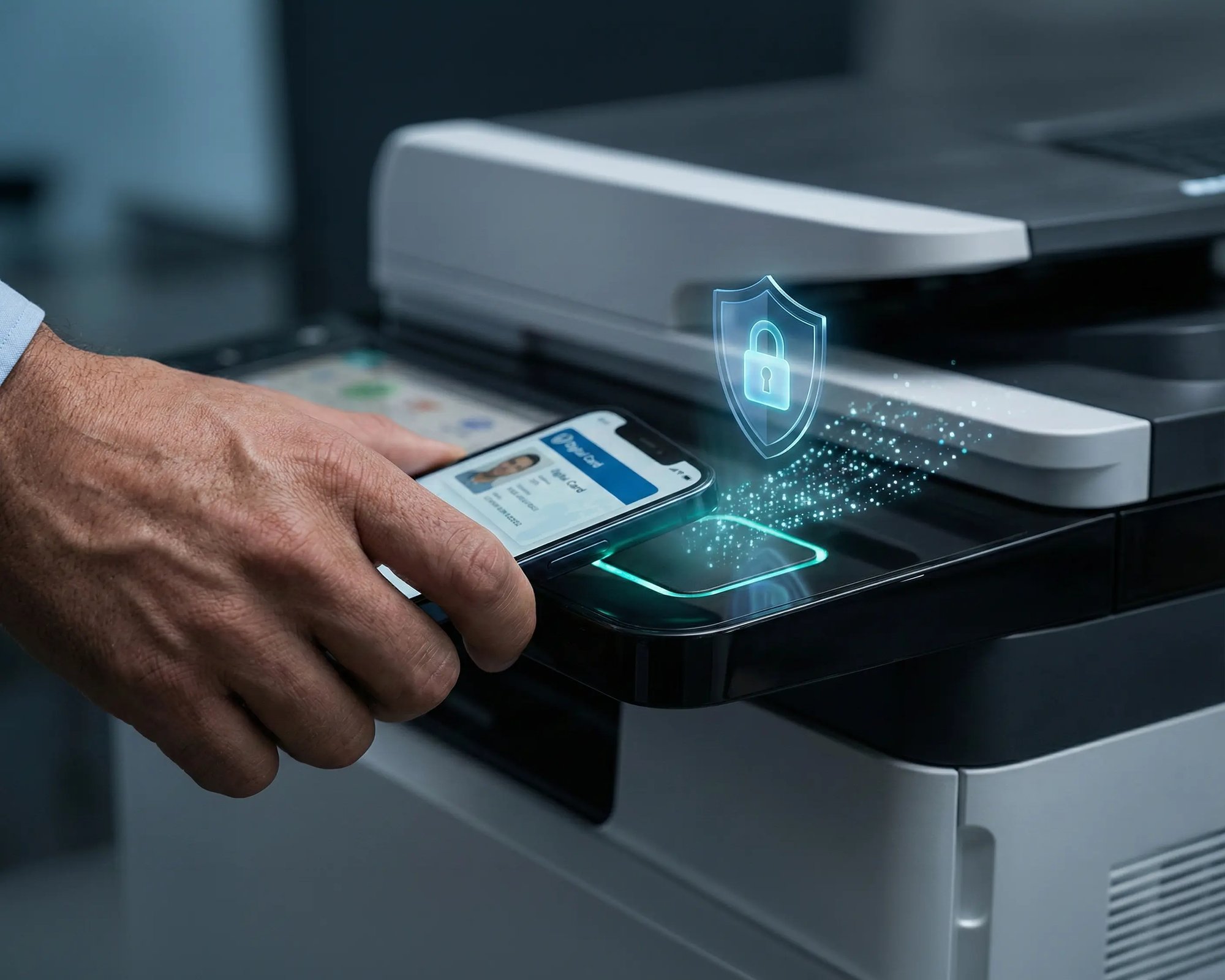
Pull Printing with RFID or PIN

Print jobs are held in the ezeep Cloud until the user walks to a Lexmark MFP and authenticates on the touchscreen with an RFID card or PIN code.

The job is released only after verification, which means sensitive documents never sit uncollected in the output tray.

scale-grow

Scan to Cloud

Authenticated users scan documents directly from the Lexmark device panel and send them to cloud storage without involving a local scan server or manual file transfer.

Scanning is managed through the same ezeep admin portal as printing, so IT controls both workflows from one place.

ezeep-money-time

Copy Tracking Per User

Every copy made on the Lexmark MFP is logged and attributed to the user who authenticated at the device.

IT and finance teams get full visibility into copy usage alongside print data, which makes chargebacks, departmental cost allocation, and waste reporting straightforward.
safe

Centralized Deployment and Management

The ezeep App is deployed to Lexmark MFPs remotely through the admin portal.

Pull Printing settings, authentication methods, copy tracking, and scan destinations are all configured and pushed centrally, so there's no need to touch individual devices or send IT to each location.

works

Less Infrastructure. More Calm.

Move campus printing to the cloud and reduce the day-to-day maintenance burden. Have fewer patches, fewer queue mysteries, and fewer "it broke overnight" surprises.

Server-Free
Centralized
Less Upkeep

One Experience Across Campus

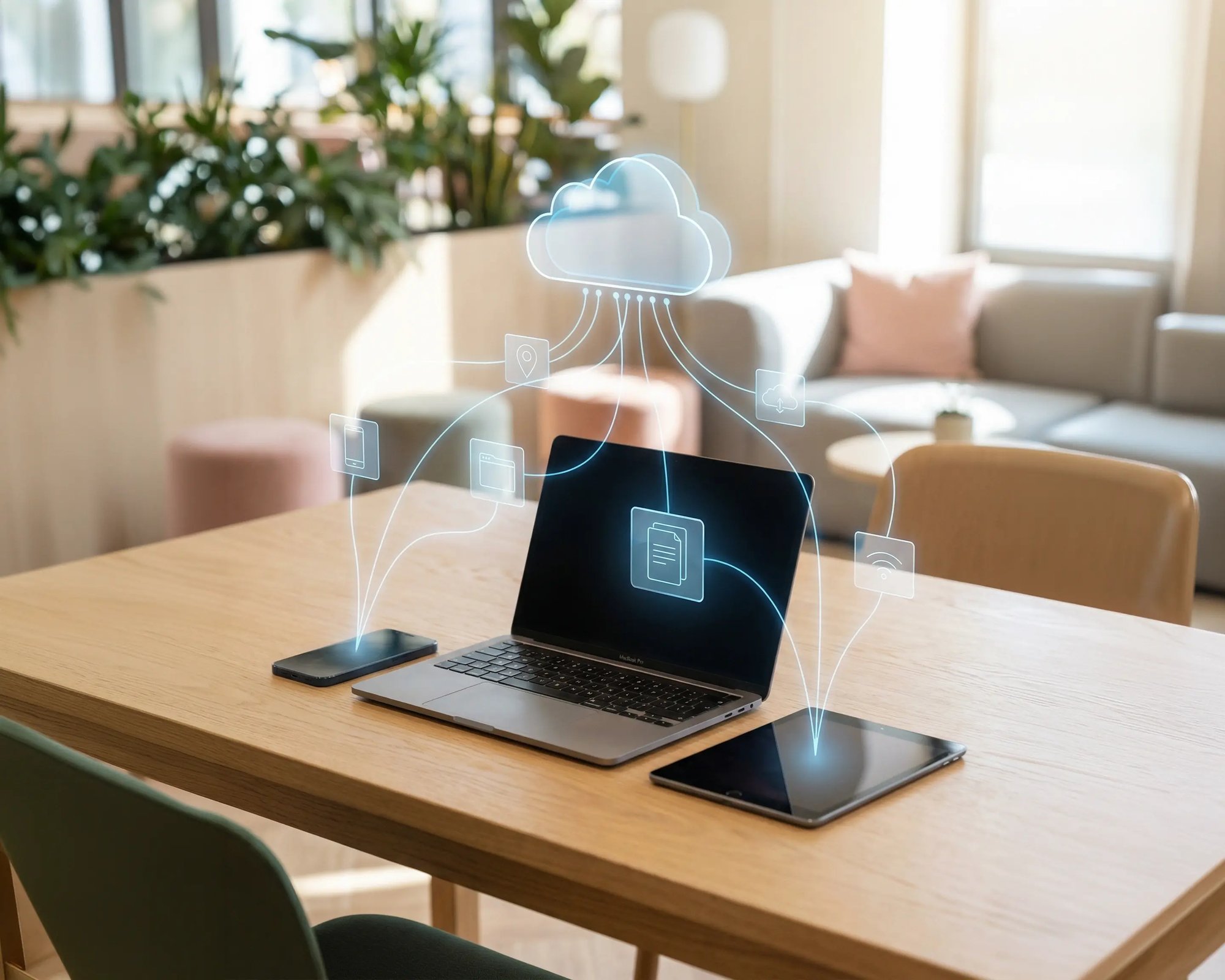
Support the real education device mix - Chromebooks, MacBooks, Windows laptops, tablets, and phones - across libraries, labs, dorms, and shared printers without special steps per department or "this printer only works on that OS."

Campus-Wide
Cross-Platform
User-Friendly

Permissions That Actually Make Sense

Tie printer visibility and access to identity and groups, so students, staff, faculty, and researchers see the right printers by role, building, and department - all without constant manual adjustments.

Role-Based
Location-Aware
Consistent

Temporary Access, Without Temporary Chaos

Support guest lecturers, visiting scholars, events, and short-term programs with controlled access that doesn't create recurring IT work or one-off setups.

Temporary Access
Controlled
Low Effort

Confidential Pages Stay With The Right Person

Reduce tray exposure in busy shared spaces. Pull Printing helps ensure jobs only release when the user authenticates at the printer with their school ID, helping protect exams, registrar documents, and sensitive student records.

Private Release
Less Mix-Ups
Auditable

Visibility Finance Can Actually Use

Understand usage across departments and locations, support quotas and accountability, and make it easier for busier and finance teams to track print spend without turning IT into the print police. 

Measurable
Accountable
Budget-Friendly

Cost Recovery Without The Busywork

For campuses that charge students to print, ezeepCampus adds Self-Join onboarding and credit-based printing, so students and staff can self-serve while your institution keeps pricing and access under control.

Self-Join
Credit-Based
Accountable

Cloud Printing for Your Entire Lexmark Fleet

The embedded app is just  one layer of the integration. Underneath it, ezeep connects all Lexmark printers to the cloud through the ezeep Hub or Connector, including single-function models that don't support the app. Those devices get driverless cloud printing and Printer Profiles, while MFPs with the app also get pull printing, scan to cloud, and copy tracking.

Everything is managed from the same admin console, and if your fleet includes Xerox hardware alongside Lexmark after the acquisition, ezeep handles both brands without running separate tools.

See Full Lexmark Printing Use Case
ezeep-campus
Work Environments

Who This Integration is For

Healthcare and Hospitals

Lexmark MFPs are deployed across thousands of clinical environments. The ezeep App adds Pull Printing with badge authentication at nursing stations and pharmacies, so patient records and prescriptions are only released to verified staff.

Financial Services

Pull Printing with RFID or PIN keeps sensitive client documents and compliance reports from sitting in output trays. Copy tracking gives audit-ready visibility into who printed or copied what.

Retail Chains

ezeep connects distributed Lexmark fleets across locations to one admin console. Pull Printing keeps pricing documents and HR paperwork confidential in shared back-office spaces.

Government and Public Sector

Lexmark's TAA-compliant product lines serve federal, state, and local agencies. The ezeep App adds controlled document release and per-user copy tracking on devices already approved for government use.

How to Deploy the ezeep App on Lexmark MFPs

Three steps to go from a standard Lexmark MFP to a cloud-connected print, scan, and copy station.
scale-grow
1

Connect Lexmark Printers to ezeep

Connect your Lexmark printers to ezeep through the ezeep Hub or the ezeep Connector on a Windows machine. The printers register in the ezeep admin console automatically.

eco
2

Install the ezeep App on Lexmark MFPs

Deploy the ezeep App to compatible Lexmark multifunction printers through the ezeep admin portal. The app installs on the device's embedded Solutions Framework (eSF) and appears on the Lexmark touchscreen.

15475 (1)
3

Configure Pull Printing, Scanning, and Copy Tracking

Enable pull printing and choose the authentication method (RFID or PIN). Turn on copy tracking to log all copy activity per user. Configure scan to cloud destinations. All settings are managed centrally and pushed to devices remotely.

ezeep API

Automate Print Jobs to Your Lexmark Fleet

Not every print job starts at a user's desk. Hospital admissions systems generate wristbands and discharge paperwork. Loan origination platforms produce document packages. Retail inventory systems trigger shelf labels and pricing updates. The ezeep API lets these systems send jobs directly to specific Lexmark printers without user interaction. Combined with the embedded app for walk-up workflows, ezeep covers both automated and on-demand printing across your Lexmark fleet.

ezeep-campus
Coworking hero

Which Lexmark Devices Support the ezeep App?

The ezeep App is available on Lexmark MFPs that support the embedded Solutions Framework (eSF), covering a broad range of current and recent mono and color models. RFID-based Pull Printing requires a card reader (supplied with some models, available separately for others). Standard single-function Lexmark printers work with ezeep's cloud printing platform but do not support the embedded app. For the full list, visit the ezeep Knowledge Base.

See Compatible Lexmark Devices

Documentation and Support

For ezeep App installation, Lexmark eSF compatibility, RFID reader setup, and copy tracking configuration, visit the ezeep Knowledge Base. For broader Lexmark fleet management, cloud connectivity, and Printer Profile setup, see the Lexmark Printing page.

If you need help planning a deployment or confirming compatibility with a specific Lexmark model, our team is available.

Visit ezeep Help Center
ezeep-campus

Frequently Asked Questions

What is the ezeep App for Lexmark?

The ezeep App is a native application that runs directly on Lexmark multifunction printers using Lexmark's embedded Solutions Framework (eSF). It adds secure pull printing with RFID or PIN authentication, scan to cloud, and per-user copy tracking to the Lexmark device panel. The app is deployed and configured centrally through the ezeep admin portal and requires no middleware, extra servers, or additional hardware.

Does the ezeep App work on all Lexmark printers?

The embedded app requires a Lexmark MFP that supports the eSF framework. Standard single-function Lexmark printers connect to ezeep through the Hub or Connector for driverless cloud printing, Printer Profiles, and central management, but do not support the embedded app features. Both printer types are managed from the same admin console.

How is the ezeep App different from Lexmark's own device management tools?

Lexmark Cloud Fleet Management handles device configuration, firmware updates, and fleet monitoring. The ezeep App adds a workflow layer on top: pull printing with authentication, scan to cloud, and per-user copy tracking. Lexmark's tools manage the device. ezeep manages what happens when a user walks up to it.

Does the Lexmark integration still work after the Xerox acquisition?

Yes. Lexmark's embedded Solutions Framework (eSF) is actively maintained, and the ezeep App continues to run on all supported Lexmark MFP models. If your fleet includes both Lexmark and Xerox hardware, ezeep manages both brands from the same admin console. The embedded app is currently available on Lexmark MFPs only.

Can ezeep track both print and copy usage on Lexmark MFPs?

Yes. Print jobs are logged automatically as they pass through the ezeep cloud. When copy tracking is enabled in the ezeep App, every copy is also logged and attributed to the authenticated user. Both data sets appear in the same admin portal reports, giving IT and finance teams a complete picture for chargebacks, cost allocation, and compliance auditing.

Back to top

Turn Your Lexmark MFPs into Cloud-Connected Print Stations

Pull printing, scan to cloud, and copy tracking built directly into the Lexmark device panel. No middleware. No extra servers.

ezeep-chart (1)



