Automate Printing with ezeep and Make
Connect ezeep to 1,000+ apps through Make and build visual workflows that print documents based on conditions, schedules, and multi-step logic. Drag, drop, set your rules, and let printing handle itself.
What Can You Build with Make and ezeep?
Visual Workflows You Can Actually Read
Make's drag-and-drop builder maps every step, branch, and condition clearly. As your printing logic gets more complex, the workflow stays readable. You can see exactly what triggers a print job and why.
Conditional Logic, Filters, and Error Handling
Go beyond simple triggers. Add filters so documents only print when specific criteria are met, build branching paths that route jobs to different printers, and set up fallback routes so failures get caught before they become problems.
Route Jobs to Any Printer, Anywhere
Print jobs are sent through ezeep's cloud infrastructure, so printers can be in headquarters, warehouses, branch offices, or remote locations. Make handles the logic. ezeep handles delivery.
Workflows That Handle the Complexity for You
Print Orders with Conditional Routing
When a new order comes in, Make checks the order type and routes the print job accordingly: shipping labels to the warehouse, packing slips to fulfillment, invoices to accounting.
Different documents, different destinations, one workflow.

Print from Cloud Storage on Upload
Drop a document into a designated Google Drive, OneDrive, or Dropbox folder and Make sends it to ezeep for printing.
Add filters to print only specific file types or from specific subfolders, so not everything that lands in the folder hits a printer.

Automate Print Billing and Receipts
When someone prints through ezeep, Make creates a Stripe charge and generates a QuickBooks receipt automatically.
Billing and record-keeping happen in the background without manual invoicing. Useful for coworking spaces or client-facing print services.
Print Compliance Documents on Approval
When a document is approved in your HR, legal, or compliance platform, Make triggers printing through ezeep for physical archiving.
Add conditions so only final-approved versions print, and route different document types to different printers.

Print Scheduled Reports
Weekly sales summaries, inventory snapshots, shift schedules.
Make runs the Scenario on your cadence and ezeep delivers the output to the right printer. Nobody needs to remember or intervene.

Less Infrastructure. More Calm.
Move campus printing to the cloud and reduce the day-to-day maintenance burden. Have fewer patches, fewer queue mysteries, and fewer "it broke overnight" surprises.
One Experience Across Campus
Support the real education device mix - Chromebooks, MacBooks, Windows laptops, tablets, and phones - across libraries, labs, dorms, and shared printers without special steps per department or "this printer only works on that OS."
Permissions That Actually Make Sense
Tie printer visibility and access to identity and groups, so students, staff, faculty, and researchers see the right printers by role, building, and department - all without constant manual adjustments.
Temporary Access, Without Temporary Chaos
Support guest lecturers, visiting scholars, events, and short-term programs with controlled access that doesn't create recurring IT work or one-off setups.
Confidential Pages Stay With The Right Person
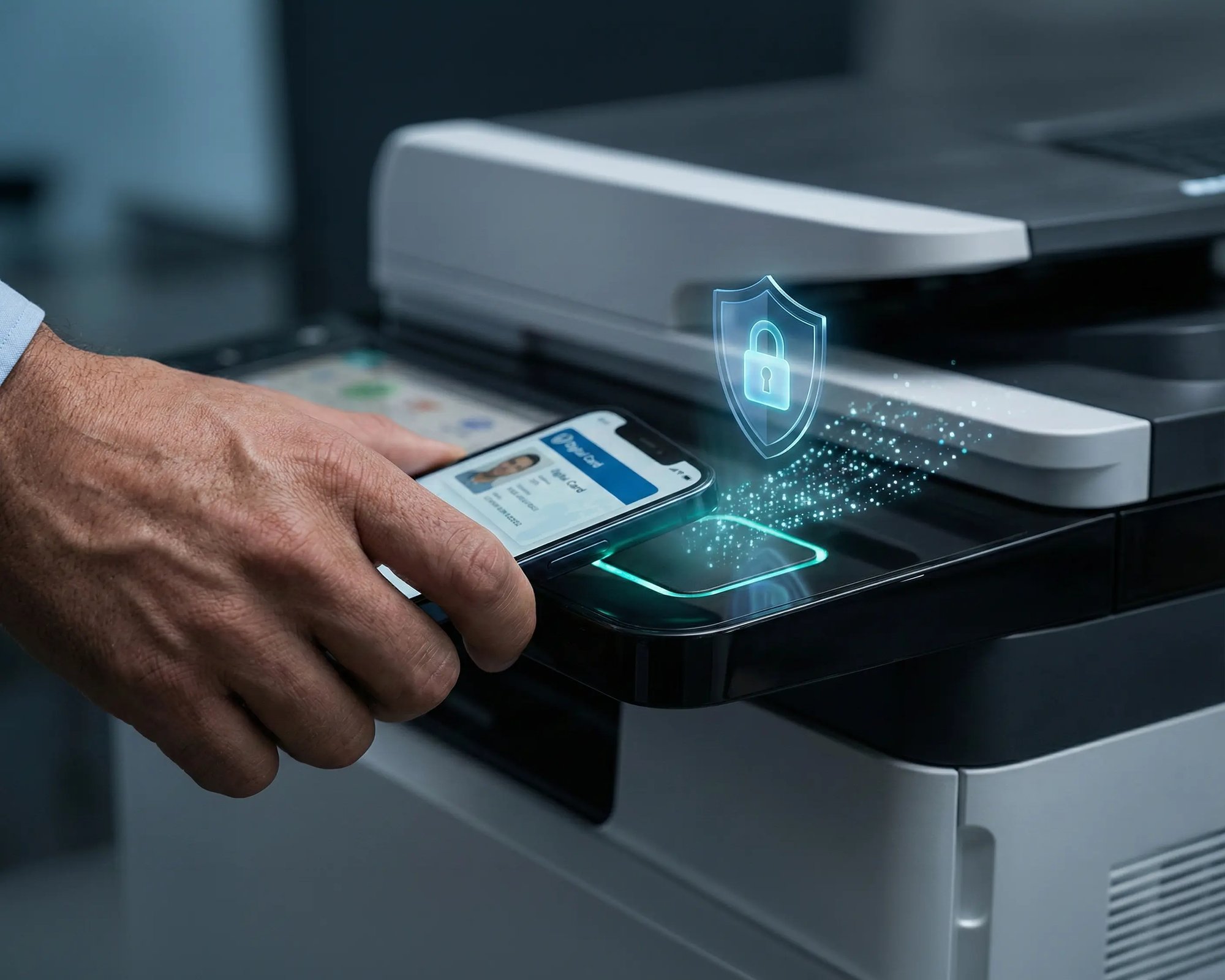
Reduce tray exposure in busy shared spaces. Pull Printing helps ensure jobs only release when the user authenticates at the printer with their school ID, helping protect exams, registrar documents, and sensitive student records.
Visibility Finance Can Actually Use
Understand usage across departments and locations, support quotas and accountability, and make it easier for busier and finance teams to track print spend without turning IT into the print police.
Cost Recovery Without The Busywork
For campuses that charge students to print, ezeepCampus adds Self-Join onboarding and credit-based printing, so students and staff can self-serve while your institution keeps pricing and access under control.
How to Set Up Printing with Make
Pick Your Trigger App
Choose from 1,000+ apps in Make or connect any service through the API module. Select the event that starts the workflow: a new order, a file upload, a form submission, a schedule.

Add ezeep and Build Your Logic
Drag ezeep into your Scenario as the print action. Choose the printer, set preferences, and add branches, filters, or conditions. Make's visual builder shows every path clearly, so nothing prints that shouldn't.
Activate and Walk Away
Run the Scenario instantly or on a schedule. Once active, printing happens every time conditions are met. Fully hands-off.

Need More Control? Use the ezeep Print API
Make handles visual, no-code workflows with powerful logic. But if your team needs direct integration with internal systems, custom backends, or high-volume automation beyond what Make supports, the ezeep Print API gives developers full programmatic access through a RESTful interface.
Explore the ezeep Print APIScenarios, Guides, and Setup Examples

Get started faster with prebuilt Make Scenarios for common printing workflows, or follow step-by-step guides in the ezeep knowledge base.
Browse all ezeep modules and connected apps on Make.
Frequently Asked Questions
How does the ezeep integration with Make work?
You build a Scenario in Make with a trigger (like a file upload or new order), add ezeep as the print action, and configure your logic: which printer, what conditions, any branching or filters. Once the Scenario is active, it runs automatically every time the trigger fires.
What makes Make different from Zapier for printing?
Make offers a visual workflow builder with built-in conditional branching, filters, error handling, and multi-step logic. This makes it a better fit when printing depends on specific conditions or needs to be part of a larger workflow with multiple actions. Zapier is simpler for straightforward trigger-to-print setups.
What apps can trigger printing through Make?
Make supports over 1,000 apps including Google Drive, OneDrive, Dropbox, Shopify, WooCommerce, Stripe, QuickBooks, Salesforce, and more. If an app isn't natively supported, Make's HTTP and API modules let you connect any service with an API.
Can I add conditions to control when documents print?
Yes. Make supports filters, conditional paths, and branching so you can ensure documents only print when specific criteria are met. For example, print only when an order exceeds a certain value, or route different document types to different printers based on content or location.
Do I need developers to set this up?
No. Make is fully visual and no-code. If you can drag and drop, you can build a print workflow. For teams that want deeper integration or custom logic, ezeep also offers a Print API with full programmatic access.
Start Building Smarter Print Workflows
Connect ezeep with Make and design visual workflows that handle the logic, routing, and scheduling. Printing runs itself.


