Cloud Printing That Fits Into Your Microsoft 365 Environment 

ezeep integrates with the Microsoft ecosystem at every level. Import users and groups from Entra ID. Print directly from Word, Excel, and Teams with the Office Add-in. Give your entire M365 environment a single cloud print platform that works without drivers, print servers, or GPO complexity. 

Start Free TrialTalk to an Expert
15475 (1)
Microsoft 365 Printing Problems

Why Printing Is Still a Gap in Microsoft 365 Environments

M365 manages identity, collaboration, and devices from the cloud. Printing still depends on legacy infrastructure.

Universal Print Only Covers Part of the Problem

Universal Print works for Windows devices with compatible printers, but it doesn't cover Mac, iOS, Android, or ChromeOS. It also doesn't solve the browser-based Office printing gap or offer Pull Printing for secure document release.

What Integration Does

How ezeep Integrates with Microsoft 365

ezeep connects to the Microsoft ecosystem at the identity layer, the application layer, and the infrastructure layer.

Entra ID Group Sync

Import your Entra ID groups into ezeep with a few clicks. Printer assignments follow group membership automatically.

When someone joins, they get the right printers. When they leave, access is revoked.

 

scale-grow

Office Add-in for Word, Excel, and Teams

Users get a print button inside Word, Excel, and embedded Office in Teams.

Documents go straight to the cloud for rendering. No PDF downloads, workarounds, or having to leave the app just to print.

ezeep-money-time

Cloud Rendering with No Drivers

Print jobs are rendered in the ezeep Cloud using manufacturer drivers with nothing installed on the device.

This works across Windows, macOS, iOS, Android, and ChromeOS, so you can keep using the devices you always have.
 

safe

Pull Printing for Secure Release

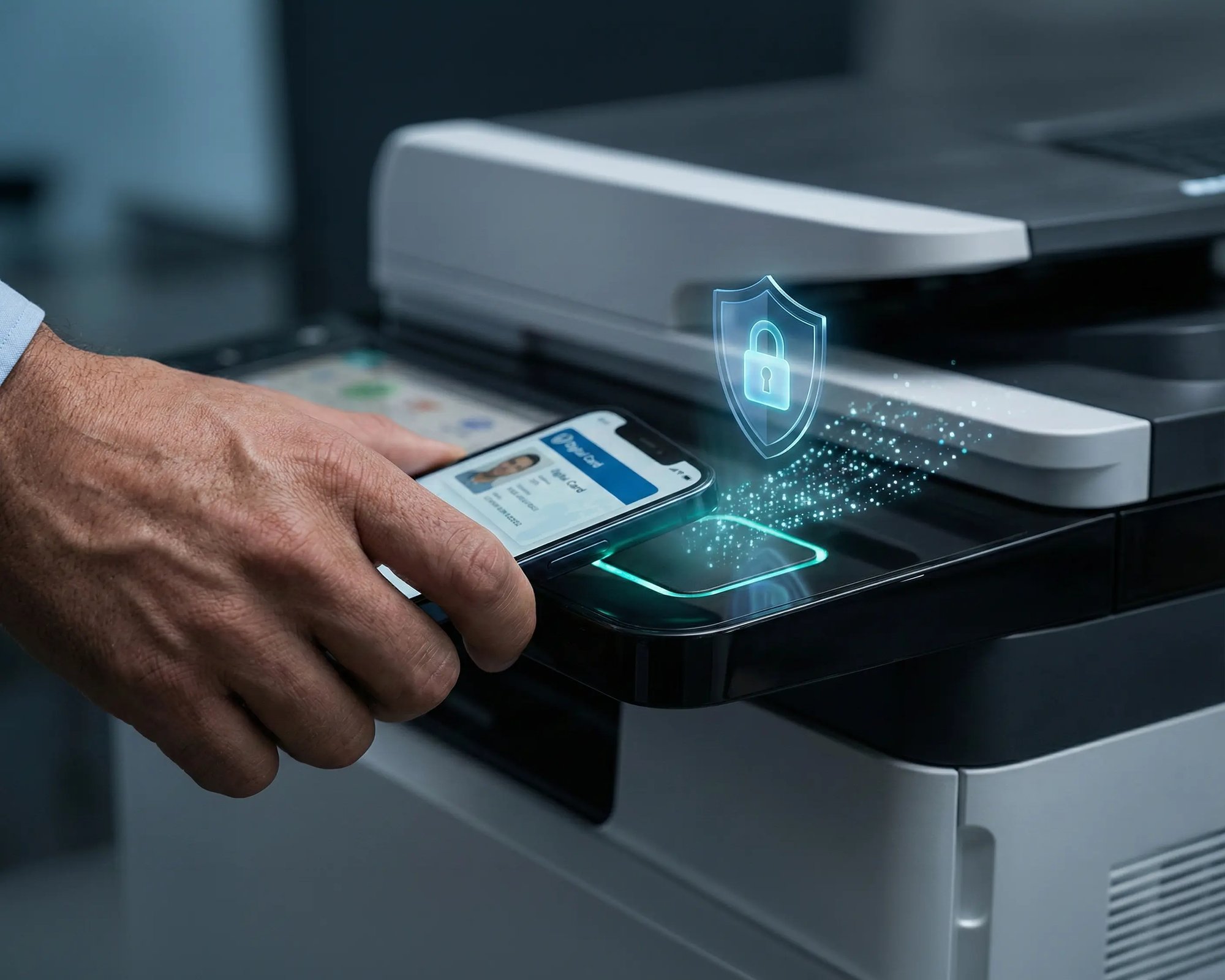
Jobs stay in the cloud until the user authenticates at the printer via QR code or RFID/NFC card.

Nothing prints unattended, and confidential output is always collected by the right person.

 

works

Less Infrastructure. More Calm.

Move campus printing to the cloud and reduce the day-to-day maintenance burden. Have fewer patches, fewer queue mysteries, and fewer "it broke overnight" surprises.

Server-Free
Centralized
Less Upkeep

One Experience Across Campus

Support the real education device mix - Chromebooks, MacBooks, Windows laptops, tablets, and phones - across libraries, labs, dorms, and shared printers without special steps per department or "this printer only works on that OS."

Campus-Wide
Cross-Platform
User-Friendly

Permissions That Actually Make Sense

Tie printer visibility and access to identity and groups, so students, staff, faculty, and researchers see the right printers by role, building, and department - all without constant manual adjustments.

Role-Based
Location-Aware
Consistent

Temporary Access, Without Temporary Chaos

Support guest lecturers, visiting scholars, events, and short-term programs with controlled access that doesn't create recurring IT work or one-off setups.

Temporary Access
Controlled
Low Effort

Confidential Pages Stay With The Right Person

Reduce tray exposure in busy shared spaces. Pull Printing helps ensure jobs only release when the user authenticates at the printer with their school ID, helping protect exams, registrar documents, and sensitive student records.

Private Release
Less Mix-Ups
Auditable

Visibility Finance Can Actually Use

Understand usage across departments and locations, support quotas and accountability, and make it easier for busier and finance teams to track print spend without turning IT into the print police. 

Measurable
Accountable
Budget-Friendly

Cost Recovery Without The Busywork

For campuses that charge students to print, ezeepCampus adds Self-Join onboarding and credit-based printing, so students and staff can self-serve while your institution keeps pricing and access under control.

Self-Join
Credit-Based
Accountable
Who This Is For

Built for Organizations Running Microsoft 365

IT Teams Using Entra ID for Identity

If you manage users and groups through Entra ID, ezeep fits right in. Import groups, assign printers, and manage access through the identity structure you already maintain. No parallel user directory to keep in sync.

Hybrid and Remote Workforces on M365

Users working from home, branch offices, and on the road need to print from Word, Excel, and Teams without being on the corporate network. ezeep routes jobs through the cloud so location and network don't matter.

Organizations Evaluating Universal Print

Universal Print covers basic IPP-based printing for Windows devices with per-user license pools. ezeep adds cross-platform support, cloud rendering with manufacturer drivers, Pull Printing, the Office Add-in, and no per-job caps.

Windows 365 and Azure Virtual Desktop Environments

ezeep is a Microsoft-recognized print solution for AVD and Windows 365. Pair it with Entra ID sync and the Office Add-in, and your virtual desktop users get the same print experience as everyone else.

How It Works

How to Set Up Microsoft 365 Printing with ezeep

Two integration paths. Use one or both depending on what your environment needs. 
scale-grow
1

Path A: Entra ID Group Sync

Connect your Entra ID tenant to ezeep from the admin portal. Your Azure AD groups are imported automatically. Assign printers to groups in ezeep, and every user in those groups gets the right printers. When group membership changes in Entra ID, ezeep follows. 

eco
2

Path B: Office Add-in

Install the ezeep Office Add-in from Microsoft AppSource. Users see a print button inside Word, Excel, and Teams. They sign in with their ezeep credentials (or Entra ID if configured), choose a printer, and print. No PDF conversion, no download, no detour. 

15475 (1)
3

Both Paths Work Together

Use Entra ID sync to manage who gets which printers, and the Office Add-in to give users a clean print workflow inside the apps they already use. 

Print from Word, Excel, and Teams Without the PDF Workaround

The ezeep Office Add-in is available free on Microsoft AppSource. Install it once and every user gets a print button inside browser-based and desktop Office apps, including embedded documents in Teams channels.

ezeep-campus

Documentation and Support

For Entra ID setup, visit the ezeep Knowledge Base article on Microsoft Entra ID Group Sync. For the Office Add-in, find it on Microsoft AppSource or follow the step-by-step guide in the ezeep Knowledge Base.

If you're also running Windows 365 or Azure Virtual Desktop, see our dedicated pages for those environments.

Visit ezeep Help Center
ezeep-campus

Frequently Asked Questions

How does ezeep integrate with Microsoft Entra ID?

ezeep connects to your Entra ID tenant and imports Azure AD users and groups automatically. You assign printers to those groups in ezeep, and every user in the group gets the correct printer access. When group membership changes in Entra ID, ezeep reflects it. This eliminates manual user onboarding for printing and keeps printer assignments aligned with your existing identity structure. Available on Business and Enterprise plans.

How does the ezeep Office Add-in work?

The Add-in installs from Microsoft AppSource and adds a print button inside Word, Excel, and embedded Office apps in Teams. When a user clicks it, the document is sent to ezeep's cloud for rendering and delivered to their chosen printer. No PDF download, no file conversion, no need to leave the application. It works in both desktop and web versions of Office. PowerPoint is not currently supported through the Add-in.

How is ezeep different from Microsoft Universal Print?

Universal Print provides basic IPP-based printing for Windows devices managed through Entra ID, with print volume pooled across per-user licenses. ezeep goes further with cross-platform support (macOS, iOS, Android, ChromeOS), cloud rendering using full manufacturer drivers for better output quality and compatibility, Pull Printing for secure document release, the Office Add-in for printing from browser-based apps and Teams, support for VDI environments like Windows 365 and Azure Virtual Desktop, and no per-job volume caps.

Does ezeep work with Windows 365 and Azure Virtual Desktop?

Yes. ezeep is a Microsoft-recognized print solution for both Azure Virtual Desktop and Windows 365. It eliminates drivers from virtual desktop images, routes jobs through the cloud so users can print from any location, and integrates with Entra ID for identity-based printer assignments. See the dedicated AVD and Windows 365 pages for environment-specific details.

Do users need printer drivers to print from Microsoft 365 apps?

No. All print jobs are rendered in the ezeep cloud using manufacturer-specific drivers. Nothing is installed on the user's device, whether they're printing from the Office Add-in, the ezeep Print App, or the ezeep web portal. This works across Windows, macOS, iOS, Android, and ChromeOS.

Back to top

Bring Cloud Printing Into Your Microsoft 365 Stack

Entra ID sync for identity-based printer access. The Office Add-in for printing from Word, Excel, and Teams without the PDF workaround. One cloud platform for every device and location.

ezeep-chart (1)



