Automate Printing with ezeep and Zapier

Connect ezeep to 7,000+ apps through Zapier and turn everyday business events into print jobs. A document gets signed, an order comes in, a file is uploaded, and the right document prints at the right printer. No code, no manual steps.

Create a Free ezeep AccountTalk to an Expert
15475 (1)
What You Can Automate

What Can You Automate with Zapier and ezeep?

Zapier is a no-code automation platform that connects business apps through simple trigger-action workflows called Zaps. The ezeep integration makes printing one of those actions, so any event in any connected app can send a document to a printer automatically.

Route Jobs to Any Location

Because ezeep is cloud-based, print jobs can go to any connected printer: headquarters, branch offices, warehouses, or a remote worker's home office. Location doesn't limit what you can automate.

Popular Workflows

Popular Printing Workflows on Zapier

Print Signed Contracts from DocuSign

When a document is fully signed in DocuSign, it prints automatically for filing, compliance, or archiving.

No one needs to download the PDF and walk it to a printer. The paper copy is ready when signing is confirmed.

scale-grow

Print Files Added to Dropbox or Google Drive

Drop a document into a designated folder and it prints at a predefined printer.

Invoices, packing slips, compliance forms: any document that routinely needs a physical copy can be handled this way.

ezeep-money-time

Print Shipping Labels When Orders Come In

When a new order is created in Shopify, WooCommerce, or your order management system, shipping labels or packing slips print at the nearest warehouse printer.

No delay between order confirmation and fulfillment.
 

safe

Print CRM Records or Reports on Schedule

Automatically print customer summaries, sales reports, or pipeline snapshots from Salesforce, HubSpot, or other CRMs on a set schedule or when a deal reaches a specific stage. 

 

works

Print HR Documents After Approval

When an onboarding form, policy acknowledgment, or leave request is approved in your HR platform, the signed document prints for the employee file.

No chasing, no forgetting.

 

works

Less Infrastructure. More Calm.

Move campus printing to the cloud and reduce the day-to-day maintenance burden. Have fewer patches, fewer queue mysteries, and fewer "it broke overnight" surprises.

Server-Free
Centralized
Less Upkeep

One Experience Across Campus

Support the real education device mix - Chromebooks, MacBooks, Windows laptops, tablets, and phones - across libraries, labs, dorms, and shared printers without special steps per department or "this printer only works on that OS."

Campus-Wide
Cross-Platform
User-Friendly

Permissions That Actually Make Sense

Tie printer visibility and access to identity and groups, so students, staff, faculty, and researchers see the right printers by role, building, and department - all without constant manual adjustments.

Role-Based
Location-Aware
Consistent

Temporary Access, Without Temporary Chaos

Support guest lecturers, visiting scholars, events, and short-term programs with controlled access that doesn't create recurring IT work or one-off setups.

Temporary Access
Controlled
Low Effort

Confidential Pages Stay With The Right Person

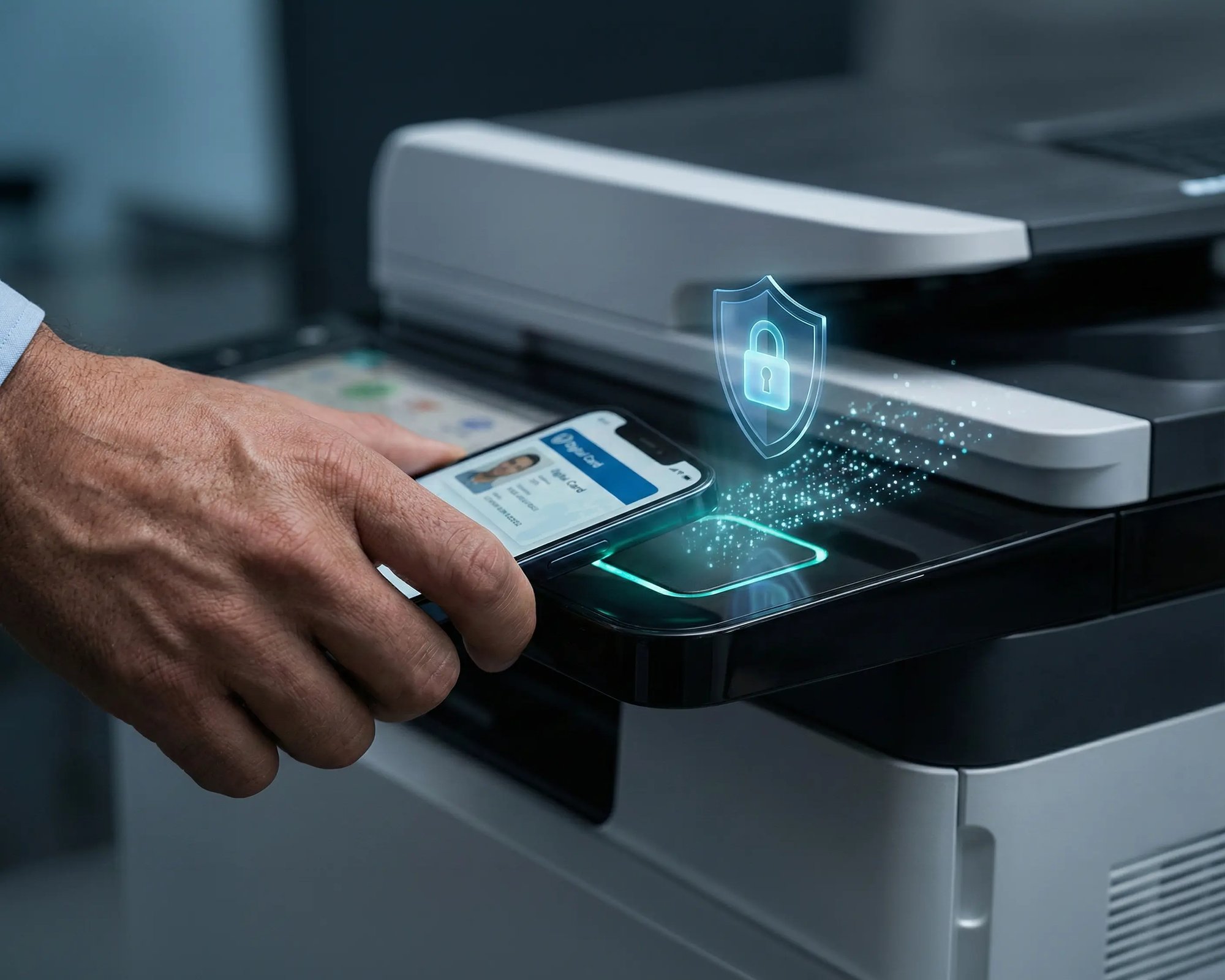
Reduce tray exposure in busy shared spaces. Pull Printing helps ensure jobs only release when the user authenticates at the printer with their school ID, helping protect exams, registrar documents, and sensitive student records.

Private Release
Less Mix-Ups
Auditable

Visibility Finance Can Actually Use

Understand usage across departments and locations, support quotas and accountability, and make it easier for busier and finance teams to track print spend without turning IT into the print police. 

Measurable
Accountable
Budget-Friendly

Cost Recovery Without The Busywork

For campuses that charge students to print, ezeepCampus adds Self-Join onboarding and credit-based printing, so students and staff can self-serve while your institution keeps pricing and access under control.

Self-Join
Credit-Based
Accountable
How It Works

How to Set Up Printing with Zapier

 Three steps. No developers. Printing runs on its own. 
scale-grow
1

Pick Your Trigger App

Choose from 7,000+ apps in Zapier: DocuSign, Dropbox, Google Drive, Shopify, Salesforce, and thousands more. Select the event that should start the print job. 

eco
2

Connect ezeep as the Action

Choose which printer receives the job, set preferences like double-sided or color, and configure any conditions or filters. Zapier's editor walks you through it. 

15475 (1)
3

Turn It On and Walk Away

Once the Zap is live, printing happens every time the trigger fires. No manual steps, no supervision, no code to maintain. 

Coworking hero

Need More Control? Use the ezeep Print API 

Zapier handles no-code printing well. But if your workflows need custom logic, tighter integration with internal systems, or higher-volume automation, the ezeep Print API gives developers direct programmatic access through a RESTful interface.

Build print actions into your own applications, trigger jobs from backend services, or integrate printing into custom ERP and order management workflows.

Explore the ezeep Print API

Documentation

Templates, Guides, and Setup Examples

Get started faster with prebuilt Zap templates for common printing workflows, or follow step-by-step guides in the ezeep Knowledge Base.


ezeep-campus

Frequently Asked Questions

How does the ezeep integration with Zapier work?

You create a Zap with a trigger (like a document being signed or a file uploaded) and set ezeep as the action. Choose the printer, set your preferences, and activate the Zap. From then on, printing happens automatically every time the trigger fires. 

What are the most common use cases?

The most popular workflows include printing signed contracts from DocuSign, printing shipping labels when orders come in from Shopify or WooCommerce, printing files added to Dropbox or Google Drive, printing CRM reports on a schedule, and printing HR documents after approval. 

Do I need developers to set this up?

No. Zapier is fully no-code. Anyone who can build a Zap can automate printing. For more advanced workflows or direct API integration, ezeep also offers a developer-friendly Print API. 

Can print jobs go to printers at different locations?

Yes. ezeep is cloud-based, so jobs can be routed to any connected printer regardless of location. A Zap triggered in your CRM can print at headquarters, a branch office, a warehouse, or a remote worker's home printer. 

What types of documents can I print?

Any printable format: PDFs, Word files, spreadsheets, labels, images, and more. Common use cases include contracts, invoices, shipping labels, packing slips, HR forms, and compliance documents. 

Back to top

Start Automating Your Printing

Connect ezeep with Zapier and let documents print themselves, exactly when and where they're needed. 

ezeep-chart (1)


