ezeep and Zebra: Validated Cloud Printing for Enterprise Label Fleets
ezeep has completed Zebra's Enterprise Testing Program, confirming compatibility and reliability across desktop, mobile, and industrial label printers. Connect your Zebra fleet to the cloud through the ezeep Hub. Manage every device from one console. No print servers, no VPNs, no on-site infrastructure.
A Validated Integration, Not Just Compatibility
ezeep's integration with Zebra goes beyond basic driver support. ezeep completed Zebra's Enterprise Testing Program, which tests interoperability across select Zebra mobile computers, scanners, printers, and RFID solutions. The validation confirmed that ezeep delivers reliable, true-to-format, machine-readable label output across Zebra's desktop, mobile, and industrial printer lines.
This means organizations deploying Zebra devices can rely on ezeep as a tested and confirmed cloud print management layer, not a workaround.
What You Get with ezeep and Zebra Together
Cloud-Hosted Zebra Drivers with Native ZPL and CPCL
ezeep hosts Zebra drivers centrally in the cloud, so your existing label templates work immediately without reformatting or conversion.
Jobs are rendered using the correct driver and delivered to the target printer in its native format.

The ezeep Hub for Remote Zebra Fleets
The Hub connects Zebra printers in warehouses, retail stores, and production floors to the cloud without VPNs, print servers, or local PCs.
It supports both USB and network-connected Zebra devices and is managed entirely from the ezeep admin portal.

Printer Profiles for Consistent Label Output
Define label size, orientation, density, and other Zebra-specific settings once in a Printer Profile and assign it to users or groups.
Every label prints with the same settings regardless of who sends the job or which location they're printing from.
Automate Label Printing from Any Business System
The ezeep Print API and integrations with Zapier, Make, and Pabbly let you trigger label jobs from ERP, WMS, CRM, or shipping platforms automatically.
An order comes in and a label prints, with no manual steps and no user interaction required.
RFID Label Support Through Validated Hardware
The Zebra ZD621R is among the models validated through Zebra's Enterprise Testing Program.
ezeep delivers the print job and the printer handles RFID encoding using its onboard firmware, so your RFID label workflows stay intact.
Less Infrastructure. More Calm.
Move campus printing to the cloud and reduce the day-to-day maintenance burden. Have fewer patches, fewer queue mysteries, and fewer "it broke overnight" surprises.
One Experience Across Campus
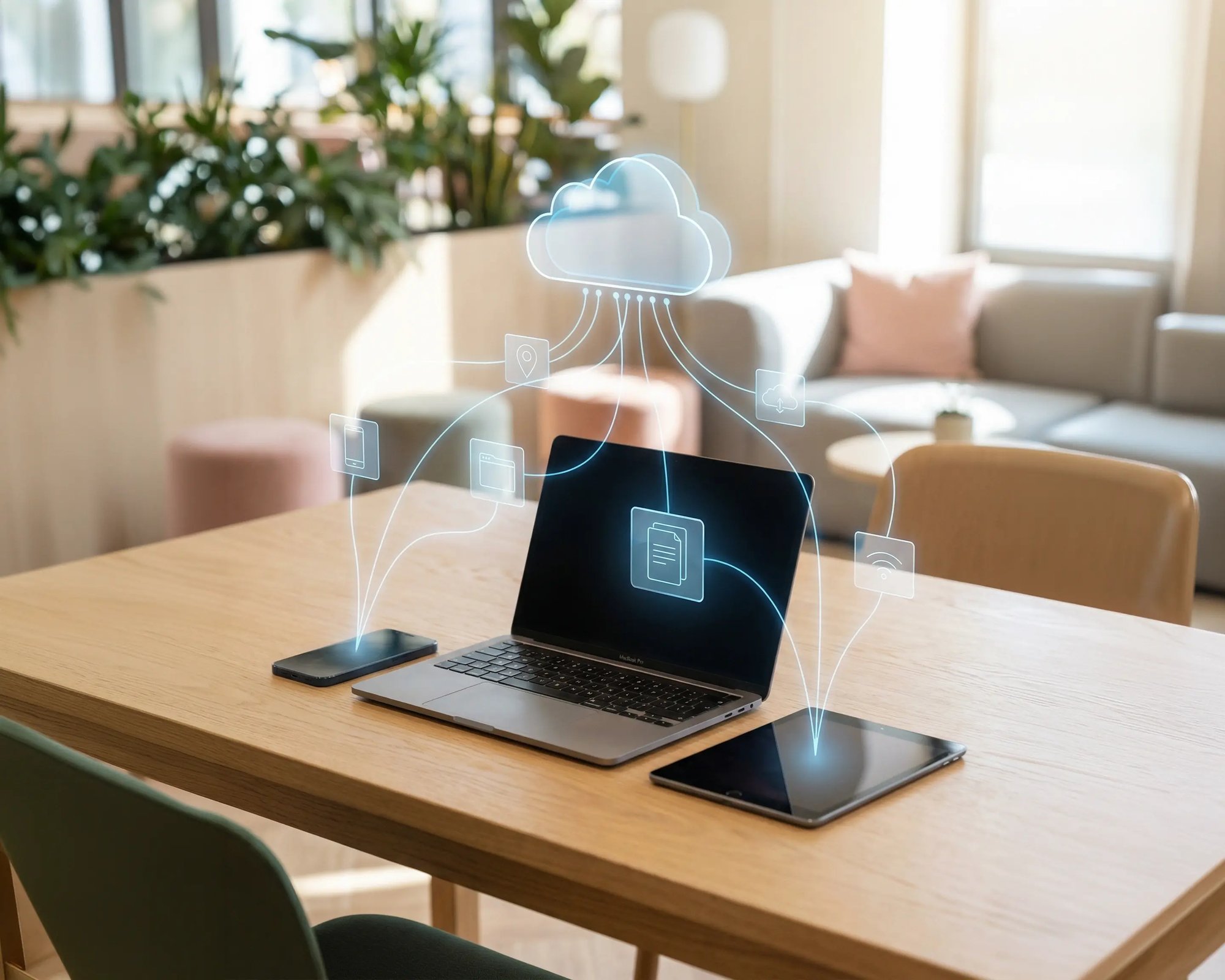
Support the real education device mix - Chromebooks, MacBooks, Windows laptops, tablets, and phones - across libraries, labs, dorms, and shared printers without special steps per department or "this printer only works on that OS."
Permissions That Actually Make Sense
Tie printer visibility and access to identity and groups, so students, staff, faculty, and researchers see the right printers by role, building, and department - all without constant manual adjustments.
Temporary Access, Without Temporary Chaos
Support guest lecturers, visiting scholars, events, and short-term programs with controlled access that doesn't create recurring IT work or one-off setups.
Confidential Pages Stay With The Right Person
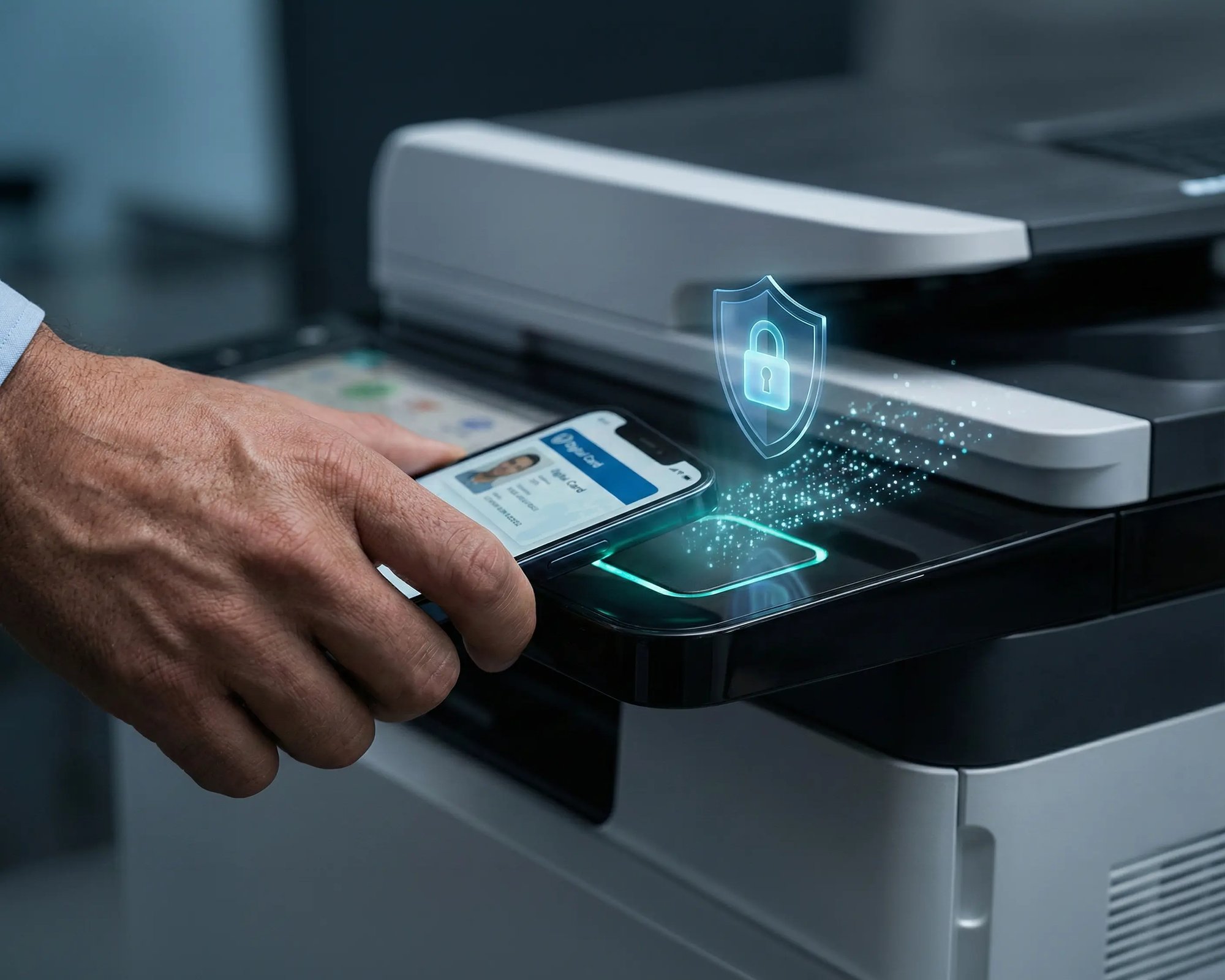
Reduce tray exposure in busy shared spaces. Pull Printing helps ensure jobs only release when the user authenticates at the printer with their school ID, helping protect exams, registrar documents, and sensitive student records.
Visibility Finance Can Actually Use
Understand usage across departments and locations, support quotas and accountability, and make it easier for busier and finance teams to track print spend without turning IT into the print police.
Cost Recovery Without The Busywork
For campuses that charge students to print, ezeepCampus adds Self-Join onboarding and credit-based printing, so students and staff can self-serve while your institution keeps pricing and access under control.
What the Zebra Enterprise Testing Program Means
Zebra's Enterprise Testing Program tests interoperability between partner software and Zebra hardware under real-world conditions. ezeep was validated against a representative sample of desktop, mobile, and industrial printers, confirming reliable output, format fidelity, and machine readability across all tested devices.
Because the validated models span Zebra's major product lines, compatibility extends broadly across the portfolio. ezeep's cloud-hosted driver library adds support for additional models beyond the validated set.
For the full list of validated and supported Zebra devices, see our Zebra printing page.
Who Benefits Most from Cloud-Managed Zebra Printing
Warehouse and Distribution Operations
Connect Zebra printers across receiving docks, pick lines, and shipping stations to one cloud platform. The ezeep Hub eliminates the need for local PCs or print servers at each location. Printer Profiles keep label output consistent across shifts and sites.
Retail Chains and Multi-Location Businesses
Manage Zebra label printers in every store from a single console. Deploy the ezeep Hub at each site, assign printers by location or role, and push label settings centrally. No on-site IT visits to configure or troubleshoot printers.
Third-Party Logistics and MSPs
Manage Zebra fleets across multiple client sites without VPNs or dedicated infrastructure at each location. ezeep's cloud console and API give you centralized visibility and automation across every account you service.
Manufacturing and Production Lines
Automate label printing from ERP and MES systems using the ezeep Print API. When a production event triggers a label, ezeep routes the job to the correct Zebra printer on the floor. Printer Profiles ensure every label meets specification.
How to Connect Your Zebra Fleet to ezeep
Option A: The ezeep Hub (No PC Required)
Deploy the ezeep Hub at each location with Zebra printers. The Hub connects USB and network Zebra printers to ezeep's cloud platform automatically. No always-on PC, no print server, no VPN. Ideal for warehouses, branch offices, and retail stores where simplicity and reliability matter most.

Option B: The ezeep Connector (Windows PC or Server)
Install the ezeep Connector on a Windows machine that already has Zebra printers connected. The Connector registers those printers with ezeep and makes them available through the cloud. Useful when Zebra printers are already attached to an existing Windows environment.
After Connecting
Assign printers to users or groups, apply Printer Profiles with your label settings, and configure automation through the ezeep API or integrations with Zapier and Make.

Automate Label Printing from Any Business System
Connecting Zebra printers to the cloud is the foundation. What makes it powerful is what you build on top. The ezeep Print API and integrations with Zapier, Make, and Pabbly let you trigger label printing automatically from any system: ERP, WMS, CRM, shipping platforms, or custom web applications.
An order comes in, a label prints. A status changes in SAP, a shipping label is produced on the warehouse floor. No manual steps, no user interaction required
Why Not Just Use Zebra's Own Management Tools?
Zebra offers its own fleet management through tools like Printer Profile Manager Enterprise, Print DNA, and Link-OS. These work well for configuring and monitoring Zebra hardware directly. But they don't replace a cloud print management layer.
ezeep handles what Zebra's tools don't: centralized print job routing across locations, cloud-hosted driver rendering so endpoints stay clean, user and group-based printer assignments, Printer Profiles that standardize label output across your entire fleet, and API-driven automation for triggering print jobs from any business system. If you also print to non-Zebra devices, ezeep manages those from the same console.
Think of it this way: Zebra's tools manage the printer. ezeep manages the printing.
Documentation and Support
For Zebra-specific setup guides, device compatibility, and Printer Profile configuration, visit the ezeep Knowledge Base. For details on the Zebra Enterprise Testing Program validation, see our announcement.
If you need confirmation on a specific Zebra model or help planning a deployment, our team is available.
Frequently Asked Questions
What does it mean that ezeep is validated by Zebra?
ezeep completed Zebra's Enterprise Testing Program, which tests the interoperability of partner software with Zebra hardware under real-world conditions. The validation confirmed reliable, true-to-format, machine-readable label output across Zebra's desktop, mobile, and industrial printer lines, including the ZD420, ZQ521, ZD621, ZQ320, ZD621R, ZT411, and ZT230. Organizations can deploy ezeep with Zebra devices knowing the combination has been formally tested and confirmed by Zebra.
Do I need to reformat my existing label templates to use ezeep?
No. ezeep supports Zebra's native ZPL and CPCL print languages. Your existing label templates work immediately without conversion or reformatting. Jobs are rendered using cloud-hosted Zebra drivers and delivered to the printer in its native format, so barcodes, QR codes, and RFID encoding remain machine-readable.
How is ezeep different from Zebra's own printer management tools?
Zebra offers tools like Printer Profile Manager Enterprise, Print DNA, and Link-OS for configuring and monitoring Zebra hardware directly. ezeep adds a cloud print management layer on top: centralized job routing across locations, cloud-hosted driver rendering, user and group-based printer assignments, and API-driven automation from any business system. If you also print to non-Zebra devices, ezeep manages those from the same console.
Can I automate label printing from ERP, WMS, or shipping systems?
Yes. The ezeep Print API lets any application trigger label print jobs to Zebra printers programmatically. No-code integrations with Zapier, Make, and Pabbly can automate printing based on events like new orders, inventory updates, or status changes in SAP, Oracle WMS, Manhattan Active, or any system that generates print output.
How do I connect Zebra printers in remote warehouse or retail locations?
The ezeep Hub is a small device that connects Zebra printers to the cloud without a PC, print server, or VPN. Deploy one at each location, connect your Zebra printers via USB or network, and manage them centrally from the ezeep admin console. The Hub is managed remotely and requires no on-site IT.
Ready to Put Your Zebra Fleet in the Cloud?
Validated by Zebra. Managed by ezeep. Connect your label printers and start printing in minutes.




