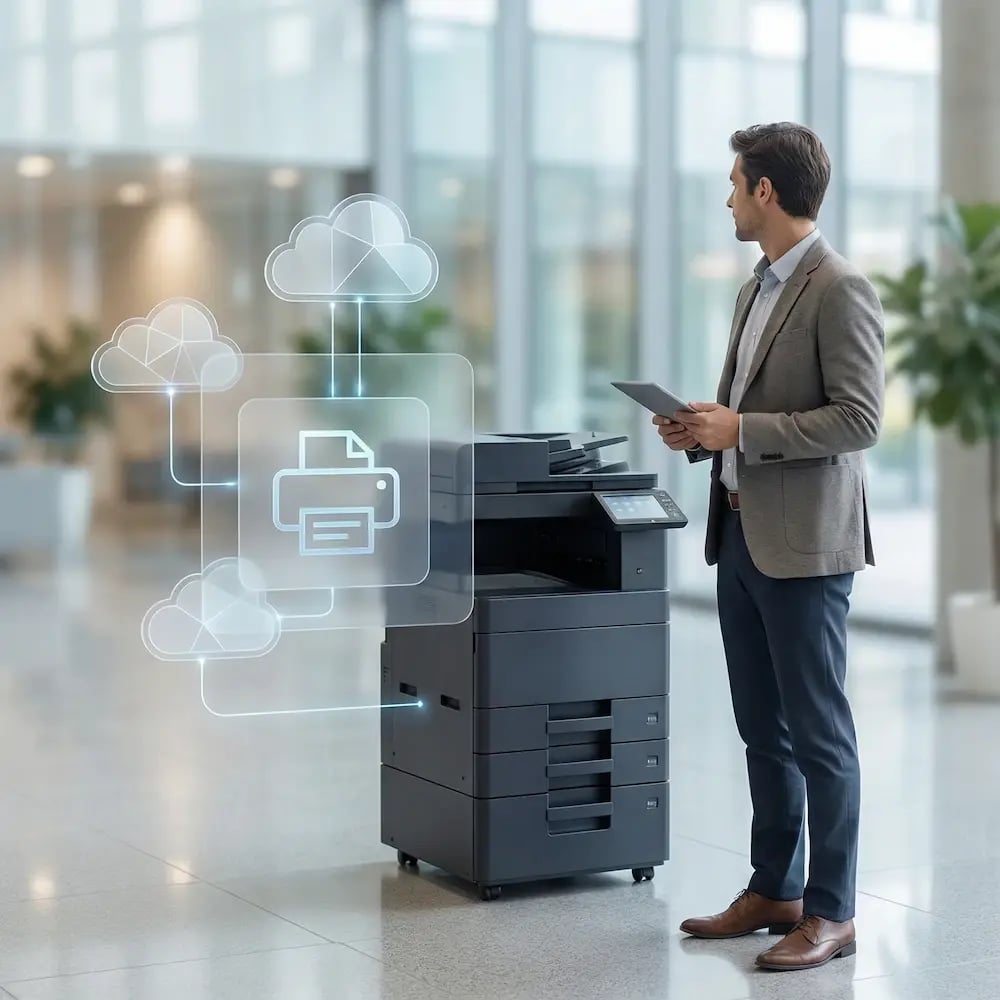
Cloud Printing That Works Across Real-World Scenarios

Distributed teams, multi-site operations, shared devices, high-volume output - whatever shape your printing takes, ezeep keeps it predictable, centrally governed, and free of recurring fixes.

See How ezeep WorksStart Free Trial
all-uses-cases-overview-hero
Use Cases

Pick the Scenario You’re Solving

Whatever your setup looks like, there’s an easy way to print. Let’s find yours.

Hybrid & Remote Printing

Make office-days and home-days feel identical for users - without adding admin work.

Multi-Location Printing

Standardize printing across offices, branches, and regions with one admin view.

Mobile & BYOD Printing

Support printing from phones, tablets, and personal laptops while keeping access controlled.

Virtual Desktop Printing

Get reliable printing for AVD, Citrix, Horizon, and more across any cloud or on-premises deployment.

Centralized Print Management

Manage printers, permissions, policies, and reporting all from one place.

Device & Platform Printing

Make printing work across Windows, macOS, ChromeOS, iOS, and Android environments.

Sustainable Printing

Lower waste with smart defaults, better oversight, and behavior-friendly governance.

Build Your Own Workflow

Connect printing to your app or workflow using our API and developer tools.

woman-at-printer

The Same Outcome, No Matter the Use Case

Different orgs, different workflows, one goal: printing that works without the drama.

  • One admin console for users, printers, and policies

  • Works across locations and mixed device fleets

  • Clear visibility into usage and ownership

  • Designed to reduce friction (and tickets)
Steps

Start Fast, Scale Smoothly

Three steps from "we need to fix printing" to "it just works," regardless of which use case brought you here.

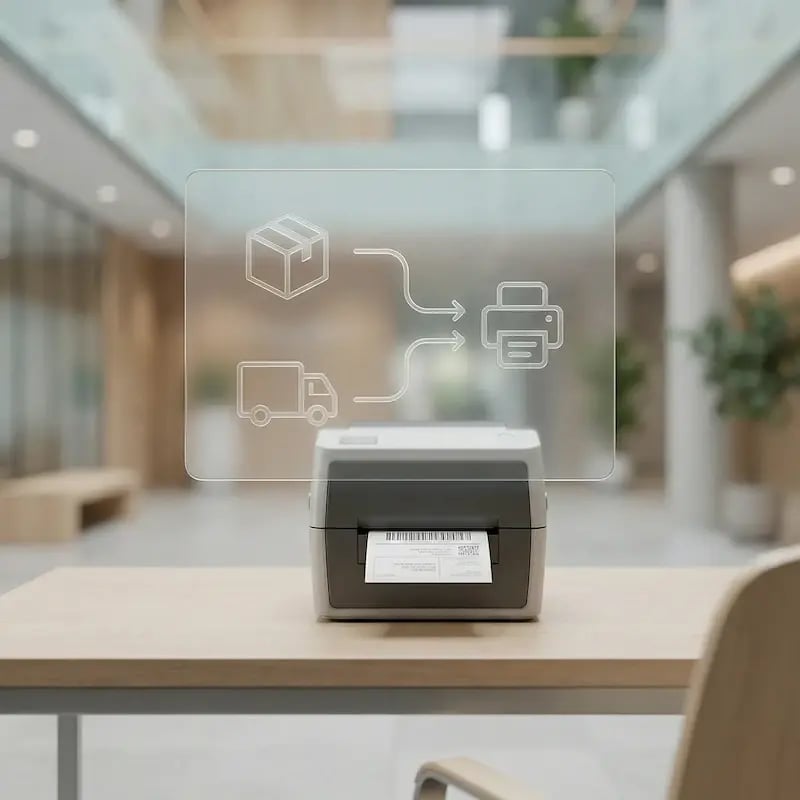
connect-wms-printers
1

Connect Your Printers

Deploy the ezeep Hub at each location or install the ezeep Connector on an existing Windows machine. Network printers are discovered automatically. USB printers connect through the Hub. Your hardware stays in place; the print servers and VPN tunnels behind it go away.

mamange-network-as-one
2

Add Users and Set Access

Invite users by email, sync them from Microsoft Entra ID, or share a Self-Join link. Organize them into groups by location, department, or role. Assign printers to those groups and configure Printer Profiles, group policies, and Pull Printing from the admin portal. Access follows the user across every device they sign into.
mobile-print-warehouse-floor
3

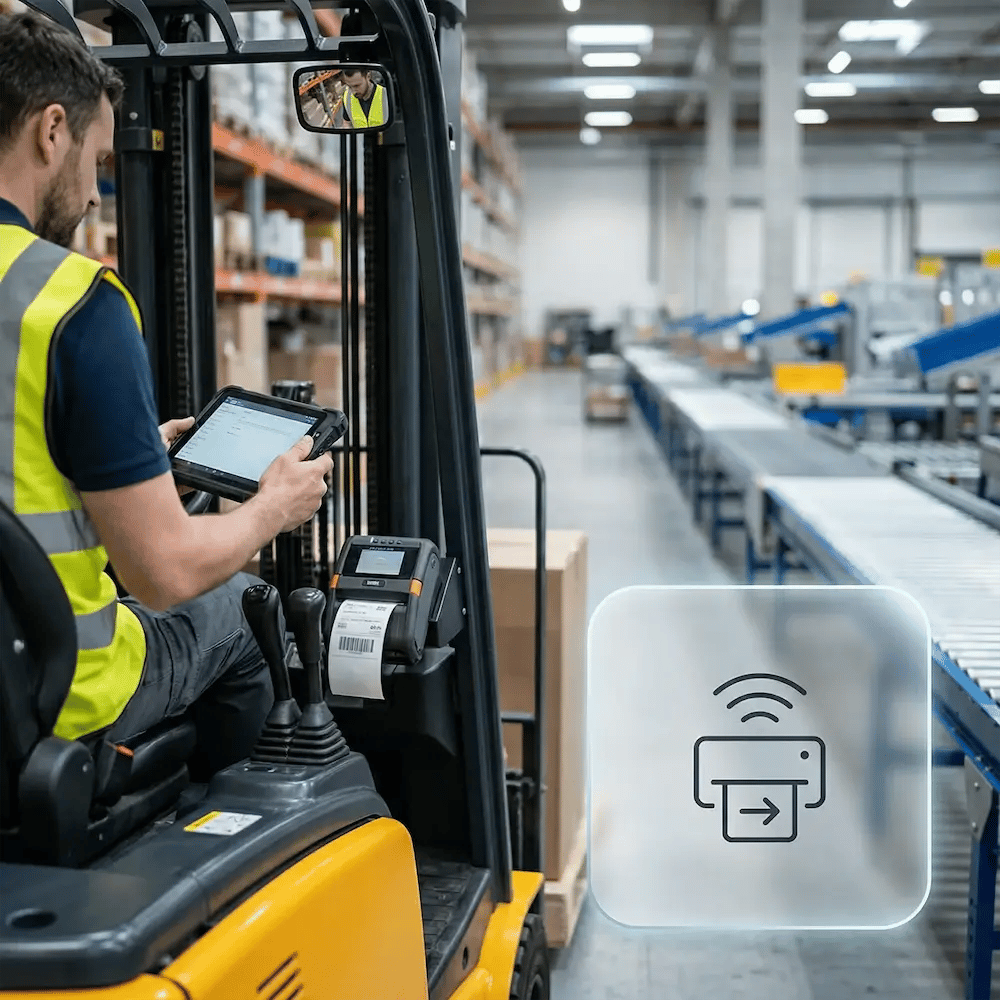
Print from Any Device, Any Location

Users print from Windows, macOS, ChromeOS, iOS, and Android through the ezeep Print App, the Office Add-in, or Print Now in the browser. Jobs are rendered in the cloud using the correct manufacturer driver. No drivers on endpoints, no per-device setup, no network dependency.

Frequently Asked Questions

What is ezeep and how does cloud printing work?

ezeep is a cloud printing platform that replaces print servers, local drivers, and VPN-based print access with a single cloud console. Print jobs are rendered in the cloud using manufacturer-specific drivers from a library of over 6,000. Users print from any device (Windows, macOS, ChromeOS, iOS, Android) to any printer without installing drivers on their endpoints. IT manages printers, users, groups, policies, and reporting from one admin portal.

What printers and devices does ezeep support?

ezeep supports printers from HP, Xerox, Lexmark, Konica Minolta, Kyocera, Brother, Epson, Zebra, Dymo, and other manufacturers through its cloud-hosted driver library. If a specific model isn't listed, you can request it and the ezeep team will add it. On the device side, users print from Windows, macOS, ChromeOS, iOS, and Android through the ezeep Print App, the Office Add-in for Microsoft 365, or Print Now in any web browser.

How does ezeep handle security and compliance for printed documents?

ezeep encrypts all print data in transit using TLS 1.3/1.2 and uses only outbound connections, so no inbound firewall ports need to be opened. Pull Printing holds jobs in the cloud until the user authenticates at the printer via QR code or RFID/NFC card, preventing confidential documents from sitting on output trays. Print monitoring logs every job with per-user attribution, and reports can be anonymized for GDPR compliance.

Which ezeep plan should I start with?

ezeep offers Free, Pro, Business, and Enterprise plans. The Free plan supports up to 10 users with cloud printing, Printer Profiles, and Self-Join. Pro adds Print Later, webhooks, and the Office Add-in. Business adds Pull Printing, Entra ID group sync, and advanced policies. Enterprise is available for large deployments with custom requirements. All plans include a 14-day free trial. Visit the pricing page for current plan details.

How quickly can ezeep be deployed across multiple locations?

Most organizations are up and running within minutes per site. Deploy the ezeep Hub at each location (plug in, claim in the admin portal, assign printers to groups) and users can print immediately. There is no software to install on printers, no drivers to package for endpoints, and no print servers to configure. Organizations with Microsoft Entra ID can sync users and groups automatically, so printer access follows your existing identity structure from day one.

Back to top

Still Printing
Like It's 2010?

If printing still needs rituals, restarts, and random luck… it’s time. Modernize your setup so users can just print, and IT can focus on bigger things.

ezeep-chart (1)