Cloud Printing for Events and Conferences
Give attendees fast, secure printing from their own devices without installing anything. ezeep sets up in minutes, scales from workshops to global summits, and cleans up automatically when the event ends. One less thing for your team to manage on-site.
Why Event Printing Still Creates Chaos
Thousands of Devices, Zero IT Control
Attendees bring laptops, tablets, and phones across every operating system. Installing drivers or configuring printers on personal devices isn't realistic, and a single shared PC behind a registration desk creates bottlenecks the moment things get busy.
Temporary Venues, Unreliable Networks
Conference WiFi is shared across thousands of devices, often firewalled, and managed by the venue. Any printing setup that depends on local network discovery or direct device-to-printer connections is one network hiccup away from failing. Temporary infrastructure shouldn't require permanent IT resources.
No Visibility Into Costs or Usage
When sponsors and exhibitors need invoicing, or when budgets need tracking in real time, most event printing setups offer no reporting at all. You find out what happened after the event is over, if you find out at all.
Event Printing That Works on Any Device, Without Any Setup
Attendees Print from Their Own Devices
Participants scan a QR code, connect to event printers in seconds, and print from whatever they brought: laptop, tablet, iOS, Android, Windows, Mac, or Chromebook.
No app downloads, no driver installs, no staff assistance needed.

Set Up Print Stations in Minutes
The ezeep Hub connects any printer to the cloud instantly. No print servers, no network configuration, no on-site IT team required.
Plug it in, assign it in the dashboard, and the print station is live.

Control Access and Auto-Remove Attendees
Decide who can print and for how long. Attendees self-register through a QR code or secure link, and ezeep automatically removes their accounts after a configurable retention period.
No manual cleanup, no leftover access.
Track Costs and Invoice in Real Time
See exactly what's being printed, where, and by whom.
Our dashboard gives you live reporting on usage, printer status, and costs, so you can stay on budget or invoice sponsors and exhibitors accurately.

Keep Conference Documents Secure
Conference materials often contain sensitive content: draft agreements, financial reports, delegate information.
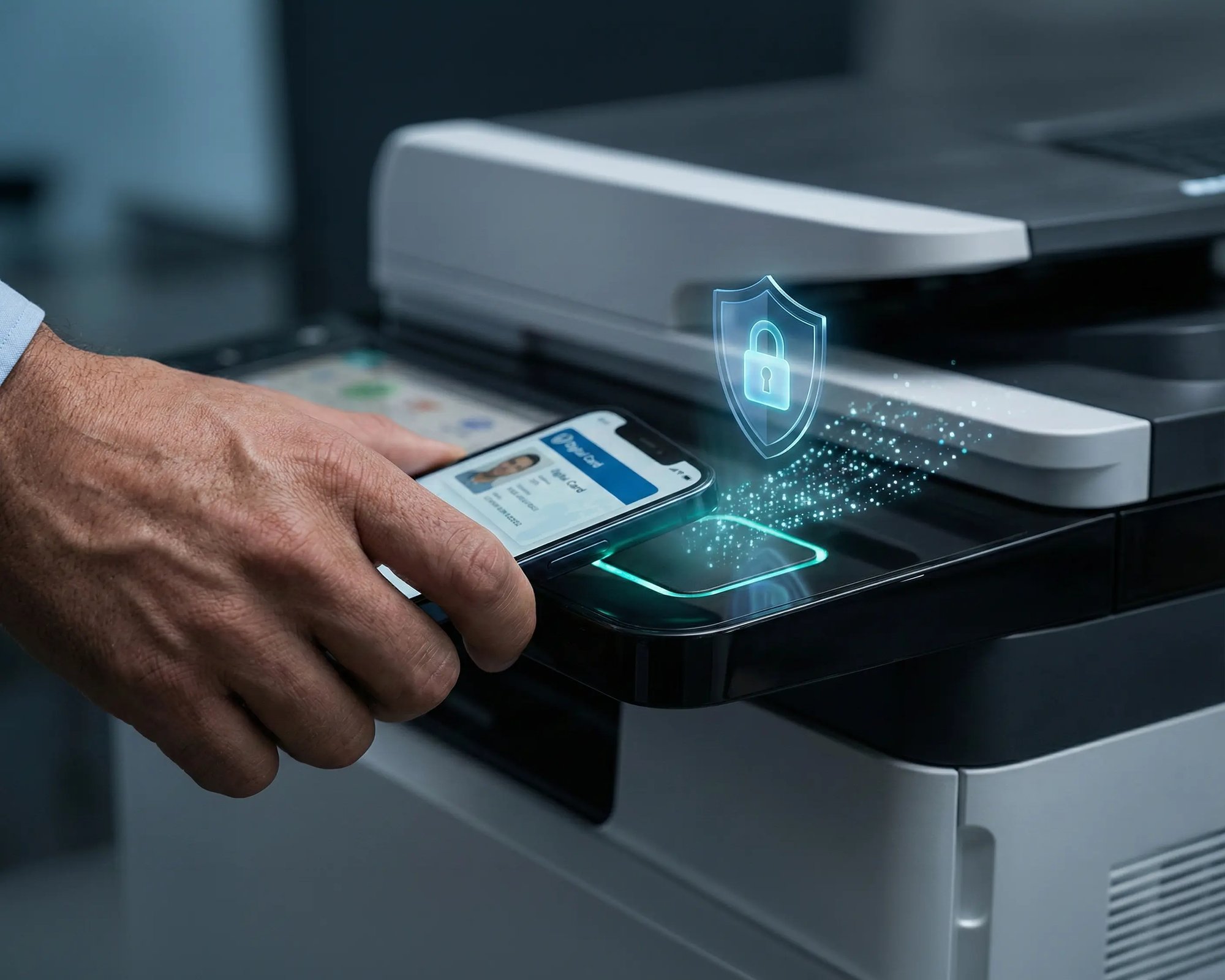
Pull Printing holds jobs until the attendee authenticates at the d

Less Infrastructure. More Calm.
Move campus printing to the cloud and reduce the day-to-day maintenance burden. Have fewer patches, fewer queue mysteries, and fewer "it broke overnight" surprises.
One Experience Across Campus
Support the real education device mix - Chromebooks, MacBooks, Windows laptops, tablets, and phones - across libraries, labs, dorms, and shared printers without special steps per department or "this printer only works on that OS."
Permissions That Actually Make Sense
Tie printer visibility and access to identity and groups, so students, staff, faculty, and researchers see the right printers by role, building, and department - all without constant manual adjustments.
Temporary Access, Without Temporary Chaos
Support guest lecturers, visiting scholars, events, and short-term programs with controlled access that doesn't create recurring IT work or one-off setups.
Confidential Pages Stay With The Right Person
Reduce tray exposure in busy shared spaces. Pull Printing helps ensure jobs only release when the user authenticates at the printer with their school ID, helping protect exams, registrar documents, and sensitive student records.
Visibility Finance Can Actually Use
Understand usage across departments and locations, support quotas and accountability, and make it easier for busier and finance teams to track print spend without turning IT into the print police.
Cost Recovery Without The Busywork
For campuses that charge students to print, ezeepCampus adds Self-Join onboarding and credit-based printing, so students and staff can self-serve while your institution keeps pricing and access under control.
Built for Event Organizers, Planners, and Venues
Conferences, Congresses, and Summits
Corporate Events, Workshops, and AGMs
Trade Shows and Exhibitions
Venues and Convention Centers
Trusted at the World's Largest Events
At the UN Climate Conference COP16 in Riyadh, ezeep provided printing for thousands of global delegates across 12 print stations, handling over 10,000 pages while reducing energy use, minimizing paper waste, and offsetting CO2 emissions through our Justdiggit partnership.
How Event Printing Works with ezeep
Set Up Print Stations
Connect preconfigured ezeep Hubs to printers at each print station. The Hub is plug-and-play. Once it's on the network, the printer is live and manageable from the dashboard.

Attendees Self-Register and Print
Participants scan a QR code or follow a secure link to register. Within seconds they can print from any personal device. No software, no drivers, no waiting in line.
Manage, Monitor, and Wind Down
Track print volume and costs in real time from one dashboard. When the event ends, attendee accounts are removed automatically. No manual cleanup required.
Portable Print Infrastructure for Any Venue
The ezeep Hub is a compact device that connects printers to the cloud without servers, drivers, or network configuration. Ship them pre-configured to any venue, plug them in, and print stations are live. After the event, pack them up and redeploy at the next one.
Frequently Asked Questions
How does event printing work with ezeep?
Attendees scan a QR code or follow a secure link to self-register, then print from their own laptop, tablet, or smartphone to any connected printer. No apps, no drivers, no on-site IT support. The ezeep Hub connects printers to the cloud so print stations can be set up in minutes.
Can attendees print from their own devices?
Yes. ezeep supports BYOD printing from Windows, Mac, iOS, Android, and Chromebook devices. Attendees connect through a QR code and print from any personal device without installing software or drivers.
How do you manage attendee access after the event?
ezeep's Self-Join feature lets attendees register themselves via QR code or secure link. Administrators set a retention period, and user accounts are automatically removed when it expires. No manual cleanup, no lingering access.
Can printing costs be tracked and invoiced per event?
Yes. The ezeep dashboard provides real-time reporting on print volume, printer status, and costs. Data can be exported to support invoicing for sponsors, exhibitors, or internal departments.
What types of events work with ezeep?
Conferences, corporate events, trade shows, academic symposiums, workshops, AGMs, and multi-day summits. Any event where attendees need to print from personal devices benefits from ezeep's cloud-based approach, since it doesn't depend on venue network infrastructure.
Make Printing the Easiest Part of Your Next Event
Set up in minutes, print from any device, track every page, and clean up automatically. From workshops to global summits, ezeep keeps event printing fast, secure, and under control.



