HP Printing, Managed from the Cloud
Most enterprise print fleets run on HP. Managing them across hospitals, campuses, retail locations, and remote offices still means print servers at every site, driver packages on every device, and IT overhead that scales with every new location. ezeep replaces that infrastructure with a single cloud platform. One console for every HP printer, every location, every OS.
Why HP Printer Management Gets Complicated
Every Site Needs Its Own Print Server and Driver Packages
Managing HP printers across offices means print servers at each location, HP Universal Print Driver deployments via GPO or SCCM, and separate configurations for every HP generation. Most models require different drivers and firmware cycles. Web Jetadmin monitors devices but doesn't eliminate infrastructure.
Windows Protected Print Is Phasing Out Legacy HP Drivers
Microsoft is moving toward Windows Protected Print mode, which restricts third-party printer drivers on endpoints. Organizations still relying on the HP Universal Print Driver or model-specific HP drivers need a path forward before those drivers stop working in future Windows updates.
Remote and Hybrid Users Can't Reach HP Printers Without VPNs
Employees printing from home or between offices need VPN tunnels or locally installed HP drivers to reach corporate printers. The HP Smart app works for consumer setups but doesn't meet enterprise requirements for centralized management, access control, or audit trails.
Cloud-Based HP Printer Fleet Management
No Print Servers at Every Site
The ezeep Hub or Connector replaces on-premises print servers at every location. Your HP hardware stays. The Windows Server infrastructure behind it goes away.
One fewer server to license, patch, and maintain per site.

Driverless Printing Across the Fleet
Enterprise IT teams spend hours packaging and deploying HP Universal Print Driver updates across endpoints. ezeep eliminates that cycle.
Cloud rendering handles driver translation for every HP model. No GPO mappings, no SCCM packages, no locally installed drivers to break.

Every Device, Every Location, One Experience
Staff print from Windows, macOS, ChromeOS, iOS, and Android to HP printers without per-device configuration.
Remote and hybrid workers print from home without VPN tunnels or local driver installs.
One Console for Every Brand
Mergers, acquisitions, and regional procurement mean most enterprises run HP alongside Xerox, Lexmark, Konica Minolta, or others.
ezeep manages them all from a single portal with no separate tools per vendor.

Controlled Document Release at Every Printer
In healthcare, legal, finance, and government environments, documents left on output trays are a compliance risk.
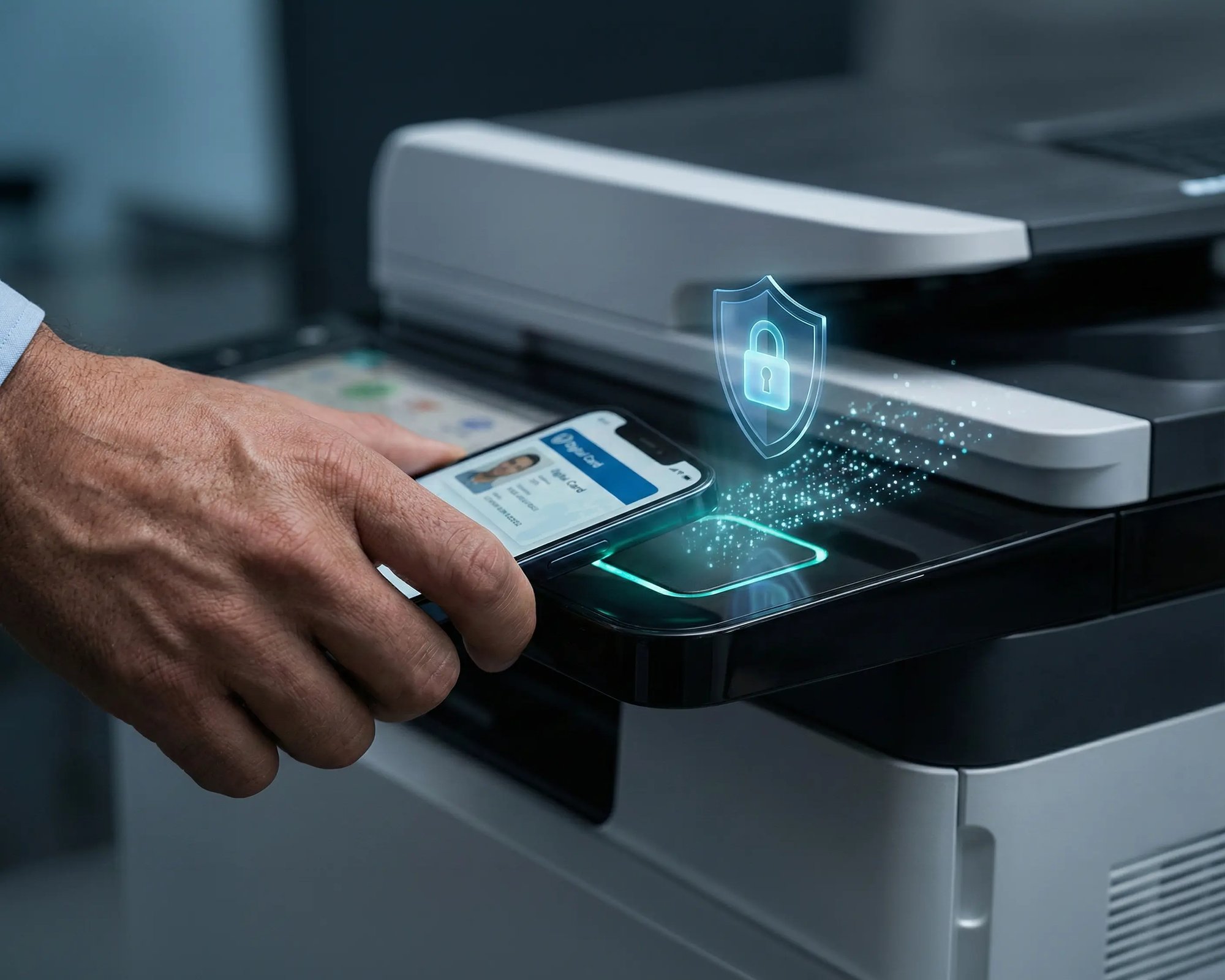
ezeep holds print jobs in the cloud until users authenticate at the HP device via QR code or RFID card. Nothing prints until someone is standing at the printer.

Less Infrastructure. More Calm.
Move campus printing to the cloud and reduce the day-to-day maintenance burden. Have fewer patches, fewer queue mysteries, and fewer "it broke overnight" surprises.
One Experience Across Campus
Support the real education device mix - Chromebooks, MacBooks, Windows laptops, tablets, and phones - across libraries, labs, dorms, and shared printers without special steps per department or "this printer only works on that OS."
Permissions That Actually Make Sense
Tie printer visibility and access to identity and groups, so students, staff, faculty, and researchers see the right printers by role, building, and department - all without constant manual adjustments.
Temporary Access, Without Temporary Chaos
Support guest lecturers, visiting scholars, events, and short-term programs with controlled access that doesn't create recurring IT work or one-off setups.
Confidential Pages Stay With The Right Person
Reduce tray exposure in busy shared spaces. Pull Printing helps ensure jobs only release when the user authenticates at the printer with their school ID, helping protect exams, registrar documents, and sensitive student records.
Visibility Finance Can Actually Use
Understand usage across departments and locations, support quotas and accountability, and make it easier for busier and finance teams to track print spend without turning IT into the print police.
Cost Recovery Without The Busywork
For campuses that charge students to print, ezeepCampus adds Self-Join onboarding and credit-based printing, so students and staff can self-serve while your institution keeps pricing and access under control.
Straightforward for Users. Manageable for IT.
Users print to HP devices from their familiar print dialogs on Windows, macOS, ChromeOS, iOS, and Android. No HP Smart app. No driver installs. No per-device configuration.
IT manages the entire fleet from one portal. Printer assignments, access policies, default print settings, and usage reporting across every site. ezeep supports a broad range of HP models and continuously expands its cloud-hosted driver library.
See All Supported HP PrintersWho Benefits from HP Cloud Printing Management

Healthcare Networks
Multi-Site Enterprises
Education and Government
Hybrid and Remote Workforces
Branch Offices? Remote Sites? Covered.
Remote HP printers connect to the cloud using the ezeep Hub. A compact, maintenance-free device that replaces the print server at branch offices, retail stores, clinics, and satellite locations.
The Hub is managed remotely from the ezeep admin portal. No on-site IT required. Deploy it wherever HP printers are already installed and manage them from headquarters.
How Cloud-Based HP Printing Works with ezeep
Connect Your HP Network Printers
Deploy the ezeep Hub at each site or install the ezeep Connector on a Windows PC that already has HP printers configured. All devices register in your cloud console within minutes. No changes to your existing HP hardware.

Configure Access and Settings
Assign printers to users or groups from the central management portal. Deploy Printer Profiles with your preferred HP print settings, policies, and permissions across your entire fleet.
Print from Anywhere
Users print from any device without installing HP drivers. Jobs render in the cloud and route to the designated HP printer. Same experience from a nursing station, a home office, or a laptop in a conference room. Backend systems work the same way. EMR, ERP, and warehouse applications send jobs to HP devices automatically through the ezeep Print App for Services.

Learn More About HP Printing
How a Global Enterprise Eliminated Print Servers and Cut Cost 30%
Case Study

Why Sustainable Printing is the Future of Hybrid Work Around the World
Blog Article
Cloud Printing Made Simple - See ezeep in Action in Manufacturing
Webinar
Frequently Asked Questions
Which HP printers does ezeep support?
ezeep supports a broad range of HP network printers, including LaserJet, OfficeJet, and DesignJet models, through its cloud-hosted driver library of over 6,000 drivers. The library is continuously expanded. If a specific HP model is not yet supported, you can request it and the ezeep team will add it.
Do users need to install HP drivers or the HP Smart app?
No. Users print to HP devices without installing the HP Universal Print Driver, HP Smart app, or any other HP software. Print jobs are rendered in the ezeep cloud using HP-specific drivers, so nothing needs to be installed on endpoints. This eliminates driver conflicts and the compatibility issues that surface with HP firmware updates.
Does ezeep work with HP printers that have HP+ enabled?
Yes. ezeep connects to HP printers regardless of whether HP+ is active. ezeep is vendor-neutral and does not depend on HP's cloud services, HP Smart app, or HP account systems. Your HP hardware works with ezeep the same way any other printer does.
How does Pull Printing work on HP devices with ezeep?
Print jobs are held in a secure cloud queue until the user authenticates at the HP printer by scanning a QR code with the ezeep mobile app or tapping an RFID/NFC card on the ezeep Hub. Nothing prints until someone is standing at the device. This works across all supported HP models without requiring HP-specific secure print software.
Does ezeep replace HP Web Jetadmin?
ezeep replaces the print server, driver management, and user assignment functions that sit alongside Web Jetadmin. For device-level monitoring (toner levels, firmware, hardware alerts), HP Web Jetadmin or a third-party monitoring solution can run alongside ezeep.
Ready to Simplify Enterprise Print Management?
Connect your HP fleet to the cloud. Manage every printer from one console. No drivers on endpoints. No print servers to maintain.



