IGEL OS Printing for Secure VDI Environments
IGEL OS is built for locked-down, stateless endpoints in virtual desktop environments. Printing from them shouldn’t require drivers, local print spoolers, or workarounds. With ezeep’s cloud printing solution, IGEL OS endpoints print reliably, without storing data on the device.
Why Traditional Printing Doesn't Work on IGEL OS Endpoints
No Drivers, No Spooler, No Local Print Queue
IGEL OS doesn't allow printer driver installations, local print spoolers, or Windows print queues on the endpoint. The features that traditional printing depends on are locked out by design, leaving IT with no standard way to connect users to printers.
Windows Print Servers Don't Fit Stateless Environments
Print servers assume Windows endpoints with drivers and local queues. In IGEL OS deployments, that assumption breaks. IT teams end up building workarounds with print redirection through VDI sessions, adding complexity and failure points to an environment designed to be simple.
Remote and Branch Users Have No Local Print Path
IGEL endpoints at home offices and branch locations can't reach corporate print servers without VPNs. USB printers connected locally need drivers the OS won't accept. Printing becomes the one gap in an otherwise clean remote desktop setup.
Cloud Printing Solution for IGEL OS and VDI Environments
Zero-Touch Printer Deployment
IGEL endpoints print immediately without driver installations or local configurations.
IT manages all printers and policies centrally through cloud-based endpoint management, while endpoints automatically receive settings and print instantly.

Zero Trust Print Security
Print jobs stream directly from cloud to printer, bypassing endpoint storage entirely. No sensitive documents cached on devices.
This Zero Trust approach aligns with IGEL's stateless architecture for maximum security.

Seamless VDI & DaaS Printing
Users in Azure Virtual Desktop (AVD), Citrix Virtual Apps & Desktops Omnissa Horizon, or Windows RDS sessions print to local and network printers seamlessly.
Print jobs route securely from virtual desktops to any printer effortlessly.
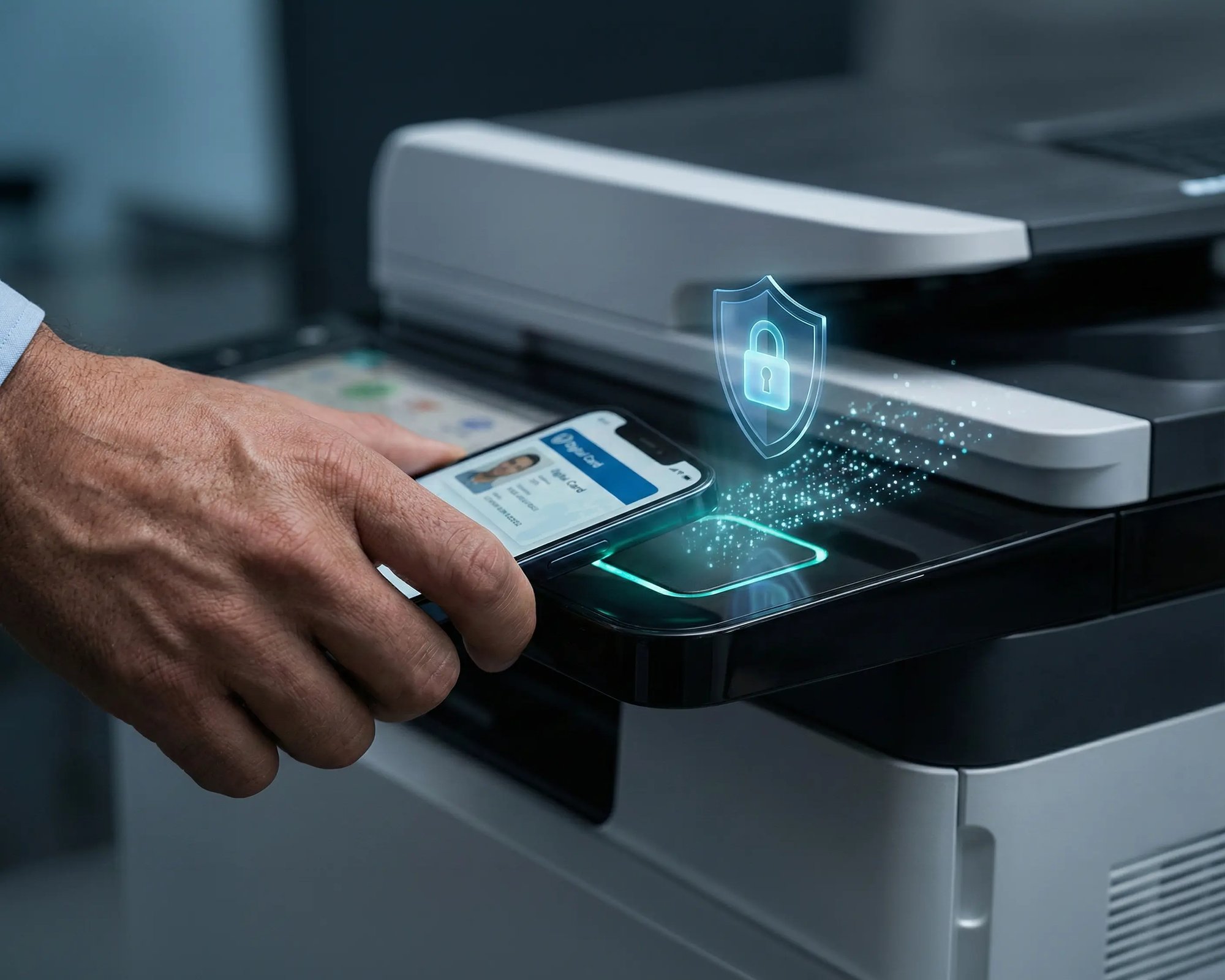
Endpoint as a Print Gateway
Transform any IGEL endpoint into a maintenance-free print gateway or virtual print server.
Connect USB printers or network printers without driver installation or print queue configuration, or deploy as a branch office print solution - all managed remotely through centralized cloud management.

Less Infrastructure. More Calm.
Move campus printing to the cloud and reduce the day-to-day maintenance burden. Have fewer patches, fewer queue mysteries, and fewer "it broke overnight" surprises.
One Experience Across Campus
Support the real education device mix - Chromebooks, MacBooks, Windows laptops, tablets, and phones - across libraries, labs, dorms, and shared printers without special steps per department or "this printer only works on that OS."
Permissions That Actually Make Sense
Tie printer visibility and access to identity and groups, so students, staff, faculty, and researchers see the right printers by role, building, and department - all without constant manual adjustments.
Temporary Access, Without Temporary Chaos
Support guest lecturers, visiting scholars, events, and short-term programs with controlled access that doesn't create recurring IT work or one-off setups.
Confidential Pages Stay With The Right Person
Reduce tray exposure in busy shared spaces. Pull Printing helps ensure jobs only release when the user authenticates at the printer with their school ID, helping protect exams, registrar documents, and sensitive student records.
Visibility Finance Can Actually Use
Understand usage across departments and locations, support quotas and accountability, and make it easier for busier and finance teams to track print spend without turning IT into the print police.
Cost Recovery Without The Busywork
For campuses that charge students to print, ezeepCampus adds Self-Join onboarding and credit-based printing, so students and staff can self-serve while your institution keeps pricing and access under control.
User-Friendly Printing with Centralized Cloud Management
Users access Xerox printers from their familiar print dialogs, whether they're on Windows, Users print to Xerox devices from their familiar print dialogs on Windows, macOS, ChromeOS, iOS, and Android. No Xerox print client. No driver installs. No per-device configuration.
IT manages the entire fleet from one portal. Printer assignments, access policies, default print settings, and usage reporting across every site. ezeep supports a broad range of Xerox models and continuously expands its cloud-hosted driver library.
Start Your Free TrialIdeal Use Cases for IGEL OS Cloud Printing

VDI & Cloud Desktop Environments
Distributed & Remote Workforces
Branch Offices with Lean IT
Security-First Organizations
How IGEL OS Printing Works with ezeep
User Initiates Print from Virtual Session
Users work in their Azure Virtual Desktop, Citrix, or Remote Desktop Services (RDS) session on an IGEL OS endpoint and send print jobs directly to ezeep Cloud via secure IPP (Internet Printing Protocol).

Secure Cloud Processing & Rendering
Print jobs are processed and rendered centrally in the ezeep Cloud, completely bypassing the IGEL endpoint. Optional authentication controls determine when documents are released to printers.
Direct Delivery to Target Printer
Rendered print jobs are delivered securely to the assigned printer - whether it's a local USB device, network printer, or remote location. The IGEL endpoint remains stateless throughout the entire process.
Frequently Asked Questions
How does printing work on IGEL OS without drivers?
Print jobs are processed in the cloud instead of on the endpoint, so IGEL OS devices don’t need printer drivers or local spoolers.
Can users print from Azure Virtual Desktop or RDS on IGEL OS?
Yes. Printing works from virtual desktops running on IGEL OS endpoints, including Azure Virtual Desktop and Remote Desktop Services.
Is any print data stored on the IGEL OS device?
No. Print jobs are not stored on the endpoint, keeping IGEL OS devices stateless and compliant with locked-down policies.
Can IGEL OS endpoints be used in home office or branch environments?
Absolutely. IGEL OS endpoints can print in home offices or branch locations without VPNs or local print servers.
Is IGEL OS printing with ezeep included in the free plan?
Yes. ezeep is free for up to ten users, so you can test IGEL OS printing without upfront costs.
Get Started with IGEL OS Printing Today
Add printing to IGEL OS environments without changing your security model or introducing endpoint complexity.