Lexmark Cloud Printing and Pull Printing, Without the Infrastructure

Manage your Lexmark printer fleet from the cloud. No print servers, no driver rollouts, no on-site IT. ezeep connects your Lexmark printers to a central management platform and adds native pull printing, scan to cloud, and copy tracking through the ezeep App for Lexmark.

See a DemoTalk to an Expert
15475 (1)
Lexmark Problem

Why Managing Lexmark Printers Across Locations Gets Complicated

Lexmark builds printers for serious enterprise workloads. But the infrastructure IT needs to manage them across sites hasn't kept up.

Lexmark Driver Rollouts Break with Every OS Update

Deploying Lexmark drivers through GPO scripts, SCCM, or manual installs creates ongoing maintenance. Updates break packaging, remote workers can't receive pushes, and every new OS version restarts the cycle.

How ezeep Makes It Work

Cloud-Based Lexmark Printer Management

Native ezeep App for Lexmark MFPs

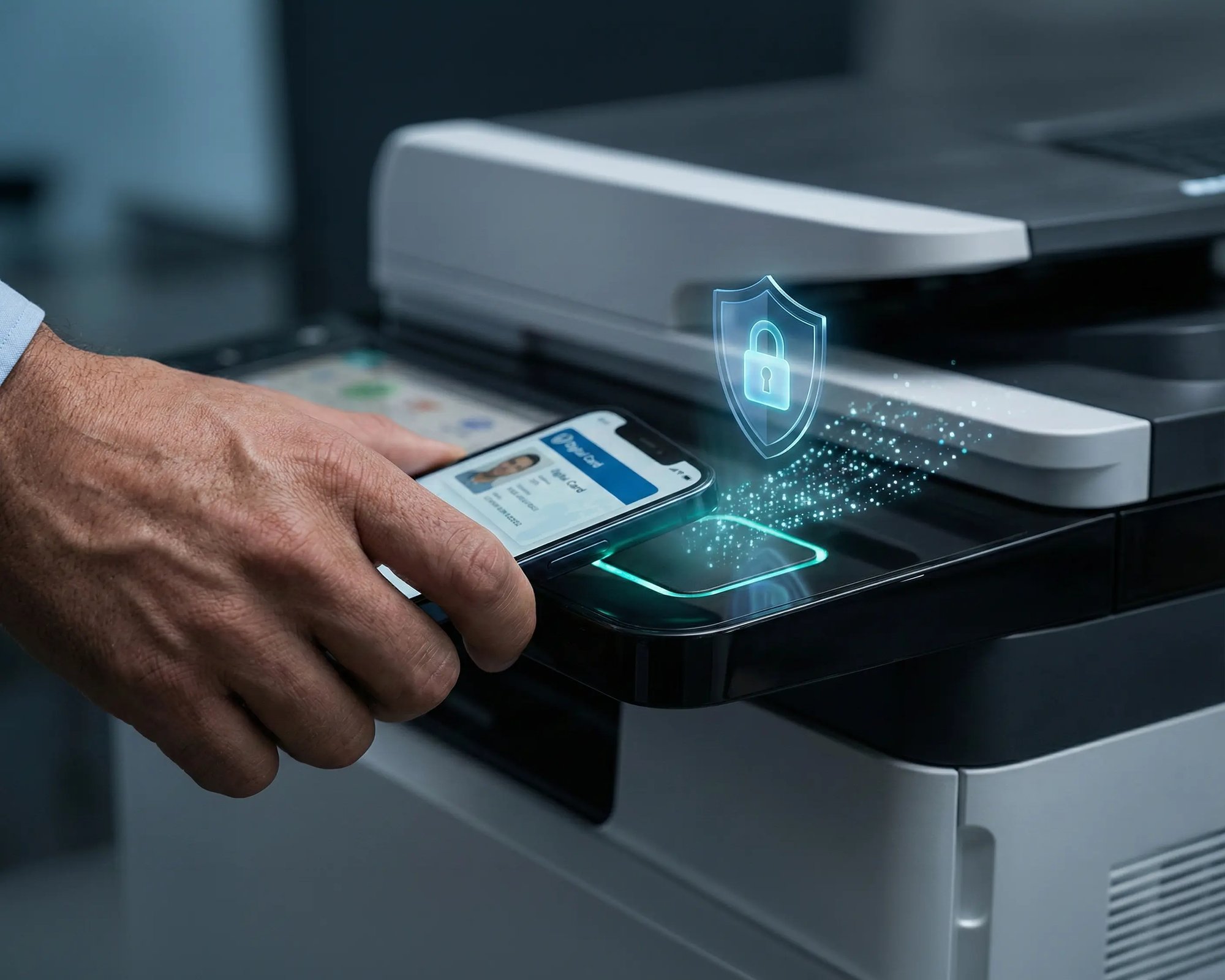
The ezeep App runs directly on Lexmark multifunction printers. Users get pull printing with RFID or PIN authentication, scan to cloud, and copy tracking from the device panel.

No middleware, no extra servers. The app is managed centrally through the ezeep admin portal.

scale-grow

Driverless, Serverless Lexmark Printing

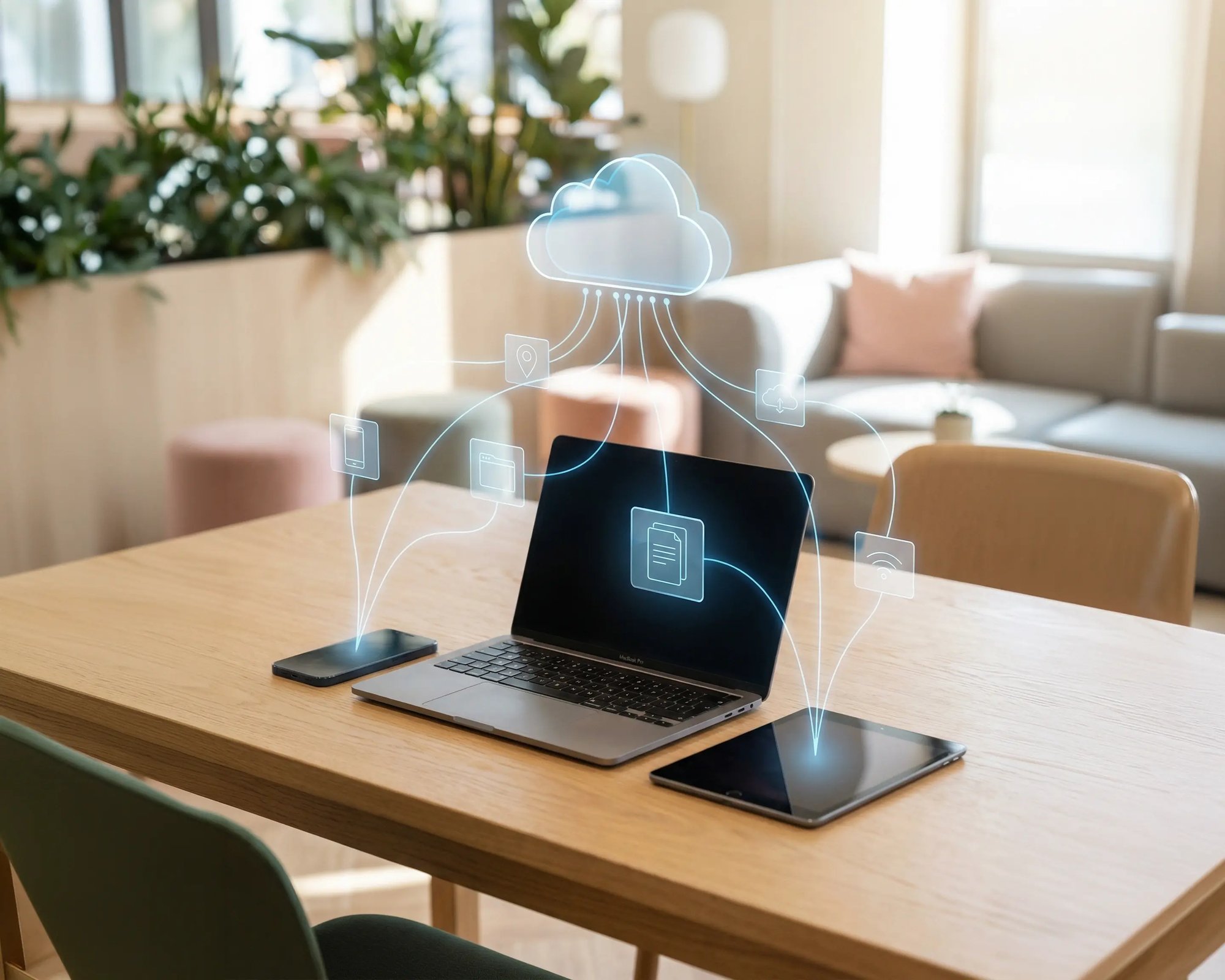
The ezeep Hub or Connector replaces print servers and driver deployments across your Lexmark fleet. Cloud rendering handles driver translation for every Lexmark model.

Users print from any device without installing Lexmark drivers.

ezeep-money-time

Secure Pull Printing on Lexmark Devices

Print jobs are held in the cloud until users authenticate at the Lexmark device. With the native ezeep App, authentication happens via RFID card or PIN on the MFP touchscreen.

Without the app, users release jobs via QR code scan using the ezeep Hub.
safe

Automated Printing from Business Applications

Healthcare facilities print discharge summaries from EMR systems. Retail chains print shipping documents from warehouse software.

The ezeep Print App for Services routes application-generated jobs through the cloud to designated Lexmark devices automatically, with no user interaction required.
works

One Console for Every Brand

Most enterprises don't run Lexmark alone. After the Xerox acquisition, mixed fleets are the norm.

ezeep manages Lexmark, Xerox, HP, Konica Minolta, and other brands from a single portal with no separate tools per vendor.

works

Less Infrastructure. More Calm.

Move campus printing to the cloud and reduce the day-to-day maintenance burden. Have fewer patches, fewer queue mysteries, and fewer "it broke overnight" surprises.

Server-Free
Centralized
Less Upkeep

One Experience Across Campus

Support the real education device mix - Chromebooks, MacBooks, Windows laptops, tablets, and phones - across libraries, labs, dorms, and shared printers without special steps per department or "this printer only works on that OS."

Campus-Wide
Cross-Platform
User-Friendly

Permissions That Actually Make Sense

Tie printer visibility and access to identity and groups, so students, staff, faculty, and researchers see the right printers by role, building, and department - all without constant manual adjustments.

Role-Based
Location-Aware
Consistent

Temporary Access, Without Temporary Chaos

Support guest lecturers, visiting scholars, events, and short-term programs with controlled access that doesn't create recurring IT work or one-off setups.

Temporary Access
Controlled
Low Effort

Confidential Pages Stay With The Right Person

Reduce tray exposure in busy shared spaces. Pull Printing helps ensure jobs only release when the user authenticates at the printer with their school ID, helping protect exams, registrar documents, and sensitive student records.

Private Release
Less Mix-Ups
Auditable

Visibility Finance Can Actually Use

Understand usage across departments and locations, support quotas and accountability, and make it easier for busier and finance teams to track print spend without turning IT into the print police. 

Measurable
Accountable
Budget-Friendly

Cost Recovery Without The Busywork

For campuses that charge students to print, ezeepCampus adds Self-Join onboarding and credit-based printing, so students and staff can self-serve while your institution keeps pricing and access under control.

Self-Join
Credit-Based
Accountable
Coworking hero

Straightforward for Users. Manageable for IT.

Users access Lexmark printers from their familiar print dialogs, whether they're on Windows, macOS, ChromeOS, iOS, or Android. With the native ezeep App, they also get pull printing and scanning right at the Lexmark device panel.

IT teams manage everything centrally without touching end devices or maintaining print servers. ezeep supports a broad range of Lexmark models and continuously expands its printer driver pool.

See All Supported Lexmark Printers


Who Solution is For

Who Benefits from Lexmark Cloud Printing

This solution is built for for organizations running Lexmark printers across multiple locations or device types.
Meet ezeep Hub

Branch Offices? Remote Sites? Covered.

Remote Lexmark printers connect to the cloud using the ezeep Hub, a small, maintenance-free device that links printers to the cloud without VPNs or local print servers.

The Hub can be managed remotely and requires no on-site IT expertise, making it ideal for branch offices, retail locations, healthcare clinics, and other distributed environments.

Learn More About the ezeep Hub
ezeep-campus
How It Works

How Cloud-Based Lexmark Printing Works with ezeep

No drivers on devices. No print servers. No VPNs.
scale-grow
1

Connect Your Lexmark Printers

Deploy the ezeep Hub at each site or install the ezeep Connector on a Windows PC that already has Lexmark printers configured. For pull printing, scan to cloud, and copy tracking on MFPs, install the native ezeep App through the ezeep admin portal. All devices register in your cloud console within minutes.

eco
2

Configure Access and Settings

Assign printers to users or groups from the central management portal. Deploy print policies, security settings, Printer Profiles, and permissions across your entire Lexmark fleet.

15475 (1)
3

Print, Scan, and Track

Users print from any device without installing drivers. Jobs route through the cloud to the designated Lexmark printer. At MFPs with the ezeep App, users authenticate to release prints, scan to cloud, and have copy usage tracked automatically. Backend systems work the same way. ERP, EMR, and warehouse applications send jobs to Lexmark devices automatically through the ezeep Print App for Services.

Related Content

Learn More About Lexmark Printing with ezeep

Frequently Asked Questions

Which Lexmark printers does ezeep support?

ezeep supports a broad range of Lexmark network printers through its cloud-hosted driver library of over 6,000 drivers. The native ezeep App for Lexmark is available on multifunction printers that support Lexmark's embedded Solutions Framework (eSF). If a specific model is not yet supported, you can request it and the ezeep team will add it.

What does the ezeep App for Lexmark do?

The ezeep App is a native application that runs directly on Lexmark MFP touchscreens. It enables secure Pull Printing with RFID or PIN authentication, scan to cloud, and per-user copy tracking. The app is managed through the ezeep admin portal and does not require any additional middleware or servers.

How does Pull Printing work on Lexmark devices?

Print jobs are held in a secure cloud queue until the user authenticates at the Lexmark printer. On MFPs with the native ezeep App, users tap an RFID card or enter a PIN on the touchscreen. On Lexmark printers connected through the ezeep Hub without the app, users scan a QR code with the ezeep mobile app. Either method releases only that user's jobs.

Can I use ezeep with Lexmark printers that don't support the native app?

Yes. Any Lexmark network printer can connect to ezeep through the ezeep Hub or ezeep Connector for driverless cloud printing. The native ezeep App adds Pull Printing, scan to cloud, and copy tracking on compatible MFPs, but cloud printing and fleet management work with the full range of supported Lexmark models.

Can ezeep manage both Lexmark and Xerox printers after the acquisition?

Yes. ezeep manages both brands from a single admin console with cloud-hosted drivers for each. Organizations running mixed Lexmark and Xerox fleets after the acquisition can consolidate management without running separate vendor tools side by side.

Back to top

Ready to Bring Your Lexmark Print Environment?

Connect Lexmark printers to the cloud. Add Pull Printing and scan to cloud. Manage everything centrally without adding infrastructure.

ezeep-chart (1)