Multi-Location Cloud Print Management That Actually Feels Centralized

Standardize printing across HQ, branch offices, and shared sites without rebuilding your print infrastructure at every location. ezeep gives IT one cloud-managed platform to connect printers, eliminate branch print servers, set policies, and keep printing predictable for distributed teams. 

See How ezeep WorksTalk to an Expert
multi-location-printing-hero
Problems

What Breaks in Multi-Location Print Management

Distributed operations expose every weak point in your print infrastructure: local silos, inconsistent configurations, and support ownership that gets messy across sites.

Support Ownership Gets Messy

When each location has its own print rules and local "power users," print-related helpdesk tickets bounce between teams and vendors. Meanwhile, users just want printing to work the same everywhere without needing to ask for help from IT admins.

Solution

How ezeep Solves Multi-Site Print Management

Erase the "Site A vs. Site B" Problem

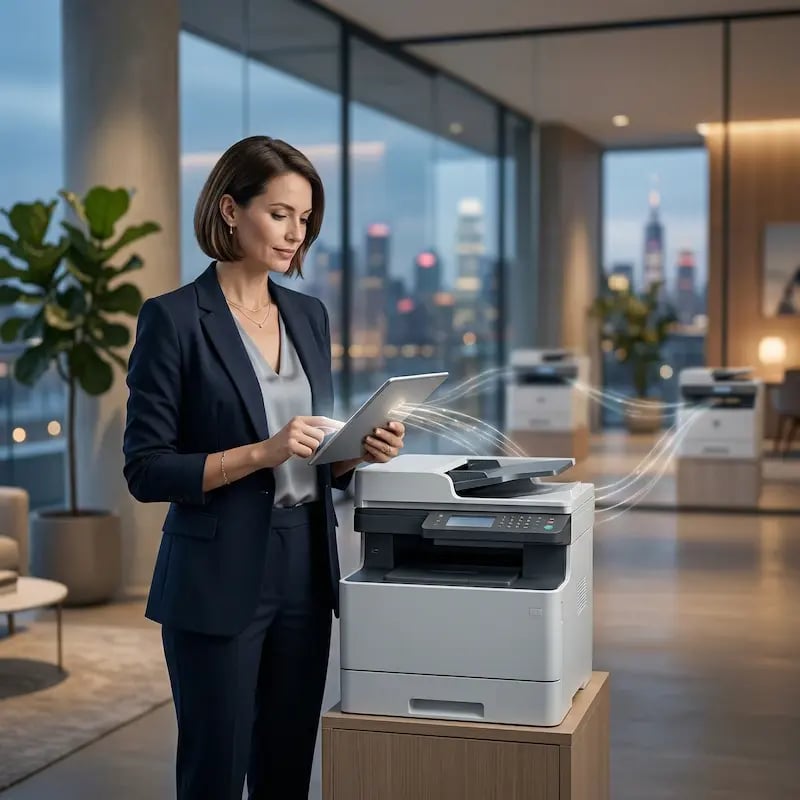
Give every employee the same simple, reliable printing experience, whether they are at HQ, a regional branch, or a new satellite office.

By moving print management to the cloud, you eliminate site-specific instructions and reduce friction when people or documents move.

woman-printing-multiple-locations

Manage 100+ Sites from One Screen

Stop juggling screen sharing sessions or relying on local "power users" to fix print issues. The ezeep admin portal gives you one place to manage every printer in your organization.

Troubleshoot issues, deploy new printers, and update settings for any location from anywhere.

manage-sites-from-one-screen

Automate Printer Access with Identity-Based Assignment

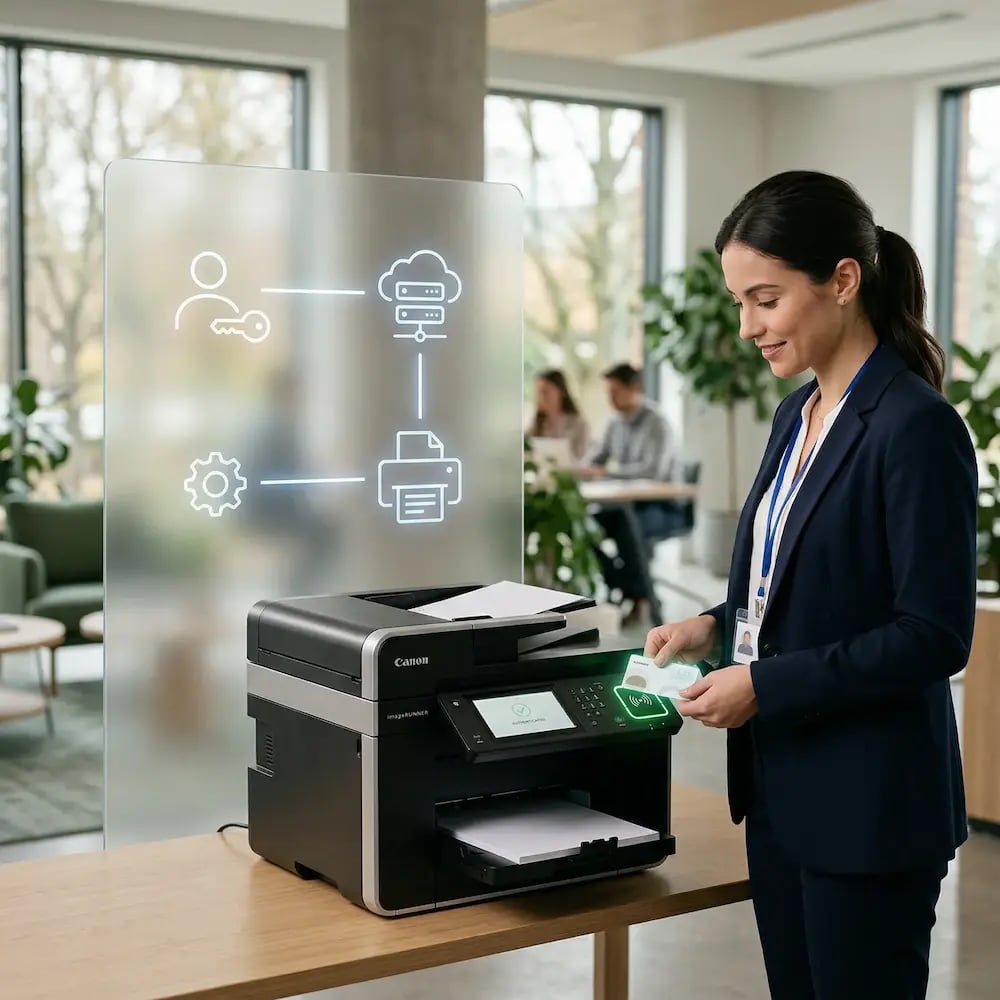
Connect ezeep to your identity provider (Entra ID or Google) and let group membership define who prints where.

When an employee moves from the sales team to marketing, or from the Berlin office to London, their available printers update without manual mapping.
pull-printing-printer

End the "Why Does This Branch Print Differently?" Ticket

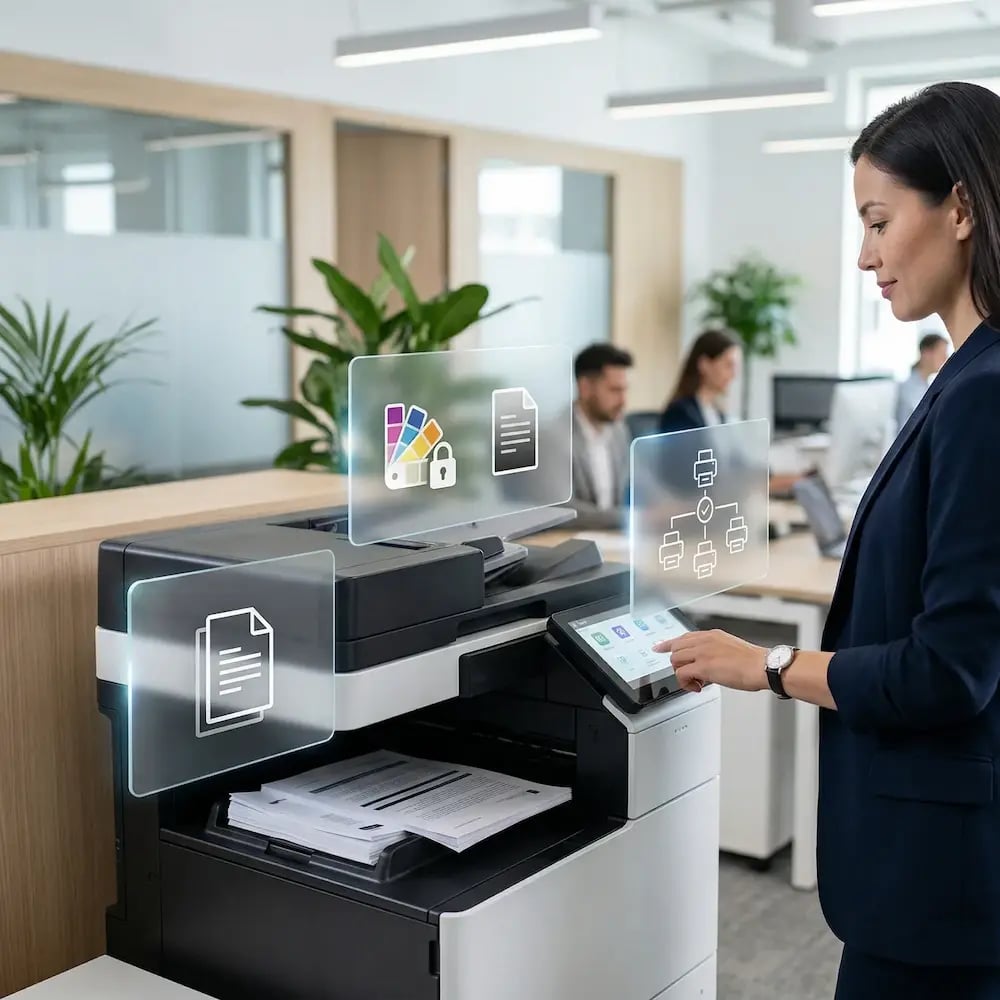
Standardize output across your mixed fleet with ezeep Printer Profiles. Centrally lock key settings: duplex to save paper, color limits to control costs, or consistent label formats for accuracy.

Your defaults apply at every printer, in every site, enforcing consistent print policies everywhere.
set-same-printing-policies

Bring New Sites Online in Minutes, Not Days

Opening a new office shouldn't mean rebuilding your print infrastructure from scratch. ezeep provides a repeatable, serverless blueprint for expansion.

Just connect the new site's printers to the cloud - no local servers or VPN configurations required. Scale your organization without scaling your IT headaches.


woman-printing-laptop-office

Less Infrastructure. More Calm.

Move campus printing to the cloud and reduce the day-to-day maintenance burden. Have fewer patches, fewer queue mysteries, and fewer "it broke overnight" surprises.

Server-Free
Centralized
Less Upkeep

One Experience Across Campus

Support the real education device mix - Chromebooks, MacBooks, Windows laptops, tablets, and phones - across libraries, labs, dorms, and shared printers without special steps per department or "this printer only works on that OS."

Campus-Wide
Cross-Platform
User-Friendly

Permissions That Actually Make Sense

Tie printer visibility and access to identity and groups, so students, staff, faculty, and researchers see the right printers by role, building, and department - all without constant manual adjustments.

Role-Based
Location-Aware
Consistent

Temporary Access, Without Temporary Chaos

Support guest lecturers, visiting scholars, events, and short-term programs with controlled access that doesn't create recurring IT work or one-off setups.

Temporary Access
Controlled
Low Effort

Confidential Pages Stay With The Right Person

Reduce tray exposure in busy shared spaces. Pull Printing helps ensure jobs only release when the user authenticates at the printer with their school ID, helping protect exams, registrar documents, and sensitive student records.

Private Release
Less Mix-Ups
Auditable

Visibility Finance Can Actually Use

Understand usage across departments and locations, support quotas and accountability, and make it easier for busier and finance teams to track print spend without turning IT into the print police. 

Measurable
Accountable
Budget-Friendly

Cost Recovery Without The Busywork

For campuses that charge students to print, ezeepCampus adds Self-Join onboarding and credit-based printing, so students and staff can self-serve while your institution keeps pricing and access under control.

Self-Join
Credit-Based
Accountable
How It Works

A Rollout That Works for Distributed Operations

Multi-location printing gets messy when every site becomes a custom project. ezeep keeps things predictable: prove it in one place, validate it across a few real-world locations, then scale with the same defaults everywhere.
manage-warehouse-printing-centrally
1

Pilot One Location

Start with one office or branch to lock in printer naming, security settings, and the baseline user experience. This becomes your "gold standard" print configuration before you add more sites and more variables.

multi-location-setup
2

Expand to More Sites

Roll out to a small set of locations to validate the real-world variables: different bandwidth, different printer fleets, different local networks, different support ownership. Keep what's consistent, and adjust only what truly needs to be site-specific.

full-control-visibility-manage-dashboard
3

Scale with Standard Policies

Add locations using the same templates, access rules, and defaults so new offices, mergers, and acquisitions feel like onboarding - not another infrastructure rebuild. Cloud-managed print policies keep printing predictable across sites even as the business grows.

How ezeep Makes Mobile & BYOD Printing Easy

Go from "I need this printed" to page-in-hand in three quick, simple steps. Invite users with Self-Join using a link or QR code, choose which printers they can access, then let them print from the ezeep app or web app and release securely on-site.

1. Add Your People
2. Connect Your Printers
3. Print from Any Device
go-live (1)
Describe your image
Describe your image
Meet the ezeep Hub

Connect Existing Printers to the Cloud with ezeep Hub

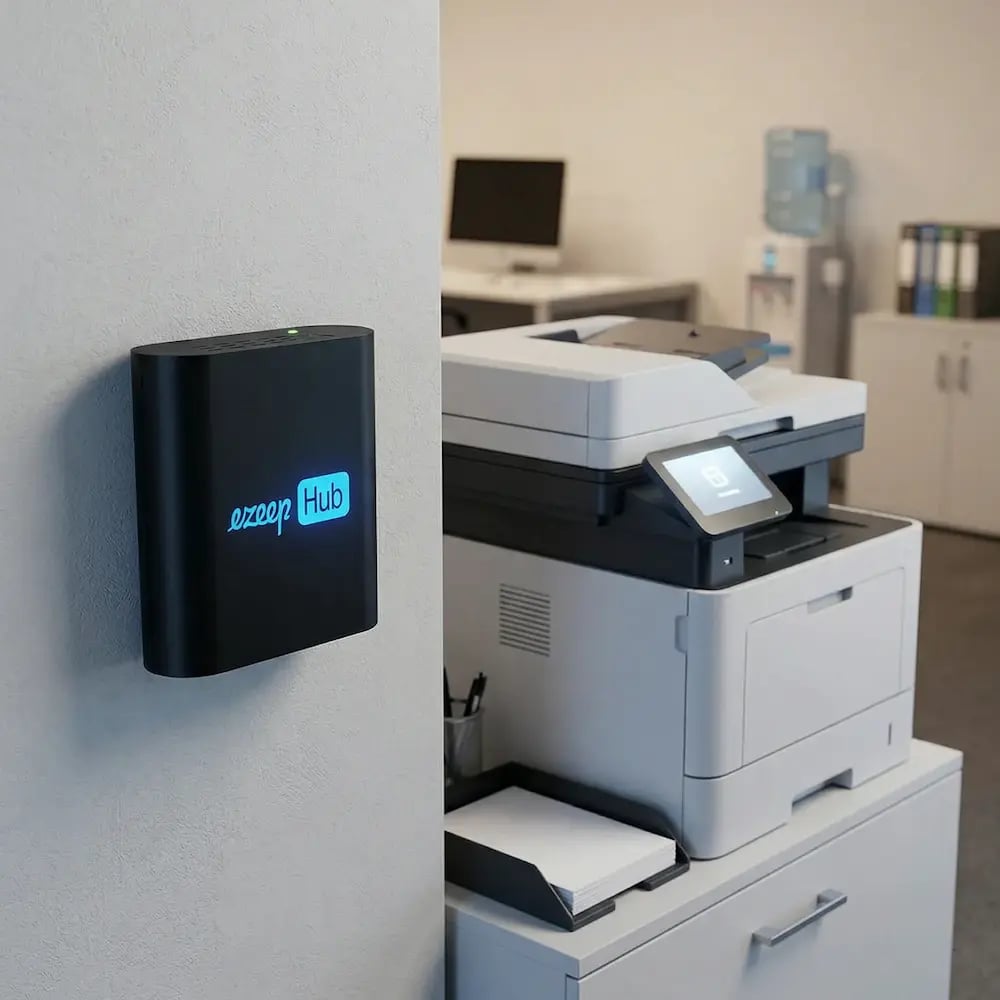
The ezeep Hub connects on-site printers to the cloud so branch offices can standardize printing without local print servers or complex rebuilds. It's a small, maintenance-free device that brings new sites online quickly, keeps management centralized, and eliminates the cost and overhead of branch-level print infrastructure.

Learn More About the ezeep Hub
ezeep-hub-office-setup
Work Environments

Print Consistently Across Every Work Environment

branch-offices-regional-sites

Branch Offices & Regional Sites

Standardize printing across offices with different local infrastructure and printer fleets without deploying print servers or rebuilding print configurations at every site.
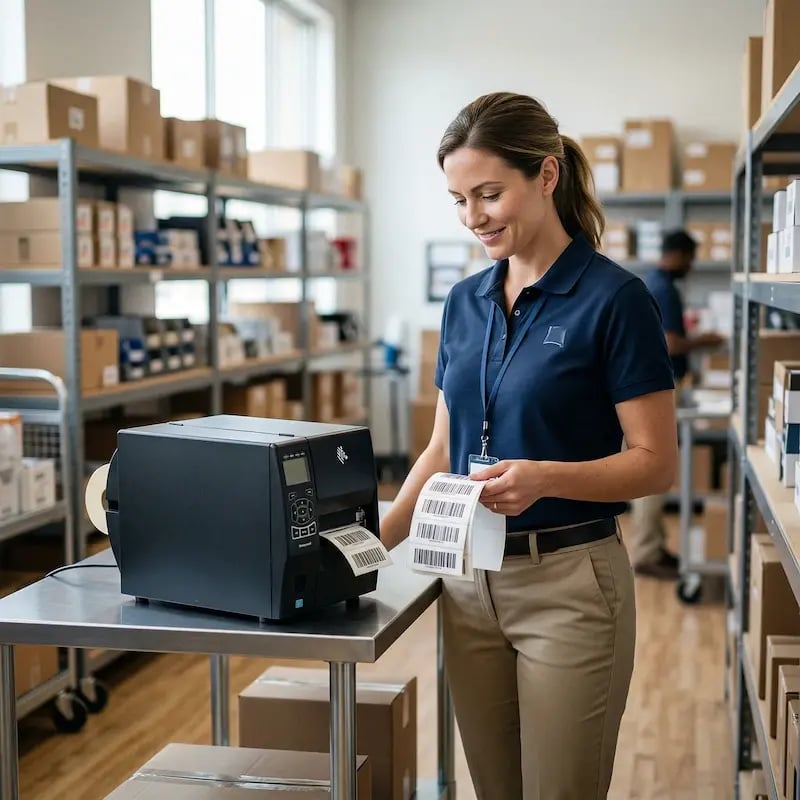
frontline-operations-locations

Frontline & Operations Locations

Keep printing predictable in warehouses, retail backrooms, clinics, and other operational sites where printer downtime creates real disruption to daily workflows.
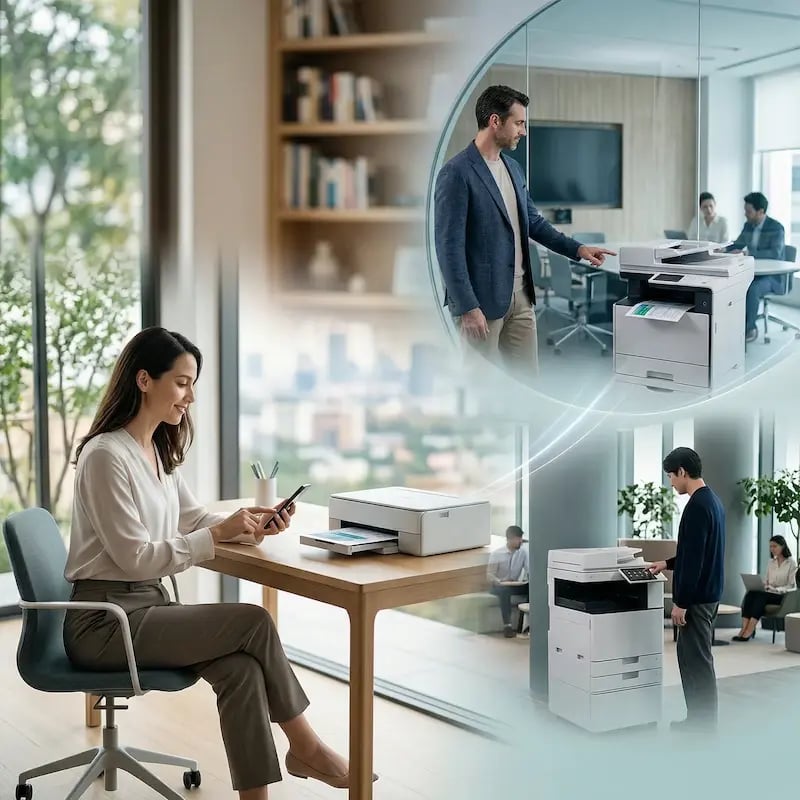
hybrid-remote-shared-spaces

Hybrid, Remote & Shared Spaces

Enable users printing from home offices, client sites, and shared spaces to print as part of your centralized infrastructure with VPN-free connectivity and no device-specific setup required.

Security & Compliance

Control Printing Across Locations without Slowing Teams Down

Apply consistent access governance and security policies everywhere, so distributed operations stay productive while IT maintains visibility, compliance, and accountability across every site.
Industries

Trusted Across Industries That Run on Distributed Operations

Mobile printing doesn't have to mean anything goes. ezeep supports a protected, controlled approach.

printing-follows-healthcare-worker

Healthcare

Standardize printing across clinics, hospitals, and administrative offices while maintaining compliance access control and audit trails.
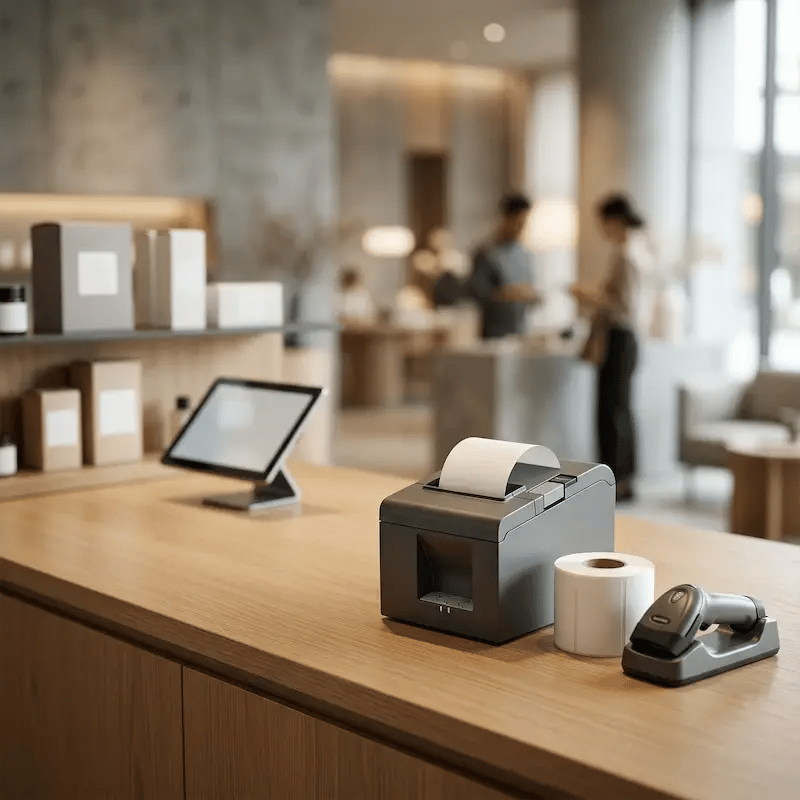
retail-hospitality-receipt-printing

Retail & Hospitality

Keep label, receipt, and back-office printing consistent across stores, hotels, and distribution locations without local IT support at each site.

professional-services-pull-printing-secure

Professional Services & Legal

Ensure confidential document handling and consistent print policies across branch offices, client sites, and shared workspaces.
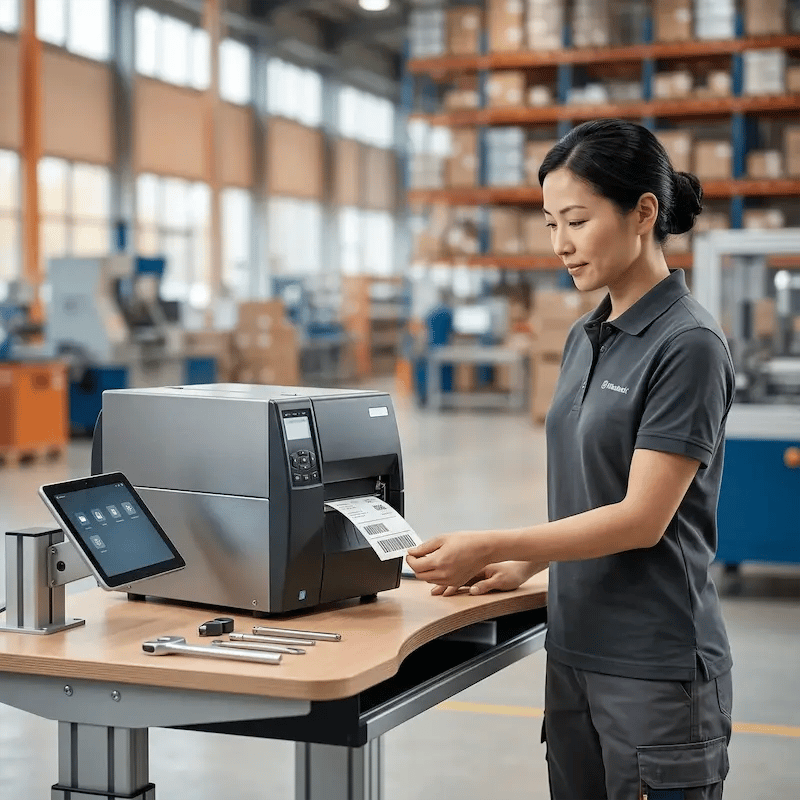
manufacturing-logistics-label-printing

Manufacturing & Logistics

Reliable label and document printing across warehouses, production floors, and shipping locations — centrally managed without on-site print servers.


Customers

What Teams Running Multiple Locations Say

See how organizations with distributed sites use ezeep to simplify print management, reduce cost, and keep work running smoothly across locations.

"After a simple setup, ezeep has worked flawlessly, providing reliable and efficient remote and multiple location printing without any issues or delays."
Vlad Khmil
IT Supporter, United Tires
"With ezeep, we no longer need to configure multiple VPNs for our LAN, allowing us to print to multiple printers across different locations."

Brent Rosen
Operations Manager, Mark II Enterprises

Frequently Asked Questions

What is multi-location print management, and why does it break so often?

Multi-location print management is the practice of managing printing infrastructure across multiple sites - HQ, branch offices, satellite locations, and remote workspaces - so that users get consistent, reliable printing everywhere. It breaks when each location operates its own print server, driver set, queue naming, and "local fixes," which leads to inconsistent configurations, unpredictable printer access, and a steady stream of helpdesk tickets that are difficult to resolve remotely. 

How do you standardize printing across multiple locations?

The most reliable way to standardize multi-site printing is to centralize print management in the cloud, where printer policies, queue naming, access rules, and default settings are defined once and applied across every location. This eliminates the need for site-by-site configuration and ensures that users get the same printing experience whether they're at HQ, a regional branch, or a new office - even when each site has a different printer fleet.

Do we need print servers in every branch office to support multi-site printing?

No. Cloud print management solutions like ezeep replace branch print servers entirely, using a small IoT device (the ezeep Hub) to connect on-site printers to the cloud. This eliminates the cost of maintaining, patching, and monitoring physical servers at every location — and makes it possible to bring new sites online in minutes rather than days.

How do printer assignments work when users move between offices?

With identity-based printer assignment, printers are mapped to users through their identity provider groups (such as Entra ID or Google Workspace). When an employee changes offices, joins a new department, or a new location opens, their available printers update automatically without IT creating manual mappings or one-off exceptions for each move.

Can users print form remote locations without a VPN?

Yes. Cloud-managed print solutions route print jobs securely through the cloud, so users can print from home offices, client sites, or any location with an internet connection without connecting to a corporate VPN. IT retains centralized control, policies, and full visibility into every print job, regardless of where the user is located. 

Back to top

Ready to Make Cloud Print Management Consistent Across Every Location?

Stop managing printing site by site. Standardize access, policies, and visibility across every location without turning expansion or mergers into another print infrastructure rebuild. 

ezeep-chart (1)