VDI Printing for Omnissa Horizon Without Print Servers

Omnissa Horizon (formerly VMware Horizon) delivers VDI and virtual desktops at scale, but printing shouldn't drag you back to print servers, driver chaos, or location dependencies. ezeep provides cloud print management that works seamlessly across offices, home office setups, and branch locations on any device.

Start Free Trial TodayTalk to an Expert
15475 (1)
Omnissa Horizon Problems

Why Print Management Still Slows Down Virtual Desktops

Omnissa Horizon (formerly VMware Horizon) makes it easy to deploy VDI environments and virtual applications quickly, but print management often lags behind.

GPO Printer Mapping Breaks for Remote and Roaming Users

GPO-based printer assignment depends on network location and Active Directory site awareness. When users work from home, switch offices, or roam between floors, their printers don't follow. IT spends time remapping printers instead of managing the environment.

How ezeep Makes It Work

A Cloud-Based Printing Model for Omnissa Horizon

Eliminate Print Servers for Omnissa Horizon

Move your entire Horizon print infrastructure to the cloud and eliminate dedicated print servers completely.

No hardware costs, no software licenses, no maintenance overhead. One web console to manage all printers.

scale-grow

Clean Golden Images, No GPO Complexity

Keep golden images completely driver-free with cloud-based rendering.

ezeep also replaces GPO-based printer mapping with cloud-managed assignment rules tied to user identity, group, or location. No driver conflicts, no policy headaches.

ezeep-money-time

Go Beyond Built-In Print Redirection

Horizon's native print redirection handles basic scenarios but struggles with advanced driver support and feature-rich output.

ezeep moves rendering entirely to the cloud, delivering full printer functionality without installing anything inside the virtual desktop.
safe

Print from Any Device

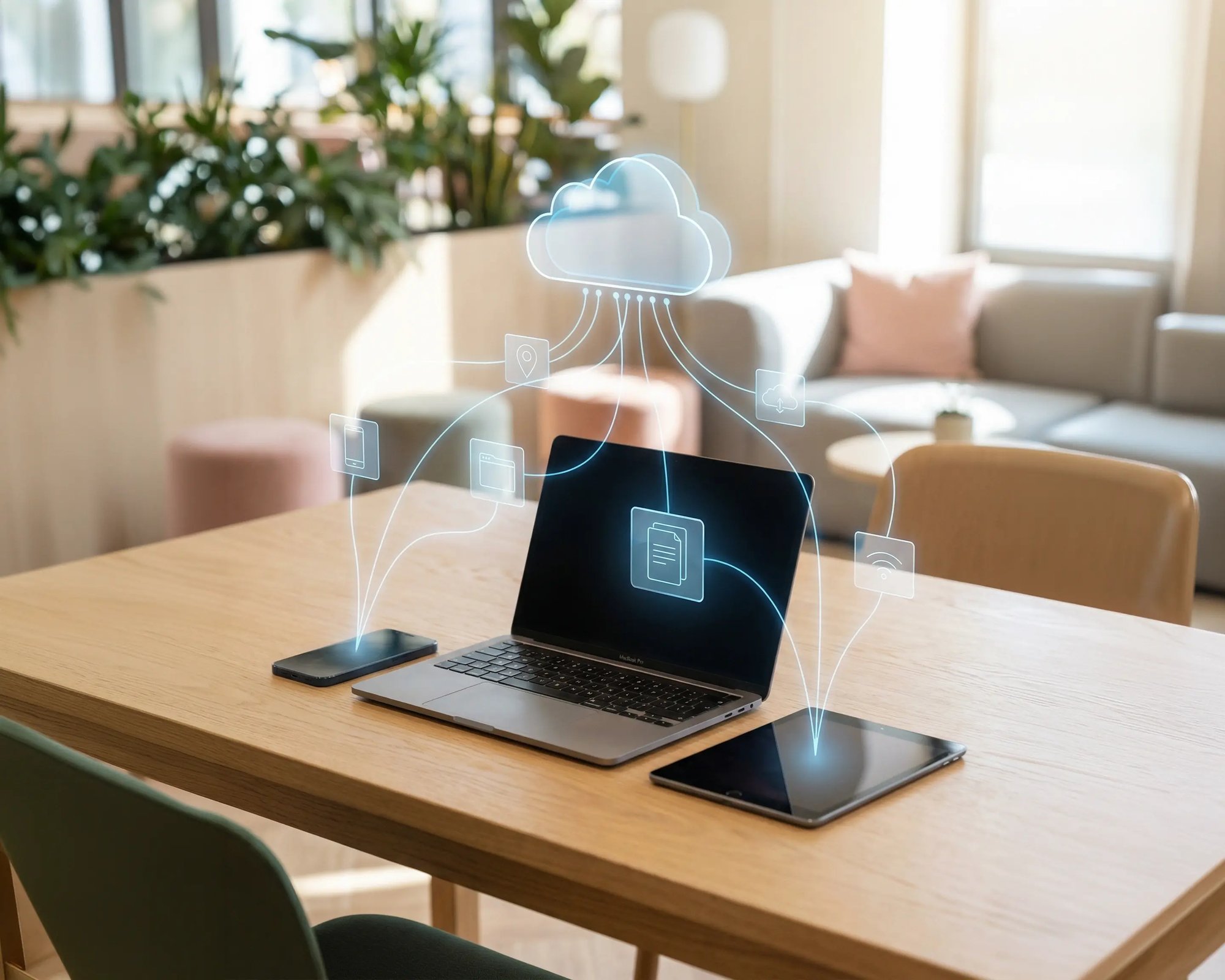
Windows, Mac, Chromebook, iOS, and Android devices all print the same way from Horizon sessions. No device-specific configurations required.
works

Hybrid and Home Office Ready

When users log into Horizon from office, home, or remote locations, they get the correct printers automatically. No VPNs, no manual mapping, no help desk calls.

works

Less Infrastructure. More Calm.

Move campus printing to the cloud and reduce the day-to-day maintenance burden. Have fewer patches, fewer queue mysteries, and fewer "it broke overnight" surprises.

Server-Free
Centralized
Less Upkeep

One Experience Across Campus

Support the real education device mix - Chromebooks, MacBooks, Windows laptops, tablets, and phones - across libraries, labs, dorms, and shared printers without special steps per department or "this printer only works on that OS."

Campus-Wide
Cross-Platform
User-Friendly

Permissions That Actually Make Sense

Tie printer visibility and access to identity and groups, so students, staff, faculty, and researchers see the right printers by role, building, and department - all without constant manual adjustments.

Role-Based
Location-Aware
Consistent

Temporary Access, Without Temporary Chaos

Support guest lecturers, visiting scholars, events, and short-term programs with controlled access that doesn't create recurring IT work or one-off setups.

Temporary Access
Controlled
Low Effort

Confidential Pages Stay With The Right Person

Reduce tray exposure in busy shared spaces. Pull Printing helps ensure jobs only release when the user authenticates at the printer with their school ID, helping protect exams, registrar documents, and sensitive student records.

Private Release
Less Mix-Ups
Auditable

Visibility Finance Can Actually Use

Understand usage across departments and locations, support quotas and accountability, and make it easier for busier and finance teams to track print spend without turning IT into the print police. 

Measurable
Accountable
Budget-Friendly

Cost Recovery Without The Busywork

For campuses that charge students to print, ezeepCampus adds Self-Join onboarding and credit-based printing, so students and staff can self-serve while your institution keeps pricing and access under control.

Self-Join
Credit-Based
Accountable
Coworking hero

Familiar Printing for Users. Centralized Management for IT.

Users keep familiar print options across all devices. Compression and streaming keep jobs moving quickly in VDI sessions.

IT manages everything from one web console. No print servers, no GPO mapping, no driver updates. Scale as your Horizon environment grows without adding infrastructure.

Start Your Free Trial


Who Solution is For

Who Benefits Most from Cloud Print Management for Omnissa Horizon

This solution is ideal for organizations running Omnissa Horizon as part of their VDI, virtual desktop, or DaaS strategy.

Enterprise Omnissa Horizon Deployments

Centralize print management across thousands of virtual desktops without server sprawl, GPO complexity, or the limitations of built-in print redirection.

Hybrid & Remote Workforces

Deliver consistent, reliable printing experiences whether users work from office, home, or distributed branch locations

Organizations Modernizing Print Infrastructure

Eliminate costly legacy print servers and transition seamlessly to cloud-native printing architecture

IT Teams with Diverse Endpoints

Support any device type accessing Omnissa Horizon without driver conflicts, compatibility issues, or manual configuration

Meet ezeep Hub

Plug & Play Printing

Branch offices don't need VPNs or local print servers to support Omnissa Horizon printing.

With the plug-and-play ezeep Hub, printers are automatically discovered and assigned to VDI users, all managed centrally through the cloud without complicated setup or firewall changes.

Learn More About the Hub
ezeep-campus
How It Works

How Omnissa Horizon Printing Works with ezeep

No print servers. No driver pools. No location dependency.
scale-grow
1

Users Print from Omnissa Horizon

Users work seamlessly in their Omnissa Horizon VDI session or published app and send print jobs directly to the ezeep Cloud. No local drivers or print servers are required within the virtual desktop infrastructure.

eco
2

Cloud Rendering & Intelligent Routing

The ezeep Cloud handles all driver management and document rendering centrally, then intelligently routes jobs to the correct printer based on user location and assignment rules. Everything happens automatically, with no IT intervention required per print job.

15475 (1)
3

Secure Release at Device

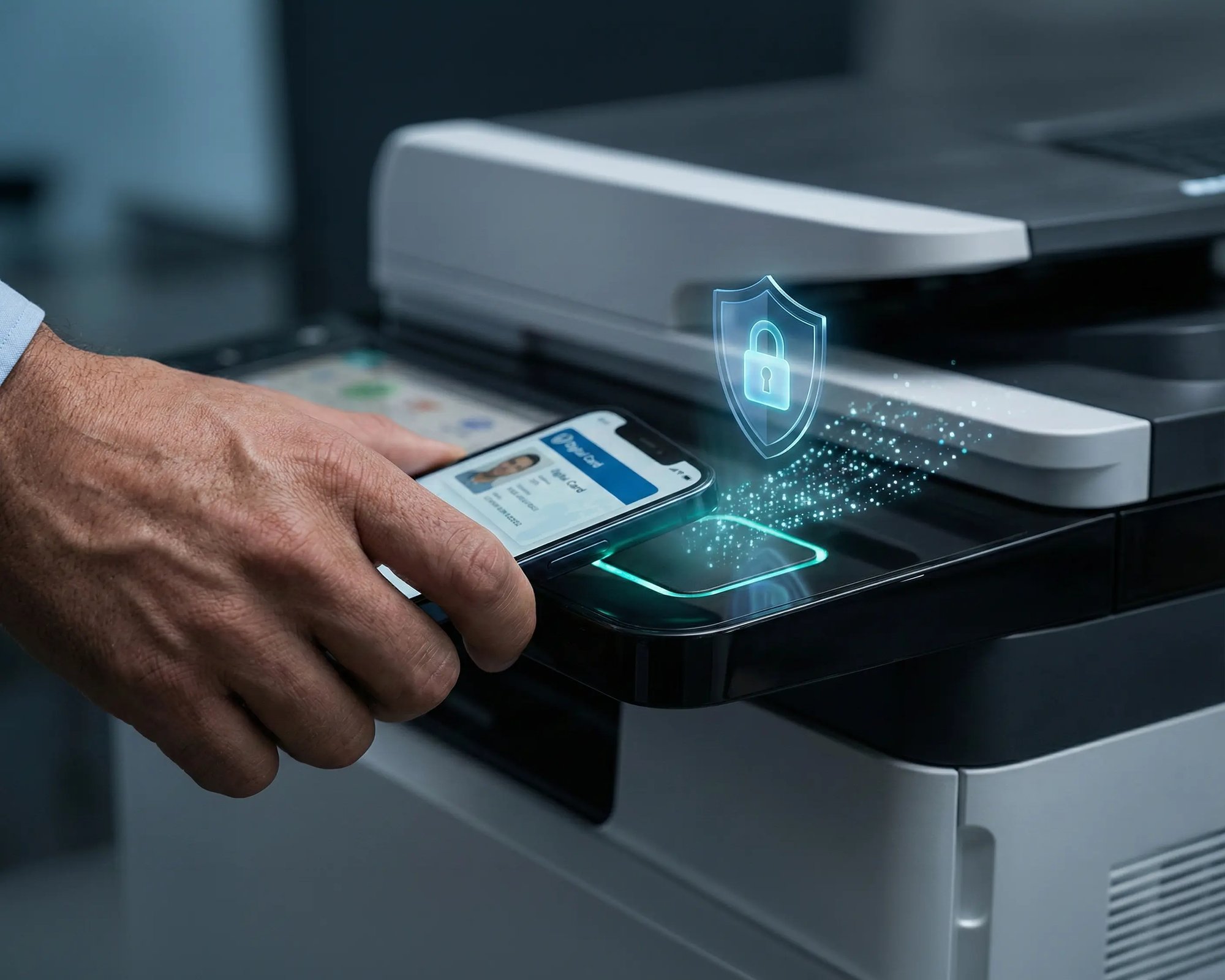
Documents arrive at the assigned printer instantly, or users can authenticate via smartphone or ID card for secure Pull Printing. Optional release controls ensure confidential documents never sit unattended in output trays.

Frequently Asked Questions

How does ezeep integrate with Omnissa Horizon?

zeep integrates with Omnissa Horizon by handling all print management and rendering in the cloud. The ezeep Connector or Hub connects your printers to the ezeep Cloud, removing the need for print servers, local drivers, and complex GPO configurations in Horizon environments.

Can users print from home offices and remote locations?

Absolutely. Users can print from anywhere they access Omnissa Horizon - without needing to be on the same network as the printer.

How does cloud print management differ from traditional print servers?

Cloud print management eliminates dedicated print server hardware and maintenance. All driver handling, print rendering, and printer management happen in the ezeep Cloud, reducing infrastructure costs and IT workload while improving reliability for VDI environments like Omnissa Horizon.

Does ezeep replace Horizon's built-in print redirection?

ezeep replaces and goes beyond built-in print redirection by moving all rendering to the cloud, delivering full driver functionality and consistent print quality without installing drivers in the virtual desktop.

Do I need to install drivers in my golden images?

No. ezeep handles all print rendering and driver management in the cloud, so your golden images stay completely driver-free. This eliminates driver conflicts, reduces image size, and simplifies updates across your Omnissa Horizon environment.

Back to top

Ready to Modernize Printing for Omnissa Horizon?

Support virtual desktops, hybrid work, and branch offices without reintroducing print servers or driver complexity.

ezeep-chart (1)


