Serverless Printing for Cloud-First Organizations

ezeep removes print servers entirely and doesn't replace them with something else to manage. Print jobs are rendered in the cloud, printers connect through a compact Hub, and IT manages everything from a single console. No servers, no drivers, no VPNs.

Start Free Trial TodayTalk to an Expert
15475 (1)
Why Serverless Printing Matters

Why Print Servers Don't Belong in Modern IT

Every other workload has moved to the cloud. Print servers are often the last piece of legacy infrastructure still sitting in the server room, and they cost more to keep running than most teams realize.

A Known Attack Surface

The Windows Print Spooler remains a target. Every on-premises print server is an endpoint that needs patching, hardening, and monitoring. Removing print servers removes an entire class of vulnerability from your environment.

How Serverless Printing Works

Print Management Without Servers, Drivers, or VPNs

Remove Print Servers and Everything That Comes With Them

Eliminate the hardware costs, software licenses, failover planning, driver management, and admin hours that come with print servers.

ezeep moves print rendering entirely to the cloud, so there's nothing left on-premises to maintain.

scale-grow

Connect Any Printer to the Cloud in Minutes

The ezeep Hub replaces your print server with a compact, maintenance-free device that connects any network or USB printer to the cloud.

Plug-and-play, no on-site configuration, and it can be shipped pre-configured to any location.

ezeep-money-time

Manage Every Printer from One Console

Assign printers, update settings, apply policies, and troubleshoot across all locations from a single web dashboard.

No more site-by-site configurations or remote desktop sessions into print servers.
safe

Users Print Without IT Involvement

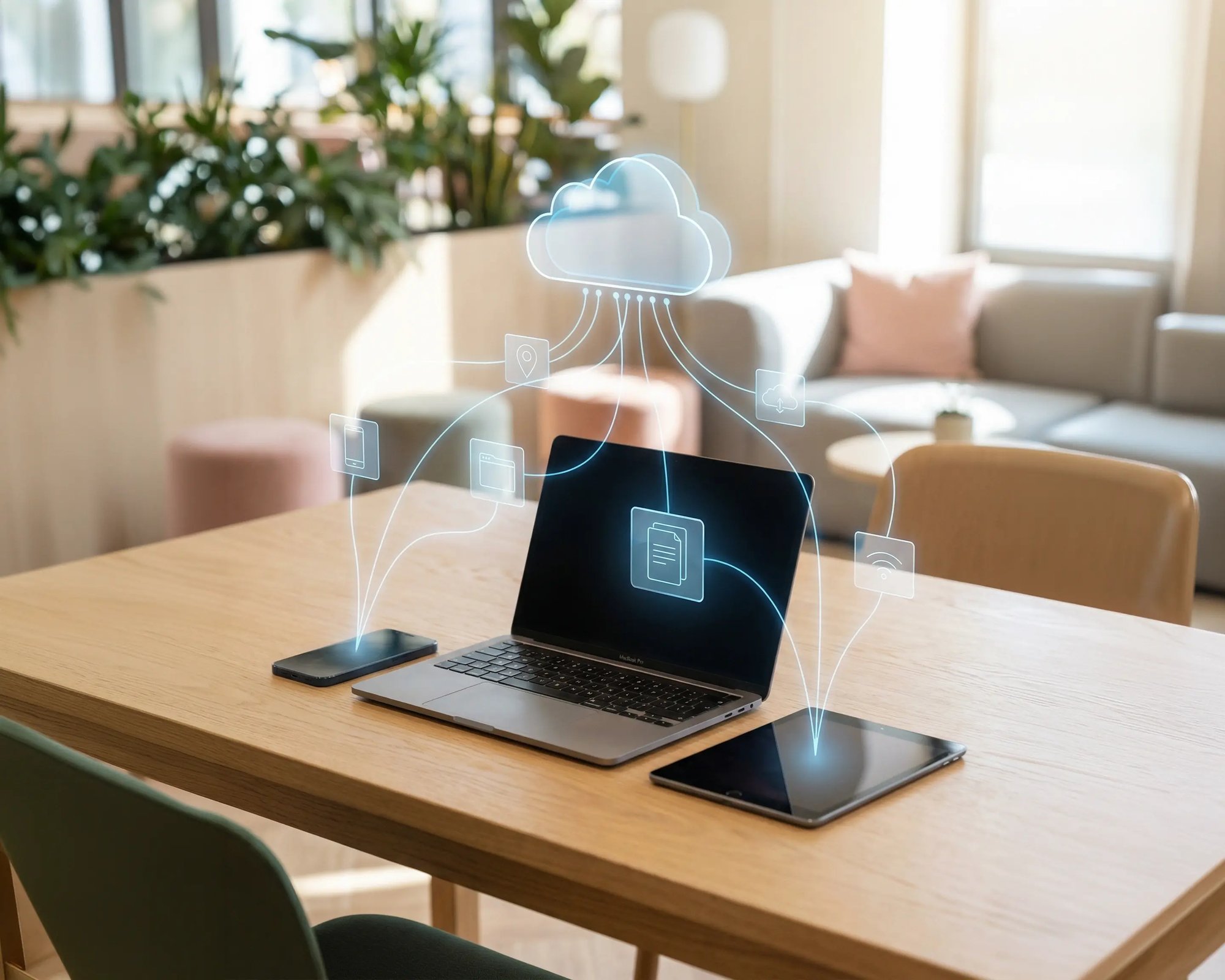
Users print from Windows, Mac, Chromebook, iOS, and Android without installing drivers or contacting IT.

Printers are assigned automatically based on identity and location.
works

Less Infrastructure. More Calm.

Move campus printing to the cloud and reduce the day-to-day maintenance burden. Have fewer patches, fewer queue mysteries, and fewer "it broke overnight" surprises.

Server-Free
Centralized
Less Upkeep

One Experience Across Campus

Support the real education device mix - Chromebooks, MacBooks, Windows laptops, tablets, and phones - across libraries, labs, dorms, and shared printers without special steps per department or "this printer only works on that OS."

Campus-Wide
Cross-Platform
User-Friendly

Permissions That Actually Make Sense

Tie printer visibility and access to identity and groups, so students, staff, faculty, and researchers see the right printers by role, building, and department - all without constant manual adjustments.

Role-Based
Location-Aware
Consistent

Temporary Access, Without Temporary Chaos

Support guest lecturers, visiting scholars, events, and short-term programs with controlled access that doesn't create recurring IT work or one-off setups.

Temporary Access
Controlled
Low Effort

Confidential Pages Stay With The Right Person

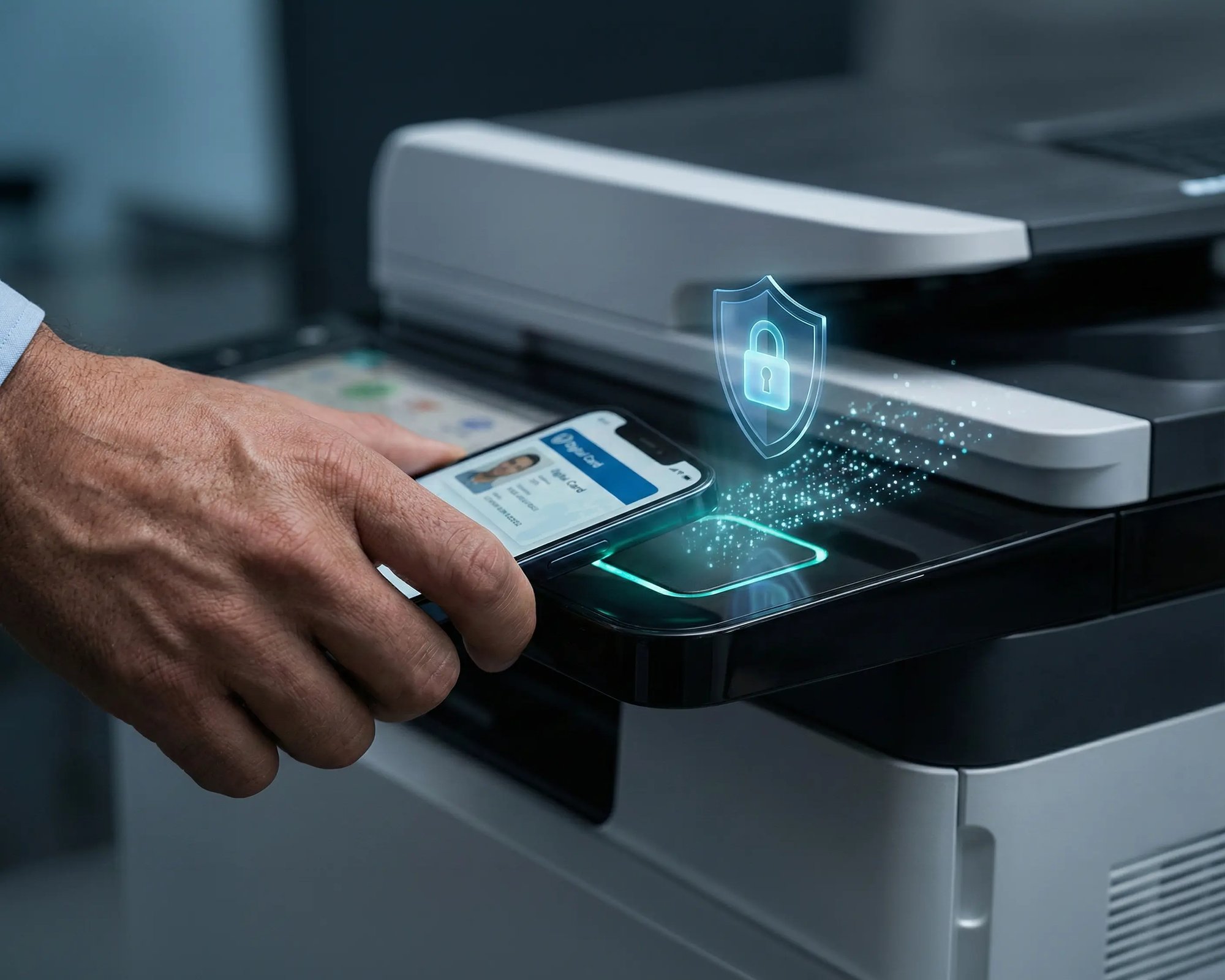
Reduce tray exposure in busy shared spaces. Pull Printing helps ensure jobs only release when the user authenticates at the printer with their school ID, helping protect exams, registrar documents, and sensitive student records.

Private Release
Less Mix-Ups
Auditable

Visibility Finance Can Actually Use

Understand usage across departments and locations, support quotas and accountability, and make it easier for busier and finance teams to track print spend without turning IT into the print police. 

Measurable
Accountable
Budget-Friendly

Cost Recovery Without The Busywork

For campuses that charge students to print, ezeepCampus adds Self-Join onboarding and credit-based printing, so students and staff can self-serve while your institution keeps pricing and access under control.

Self-Join
Credit-Based
Accountable
Saving Money

What IT Stops Doing When Print Servers Are Gone

Going serverless doesn't just simplify operations. It removes entire categories of infrastructure and recurring work.
Meet ezeep Hub

The Hardware That Replaces Your Print Server

The ezeep Hub is a compact device that connects your printers to the cloud without servers, VPNs, or on-site IT. It doesn't host drivers, queues, or user data. It simply provides a secure outbound connection between your printers and the ezeep Cloud.

Ship it pre-configured to any location, plug it into the network, and the printers are live. When you need to scale, add another Hub. When you need to move, unplug and redeploy.

Learn More About the ezeep Hub
ezeep-campus
Who Solution is For

Who Benefits Most from Serverless Printing

ezeep is built for organizations that want less infrastructure to manage without compromising on control.
Serverless vs. Cloud

Serverless Printing vs. Cloud Print Management

Many cloud print management solutions still require print servers. They just let you manage those servers from a web console. That's cloud-managed printing, not serverless.
Cloud-Managed Printing
Serverless Printing with ezeep
Print Servers
Still run on-premise or in your cloud tenant
Eliminated entirely, no print servers at any location
Drivers
Still need testing and deployment per OS/model
No drivers on endpoints, all rendering in the cloud
Infrastructure
Server hardware, licensing, and maintenance stay
ezeep Hub is plug-and-play, no infrastructure to maintain
Architecture
Management console in the cloud, infrastructure on-prem
True cloud architecture with nothing left on-premises
"Serverless Claims"
Some still route via direct IP with drivers on endpoints
Cloud rendering eliminates the server, the drivers, and endpoint dependency

Serverless printing removes the print server. Cloud-managed printing gives you a better way to manage it. ezeep supports both, so you can centralize management today and go fully serverless when you're ready.

Security

Serverless Printing That Strengthens Your Security Posture

Removing print servers doesn't just simplify operations. It reduces your attack surface.
How It Works

How Serverless Printing Works with ezeep

No print servers. No drivers on endpoints. No location dependency.
scale-grow
1

Connect Printers with the ezeep Hub

Plug the ezeep Hub into your network at any location. It connects your existing printers to the ezeep Cloud automatically. No server setup, no driver installs, no on-site IT required.

eco
2

Users Print from Any Device

Users print from Windows, Mac, Chromebook, iOS, or Android using the ezeep app or a browser. Printers are assigned based on identity and location, so the right ones are always available.

15475 (1)
3

IT Manages Everything from One Console

Assign printers, apply policies, monitor usage, and troubleshoot across all locations from a single web dashboard. Changes apply instantly. No server restarts, no remote sessions, no waiting.

Frequently Asked Questions

What is serverless printing?

Serverless printing eliminates on-premises print servers entirely. With ezeep, print jobs are sent to the cloud where they're rendered and routed to the correct printer automatically. The ezeep Hub connects printers to the cloud without servers, VPNs, or driver management.

How does the ezeep Hub replace a print server?

The ezeep Hub is a compact, maintenance-free device that connects network and USB printers to ezeep's cloud platform. Unlike a print server, it doesn't host drivers, queues, or user data. It provides a secure outbound connection and can be shipped pre-configured to any location.

What's the difference between serverless printing and cloud-managed printing?

Cloud-managed printing centralizes control in a web console but may still rely on print servers on-premises. Serverless printing with ezeep removes print servers entirely, handles rendering in the cloud, and eliminates drivers on endpoints. ezeep supports both approaches, so you can centralize first and go fully serverless when you're ready.

How does ezeep compare to Microsoft Universal Print?

Universal Print eliminates print servers but requires Microsoft 365 licensing, Intune for deployment, and compatible printers or connectors. ezeep works across Windows, Mac, Chromebook, iOS, and Android without additional Microsoft licensing, supports any printer through the ezeep Hub, and uses cloud rendering to eliminate drivers on every endpoint.

Can ezeep run alongside existing print servers during migration?

Yes. ezeep can operate in parallel with your current print server infrastructure. Migrate one site or one team at a time, validate that everything works, and decommission print servers at your own pace. No big-bang cutover required.

Back to top

Ready to Retire Your Print Servers?

Remove print servers, eliminate driver management, and cut ongoing IT costs without changing how your users print.

ezeep-chart (1)




