Cloud PC Printing for Windows 365 Without Print Servers
Windows 365 delivers persistent virtual desktops from anywhere, but printing shouldn't pull users back to VPNs, unreliable printer redirection, or driver conflicts. ezeep provides cloud printing that works across Cloud PC sessions, home offices, and branch locations on any device.
Why Windows 365 Printing Still Causes Problems
Printer Redirection Breaks in Cloud PC Sessions
Redirection is disabled by default and once enabled, it's all-or-nothing. Every local printer shows up, printer names change every session, and ERP and CRM apps that depend on consistent assignments break.
Universal Print Doesn't Replace Print Servers
Universal Print requires compatible hardware or a connector (which is just a print server by another name), additional per-user licensing, and Entra ID-joined endpoints. Run it alongside redirection and you have two parallel print paths with two sets of problems.
Users Lose Print Options in Cloud PCs
Redirected printers frequently block tray selection, duplex, and color settings. Drivers in Cloud PC environments create the same conflicts as on-premises, except now they're harder to troubleshoot remotely.
Cloud Printing for Windows 365 Cloud PC
Don't Undo Cloud-First with Print Servers
You moved to Windows 365 to reduce infrastructure. Adding print servers back defeats the purpose.
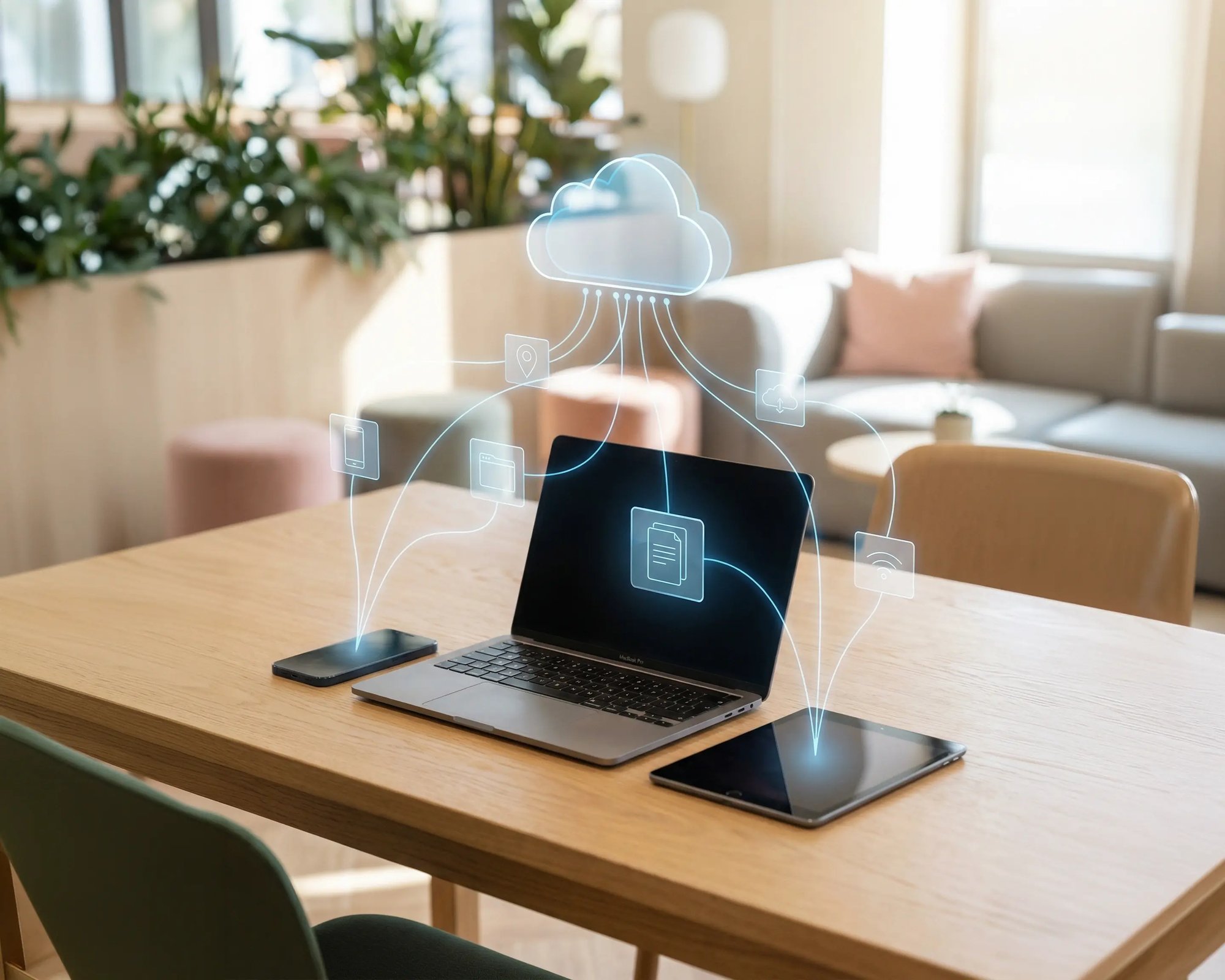
ezeep connects printers directly to your Cloud PC environment through the cloud. No hardware to rack, no VPNs, no maintenance windows.

Printers That Show Up When Users Do
Nobody should spend the first five minutes of a Cloud PC session hunting for a printer.
ezeep syncs with Microsoft Entra ID and assigns printers by role and location, so the right printers appear instantly when users sign in.

Print Wherever Work Happens
A Cloud PC follows the user. Printing should too.
ezeep lets users print from their Cloud PC session to whatever's nearby: the office MFP, a home inkjet, or a mobile device on iOS or Android. One experience, no network tricks.
Full Print Options, No Driver Conflicts
Printer redirection often blocks tray selection, duplex, and color settings. Drivers in Cloud PC environments create same conflicts, except now they're harder to troubleshoot remotely.
ezeep handles all rendering in the cloud, so Cloud PC images stay driver-free and every option the printer supports is available in every session.
Nothing Prints Until Someone's There
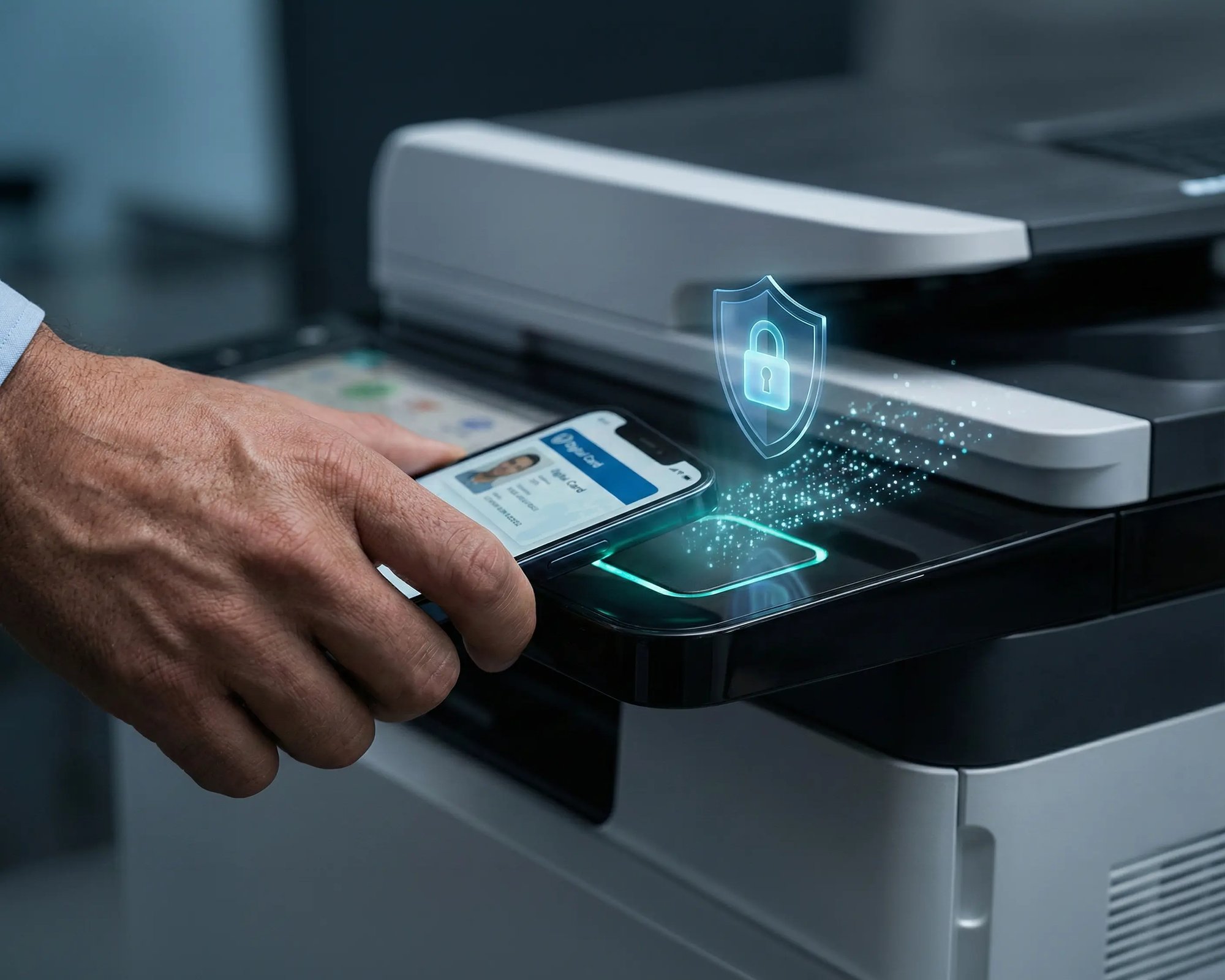
Pull Printing holds every job until the user walks up and authenticates by phone, badge, or PIN.
Sensitive documents don't sit in trays, and pages that were never needed don't get printed at all.

Less Infrastructure. More Calm.
Move campus printing to the cloud and reduce the day-to-day maintenance burden. Have fewer patches, fewer queue mysteries, and fewer "it broke overnight" surprises.
One Experience Across Campus
Support the real education device mix - Chromebooks, MacBooks, Windows laptops, tablets, and phones - across libraries, labs, dorms, and shared printers without special steps per department or "this printer only works on that OS."
Permissions That Actually Make Sense
Tie printer visibility and access to identity and groups, so students, staff, faculty, and researchers see the right printers by role, building, and department - all without constant manual adjustments.
Temporary Access, Without Temporary Chaos
Support guest lecturers, visiting scholars, events, and short-term programs with controlled access that doesn't create recurring IT work or one-off setups.
Confidential Pages Stay With The Right Person
Reduce tray exposure in busy shared spaces. Pull Printing helps ensure jobs only release when the user authenticates at the printer with their school ID, helping protect exams, registrar documents, and sensitive student records.
Visibility Finance Can Actually Use
Understand usage across departments and locations, support quotas and accountability, and make it easier for busier and finance teams to track print spend without turning IT into the print police.
Cost Recovery Without The Busywork
For campuses that charge students to print, ezeepCampus adds Self-Join onboarding and credit-based printing, so students and staff can self-serve while your institution keeps pricing and access under control.
Consistent for Users. Centralized for IT.
Users get the same printing experience from their Cloud PC: same print dialog, same workflow, reliable results whether they're at headquarters or working from home.
IT manages everything from one web console instead of troubleshooting parallel print paths, Intune redirection policies, or GPO configurations. Scale as your Windows 365 environment grows without adding print servers or Universal Print infrastructure.
Start Free Trial

Built for Teams Going Cloud-First
Mid-Market IT Teams
Fully Remote and Hybrid Organizations
Companies Consolidating IT Infrastructure
Mixed Device Environments
Your Printers Are Already Compatible
Windows 365 works in the cloud. Your printers don't have to be cloud-native to keep up. The ezeep Hub connects your existing network printers and USB devices directly to the ezeep cloud platform. Printers are automatically discovered and assigned to Cloud PC users, all managed centrally. No replacement hardware, no Universal Print-compatible printers required, no firmware upgrades.
“What a fantastic journey this has been. Thanks to this product we can now focus on what matters.”
Anthony Grower
Marketing Specialist

Three Steps to Cloud PC Printing
Print from Your Cloud PC
Users work in their Windows 365 session and print like they always do. The job goes straight to the ezeep Cloud. No local drivers, no print servers, nothing installed on the Cloud PC image.

ezeep Handles the Rest
All rendering, driver management, and routing happen in the ezeep Cloud. The job reaches the correct printer automatically based on user identity and location. IT doesn't need to intervene.
Pick It Up or Release It
Documents arrive at the assigned printer instantly, or users authenticate via smartphone or ID card for secure Pull Printing. Confidential documents never sit unattended in output trays.
Frequently Asked Questions
Why doesn't built-in Windows 365 printing work well enough?
Microsoft offers printer redirection through RDP and Universal Print, but each has significant limitations. Redirection depends on network conditions and frequently drops print properties and finishing options. Universal Print requires compatible printers or connectors, additional licensing, and Entra ID-joined endpoints. Running both creates two parallel print paths with different failure modes for IT to manage.
Can users print from a Cloud PC to local printers at home?
Yes. Users can print from their Cloud PC session to any locally connected printer at home, in the office, or at remote locations, with full print properties and finishing options. Mobile printing from iOS and Android is also supported through the ezeep app.
Do we need to install printer drivers on Cloud PCs?
No. ezeep handles all rendering in the cloud using manufacturer drivers, so Cloud PC images stay completely driver-free. No driver installs, no update cycles, no compatibility conflicts, and no performance impact on sessions.
How does ezeep integrate with Microsoft Entra ID?
ezeep syncs directly with Entra ID for automatic user and group synchronization. Printer assignments follow your existing directory structure and security groups, so when someone joins a team or changes roles, their printer access updates automatically.
Does ezeep work with ERP and CRM applications in Windows 365?
Yes. Unlike printer redirection where names change with every session, ezeep assigns printers with consistent names and full print properties. Applications that depend on fixed printer assignments work reliably without manual reconfiguration at each login.
Your Desktops Are in the Cloud. Your Printing Should Be, Too.
Give your Windows 365 users reliable printing everywhere without pulling legacy infrastructure back into a modern setup.


