Windows Printing Without Drivers, Print Servers, or GPO Headaches

Stop managing drivers, print servers, and GPO-based printer deployments. ezeep gives Windows devices and backend systems a single cloud print platform that works across locations, networks, and device types.

Start Free Trial TodayTalk to an Expert
15475 (1)
Windows Printing Problems

Why Windows Printing Still Depends on Infrastructure That's Being Phased Out

Drivers, print servers, and GPO-based deployment have kept Windows printing running for decades. All three are on borrowed time.

Backend Systems Still Depend on Print Servers That Crash

ERP, POS, and warehouse applications need persistent print queues that work without user interaction. Those queues sit on print servers, and when a spooler crashes, business-critical output stops until someone restarts it.

How ezeep Makes It Easy

A Modern Way to Print from Windows

Eliminate Printer Drivers Forever

Remove one of the biggest causes of print tickets. The ezeep Print App for Windows replaces local drivers entirely.

IT manages printers centrally in the cloud, aligned with where Microsoft is heading with Windows Protected Print mode.

scale-grow

Print from Any Location, on Any Network

Users print from the office, home, or on the road without a VPN.

ezeep routes jobs through the cloud so printing works regardless of network or location. No firewall rules, no network proximity requirements.

ezeep-money-time

Built for Hybrid and Virtual Desktop Environments

ezeep supports domain-joined, Entra ID-managed, and BYOD Windows devices from one console.

It also works with Windows 365, Azure Virtual Desktop, Citrix, and Omnissa Horizon, giving virtual desktop users the same reliable experience.
safe

Automate Backend and Service Printing

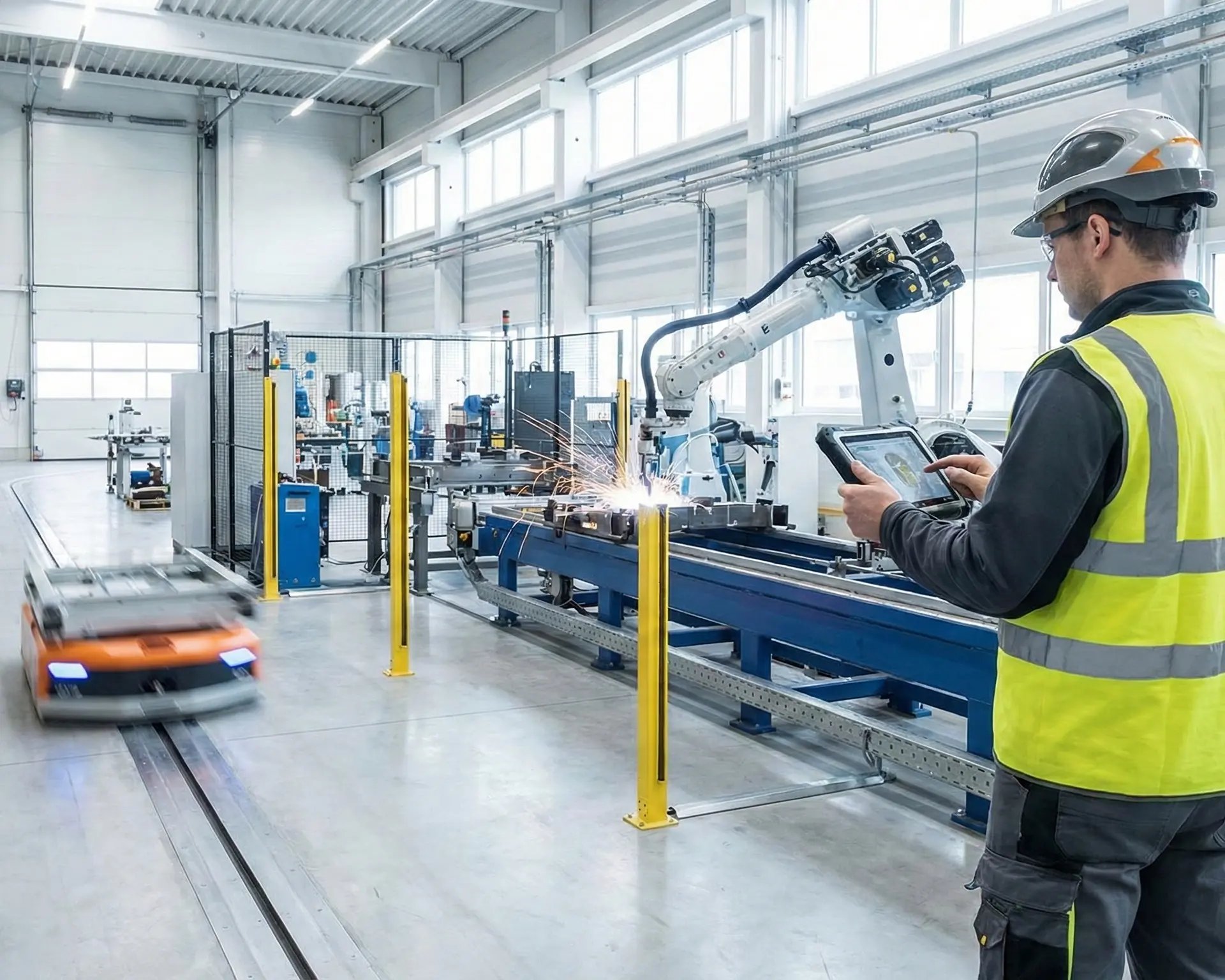
ERP, POS, warehouse, and kiosk systems need persistent print queues that work without user interaction.

The Print App for Services creates cloud-connected queues on Windows that backend applications print to like any normal printer. No print server needed.

works

Secure Every Print Job

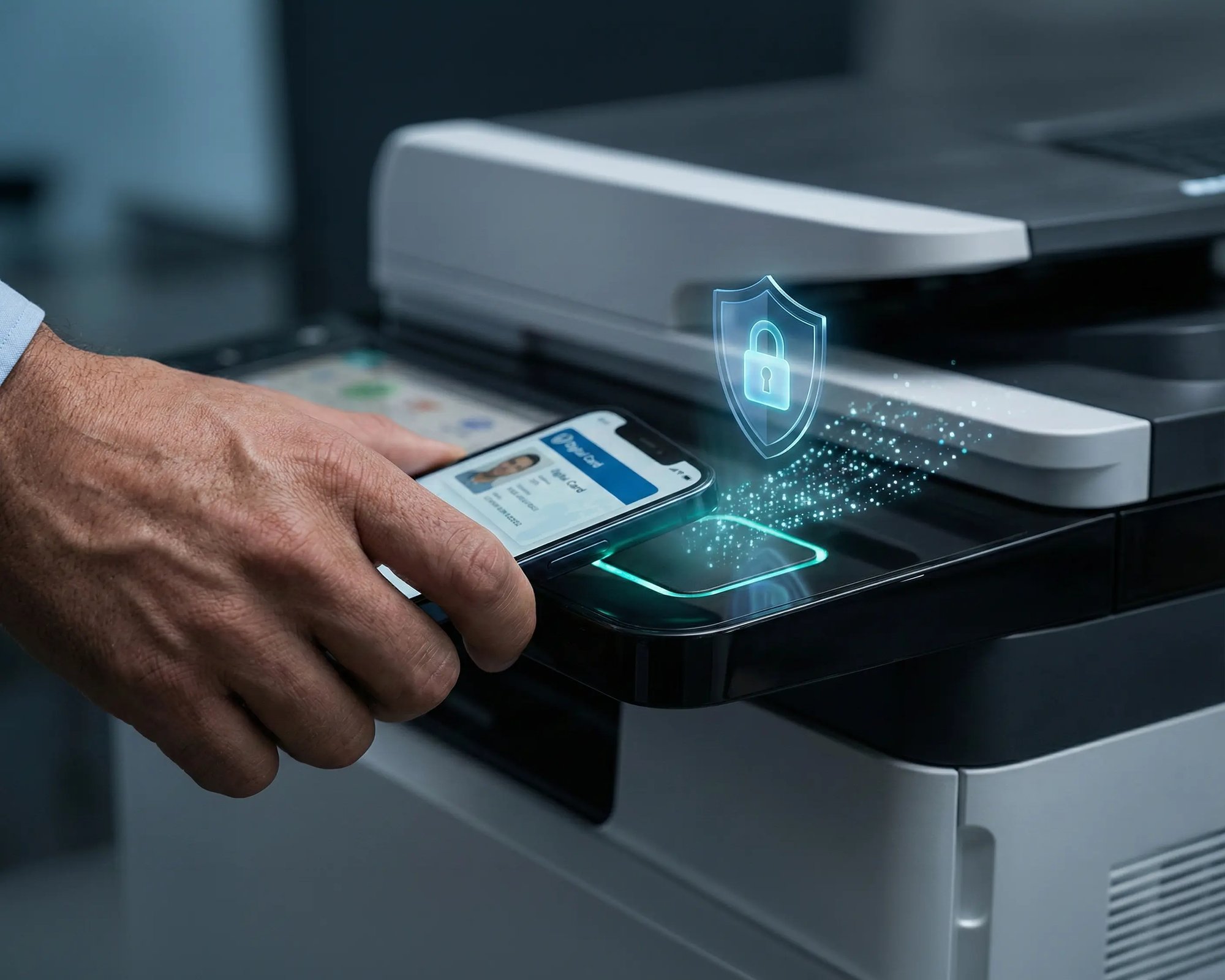
Pull Printing holds jobs until the user authenticates at the device via mobile QR code, card, or PIN.

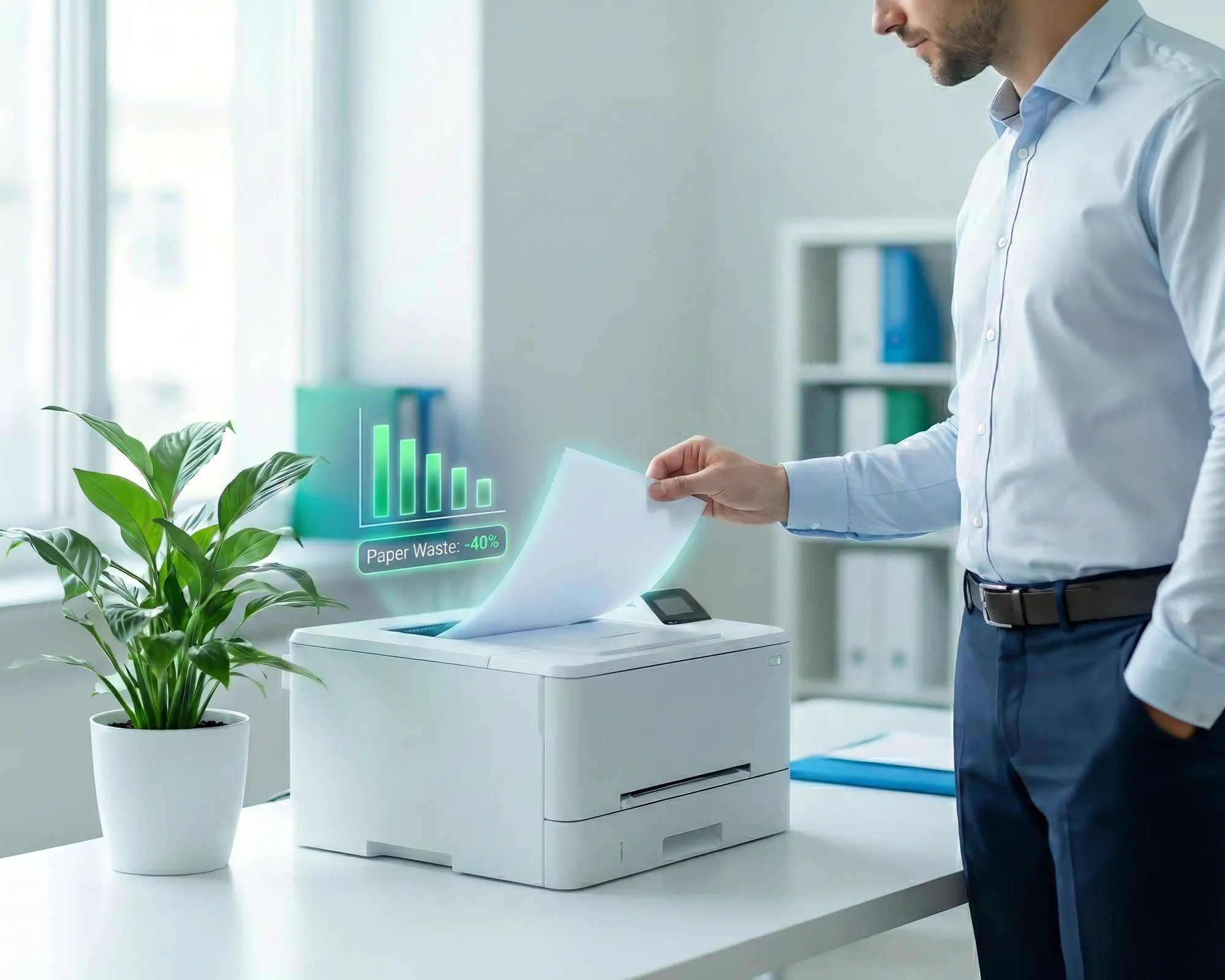
Sensitive pages don't sit exposed in output trays, and pages that were never needed don't get printed at all.

eco

Less Infrastructure. More Calm.

Move campus printing to the cloud and reduce the day-to-day maintenance burden. Have fewer patches, fewer queue mysteries, and fewer "it broke overnight" surprises.

Server-Free
Centralized
Less Upkeep

One Experience Across Campus

Support the real education device mix - Chromebooks, MacBooks, Windows laptops, tablets, and phones - across libraries, labs, dorms, and shared printers without special steps per department or "this printer only works on that OS."

Campus-Wide
Cross-Platform
User-Friendly

Permissions That Actually Make Sense

Tie printer visibility and access to identity and groups, so students, staff, faculty, and researchers see the right printers by role, building, and department - all without constant manual adjustments.

Role-Based
Location-Aware
Consistent

Temporary Access, Without Temporary Chaos

Support guest lecturers, visiting scholars, events, and short-term programs with controlled access that doesn't create recurring IT work or one-off setups.

Temporary Access
Controlled
Low Effort

Confidential Pages Stay With The Right Person

Reduce tray exposure in busy shared spaces. Pull Printing helps ensure jobs only release when the user authenticates at the printer with their school ID, helping protect exams, registrar documents, and sensitive student records.

Private Release
Less Mix-Ups
Auditable

Visibility Finance Can Actually Use

Understand usage across departments and locations, support quotas and accountability, and make it easier for busier and finance teams to track print spend without turning IT into the print police. 

Measurable
Accountable
Budget-Friendly

Cost Recovery Without The Busywork

For campuses that charge students to print, ezeepCampus adds Self-Join onboarding and credit-based printing, so students and staff can self-serve while your institution keeps pricing and access under control.

Self-Join
Credit-Based
Accountable
Coworking hero

Better for Users. Easier for IT.

For users, printing feels familiar: same dialogs, same workflows, fewer failures.

For IT, it means fewer tickets, no driver deployment headaches, no GPO printers to maintain, and full visibility across interactive and automated print jobs from one console.

Admin quick start: Add printers directly from a Windows PC and publish them to users through centralized assignments.

Start Free Trial


Windows on ARM? Fully Supported.

Modern Windows devices like Surface models and Copilot+ PCs are powerful and efficient, but printing often fails when manufacturers don't provide ARM drivers.

ezeep removes that limitation by processing jobs in the cloud using manufacturer drivers, then delivering the output to the destination printer.

Key Outcomes:

  • No ARM-compatible printer drivers needed on the device
  • Same printing experience across Intel/AMD and ARM fleets
  • Cloud rendering handles driver translation, so printer compatibility is never an ARM problem
  • Future-proof as ARM adoption grows and Microsoft phases out third-party drivers
ezeep-campus
Who Solution is For

Who Benefits Most from Cloud Printing for Windows

Built for teams that print from Windows and want a modern setup that scales without driver management, print servers, or GPO complexity.
How It Works

How Windows Printing Works with ezeep

No local drivers, no print servers, no GPO policies. Users and backend systems print the same way they always do, while ezeep handles rendering, routing, and delivery in the cloud.
scale-grow
1

Print from Windows as Usual

Users hit Print from any Windows app and choose an approved printer. Backend systems like ERP or WMS send jobs to persistent print queues created by the Print App for Services. Either way, IT manages printer access centrally.

eco
2

ezeep Processes the Job in the Cloud

The print job is sent to the ezeep Cloud, where it's prepared for reliable output. Cloud rendering uses manufacturer drivers so you avoid the usual driver mismatches and "works on my machine" issues.

15475 (1)
3

Deliver to the Right Printer

ezeep routes the job to the correct printer automatically, even across sites. If Pull Printing is enabled, users release the job when they're ready, keeping documents private at shared devices.

Related Content

Dive Into the World of ezeep

Frequently Asked Questions

How does ezeep handle Windows printing without drivers?

ezeep replaces local printer drivers with a lightweight Print App for Windows. When a user prints, the job is sent to the ezeep Cloud where it's rendered using manufacturer drivers and delivered to the target printer. No drivers are installed on the Windows device, which eliminates compatibility issues, reduces help desk tickets, and aligns with Microsoft's Windows Protected Print direction.

Can backend systems like ERP and POS print through ezeep?

Yes. The ezeep Print App for Services creates persistent, cloud-connected print queues on Windows that backend applications print to like any standard Windows printer. Jobs route through the ezeep Cloud for rendering and delivery. This replaces dedicated print servers for automated output from ERP, POS, warehouse management, and kiosk systems.

Does ezeep replace GPO-based printer deployment?

Yes. ezeep replaces GPO and Active Directory-based printer mapping with cloud-based assignment rules managed from a single web console. Printers are assigned by user identity, group, or location. No dependency on AD or domain membership for printer access, and no policy conflicts when users move between locations.

Is ezeep ready for Windows Protected Print mode?

Yes. Windows Protected Print mode restricts printing to IPP-compatible workflows and blocks legacy driver installs on Windows endpoints. ezeep's cloud rendering model already operates without drivers on devices, so organizations adopting WPP don't need to rearchitect their print setup.

Does ezeep support Windows on ARM devices?

Yes. ARM-based Windows devices like Surface Pro and Copilot+ PCs often lack manufacturer printer drivers. ezeep processes jobs in the cloud using manufacturer drivers and delivers the output to the printer, so ARM devices print with the same experience as Intel and AMD machines. No ARM-specific drivers needed.

Back to top

Your Windows Fleet Deserves Cloud-Native Printing

Replace drivers, print servers, and GPO complexity with one cloud platform for every Windows device, virtual desktop, and backend system.

ezeep-chart (1)