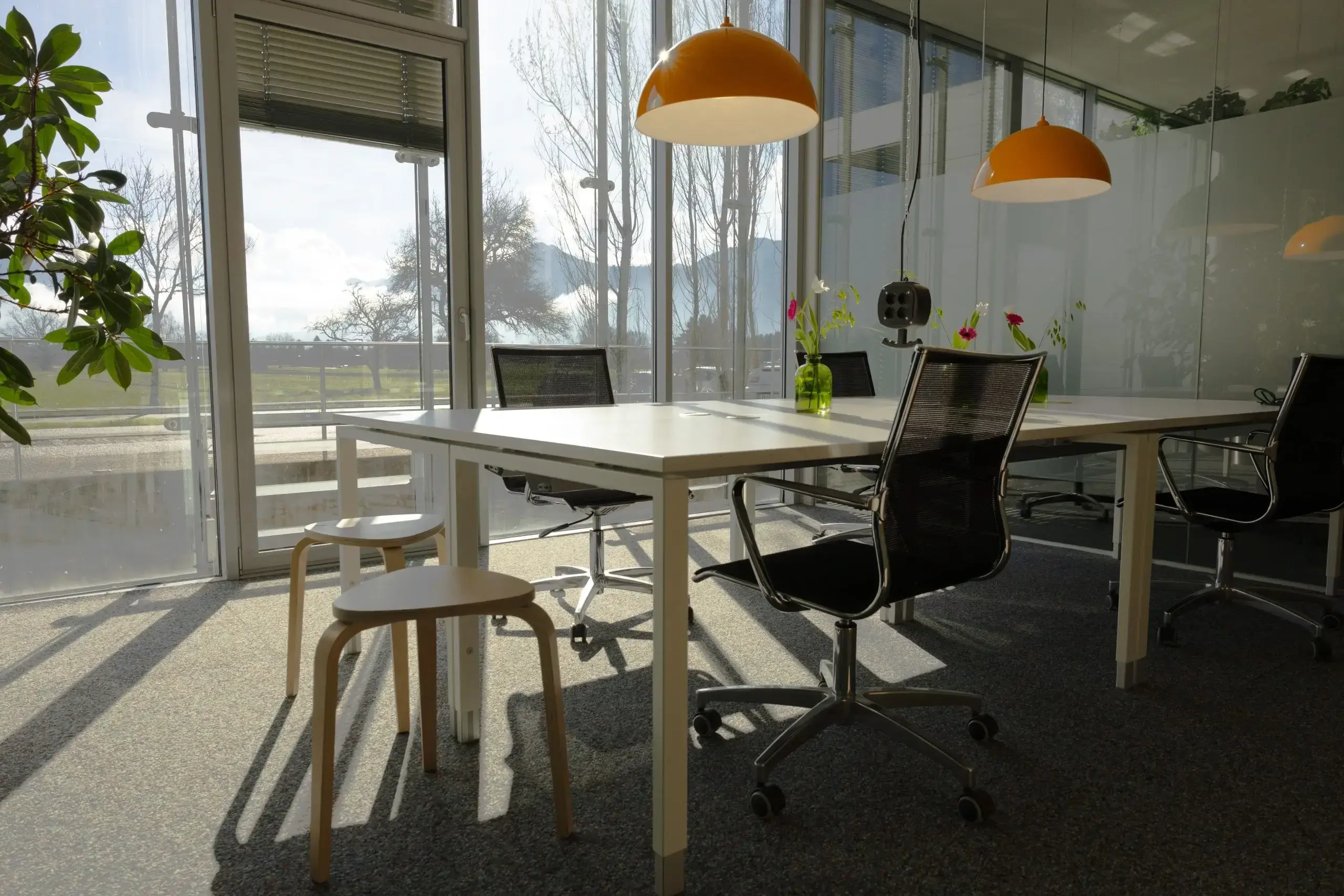
Running a coworking space 24/7 offers maximum flexibility for members but also introduces operational challenges. To succeed, operators must implement smart processes, automation, and targeted strategies to manage access, IT, security, and community without constant on-site staff. This ensures the space remains operational, secure, and vibrant around the clock.
Do You Need Staff Around the Clock?
No, you do not need staff around the clock if you implement the right systems. While some tasks like community management or emergency response require human interaction, most routine operations in a 24/7 coworking space can be managed with minimal direct staffing.
In most coworking spaces, demand for direct support is low during off-hours. A smart strategy involves structuring processes so that staff intervention is only needed in true emergencies. Consider replacing permanent night staffing with virtual support systems.
For common questions, chatbots or automated helpdesks can provide immediate answers. An emergency hotline can activate only when there is a critical issue. You can also hire security services for specific hours or for on-demand responses. This approach keeps your space safe and maintained without requiring you to handle minor issues in the middle of the night.
Automation: Processes That Should Run Independently
For a coworking space open 24/7, certain processes must function reliably even without human intervention. Focus automation efforts on three core areas: access control, IT and printing infrastructure, and booking and billing systems.
Access Control
A functional access system is fundamental for 24/7 operations. Instead of traditional keys, use digital solutions like smart locks, RFID cards, or app-based door controls. These systems offer precise control over who accesses the space and when, simplifying guest management and enhancing security.
IT and Print Management
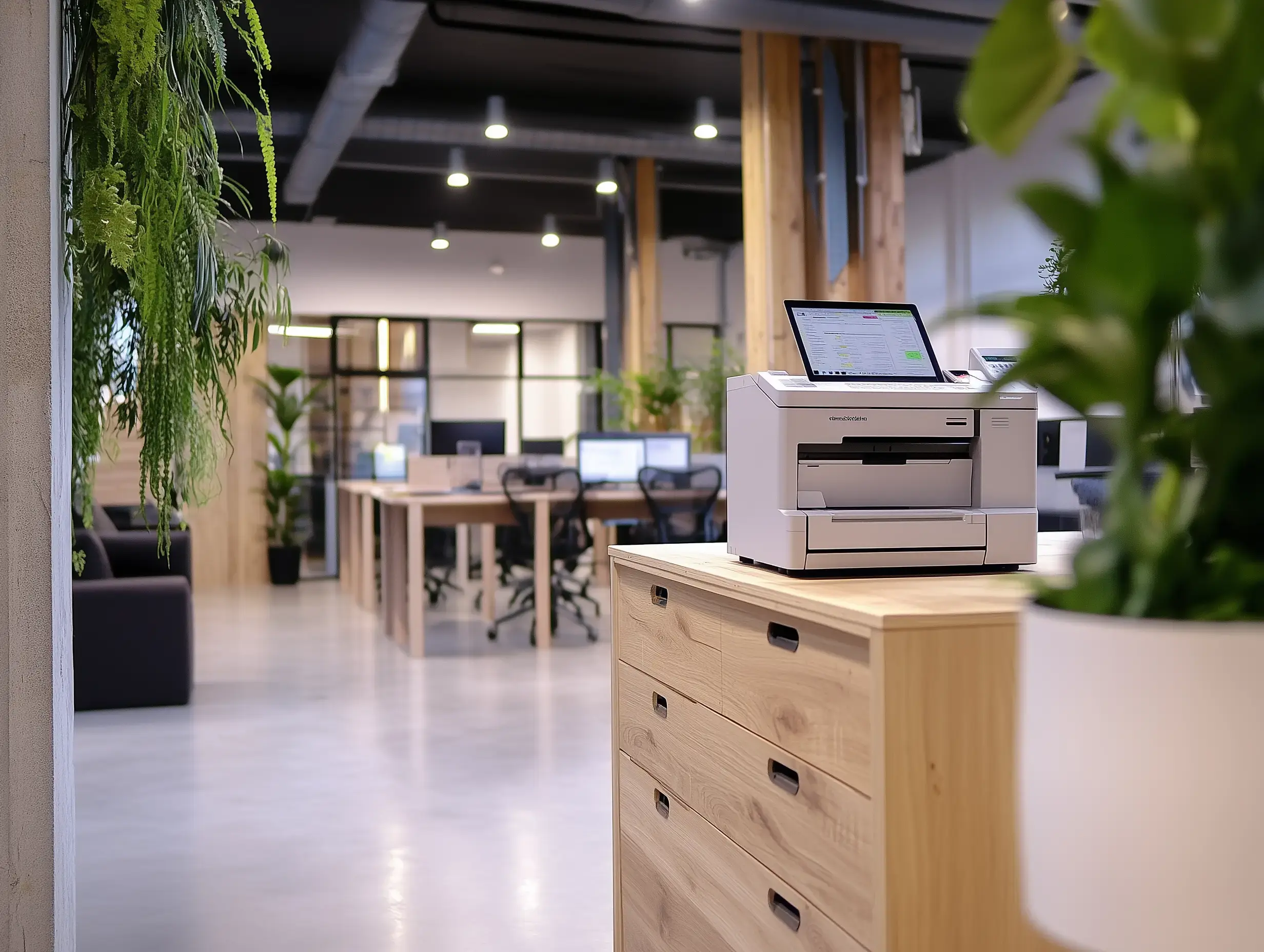
Few things frustrate members more than a non-functional printer or slow internet. When no support staff is available, this becomes a significant problem. Implement cloud-based printing systems like ezeep and remote IT management tools. This allows users to print independently, without handling drivers or network settings, while you manage updates and maintenance remotely without being on-site.
Payment and Booking
A fully automated booking and billing system is essential for a well-functioning 24/7 space. Members should reserve meeting rooms or extra services at any time. Ideally, this includes automatic invoicing to reduce your manual administrative work. Modern membership platforms often provide these features, significantly simplifying operations.
Challenges of 24/7 Operations – and How to Overcome Them
Operating a coworking space around the clock introduces both advantages and specific challenges. Pay close attention to security, energy consumption, and how you manage your community.
Security: Open Doors With Control
24/7 access does not mean the space is open to everyone. Establish clear access rules to prevent misuse. Only verified members should receive individual credentials, and guests should enter through a controlled system. Some operators create a dedicated “night owl” area, separately secured, to manage usage and reduce risks. Smart sensors can also detect unusual activity, such as a meeting room booked when it should be empty.
Energy Costs: Automation Saves Money
An always-available space should not waste energy. Use smart thermostats and motion sensors for lighting to ensure power is only consumed when needed. Devices like coffee machines or monitors can be set to automatic standby. For greater efficiency, smart plugs can shut off specific devices at predetermined times. for example, a printer if no jobs are received after a certain hour.
When a coworking space never closes, members might interact less frequently. This makes fostering a strong community even more vital. Use digital tools like Slack or Discord to maintain communication outside of physical interactions. Organize regular events or check-ins to strengthen connections. A strong community is a defining factor for a coworking space, beyond just access to desks.
Running a 24/7 Space Without Stress
A coworking space that is open around the clock offers significant opportunity for members and operators when managed wisely. By using automation, smart security, and efficient processes, you can ensure smooth operations without working all night yourself. Consider which processes already run well and where automation could help. Once you answer these questions, you are ready for a stress-free, automated coworking environment. The lights will turn off by themselves.