By Charles Ian Pritchard on March 4, 2025
Last updated on March 31, 2026

Setting up a coworking space is an exciting opportunity to create a productive and inspiring work environment. For members to truly work efficiently, more is needed than just desks and good design – technical equipment plays a crucial role. This guide shares insights on the technical essentials for your coworking space and how to implement them without IT expertise.
All insights shared are based on personal experience setting up a coworking space and are not paid endorsements.
How to Set Up Reliable and Fast Internet in Your Workspace
A slow or unstable internet connection is frustrating for coworking members. A recommended speed is 1 Gbit/s download and 500 Mbit/s upload, which supports over 100 simultaneous users for video conferences and cloud applications. Choosing an internet plan designed for businesses often includes dedicated IT support, ensuring quick help if issues arise.
How to Make Wi-Fi Available in All Areas
Ensuring members stay connected, even in outdoor spaces, is a top priority. Access points provide reliable, secure Wi-Fi coverage. Strategically placed Wi-Fi access points attached to the walls of your building distribute the signal effectively. Devices can be logged into remotely for configurations.
What to Do If Wi-Fi Fails?
When Wi-Fi fails, LAN cables provide a reliable backup. Setting up network switches allows members to access the internet via a wired connection, ensuring productivity even during wireless connectivity issues.
Security and Automated Access Control Tips
Access points supporting WPA2 and WPA3 encryption are industry standards for Wi-Fi security. Routers with built-in firewall protection defend against external threats, keeping networks and data safe. Setting up a separate guest Wi-Fi network is a quick and straightforward security measure.
Members can access Wi-Fi by logging into a membership management system, where they request access tokens. These tokens are time-limited, which means access is automatically managed and secure. Integrating routers with your membership system also provides an automated way to track working hours based on Wi-Fi log-ins, simplifying billing and attendance.
What Additional Equipment Might Be Needed?
Stress-Free Printing
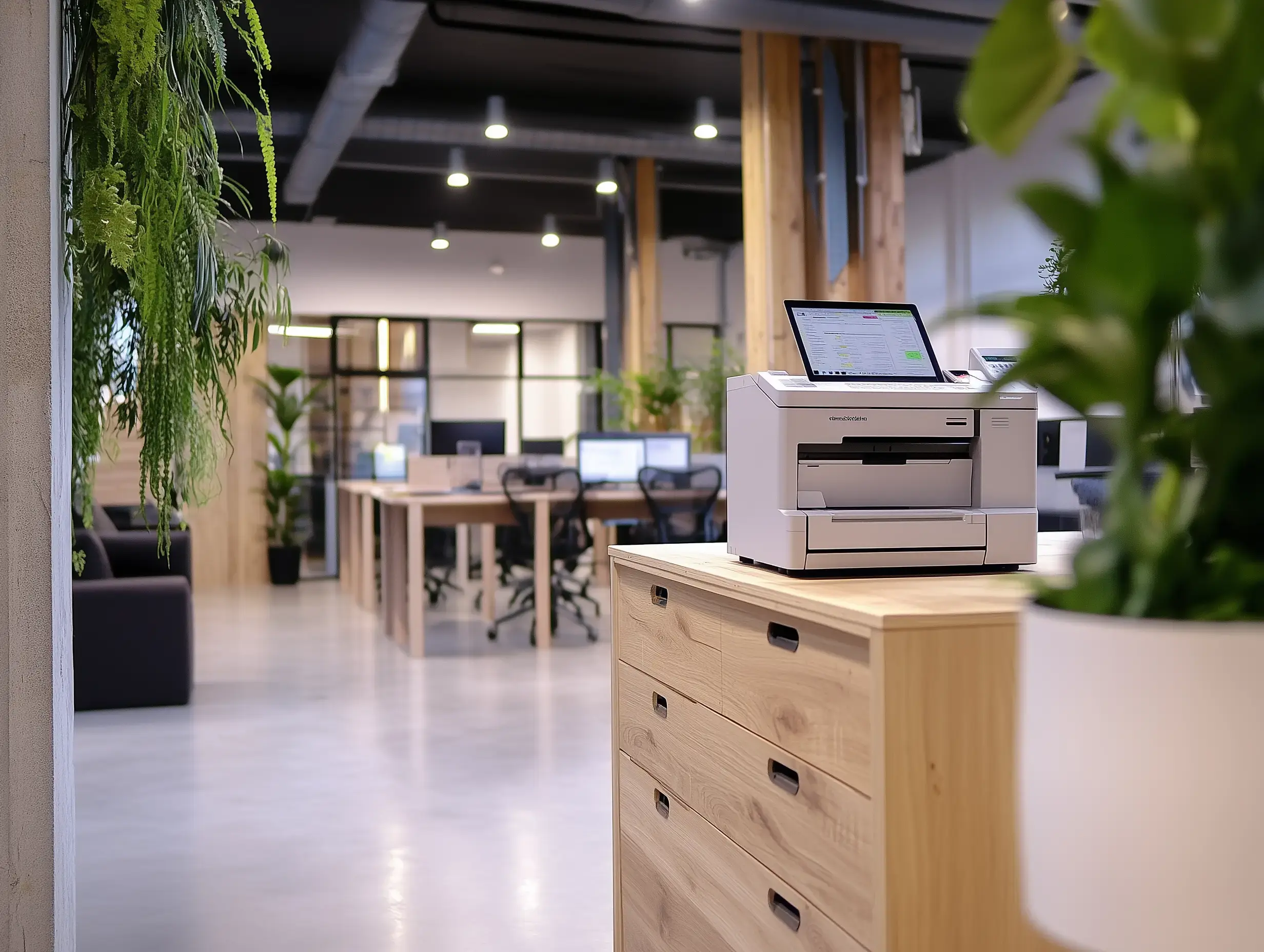
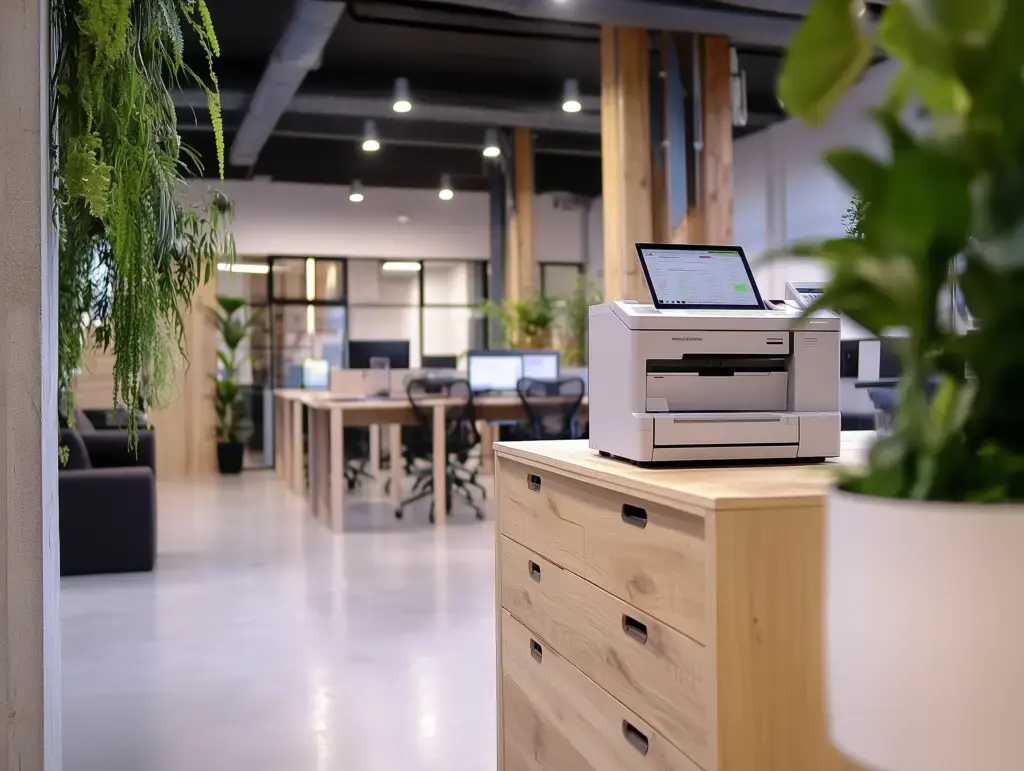
A shared printer can be a challenge in coworking spaces, but there are effective solutions. Cloud printing services like ezeep allow members to print from any device without installing drivers. This also simplifies billing for printing services through integrations with various space management systems. ezeep is built on ThinPrint technology, trusted by Fortune 500 organizations for handling millions of printed pages daily.
Telephony Without Complicated Connections
For members needing a fixed phone line, VoIP (Voice over IP) makes this achievable. Modern providers allow calls to go through the internet, eliminating traditional phone lines. For long-term members, exploring how to integrate their own phones is also an option.
Security Cameras for Peace of Mind
Properly mounted connection points and available power outlets are essential for security cameras. If outlets are not present, hiring a contractor to install the necessary outlets ensures effective camera placement and operation.
Conclusion
With the right planning and partners, the technical setup of your coworking space will be a genuine success factor. It does not require a lot of technical knowledge to create a productive and secure environment.
Discover how ezeep simplifies printing in your coworking space. Visit ezeep.com to learn more.

Data Security: Keeping Your Coworking Space Safe
Door Access Solutions for Coworking & Flex Spaces