Support Diverse Devices from MacBooks to ARM PCs
By Ines Reinhardt on August 25, 2025
Last updated on March 31, 2026

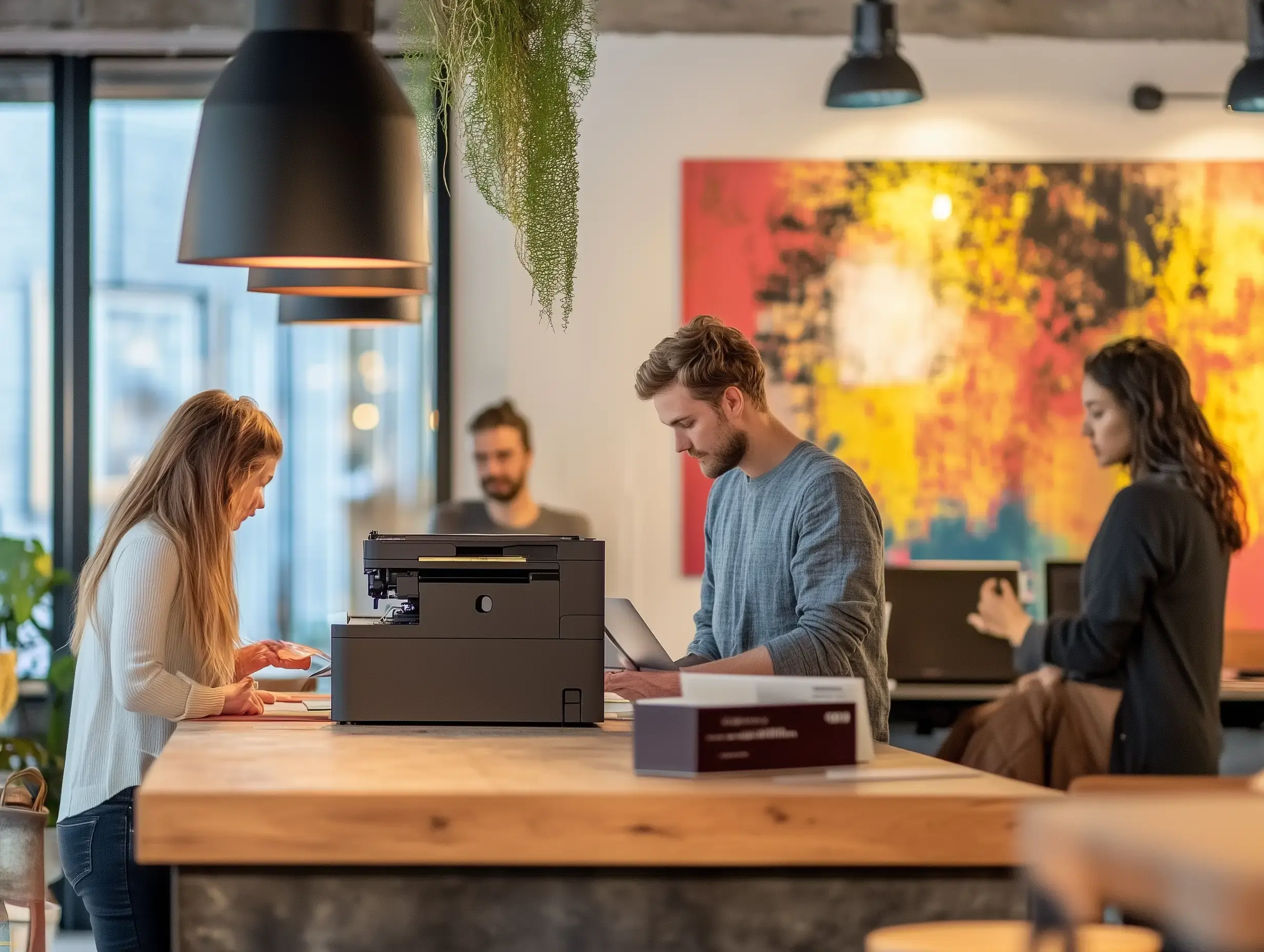
Coworking spaces thrive on diversity, not just in their people but in the tech they use. Members bring various devices, from the latest MacBooks and Windows laptops to tablets, Chromebooks, and high-end smartphones. While this offers a flexible workspace, this wide mix of hardware can create major technical challenges, especially with printing.
What Challenges Does Device Diversity Create?
Ideally, members plug in their device and get to work right away. But reality looks different: different operating systems, hardware generations, and security requirements add layers of complexity:
- Drivers and interfaces need to be supported across all devices.
- Devices follow different security standards and authentication methods.
- IT support gets tied up when devices don’t work smoothly.
This variety is exactly why many coworking spaces need infrastructure that can scale with tech diversity without hitting limits every time a new device type appears.
What are ARM Devices and Why Do They Matter for Coworking?
One class of devices that coworking spaces will see more of are ARM-based PCs, like Microsoft’s Surface Pro X and Copilot+ PCs. These devices offer significant advantages:
- Energy efficiency: Longer battery life and less heat.
- AI-ready: Built-in NPUs (Neural Processing Units) enable faster, on-device AI features.
- Designed for mobility: Slim, lightweight form factor, perfect for flexible work setups.
With the growing demand for energy-efficient, AI-capable hardware, these devices will become a common sight in coworking spaces, bringing new demands on the tech ecosystem.
Why is Printing a Roadblock for Diverse Devices?
Printing often becomes a frequent support headache. A member tries to print, assuming it will just work, unaware that their device’s processor architecture might not be compatible. The issue? ARM-based devices often need special printer drivers that are not always available.
Traditional print setups quickly reach their limits here, and user experience suffers. For operators, this means frustrated members and extra support load.
How Does Cloud Printing with ezeep Help?
Cloud printing with ezeep removes driver headaches and creates a consistent print experience for all devices. This allows members to print from any device without needing to install specific drivers.
- No local driver install: Prints directly in the browser or via an app.
- Device-agnostic: Supports Windows, macOS, iOS, Android, and ARM PCs.
- Easy to manage: Adjust user permissions and print policies in a central cloud portal.
- Flexible: Ideal for spaces with frequent member turnover.
ezeep in Action: A Practical Approach for Coworking Spaces
ezeep offers a service built for these challenges. It supports all major operating systems, including ARM devices like the Surface Pro X and Copilot+ PCs. The platform provides centralized management and quick onboarding for new members.
- Compatible with all major operating systems, including ARM devices like the Surface Pro X and Copilot+ PCs.
- Centralized management and quick onboarding for new members.
- Cost control with per-page billing.
- Fast setup without in-house IT infrastructure.
Built on ThinPrint technology, ezeep leverages expertise trusted by Fortune 500 organizations, handling millions of printed pages daily.
Ready for the Future of Coworking?
Diverse devices should not be a technical risk; they are a competitive advantage when your infrastructure can keep up. ARM-based PCs are becoming more common thanks to their efficiency and AI capabilities. Coworking spaces that move to cloud printing today are ready for both current and future demands.
Frequently Asked Questions
How do diverse devices in a coworking space cause IT issues?
Diverse devices in a coworking space create IT challenges due to varying operating systems, hardware generations, and security requirements. This complexity means IT support spends time troubleshooting issues like incompatible drivers or authentication problems.
What kind of devices do coworking space members typically use?
Coworking space members commonly use a wide array of devices, including MacBooks, Windows laptops, tablets, Chromebooks, and high-end smartphones. This variety reflects the personal preferences and work needs of the community.
Why is printer support difficult for varied devices in coworking spaces?
Printer support is difficult for varied devices because different operating systems and hardware need specific drivers and interfaces to function correctly. This often leads to IT support getting involved when devices can't print smoothly.
How can ezeep help with device diversity in coworking spaces?
ezeep provides infrastructure designed to handle a diverse device pool in coworking spaces. It aims to simplify printing across various operating systems and hardware, reducing the burden on IT support.
What are common IT support tasks related to diverse devices in a coworking space?
Common IT support tasks related to diverse devices include troubleshooting driver compatibility issues, resolving authentication problems, and addressing varied security standard requirements. These tasks arise from the wide range of tech members bring.
- February 2026 (1)
- November 2025 (1)
- October 2025 (1)
- September 2025 (1)
- August 2025 (4)
- July 2025 (1)
- June 2025 (3)
- May 2025 (1)
- April 2025 (5)
- March 2025 (6)
- February 2025 (4)
- January 2025 (3)
- December 2024 (3)
- November 2024 (4)
- October 2024 (5)
- September 2024 (2)
- August 2024 (2)
- July 2024 (3)
- May 2024 (4)
- March 2024 (1)
- February 2024 (3)
- January 2024 (1)
- December 2023 (1)
- November 2023 (1)
- October 2023 (3)
- September 2023 (1)
- August 2023 (1)
- July 2023 (1)
- June 2023 (2)
- May 2023 (1)
- April 2023 (3)
- March 2023 (3)
- February 2023 (4)
- January 2023 (2)
- December 2022 (3)
- November 2022 (2)
- October 2022 (5)
- September 2022 (2)
- July 2022 (2)
- June 2022 (2)
- April 2022 (2)
- March 2022 (2)
- February 2022 (2)
- January 2022 (1)
- July 2021 (5)
- June 2021 (4)
- May 2021 (3)
- March 2021 (3)
- November 2020 (1)
- October 2020 (1)
- April 2020 (4)
- March 2020 (3)
- February 2020 (3)
- January 2020 (1)
Subscribe by email
You May Also Like
These Related Stories
IT Challenges in Coworking Spaces
24/7 Coworking with Printing Included