By Charles Ian Pritchard on February 28, 2024
Last updated on March 31, 2026
Looking for a reliable alternative to Papercut Pocket? ezeep provides advanced features for group management, driverless printing, and broader operating system support, making it an excellent choice for businesses needing more control and automation over their print environments.
Disclaimer: Our team conducted thorough and honest research for this assessment. In the dynamic world of cloud printing, the accuracy of this article may change over time.
Why ezeep is a Strong Alternative to Papercut Pocket
For organizations seeking greater control and efficiency in their printing infrastructure, ezeep offers a compelling set of features that go beyond basic print management. Its cloud-native design simplifies administration and enhances user experience across various environments.
ezeep Has Great Group Management
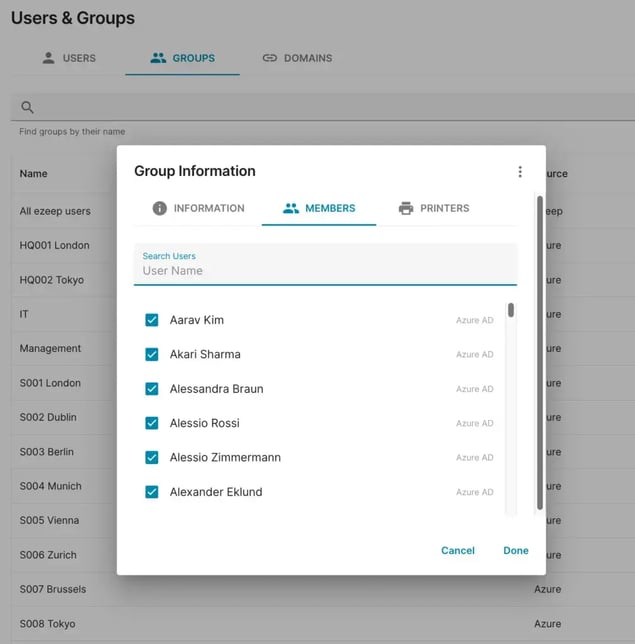
One reason to consider an alternative to Papercut Pocket is the need for more powerful group management, especially when handling a large number of users. ezeep allows you to easily create user groups and assign printers based on these groups. This feature saves significant time managing users, particularly useful for organizations with many users and printers distributed across different locations.
ezeep Doesn't Need a Software Or Server Client
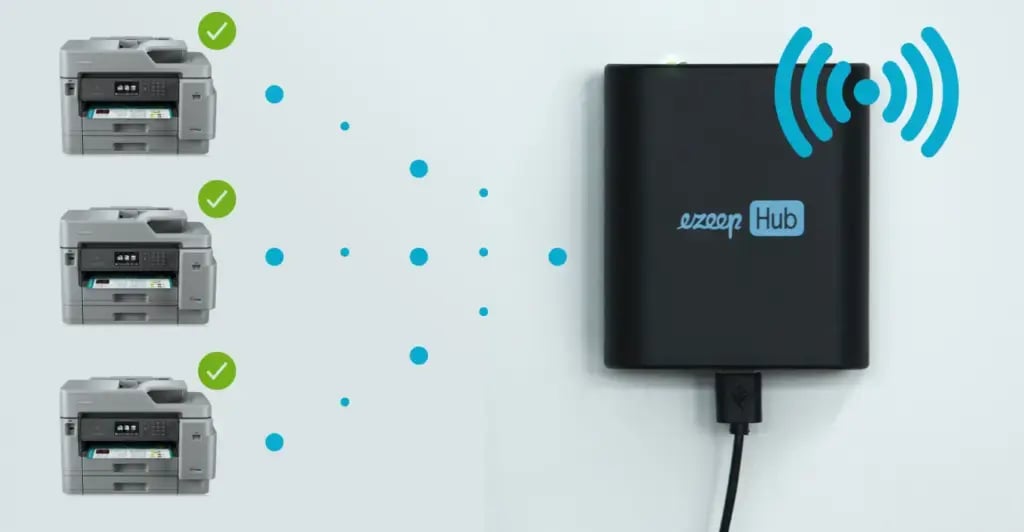
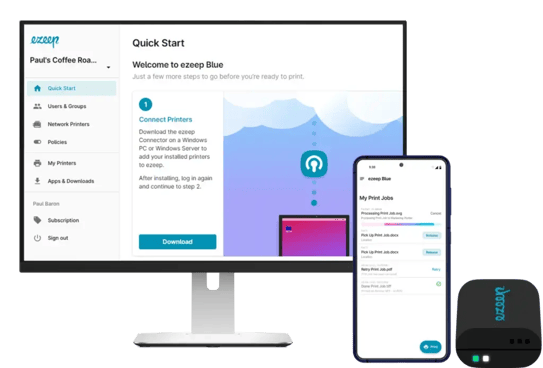
While many cloud print management platforms require installing connector software on a client or print server, ezeep provides an additional option with the ezeep Hub. If you prefer to avoid the maintenance of on-premises print servers or the frustration of maintaining an always-on workstation, the ezeep Hub is an ideal alternative.
It integrates printers in remote locations, has built-in connector software for greater stability, reduces energy consumption, and eliminates the need for software or server connectors entirely. The Hub also benefits IT administrators because print job rendering takes place entirely in the cloud, removing the need for local printer drivers or print servers. This is true cloud printing, simplifying your infrastructure and support tasks.
ezeep Supports More Operating Systems
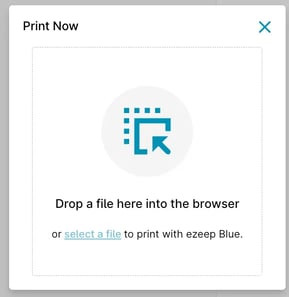
Via Print Now, ezeep can support printing from a broader range of operating systems, including Linux. All users need is access to a web browser to print. This expanded compatibility can be critical for diverse IT environments.
ezeep Users Can Print Directly to Printers
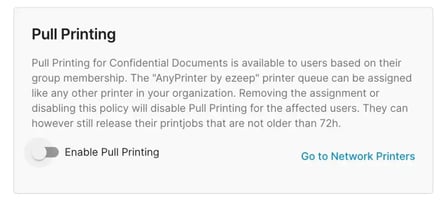
While user authentication at the printer can enhance print security (ezeep’s own Pull Printing feature provides this capability), it can impact productivity in specific scenarios. ezeep gives administrators the flexibility to determine how different teams and users print.
For example, if teams regularly print large documents, you don't have to mandate authentication and waiting at the printer for every job. Similarly, workflows needing continuous, rapid output can be printed immediately. ezeep handles these use cases effectively thanks to its granular print policies.
ezeep Offers More Automation

Another reason ezeep is a strong alternative to Papercut Pocket is its greater automation features. With ezeep, you can automate tasks like group assignments by domains. Companies with larger teams can automate printer assignments using this ezeep feature. Additionally, ezeep integrates with workflow automation tools like Zapier and Make, giving specific teams the ability to build their own print automation workflows.
ezeep: A Powerful Cloud Printing Platform
ezeep is built on technology trusted by Fortune 500 organizations, handling millions of printed pages daily. Its cloud-native architecture ensures reliability and high performance. With ezeep, you get a mature platform that simplifies print management.
Discover how ezeep can transform your print environment. Try ezeep free today and see the benefits for yourself.
How to Print from Chromebooks: Cloud Printing Explained
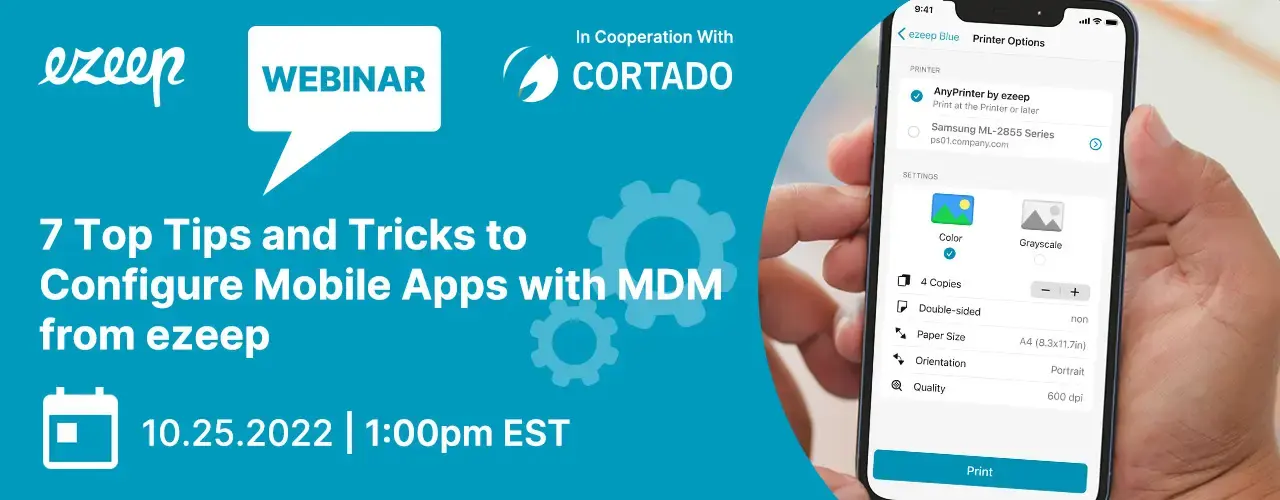
Managing Printing with Mobile Device Management