By Alina Roessler on February 21, 2024
Last updated on March 31, 2026

Low code platforms offer a powerful approach to digital transformation, helping businesses simplify operations, cut costs, and boost productivity by enabling rapid application development with minimal coding. This method makes creating and deploying custom applications more efficient and accessible, even for those without extensive programming knowledge.
What is Low Code?
Low code is a development approach that lets users design and deploy applications with minimal traditional coding. It uses a visual environment with drag-and-drop features and pre-built templates, making the process simpler and allowing for quick customization and deployment. Low code makes application development accessible to users with limited or no programming expertise.
While low code speeds up development with options for customization via minimal coding, no code enables those without any programming background to build applications easily. No code offers a straightforward, drag-and-drop interface, democratizing software development across an organization.
How Does Low Code Impact Business Operations?
Low code platforms are transforming software development by allowing a wider range of users to create complex applications, simplifying operations across various sectors. The primary advantages of low code include making application development widely accessible, reducing costs by lessening dependence on specialized developers, and providing flexible, easily maintainable solutions.
Gartner anticipates that the market for low code development technologies will continue to expand, with 75% of all new applications created with low code by 2026. This growth is driven by the need for quick application development, cost reduction, and making technology more accessible.
Automating Project Management with Low Code
Low code tools allow non-technical project managers to create custom task trackers and dashboards without writing code. Many low code solutions offer templates to build project management trackers.
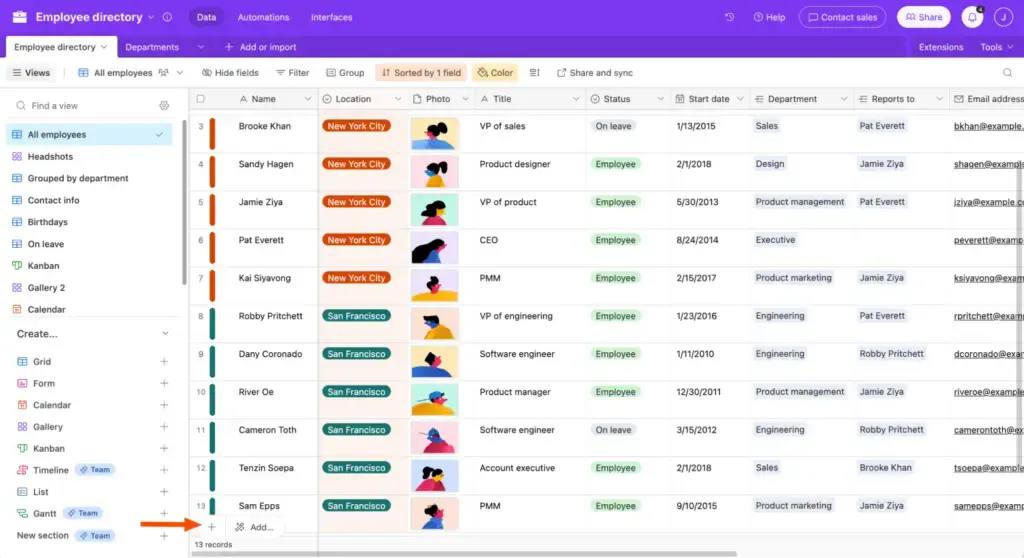
Boosting Customer Relationship Management (CRM)
Low code in CRM enables businesses to tailor solutions for tracking customer interactions and managing sales pipelines, which improves customer service. Database-driven low-code solutions, such as Glide or Airtable, allow for easy CRM creation with minimal coding knowledge.
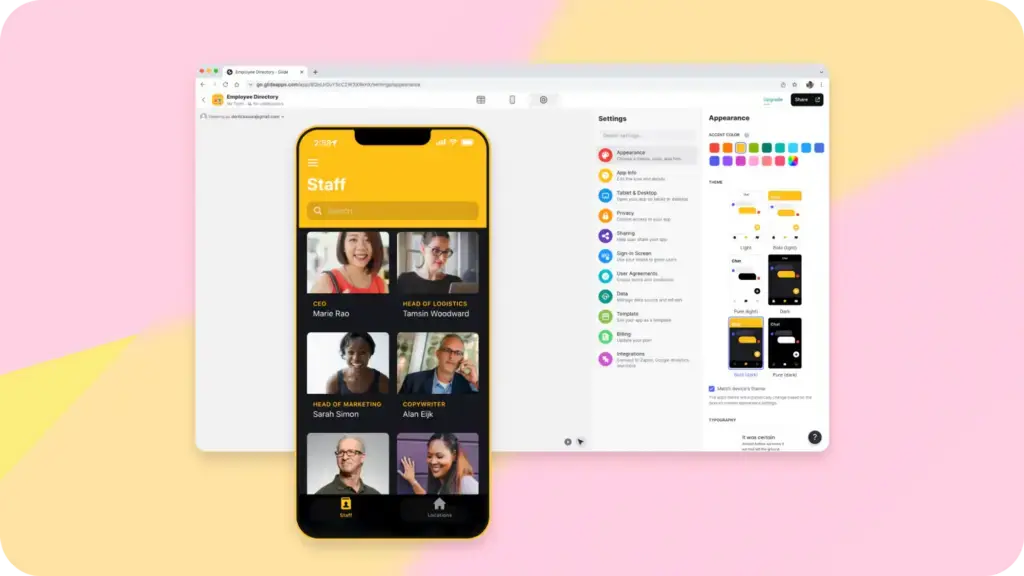
Simplifying Human Resources and Onboarding
Automate HR processes, including onboarding, data management, and performance evaluations, with low code platforms. This improves employee engagement and productivity. The no-code solution Softr, which helps users create user-friendly dashboards and websites, offers features for building platforms to manage employee onboarding and talent development.
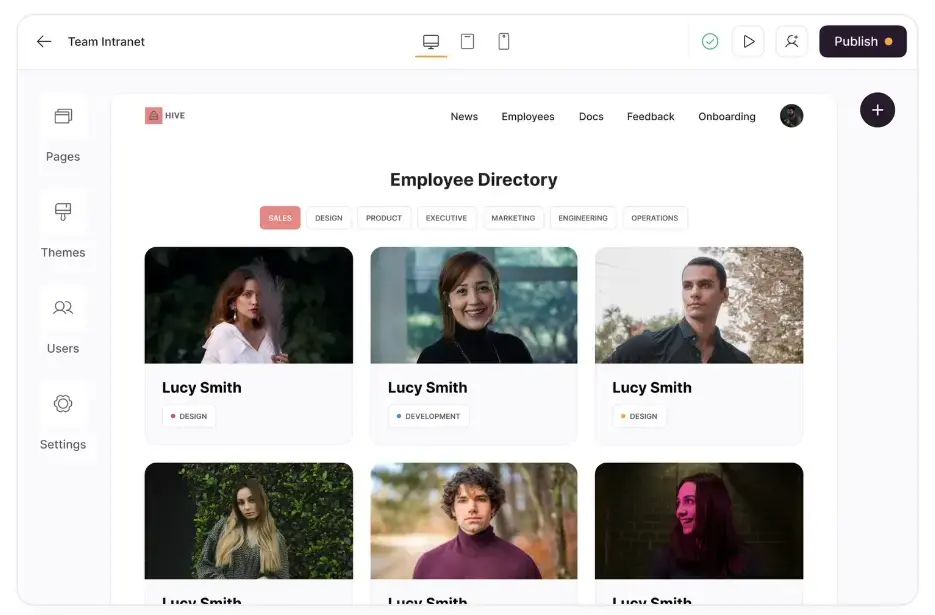
Optimizing Inventory and Supply Chain Management
Custom inventory tracking and supply chain management tools developed with low code platforms offer real-time insights and operational improvements. One key advantage of low code in this area is how much automation can be included. Warehouse and retail operations can fulfill orders, print labels and invoices, and trigger processes between different systems with minimal effort. Triggre, for example, offers features for automating supply chain management within the low-code environment.
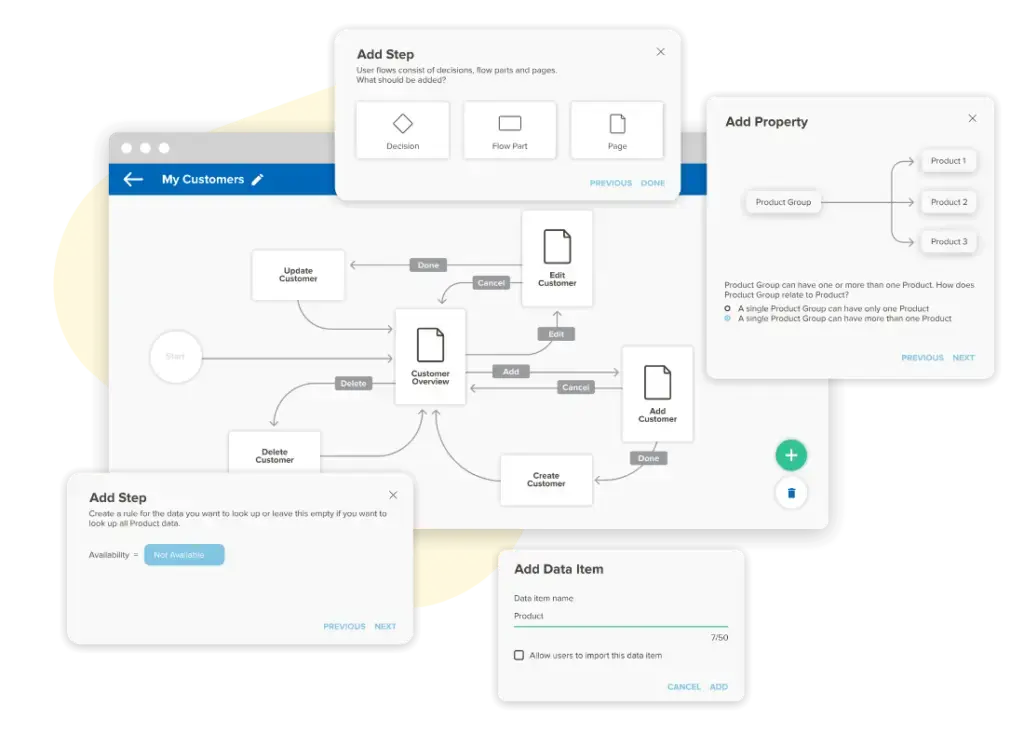
Improving Financial Management and Reporting
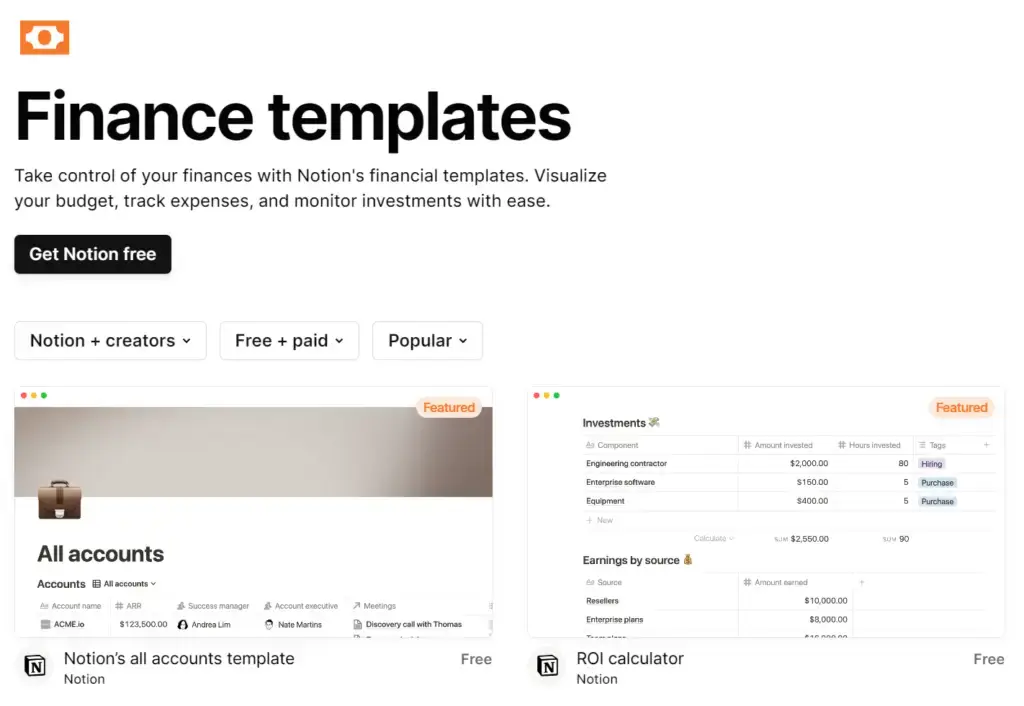
Low code platforms make financial reporting, budget tracking, and expense management accurate and efficient, aiding better business decisions. Notion offers templates for financial planning and reporting.
How Can ezeep Help Low Code Apps with Printing?
ezeep simplifies integrating printing into low-code web applications using its API and JavaScript library. This allows for direct printing that goes beyond traditional local PDF generation.
We can directly integrate printing into any web application via the ezeep API or ezeep.js. ezeep.js is a JavaScript library that provides printing capabilities to any web application. For instance, you can use ezeep.js to add a “print now” button to your app, enabling users to trigger a print job from the frontend. If workflows need to trigger print jobs from the backend. for example, an order fulfillment service needs to print an invoice automatically. you can use the ezeep API to send a print job to a remote printer.
Whether a user selects a printer in a front-facing web application or a backend system sends a print job automatically to an end user’s printer, ezeep handles the task, regardless of your printer model. The cloud-native architecture is built on ThinPrint technology, trusted by Fortune 500 organizations and used in production environments handling millions of printed pages daily.
Our collaborations with Zapier and Make also allow users to automate print workflows without coding. This makes task automation easier in applications like Airtable and increases efficiency for all skill levels.
Conclusion
Low code platforms represent a significant evolution in software development, bridging traditional coding complexity with the dynamic needs of modern businesses. They allow both technical and non-technical users to contribute to development, supporting businesses to innovate and adapt quickly. The broad impact of low code is evident in its ability to enhance project management, transform CRM, and simplify financial operations.
With ezeep, companies using the low code ecosystem can extend their impact from software development to include printing and document management. This not only boosts operational efficiency but also promotes sustainability within organizations.
Automated Printing with ezeep and Zapier
What is Cameyo? And How it Works with ezeep