By Charles Ian Pritchard on November 9, 2022
Last updated on March 31, 2026
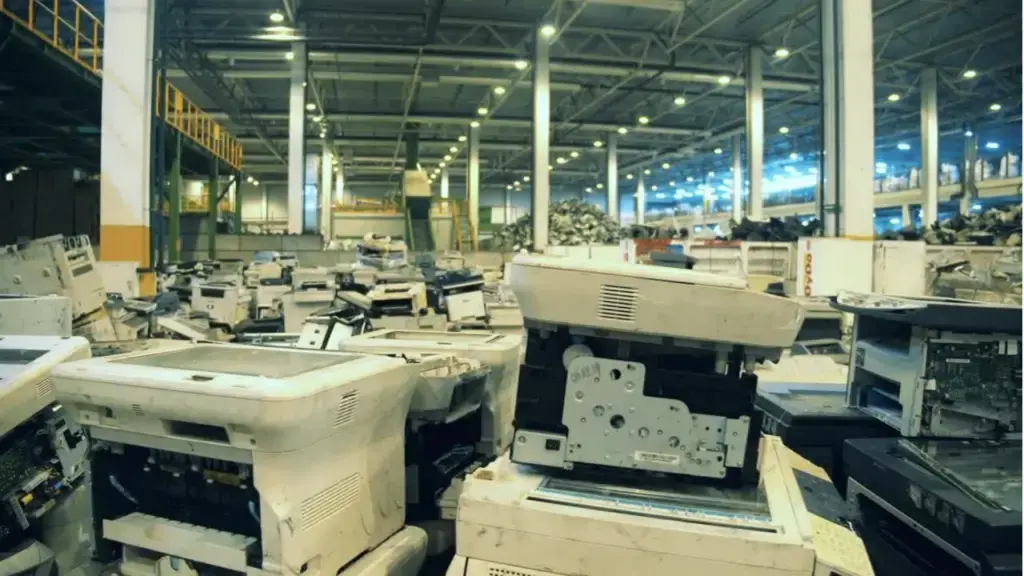
Your old office printer might seem outdated, struggling with new technologies like smartphones, tablets, or even cloud printing features. You may also face increased security demands that your existing setup can't meet. The good news? You don't need to replace it. By upgrading your old printer with a small device, you can bring it up to modern standards, saving money on new hardware and reducing your environmental impact.
How Can Printers Impact Your Carbon Footprint?
While printing on paper has a minimal environmental impact, the production and delivery of printers themselves contribute significantly to carbon emissions. A typical multifunction printer has a CO2 footprint of around 1.5 tons. Extending the useful life of such a printer has a high positive effect on your corporate carbon footprint.
How to Make an Old Printer Compatible with Android, iOS, and Ready for the Cloud?
Even if you can't update your old printer's firmware directly, you can still modernize its capabilities. ezeep offers a compact device, the ezeep Hub, which allows you to update the features of any printer. This affordable device can automatically upgrade multiple printers on your network.
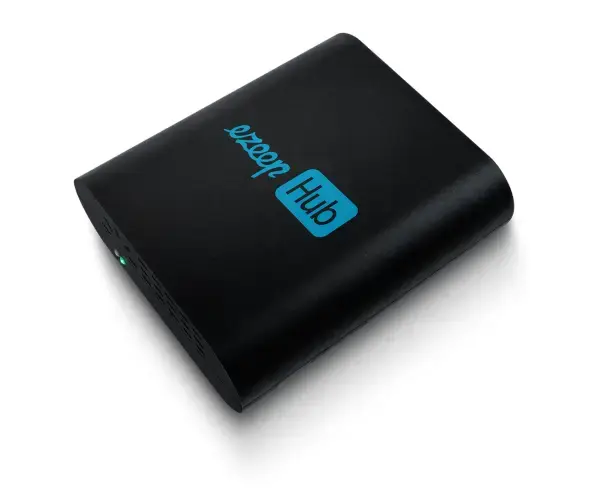
ezeep Hub Overview
- Dimensions: 9.8 cm x 8.5 cm x 30 cm
- Weight: 105g
- 4 USB Ports, 1x Ethernet
- No moving parts and no maintenance
- Monthly rent + free exchange service
- Test and use the device 14 days free of charge
Setup is straightforward. Connect the Hub via an Ethernet cable to the same network as your printer. The Hub automatically registers each printer with ezeep's web-based management console. From there, you can select a driver and assign the printer to users with an ezeep account. This simple process requires neither extensive IT expertise nor a large time investment.
Once connected to the cloud via this method, any ezeep user can print to it from any device and location. This includes printing from virtual desktops or via a VPN connection.
Outdated Firmware: What Is the Security Risk?
The security risk from outdated firmware should not be underestimated. If your printer no longer receives updates, you can still operate it securely with the ezeep Hub in two ways:
- Connect the printer to the ezeep Hub via a USB cable. This ensures that only the ezeep Hub, not the printer itself, is accessible from the network, preventing malware from reaching the printer. Outdated firmware then poses no security risk.
- Operate your printers on a separate network, completely isolated from your company network. This means that even if malware somehow reaches the printer, it cannot damage the corporate network.
In both scenarios, ezeep ensures printers remain fully accessible and usable for users. The only minor consideration is that the printer's web interface, if it has one, may no longer be accessible from the corporate network.
Consider using your existing printer with the ezeep Hub. It's a smart move for both saving money and helping the environment.
ezeep is built on ThinPrint technology, trusted by Fortune 500 organizations, and handles millions of printed pages daily. It's a cloud-native solution, not just an on-premise system moved online, offering multi-OS support for Windows, macOS, ChromeOS, iOS, and Android without requiring print drivers.
Modernize your existing office printers and make printing simple again.
Give Old Printers a New Life
Protect Your Company from Printer Hacking