By Maximilian Bauer on January 28, 2025 Last updated on March 31, 2026
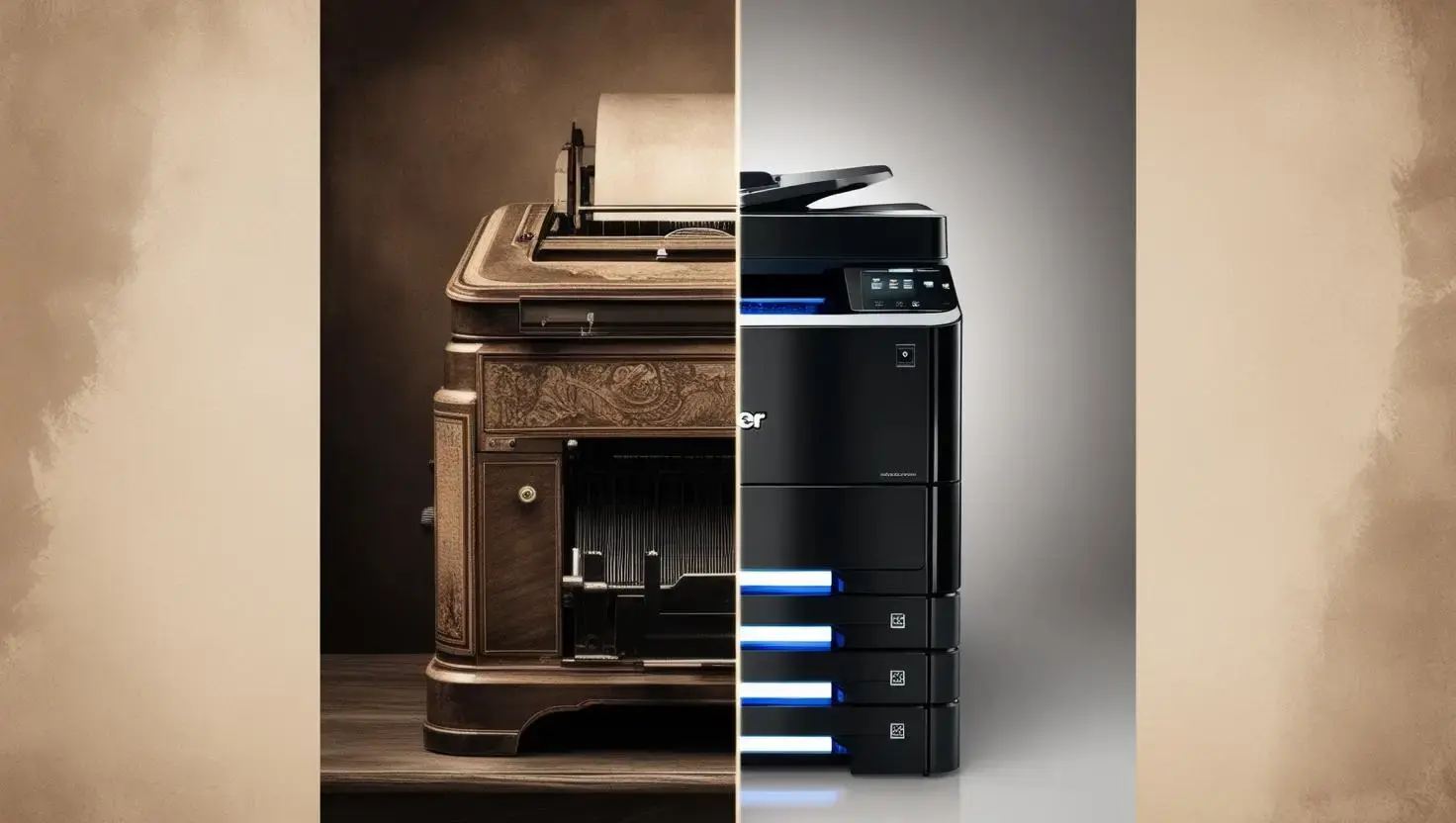
An old printer can quickly become a challenge: missing drivers, discontinued manufacturer support, or incompatibility with modern IT infrastructures. But before you consider disposing of an old printer, you should know there are many ways to give your existing device a new lease on life.
Many printers have a surprisingly long lifespan. Instead of replacing them due to compatibility issues, keeping your existing printer is both cost-efficient and supports sustainability. In an era where reducing electronic waste is critical, extending the life of your devices is more important than ever. For example, in France, new regulations mandate that 20% of all devices must be refurbished, showing a clear trend toward reusing technology.
Why Continue Using Existing Printers?
Printers often have a surprisingly long lifespan. Nevertheless, many users opt for a new device as soon as compatibility issues arise. Yet, keeping your existing printer is not only cost-efficient but also sustainable. In an era where reducing electronic waste and promoting sustainability are key priorities, this approach is more relevant than ever.
In France, for example, new regulations mandate that 20% of all devices must be refurbished. This reflects a clear trend: reusing and refurbishing devices is not just an ecological imperative but also an economic one.
How ezeep Helps to Use an Old Printer
With ezeep, you can integrate your old printer into modern work environments without relying on new drivers or manufacturer support. Our cloud-based printing service enables easy connectivity for printers of all brands and ages. Whether you have an HP, Brother, Canon, or Epson printer, ezeep has you covered.
Benefits:
No need to install printer drivers
Compatible with old and new operating systems
Reduces IT workload and costs
Promotes sustainability by extending device lifespan
Free to use
Many of our customers use this feature, as it allows them to continue using their existing printers instead of investing in new devices. One customer in the education sector noted: “Thanks to ezeep, we were able to keep using our existing printers while simplifying printer management. A true win-win situation!”
Built on ThinPrint technology and trusted by Fortune 500 organizations, ezeep leverages over 20 years of print management expertise to deliver a reliable cloud-native printing platform.
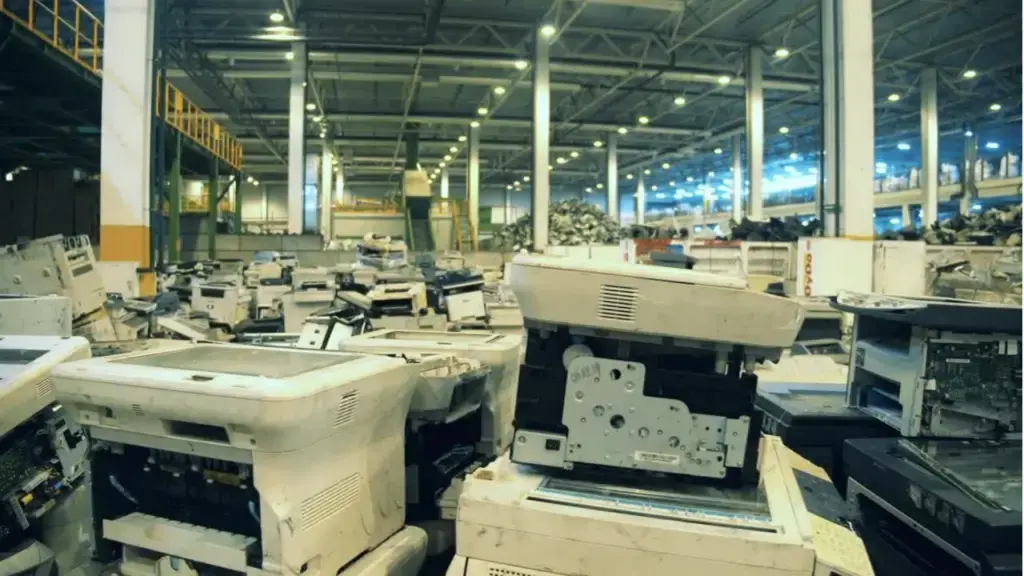
What If the Old Printer Cannot Be Saved?
If your old printer is truly beyond repair, there are still good options for disposal:
Recycling: Many manufacturers offer take-back and recycling programs for old printers.
Donations: Functional devices can be donated to schools, clubs, or nonprofit organizations.
Refurbishment: Have your printer overhauled for resale or continued use.
Conclusion
An old printer does not have to become electronic waste. With modern services like ezeep, you can continue using your printer, make IT processes easier, and contribute to sustainability. Try ezeep and see how it can transform your printing experience!
Webinar: Do Not Let Printing Cause You Stress!
In 15 minutes we’ll cover some of the most common reasons why printing causes stress and provide solutions on how to keep using the benefits of high quality reliable print outs without the hassle and expense typically associated with printing.
Can I still use an old printer with new computers?
Yes, you can often use an old printer with new computers even if manufacturer support has ended. Tools like ezeep can help bridge compatibility gaps by providing universal print drivers.
What are the benefits of keeping an older printer?
Keeping an older printer is cost-efficient and environmentally friendly. It reduces electronic waste and supports sustainability efforts, aligning with growing trends in device refurbishment.
How can ezeep help with old printer compatibility?
ezeep can integrate your old printer into current IT setups without needing new drivers. It provides a way for older devices to function in modern work environments, bypassing common compatibility issues.
Is it sustainable to keep using old printing hardware?
Yes, extending the life of old printing hardware is a sustainable practice. It minimizes electronic waste, which is a significant environmental concern, and aligns with regulations promoting device refurbishment.
The static part of the sidebar, it will scroll with the page. These are drag and drop areas, so please remove any unnecessary space from your sections and add modules in a single column.
This is the sticky part of the sidebar. You can change the top position of the sticky sidebar and other in-page sticky elements by adjusting the 'Scroll offset' value in your Theme settings.