By Charles Ian Pritchard on March 16, 2023
Last updated on March 31, 2026
You can easily print navigation directions from Apple Maps directly from your iPhone, even without AirPrint. This is especially useful for hikes or drives in areas with unreliable internet. Knowing how to print Apple Maps ensures you always have a physical backup of your route.
Why Print Apple Maps for Your Journey?
Apple Maps is a popular navigation app offering features such as Street View / Look Around. However, sometimes a printed map is more convenient. It lets you focus on the route without screen distractions and helps you keep track of directions, especially when offline.
Can You Print Apple Maps Look Around Views?
Look Around provides 360-degree views, similar to Google Street View. While it is not possible to print Look Around directly, there are other ways to print directions from Apple Maps in a MapQuest style for straightforward offline navigation.
How to Print Apple Maps Directions: A Quick Guide
Printing your Apple Maps directions is a simple process:
- Search for your desired route from point A to point B.
- Tap on the distance to see the detailed instructions.
- Tap "Share" in the bottom right corner.
- Choose "Print" or tap directly on the ezeep app.
- Review the step-by-step navigation in the preview. The map format (satellite or standard) will be imported as it appeared on your screen.
- If the print preview looks correct, print to your standard printer or select the ezeep app to follow its workflow.
Pro tip: In the print preview, you can tap "Share" in the bottom left corner to save or share the document as a PDF.
How ezeep Enhances Apple Maps Printing
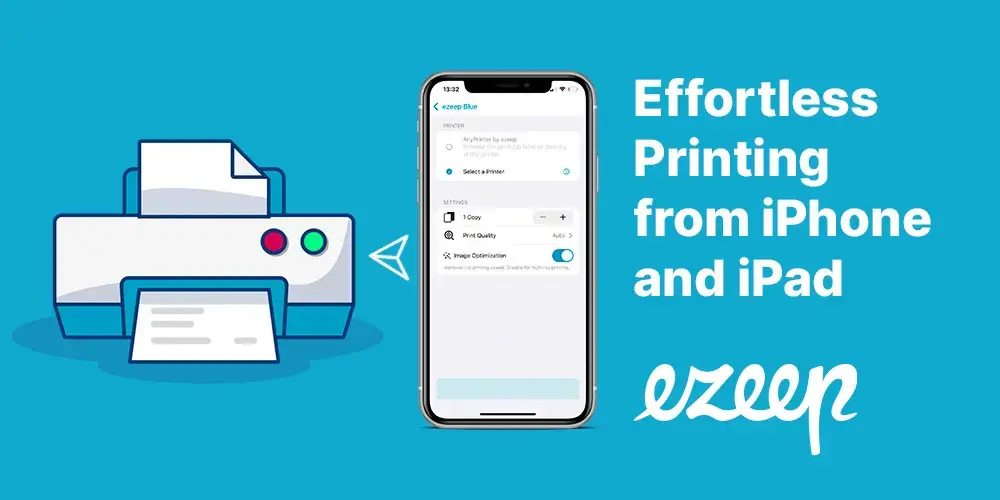
ezeep is a cloud-based printing service that allows you to print navigation instructions from Apple Maps on any printer from your iPhone or iPad. The ezeep app enables printing documents on any printer without needing drivers or additional software, making the process faster and smoother. This is particularly helpful when your printer lacks AirPrint functionality.
Print Apple Maps Without AirPrint for Offline Navigation
The ezeep app provides a simple method for users who want to print their Apple Maps without AirPrint. You can quickly and easily print your Apple Maps, no matter which printer you use. Here's how:
- Search for your desired route from point A to point B.
- Tap on the distance to see the detailed instructions.
- Tap "Share" in the bottom right corner.
- Choose the ezeep app and proceed with its workflow.
- Review the preview and click "Print". The ezeep app automatically finds printers on the same Wi-Fi network. Your document will now print from your iPhone or iPad.
Proof point: Built on ThinPrint technology, trusted by Fortune 500 organizations for handling millions of printed pages daily, ezeep provides reliable, cloud-native printing.
Conclusion
With ezeep, printing documents from your iPhone or iPad on any printer, anywhere, is straightforward. The app is user-friendly, and the printing process is quick. Printing navigation instructions from Apple Maps offers a practical way to stay on track, even without an internet connection. With ezeep, printing from Apple Maps becomes simpler and quicker.
ezeep is free for private users. Discover the advantages today!

Discover efficient print management for iPhone and iPad.
✓ ezeep is free for up to 10 users.
✓ Simply register and get started.

Hidden Costs in Print Management: What Businesses Really Pay
How to Print from iPhone & iPad (with or without AirPrint)