Windows 365 & ezeep: Cloud Printing for Remote Work
By Maximilian Bauer on September 22, 2023 Last updated on March 31, 2026
Smoothly integrate the Windows 365 App Experience with ezeep cloud printing to support your remote workforce. This combination provides a simplified mobile productivity solution for Android devices, addressing the modern demands of hybrid work environments. Discover how these technologies merge to offer convenient, secure, and efficient printing from your Cloud PC on the go.
What is the Enhanced Windows 365 App Experience?
The Enhanced Windows 365 App Experience allows Windows 365 Cloud PC users to stream their full Windows desktop directly to mobile devices. Optimized specifically for Android, this functionality initially debuted with a specialized ThinkPhone by Motorola integration. Expansion to other devices is expected, broadening access to a flexible, cloud-based Windows environment.
Benefits of the Enhanced Windows 365 App Experience
Connecting a ThinkPhone to external peripherals like a display, keyboard, and mouse creates a full workstation, significantly reducing hardware costs for employee provisioning. Cloud PC streaming from Azure provides Microsoft's enterprise-grade security. Users can access their Cloud PC environment quickly via Microsoft Entra, with a "Start automatically" feature for instant access. Multitasking is a key focus, allowing users to interact with smartphone applications alongside their Cloud PC, with enhanced Microsoft Teams integration.
How ezeep Integrates with Windows 365 for Mobile Printing
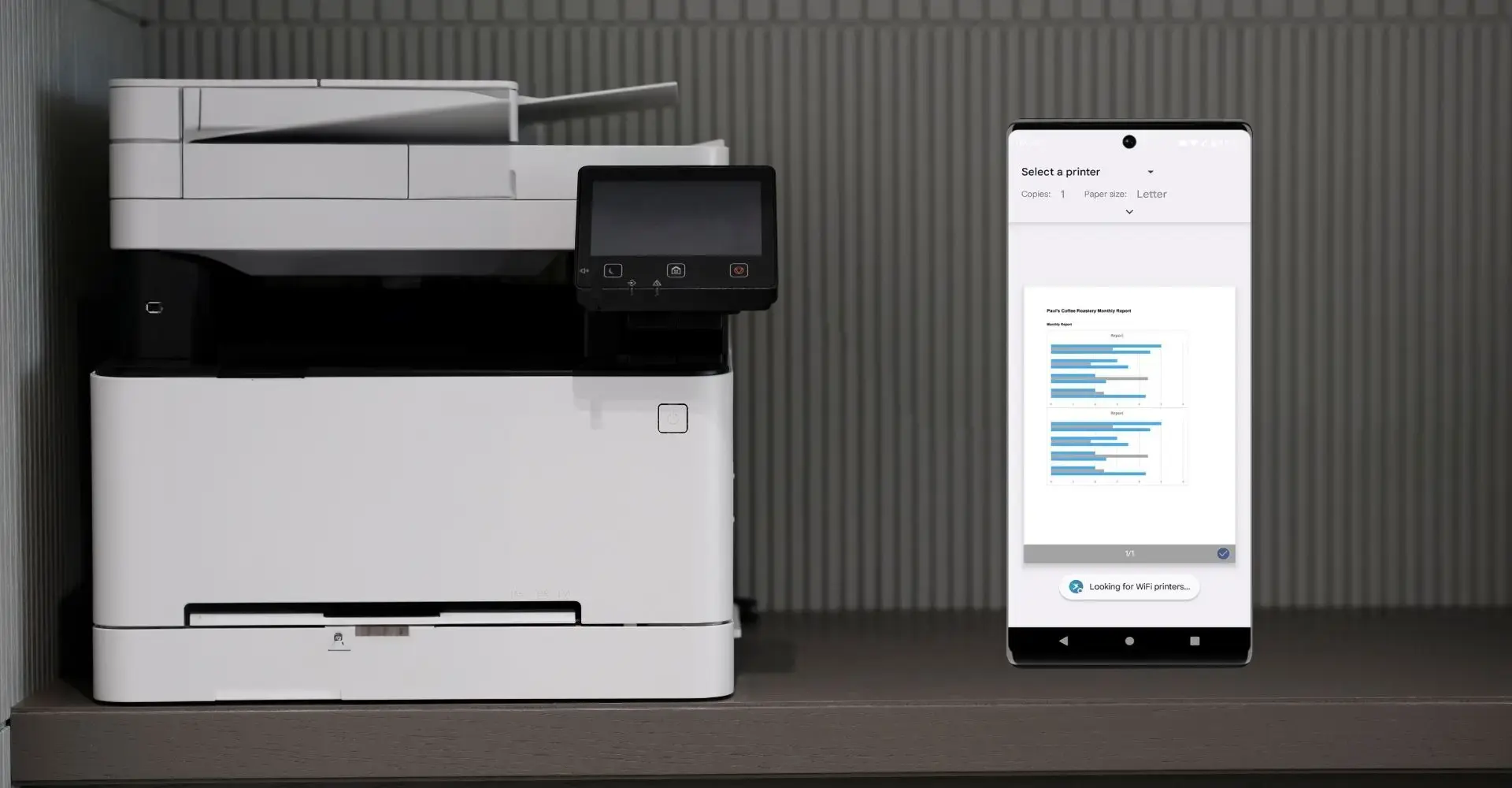
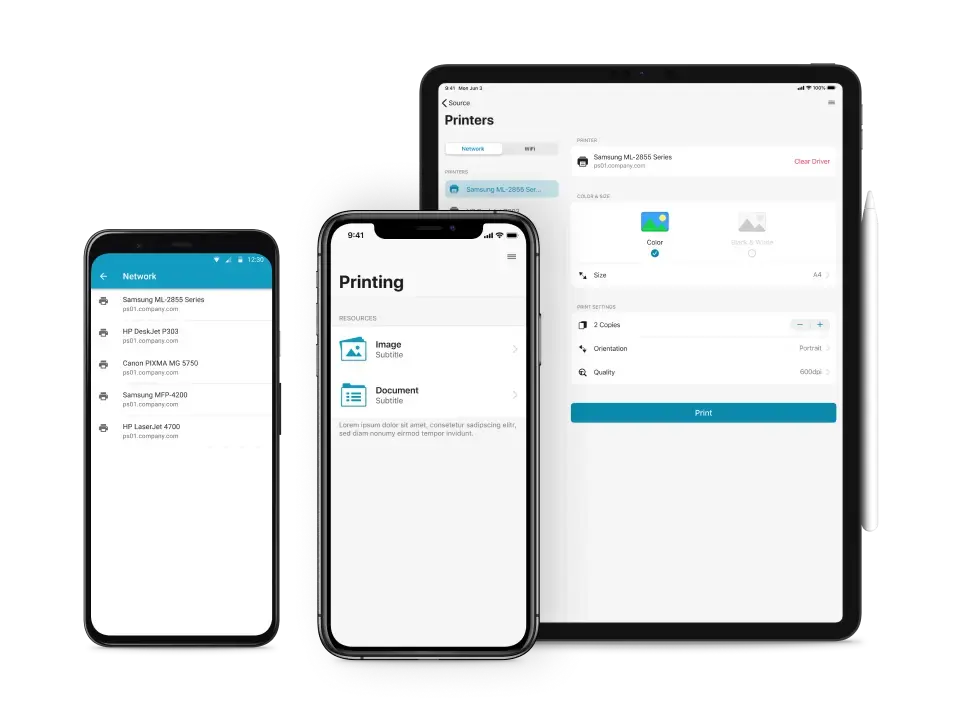
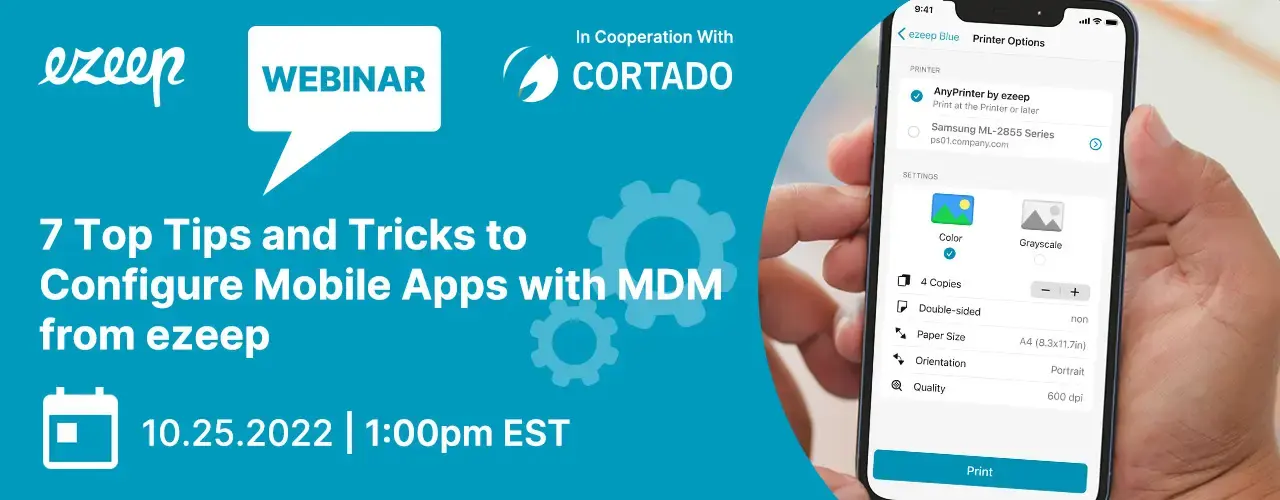
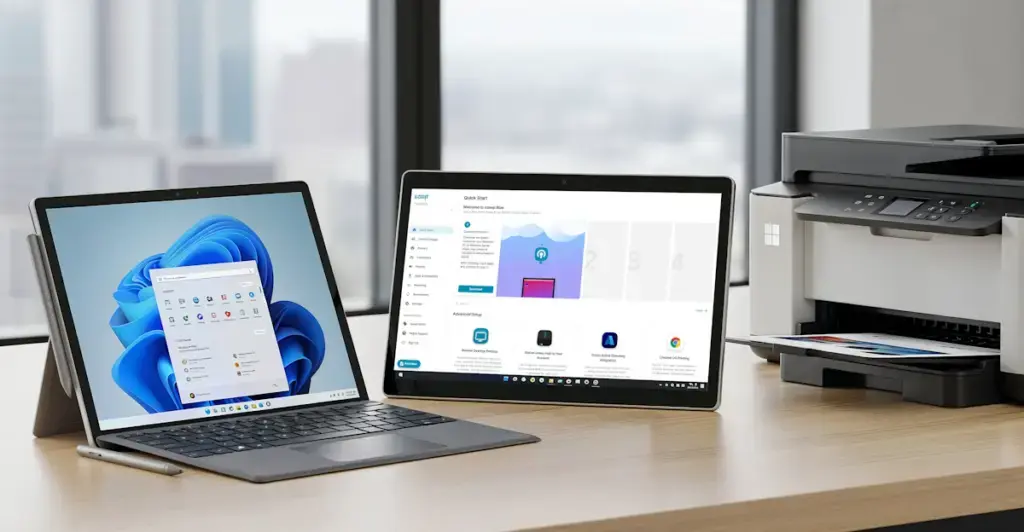
The rise of remote and hybrid work necessitates reliable solutions like ezeep Mobile Session Print to meet the printing needs of mobile workers. Printing from smartphones, particularly from virtual desktops, can be a challenge. The compatibility of the Enhanced Windows 365 App Experience with ezeep’s Mobile Session Print provides a practical approach. ezeep enables printing from various sessions, including Windows 365 Cloud PC and Azure Virtual Desktop. The ezeep app allows users to initiate print jobs and store them on mobile devices for later printing, offering flexibility and efficiency in diverse working conditions.
Any device can print with ezeep.
Why ezeep and Windows 365 Are a Powerful Combination
The Enhanced Windows 365 App Experience helps larger enterprises consolidate hardware budgets while ensuring employee productivity. When users need to print from their Cloud PC session, ezeep offers a solution for these scenarios. Together, Windows 365 and ezeep provide a comprehensive approach to modern digital workspace needs. Built on ThinPrint technology, trusted by Fortune 500 organizations, ezeep provides a proven backbone for reliable printing.
Mobile Printing from Azure
Discover how ezeep supports mobile printing for your enterprise.
Frequently Asked Questions
What is the enhanced Windows 365 App Experience?
The enhanced Windows 365 App Experience lets users stream their entire Windows environment to mobile devices. It's currently optimized for Android and available through a special integration with the ThinkPhone by Motorola, with wider availability expected later.
How does ezeep support mobile printing from Windows 365 Cloud PCs?
ezeep enables mobile printing directly from Windows 365 Cloud PCs via its Mobile Session Print functionality. This allows users to print documents from their cloud PC to any printer connected to ezeep, regardless of location.
What are the benefits of combining Windows 365 with ezeep for remote workers?
Combining Windows 365 with ezeep offers remote workers flexibility and productivity. Users can access their full Windows desktop and print critical documents from anywhere, using their mobile devices.
Is the enhanced Windows 365 App Experience available on all mobile devices?
No, currently the enhanced Windows 365 App Experience is specifically optimized for Android devices and is part of a specialized integration with the ThinkPhone by Motorola. Broader availability on other devices is anticipated in the future.