Manage All ezeep Hubs Remotely From the Admin Portal
Remote cloud management of ezeep Hubs makes the ezeep cloud-managed printing solution even better. Cloud management of ezeep Hubs is for IT teams that want to remotely set up and manage their Hubs on any network in the world. This includes home office, segmented or zero trust networks.
Use Cases
Take, for example, the home office use case, which is more common than ever. Configuring printers for home offices is often challenging due to the mix of personal and company devices and networks that need to be securely connected. To save time, you can now simply send a Hub to an employee for them to plug into their home office.
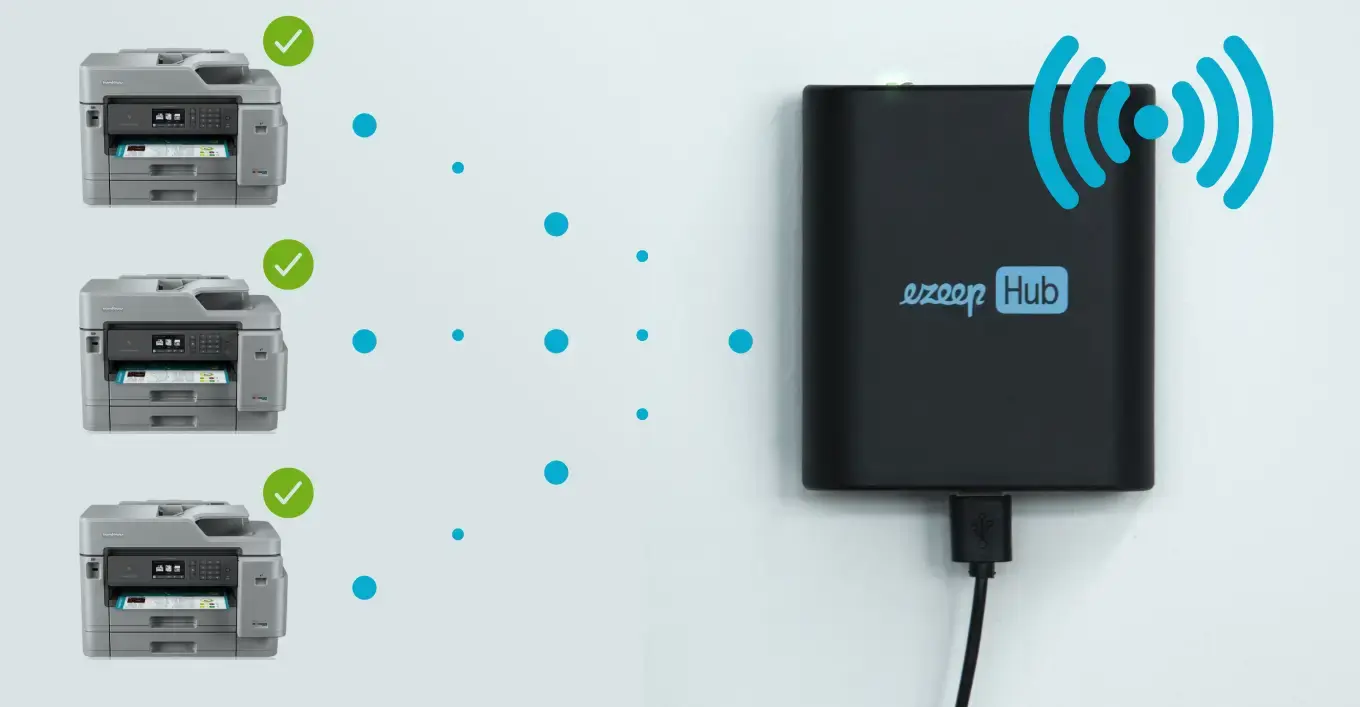
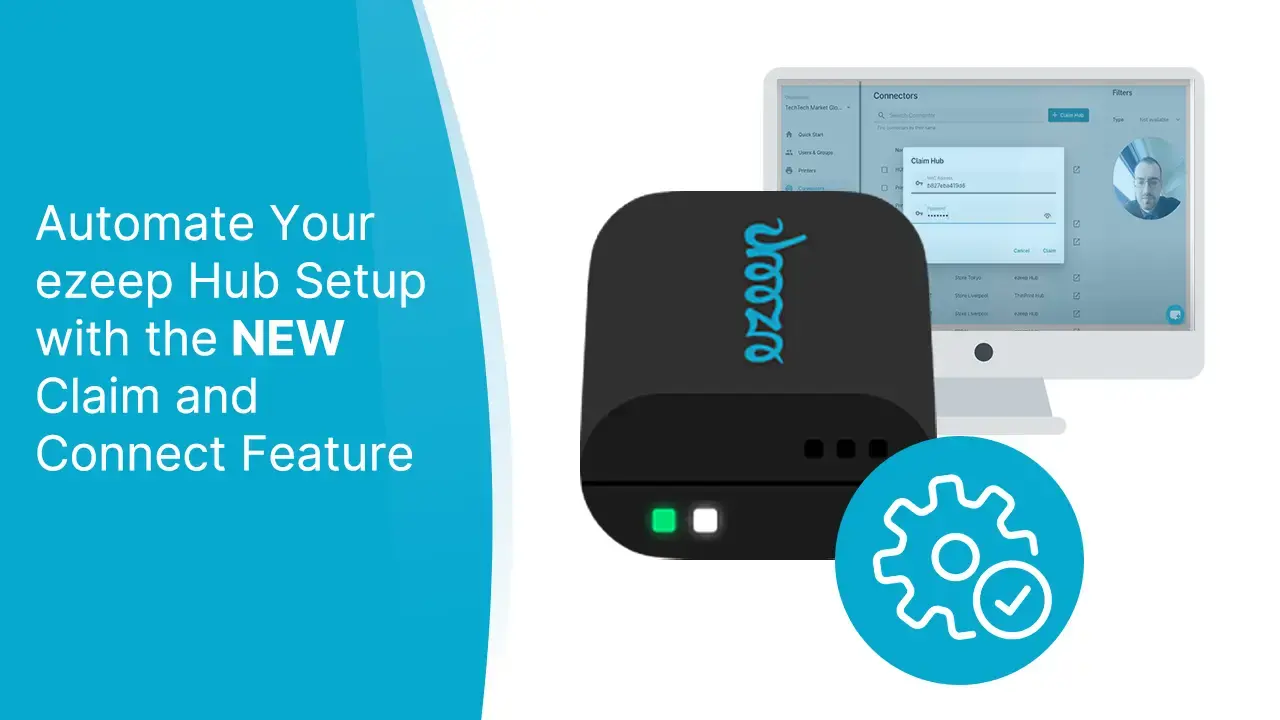
Once a Hub has been plugged into a local network, it will automatically become available to a cloud-hosted device pool. From the Admin Portal, IT can then enter the MAC address of the Hubs and claim them for their organization. The Hub then auto-discovers all the printers on that network, so admins can complete the remote setup for printers, users and groups from the Portal. The result is secure home office printing is set up, and the end user barely had to lift a finger.
Key Benefits
Manage and configure all your Hubs from a central web portal
No need to be in the same network as the ezeep Hub to configure
No need to share ezeep Hub passwords with local teams for configuration
No need for local teams to help with configuration; a true plug-and-play experience for home offices, branches, or wherever a Hub is used
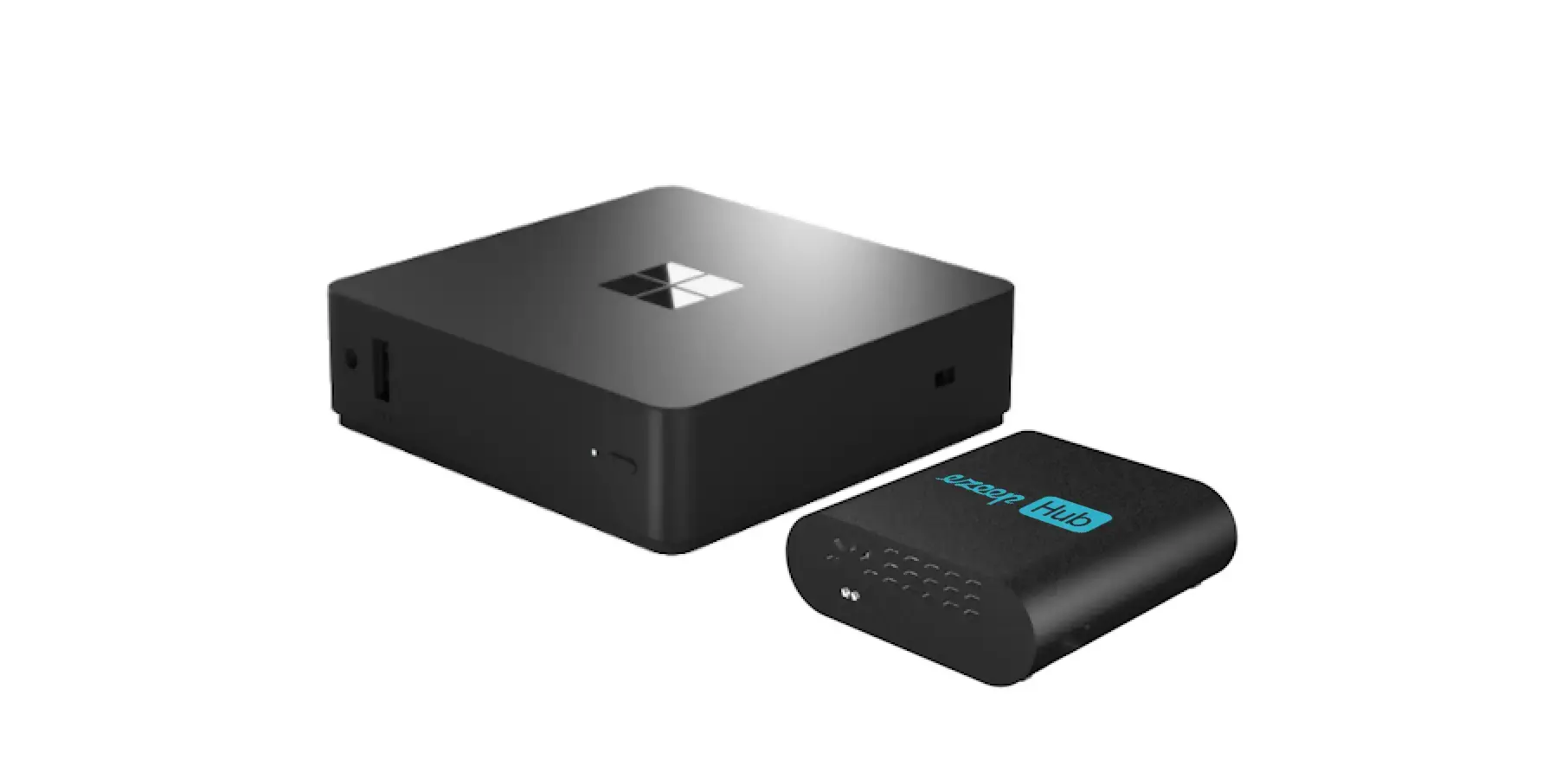
Works with ezeep and ThinPrint Hubs, as well as Release Stations
Cloud Management works with all ezeep Hubs, as well as ThinPrint Hubs and Release Stations. ezeep Hubs are the perfect replacement for expensive and management-intensive Print Servers. The ability to remotely configure and manage Hubs makes ezeep an excellent solution for managing your print infrastructure from the cloud.
The Cloud Management for ezeep Hubs is Now Available in the ezeep Admin Portal!
Already an ezeep user? Then check out our video on this page to see how to get started. Make sure your ezeep hubs are updated to firmware version 1.16.98, which you can download from the ezeep Admin Portal in the Apps & Downloads section.
New to ezeep? Start using ezeep for free today. The ezeep Hub can also be tested for free on our website.

No Comments Yet
Let us know what you think