
By Robert Noonan on Jun 22, 2020 2:00:00 AM
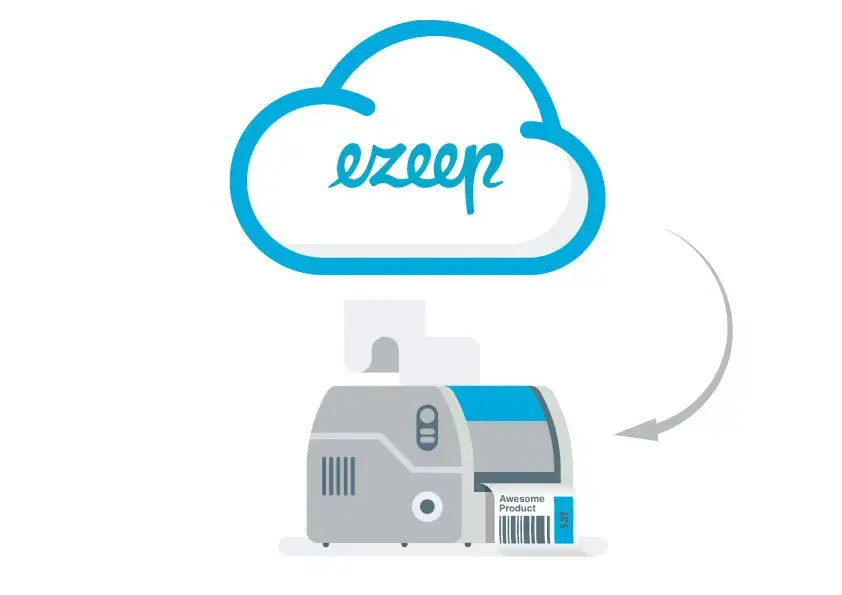
NEW: ezeep Now Supports Native Printer Drivers for Cloud Printing
Cloud Printing and Printer Drivers
Printer drivers are a constant source of bother for admins. For example, they can be incompatible with each other or need to be updated on different devices. Even when printing from Azure Virtual Desktop or cloud printing, managing printer drivers is a challenge. That is why ezeep frees administrators from the burden of printer driver management with its cloud rendering feature. This prepares print jobs completely in the cloud. This means that printer drivers no longer need to be installed on the Azure Virtual Desktop instance.
Until now, cloud printing with ezeep automatically used only ezeep’s virtual printer driver, the ThinPrint Output Gateway. Thanks to this printer driver, almost all printer features can be used for Azure Virtual Desktop printing. And importantly, this is regardless of printer model or manufacturer. However, our goal is to ensure that we support all printer features. That is why ezeep now also supports native printer drivers for cloud printing.
When Are Native Printer Drivers Used for Cloud Printing?
Native printer drivers or original printer drivers are used for all those scenarios when you want to print to special printers with individual printing options, for example, label printing. That is why ezeep now also offers the option to print from the Azure Virtual Desktop to special printers such as sticker printers. This makes ezeep suitable for complex printing infrastructures and heterogeneous printer fleets with all kinds of special devices. You simply choose to print using either a virtual or a native printer driver as required.
How Does Cloud Printing Work with Native Printer Drivers?
All the admin has to do is to install the required native printer drivers with their special features on the Azure Virtual Desktop instance. You do not need to make any further settings. When creating a printer object, ezeep checks the installed drivers and compares the name with the driver name on the print server or the model name on the ezeep Hub. If the name matches, ezeep uses the original driver. Otherwise, ezeep reverts to the universal driver just as before.
And how does cloud printing with native printer drivers work for the user? If users want to print to a printer with special features, they can select it in the printer list as usual. Or the user can easily search for the printer in ezeep’s Printer Self Service and designate the special label printer as their default printer with a single click.
Why ezeep’s Cloud Printing Makes Sense
Unlike other cloud printing solutions which send a print file (for example a PDF) to be printed locally, and therefore not being able to support many printing features, ezeep’s cloud printing solution is suitable for any scenario and any printer, no matter how specific.
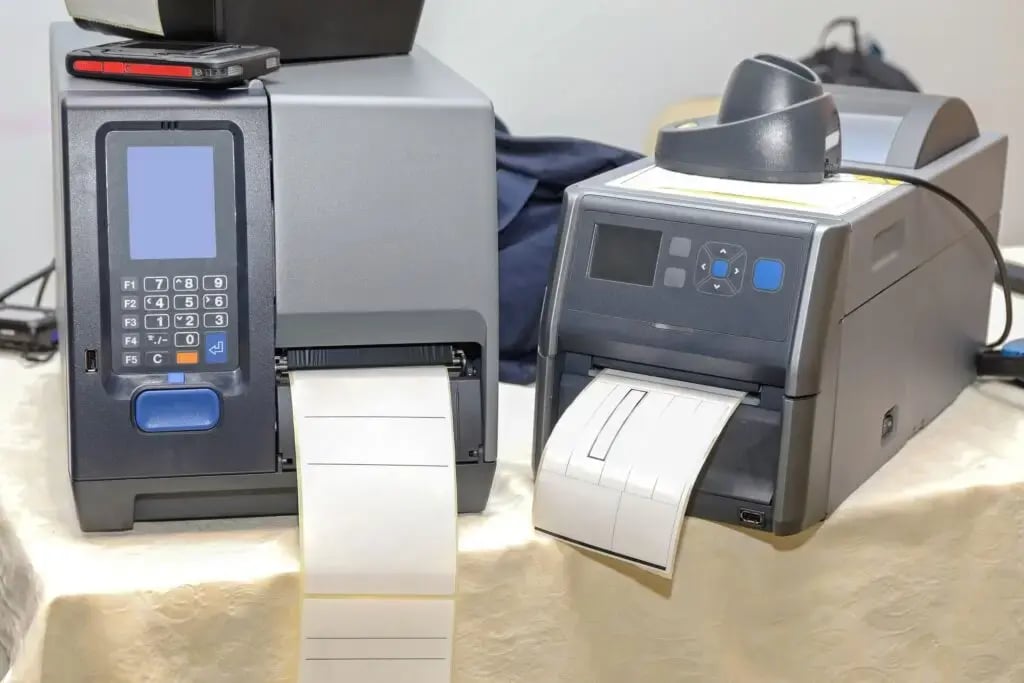
Printing labels has never been easier
Not on board yet? ezeep is free for up to 10 users.
Printing Without Limits: Introducing the Wi-Fi-Enabled ezeep Hub
ezeep Listed as the Windows Virtual Desktop Printing Solution by Microsoft
No Comments Yet
Let us know what you think