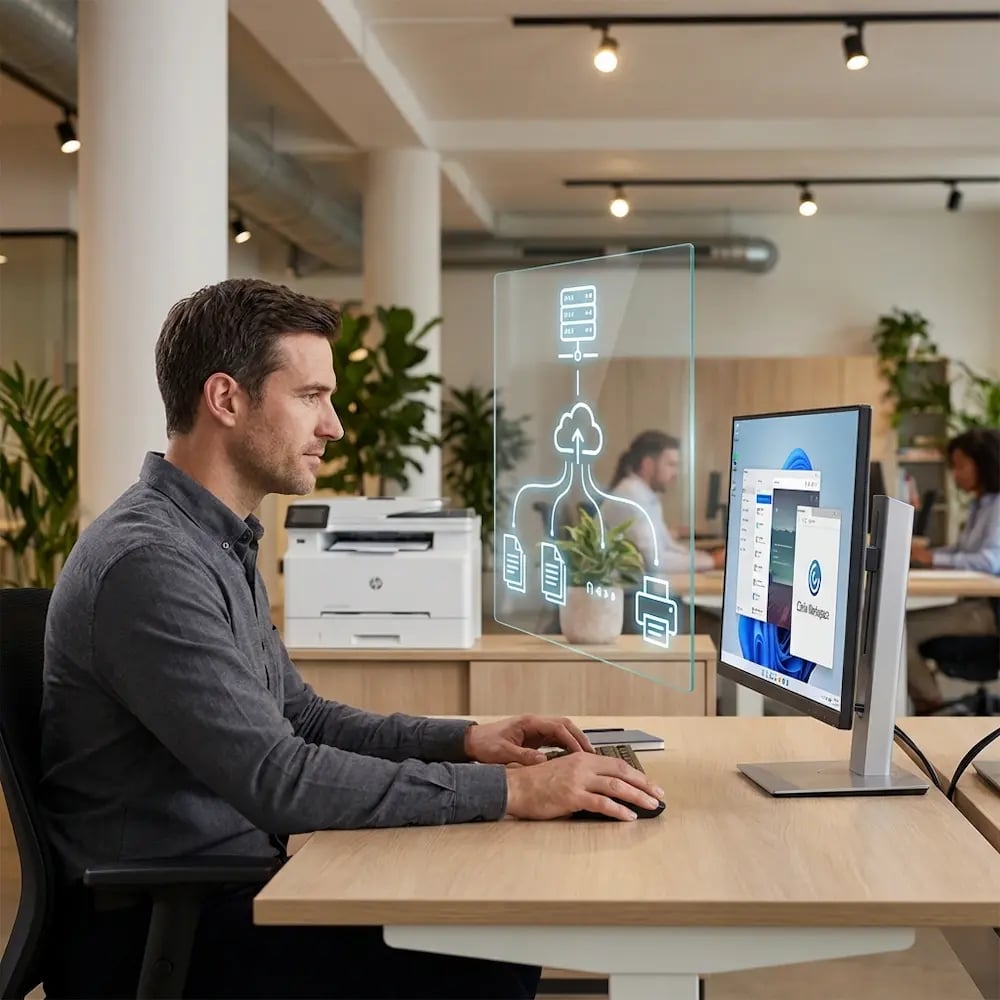
Effortless Cloud Printing for Virtual Desktops & DaaS Environments

Eliminate print servers, driver management, and printer redirection failures from your VDI environment. ezeep delivers fast, reliable cloud printing for AVD, Citrix, Horizon, Windows 365, and RDS - across any cloud or on-premises deployment.


See How ezeep WorksTalk to a Specialist
virtual-desktop-daas-printing
The Problem

Traditional Printing Doesn't Survive Virtual Desktop Environments

IT teams move to virtual desktops for security, standardization, and cost savings, but then discover the hardest part isn't virtualization. It's printing. 

Remote Endpoints Add Too Many Variables

Print job network traffic competes with display protocols, slowing sessions to a crawl, especially for home and branch users on constrained links. Add thin clients, HTML5 access, ChromeOS, IGEL OS, and mobile devices, and printing results vary wildly.

vdi-printing

What Reliable VDI Printing Looks Like

A modern VDI and Remote Desktop printing approach should feel like infrastructure: centrally managed, predictable, and easy to roll out.

  • Users see the right printers every session - no redirection guesswork

  • IT stops maintaining driver packs and printer mapping rules inside images

  • Printing works consistently across endpoints, locations, and session types

  • Rollouts scale cleanly from pilot to full production

  • Support volume drops because printing becomes consistent and reliable
The Solution

Fast, Reliable Cloud Printing Built for Virtual Desktop Workflows

Fix Disappearing VDI Printers for Good

Printers vanishing mid-session or dropping connection is one of the most frustrating VDI / Remote Desktop problems.

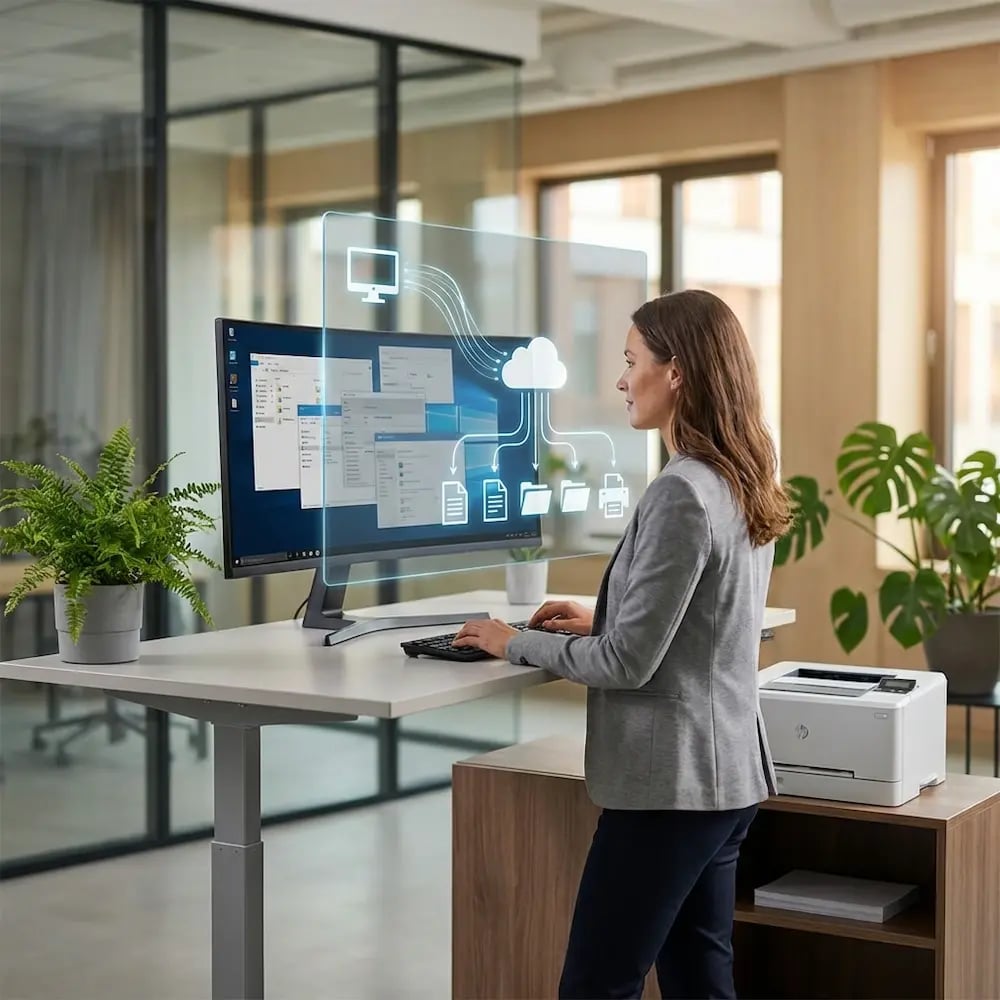
ezeep routes print traffic outside the virtual session, eliminating dependency on fragile RDP, ICA, or PCoIP redirection. No more "my printer disappeared" tickets.

vid-printers-cloud

Stop Bloating Your VDI Golden Image

Managing hundreds of manufacturer-specific drivers on your session hosts leads to image bloat, endless spooler service conflicts, and painful update cycles.

ezeep replaces them all with a single universal virtual driver. Keep gold images lean, reduce login times, and deliver more stable sessions.

golden-image-bloat

Speed Up Printing for Remote VDI Users

Pushing large print jobs through remote display protocols slows everything down, especially for branch offices or home users on constrained links.

ezeep renders jobs in the cloud and sends only small compressed packets directly to printers, improving speed while reducing session host load.

speed-up-printing-faster

One Print Experience, From Any Device

A user's endpoint device - thin client, Mac, or home PC - shouldn't determine whether printing works, but it often does.

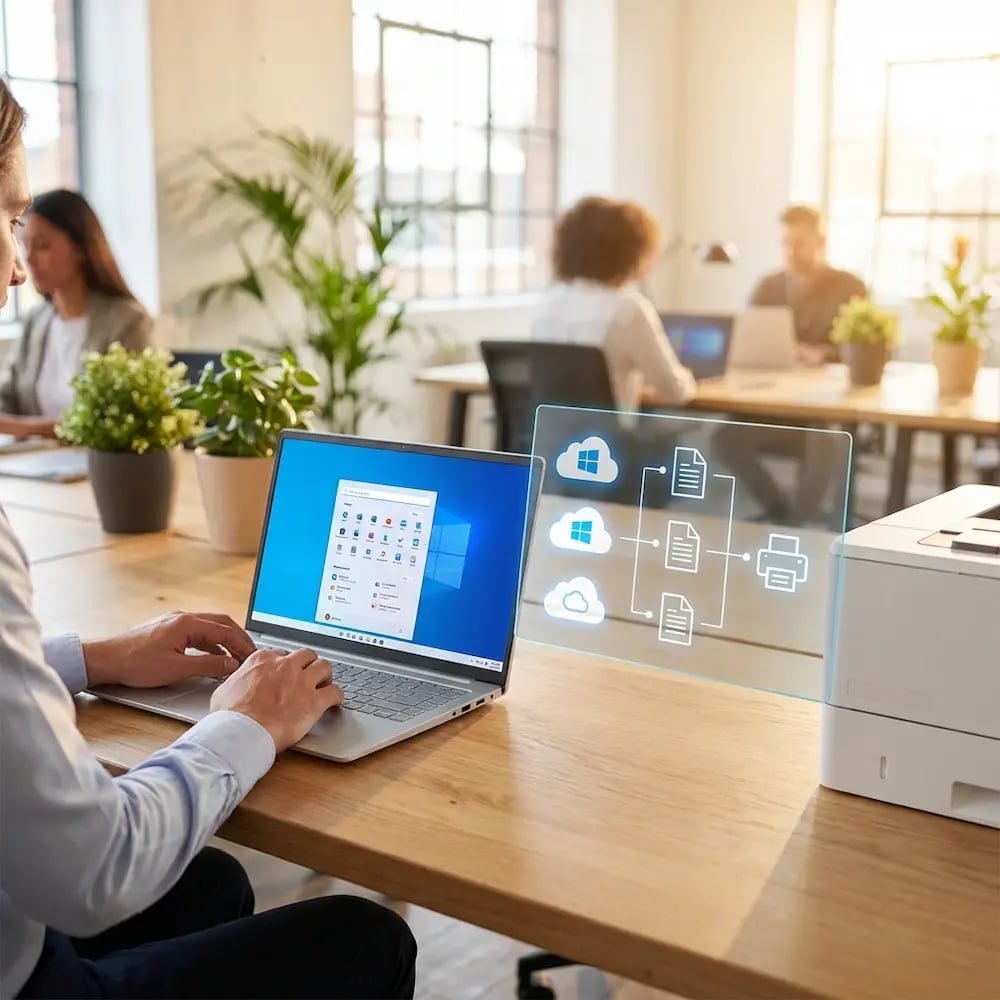
ezeep provides a unified printing layer independent of endpoint type, giving every user the same experience and eliminating inconsistency-driven tickets.

one-print-experience-all-devices

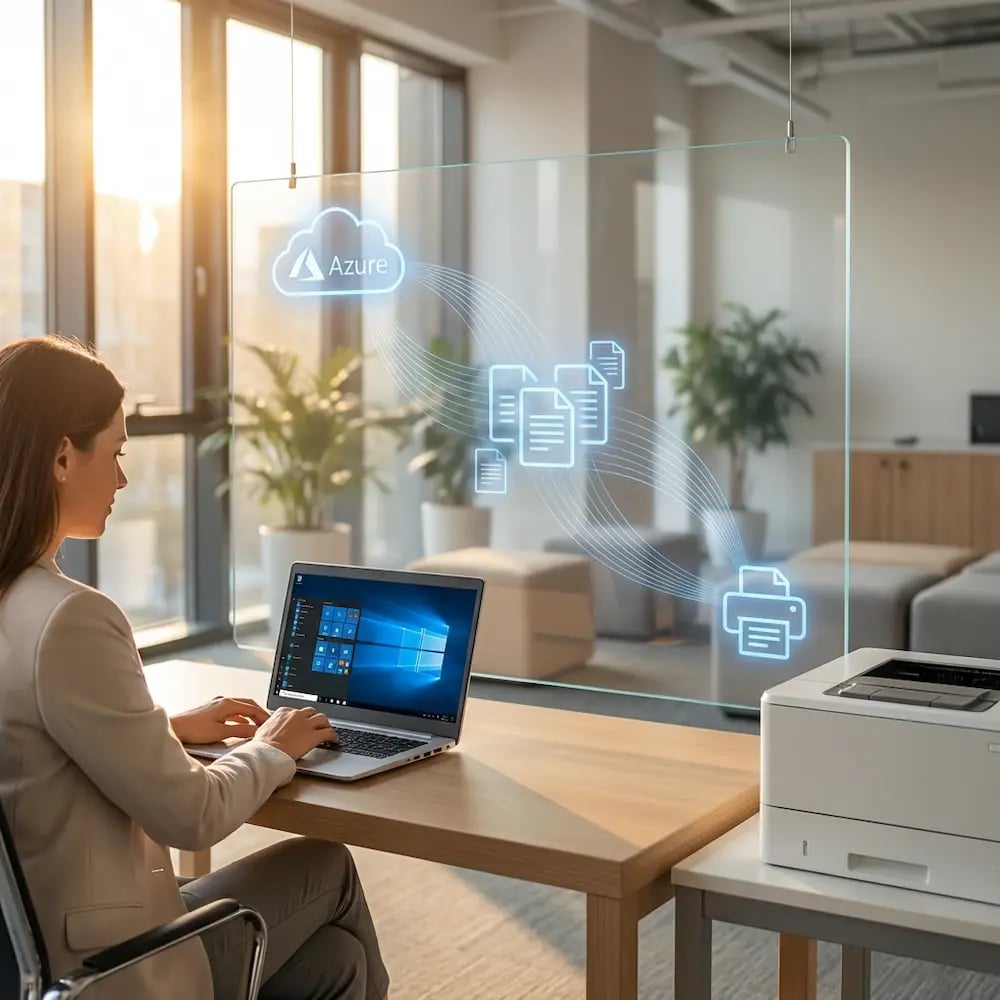
Automate VDI Printer Assignments

Manually mapping printers by location, department, and device is error-prone, and never-ending.

ezeep's policy engine uses your Entra ID or Active Directory groups to auto-assign printers. Users see the right printers wherever they log in - no mapping required.

automate-assignment-printer-manage

Less Infrastructure. More Calm.

Move campus printing to the cloud and reduce the day-to-day maintenance burden. Have fewer patches, fewer queue mysteries, and fewer "it broke overnight" surprises.

Server-Free
Centralized
Less Upkeep

One Experience Across Campus

Support the real education device mix - Chromebooks, MacBooks, Windows laptops, tablets, and phones - across libraries, labs, dorms, and shared printers without special steps per department or "this printer only works on that OS."

Campus-Wide
Cross-Platform
User-Friendly

Permissions That Actually Make Sense

Tie printer visibility and access to identity and groups, so students, staff, faculty, and researchers see the right printers by role, building, and department - all without constant manual adjustments.

Role-Based
Location-Aware
Consistent

Temporary Access, Without Temporary Chaos

Support guest lecturers, visiting scholars, events, and short-term programs with controlled access that doesn't create recurring IT work or one-off setups.

Temporary Access
Controlled
Low Effort

Confidential Pages Stay With The Right Person

Reduce tray exposure in busy shared spaces. Pull Printing helps ensure jobs only release when the user authenticates at the printer with their school ID, helping protect exams, registrar documents, and sensitive student records.

Private Release
Less Mix-Ups
Auditable

Visibility Finance Can Actually Use

Understand usage across departments and locations, support quotas and accountability, and make it easier for busier and finance teams to track print spend without turning IT into the print police. 

Measurable
Accountable
Budget-Friendly

Cost Recovery Without The Busywork

For campuses that charge students to print, ezeepCampus adds Self-Join onboarding and credit-based printing, so students and staff can self-serve while your institution keeps pricing and access under control.

Self-Join
Credit-Based
Accountable
Built for Any Terminal Server

Designed for Session Hosts - Wherever They Run

Whether your environment is cloud-first, hybrid, or fully on-premises, ezeep is built to support the realities of VDI, RDS, and DaaS printing.
Choose Your Platform

A Cloud Print Solution Built for Every Virtual Desktop Platform

How It Works

How ezeep Delivers Reliable VDI Printing Every Time

Three steps from setup to page-in-hand. No drivers, no network access, no IT involvement.
virtual-desktop-cloud-desktop-printing
1

Connect Your Virtual Desktop Platform

ezeep integrates with AVD, Citrix, Horizon, Windows 365, RDS, or any DaaS environment using your identity provider - Entra ID or Google. Print policies follow the user, not the device or session.

automate-assignment-printer-manage
2

Connect Your Printers via the Cloud

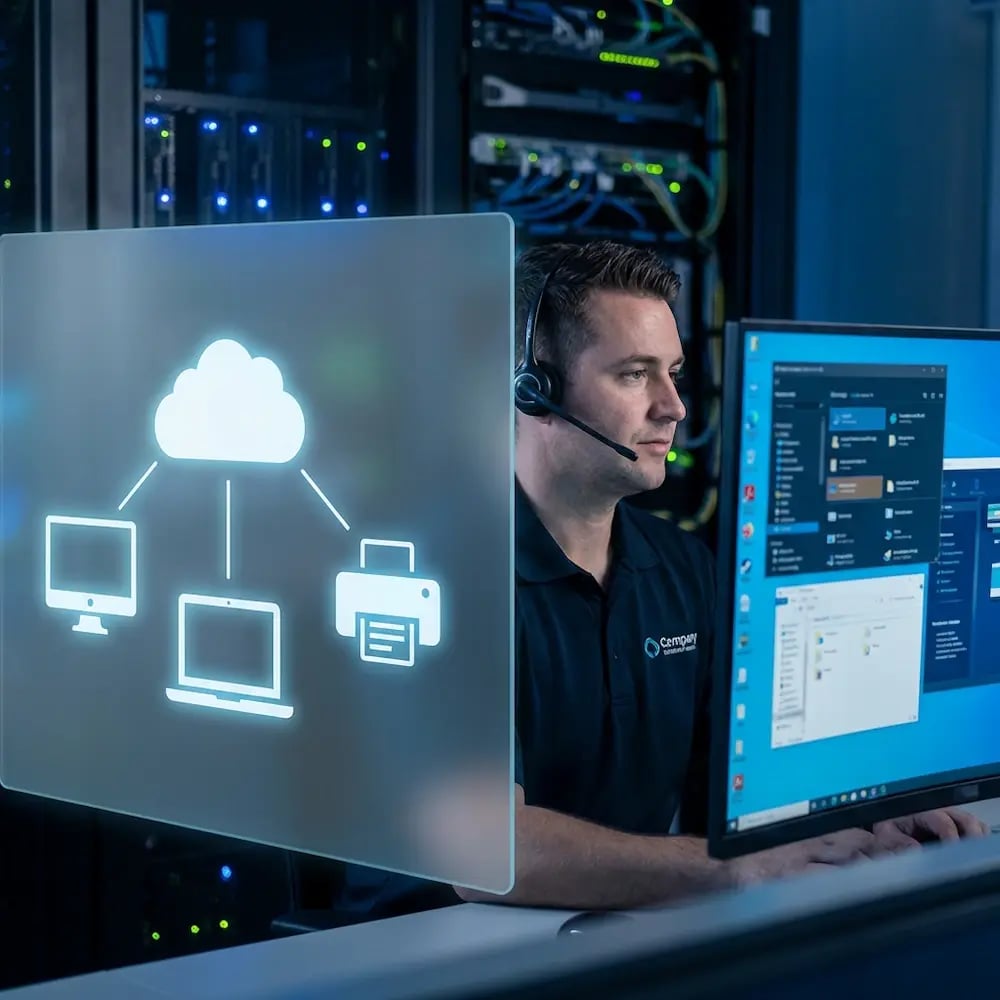
Printers connect through the ezeep Connector or the ezeep Hub, eliminating the need for printer mapping rules, local print servers, or driver packs inside your VDI images.

virtual-desktop-daas-printing
3

Users Print Without Redirection

Print jobs are rendered in the cloud and delivered directly to the target printer, bypassing VDI session tunnels completely. Zero redirection means fewer failure points and consistent print performance from anywhere.

How ezeep Makes Mobile & BYOD Printing Easy

Go from "I need this printed" to page-in-hand in three quick, simple steps. Invite users with Self-Join using a link or QR code, choose which printers they can access, then let them print from the ezeep app or web app and release securely on-site.

1. Add Your People
2. Connect Your Printers
3. Print from Any Device
go-live (1)
Describe your image
Describe your image
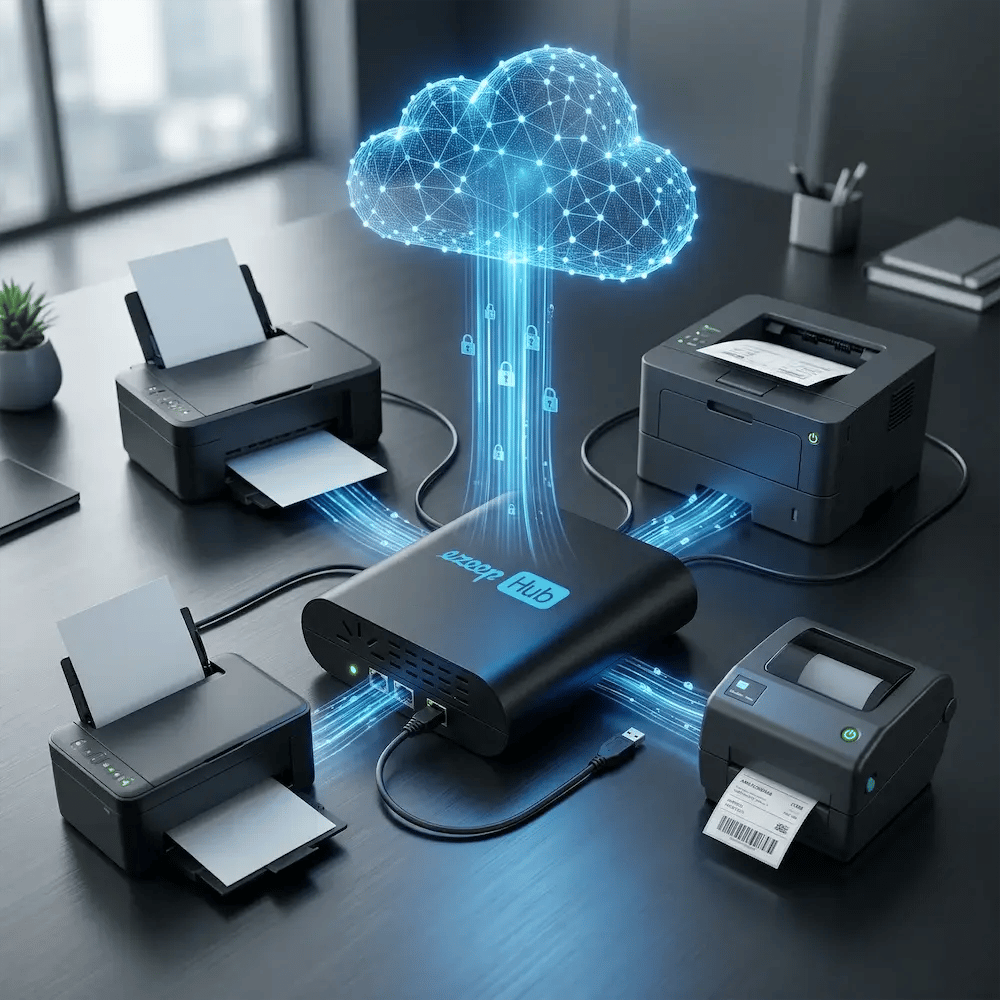
Meet the ezeep Hub

Connect Any Office Printer to Your Virtual Desktop Environment

The ezeep Hub bridges your existing printers to the cloud with minimal setup and central management. It's ideal for branch offices, hybrid work environments, and locations where traditional print servers and VPN complexity slow everything down.

Learn More About the ezeep Hub
ezeep-hub-connect-printer-fast-cloud
Real World Scenarios

Designed for Modern Virtual Work Environments

Apply consistent access governance and security policies everywhere, so distributed operations stay productive while IT maintains visibility, compliance, and accountability across every site.
Security

Built for Secure, Distributed Virtual Desktop Environments

Apply consistent access governance and security policies everywhere, so distributed operations stay productive while IT maintains visibility, compliance, and accountability across every site.
Customer Quotes

Trusted by Enterprises Running Azure, Citrix, Horizon & DaaS

ezeep gave us a seamless way to handle printing in our Azure Virtual Desktop environment. Our employees intuitively navigate the printer self service to locate their printer, and with just one click, it appears in their programs.

Frequently Asked Questions

Curious about how it all works? Here’s everything you wanted to know about ezeep’s cloud printing solution!
Does ezeep support all major virtual desktop platforms?

Yes. ezeep supports Azure Virtual Desktop (AVD), Citrix Virtual Apps and Desktops, Omnissa Horizon, Windows 365, Remote Desktop Services (RDS), and all major Desktop-as-a-Service (DaaS) environments. It works across any cloud, hybrid, or on-premises deployment.

How does ezeep fix printers disappearing in VDI sessions?

ezeep routes print traffic outside the virtual session entirely, so it doesn't rely on RDP, ICA, or PCoIP printer redirection. This eliminates the most common cause of printers vanishing mid-session - failed or interrupted redirection channels.

Do VDI session hosts need native print drivers installed?

No. ezeep uses a single universal virtual printer driver on the session host, replacing all manufacturer-specific drivers. This keeps golden images lean, eliminates spooler conflicts, and removes the need for ongoing driver maintenance.

Does ezeep reduce bandwidth consumption from VDI printing?

Yes. Because ezeep renders print jobs in the cloud and delivers compressed output directly to the printer, print traffic never passes through the remote display protocol. This frees up bandwidth for the session itself, which is especially important for remote and branch office users.

Can users print from mobile devices in a VDI session?

Yes. ezeep supports printing from virtual desktop sessions launched on iOS and Android devices, as well as from thin clients, Chromebooks, and HTML5 browser sessions. Users can print to local, network, or remote printers regardless of their endpoint device.

Back to top

Ready to Make VDI Printing a Non-Issue?

Give your users fast, reliable printing on every virtual desktop they rely on with our 14-day free trial.

ezeep-chart (1)