By Charles Ian Pritchard on February 28, 2020
Last updated on March 31, 2026

Azure Virtual Desktop (AVD) offers a Windows 10 desktop experience accessible from anywhere. Our in-house testing investigated its real-world user experience and management capabilities for enterprise environments. AVD simplifies access to virtual desktops and applications, providing a familiar interface while simplifying IT administration.
HTML5 Browser Client vs. Remote Desktop App: Which Delivers a Better User Experience?
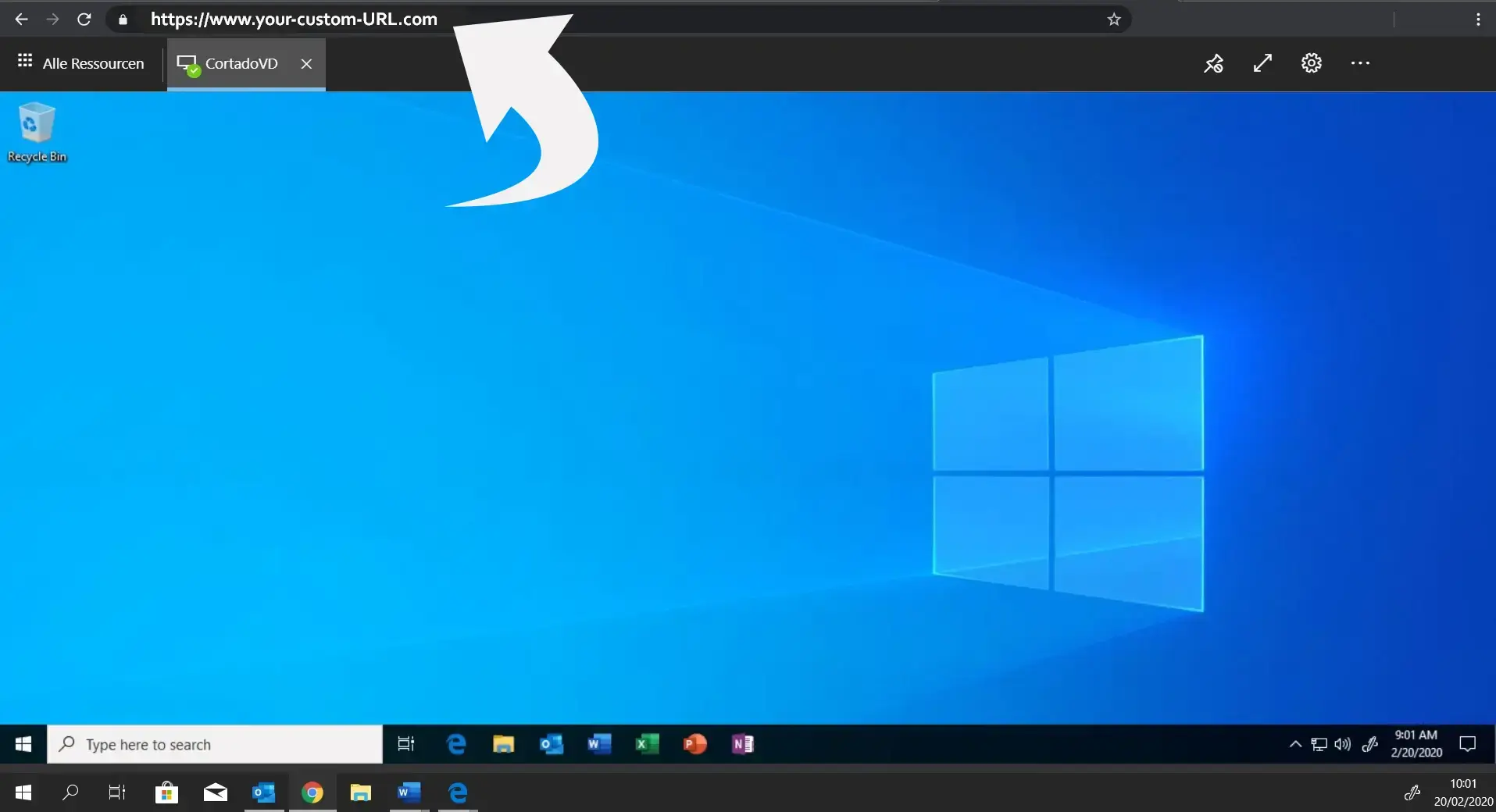
Visually, a session desktop in Azure Virtual Desktop closely resembles a standard Windows 10 desktop, providing users with a familiar experience and expanded functionality compared to older remote desktop solutions. The choice between the HTML5 web client and the Remote Desktop app slightly alters this experience.
With the HTML5 web client, users can access Azure Virtual Desktop using any modern browser. Its main strength is uncomplicated, quick access. Once the AVD environment is set up, users just need to navigate to the login page from anywhere to start working.
For users who prefer dedicated applications, the Remote Desktop app is an excellent choice. While the HTML5 client offers more flexibility, the Remote Desktop app often felt more reliable during tests from a Windows desktop.
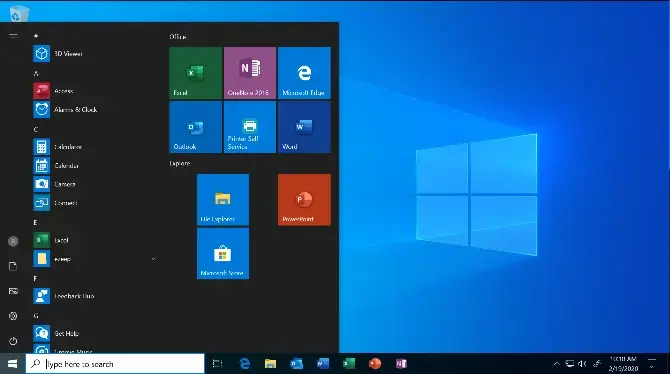
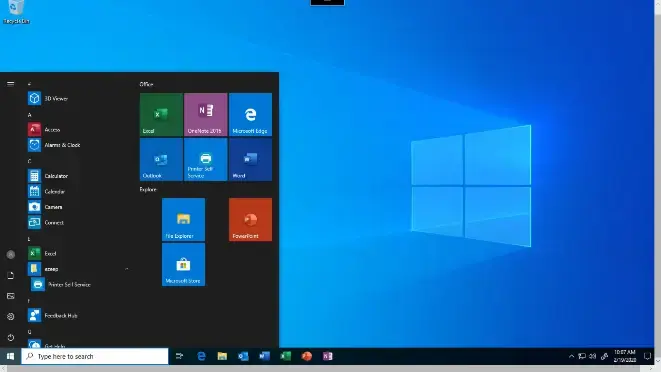

Another useful feature is how virtually provisioned apps appear on the taskbar of the non-virtualized Windows desktop. The only visual difference is a small icon on top of the app's taskbar icon, which helps users identify virtualized instances of an application.
How Does Azure Virtual Desktop Perform for Speed?
The best way to evaluate the speed and responsiveness of Azure Virtual Desktop is through direct experience.
When a user logs into a session for the first time, opening the first program typically takes longer, as shown in various demonstrations. While initial load times can vary based on allocated resources, subsequent program openings and daily tasks usually show minimal lag.
As expected with any remote desktop solution, user actions can sometimes feel slightly slower than local operations. This performance depends on two factors: the computing power of the virtual machines and the distance between the user and the AVD machines. Network latency, therefore, plays a significant role in overall responsiveness.
Users can consult Microsoft's experience simulator to find the right balance for their specific needs and optimize performance.
What Functionality Does Azure Virtual Desktop Provide?
Azure Virtual Desktop is designed to become a widely adopted tool for many workers due to its feature-rich service. It offers multi-session Windows 10 support across various hardware, including iOS and Android devices, alongside simplified management and easy scalability.
While AVD delivers core desktop functionality, certain essential features might require partner integrations. Printing, for instance, is a critical daily task for many workers, affecting everything from invoicing to HR documents. Without dedicated integrations, the default printing service in AVD can frustrate users.
For productive and flexible printing, an enterprise cloud printing service like ezeep integrates directly with Azure. It offers default printer settings in the virtual desktop session through features like Printer Profiles, providing access to a broader range of printer settings than Microsoft's default redirection. Additionally, print monitoring and reporting features offer valuable tools for IT administrators.
Azure Virtual Desktop for Admins: Deployment and Management Considerations
For administrators, one of the most significant benefits of Azure Virtual Desktop is the potential for time savings during deployment and ongoing management. Creating a functional AVD environment can be achieved quickly, even without extensive resources or security shortcuts.
While a production environment requires thorough planning, configuration, and testing, building a comparable setup with on-premise resources would have taken considerably longer previously. The transition from Active Directory to Microsoft Entra ID/Azure AD Domain Services is straightforward, enabling administrators to manage resources more easily while working remotely.
Microsoft provides comprehensive, well-organized resources to help with AVD setup and operation. Overall, the impressive manageability and user experience of Azure Virtual Desktop highlight Microsoft's significant achievements in this area.

Printing for Azure Virtual Desktop
Discover how ezeep provides advanced printing capabilities for your enterprise.
The Azure Virtual Desktop Web Client Explained

Azure Virtual Desktop: Use Cases, Tech, and Tips