By Charles Ian Pritchard on October 6, 2022
Last updated on March 31, 2026
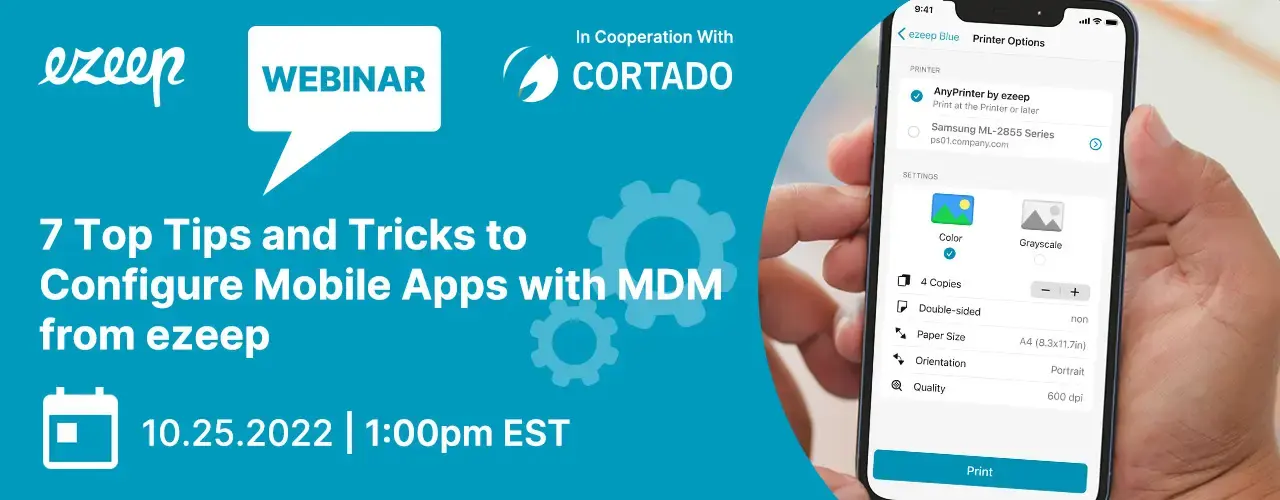
You can effectively manage printing across mobile devices by using Mobile Device Management (MDM) solutions. This allows IT administrators to define, deploy, and maintain detailed configurations for mobile print apps on both iOS and Android platforms. This approach bridges the gap between digital content and physical documents, ensuring consistent and reliable printing in various industries.
ezeep has partnered with Cortado Mobile Solutions to highlight the advantages of a professionally managed print environment for mobile applications, alongside the benefits of “App Config.” This collaboration demonstrates how MDM can be used to simplify print management, reducing common IT headaches associated with mobile printing.
What is App Config and Why Does it Matter for Printing?
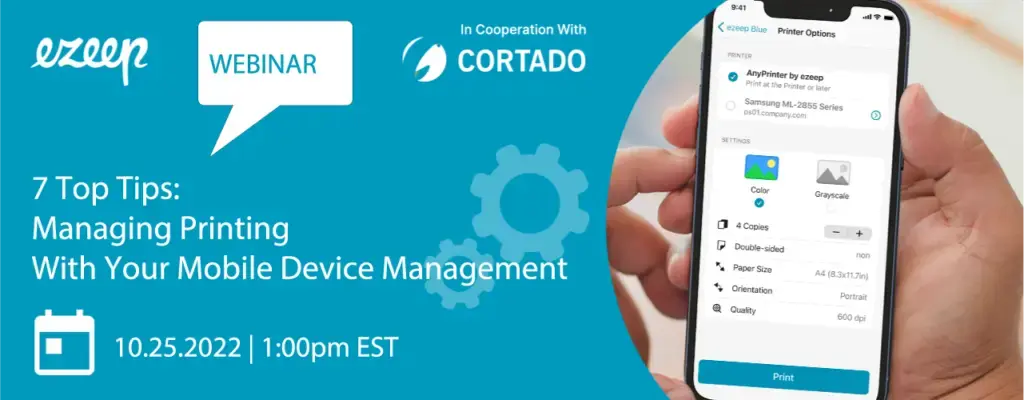
Managed Configurations, also known as AppConfig, provide a standardized way for IT administrators to remotely configure and manage mobile applications. For printing, this means you can set up printer options, user access, and security policies centrally, pushing these settings to all devices without manual intervention.
How does ezeep Enable Mobile Printing on Android and iOS?
ezeep enables mobile printing by using cloud rendering, eliminating the need for local print drivers. This allows users on both Android and iOS devices to print consistently and reliably to any printer managed by ezeep. The print job is processed in the cloud, encrypted, and then sent to the designated printer.
Use Cases for App Config and Mobile Printing
App Config and mobile printing are useful in many scenarios. For example, in healthcare, doctors can securely print patient records from their mobile devices. In logistics, delivery drivers can print invoices or shipping labels on the go. Educational institutions can provide consistent printing access for students and staff across various devices.
How to Manage Printing with MDM
Managing printing with MDM involves rolling out the ezeep app, configuring printer options through App Config, and maintaining these settings from a central console. This approach ensures that all mobile devices have the correct print settings without requiring individual setup, significantly reducing support tickets and IT workload. ezeep is built on ThinPrint technology, trusted by Fortune 500 organizations and used in production environments handling millions of printed pages daily, ensuring a reliable and reliable print experience.
To see how MDM can optimize your mobile printing experience, watch our webinar:
Webinar Details:
- Date: October 25, 2022
- Speaker: Henning Volkmer, Technical Customer Advocate
MDM allows you to get control over printing policies and configurations across all your mobile devices, providing a consistent and secure method for users to print from anywhere. Try ezeep free and discover print management that makes printing the boring part of your day.
Cloud vs. Print Servers for Print Management
How to Print to Remote Printers without VPN